
Euphonics · Beta testing · Android
Find your rhyme.
Keep your voice.
A place for your first line, your next verse, and the chorus that won’t leave your head. Write a little. Find the right word. Make it yours.
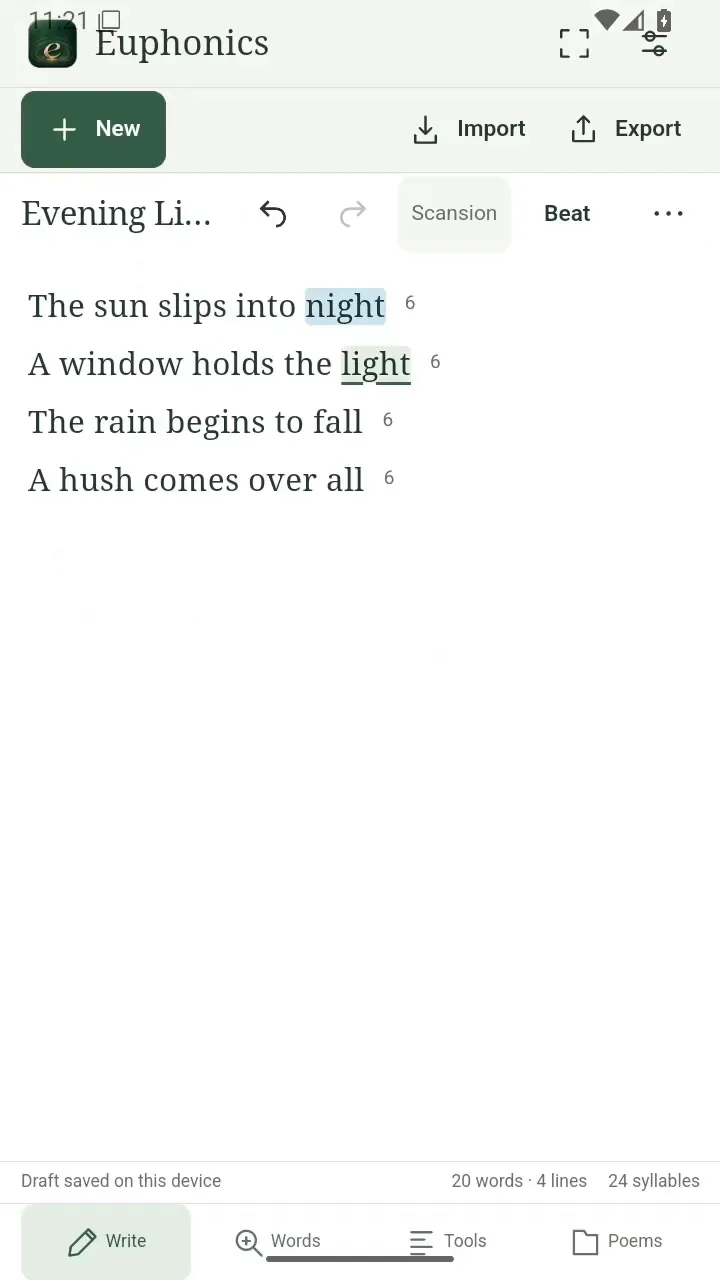
- Poetry and lyrics
- Rhyme and near rhyme
- Your words, your voice
Rhyme and near rhyme
Find the word that belongs.
Explore perfect rhymes and near rhymes without leaving your writing. Follow a sound, try a fresh word, and keep the meaning you came for.
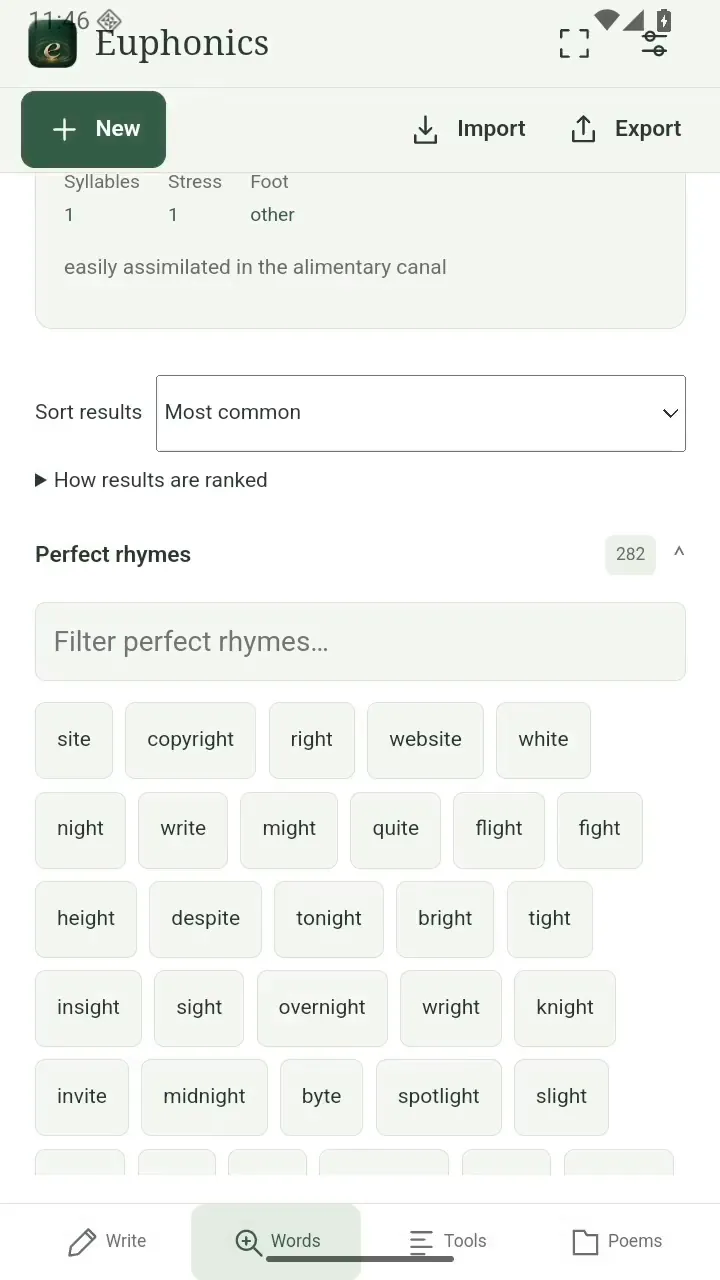
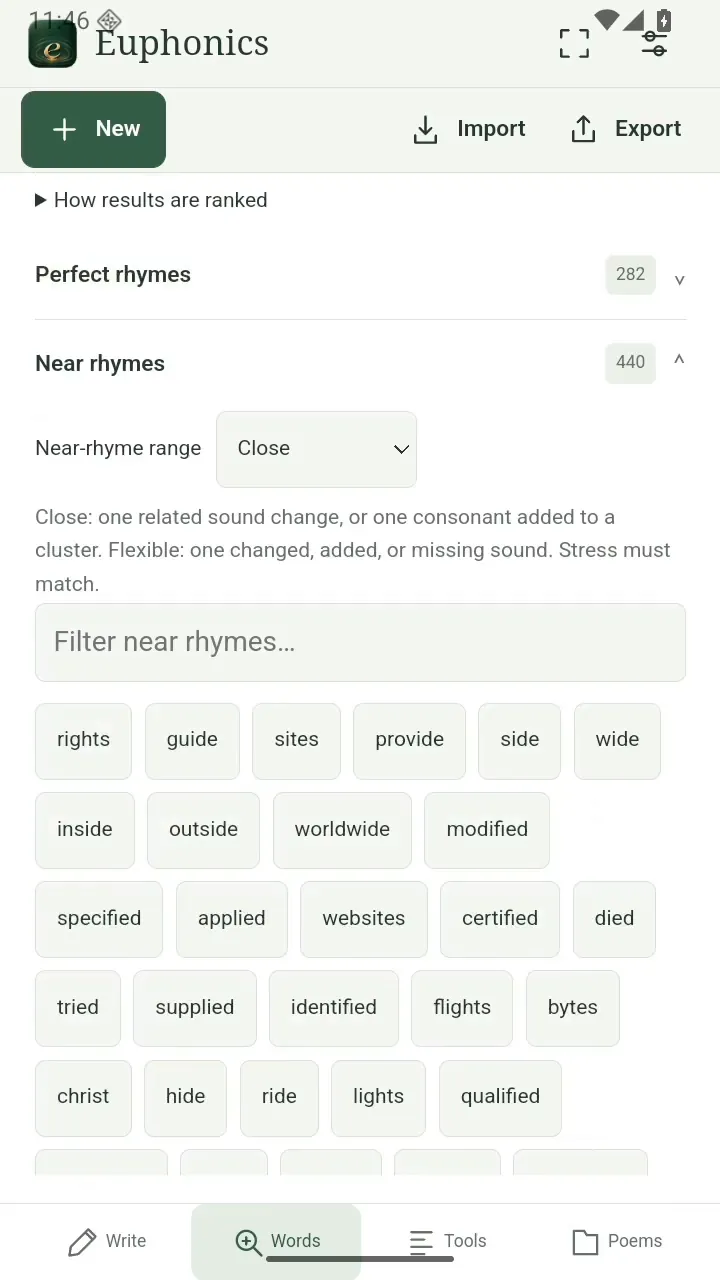
Scroll sideways. Tap an image for full size.
Automatic scansion and meter
See how your words move.
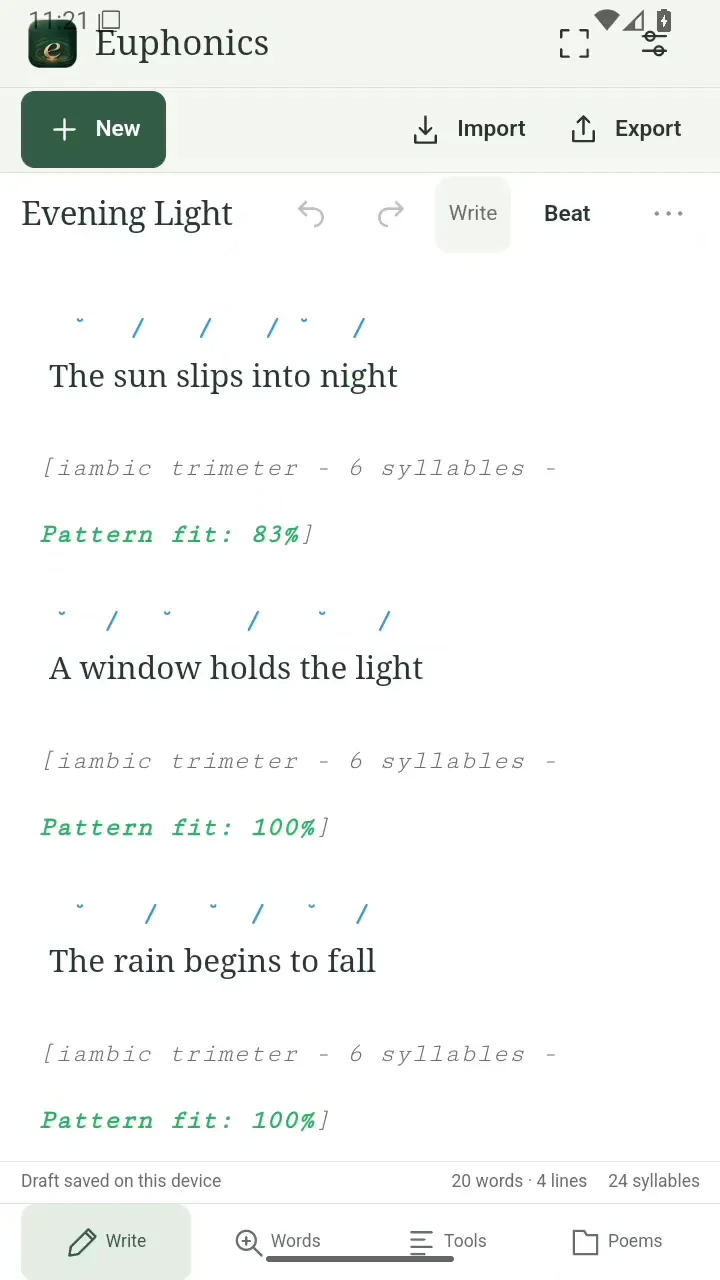
See syllables, stress, and meter take shape as you write. Smooth an uneven line or bend the rhythm on purpose. Your ear has the final say.
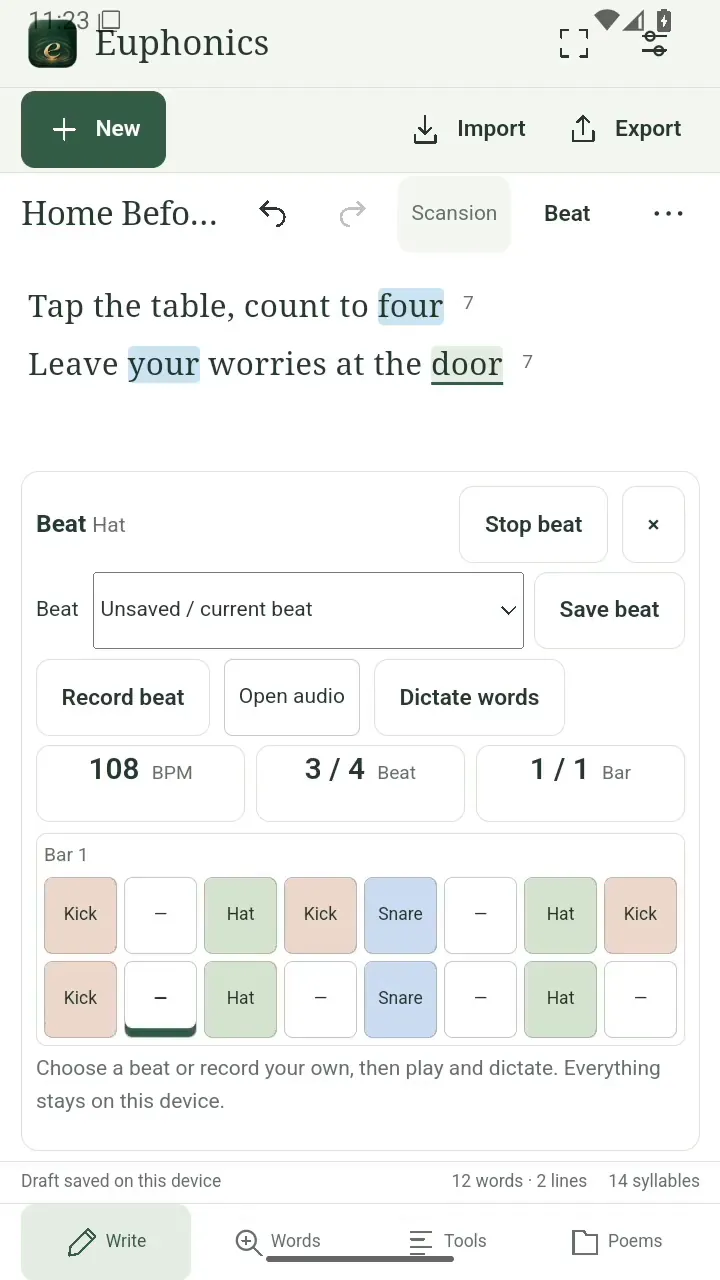
Make a beat
Give your words a pulse.
Tap out a beat, set the pace, and let it loop while you write. Try your verse against the groove until the words fall into place.
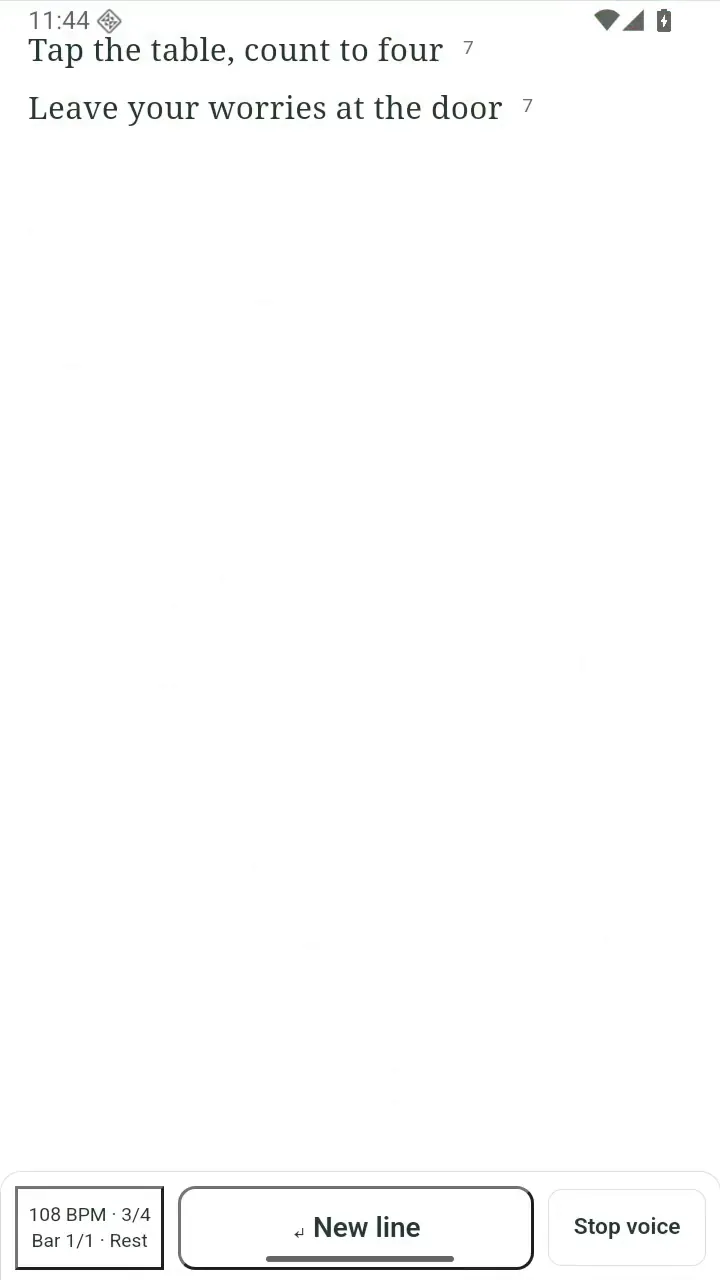
Speak your lyrics
Stay in the flow.
Speak your lyrics over the beat and have them transcribed automatically. Catch a phrase while it’s fresh, then shape it into your next verse.
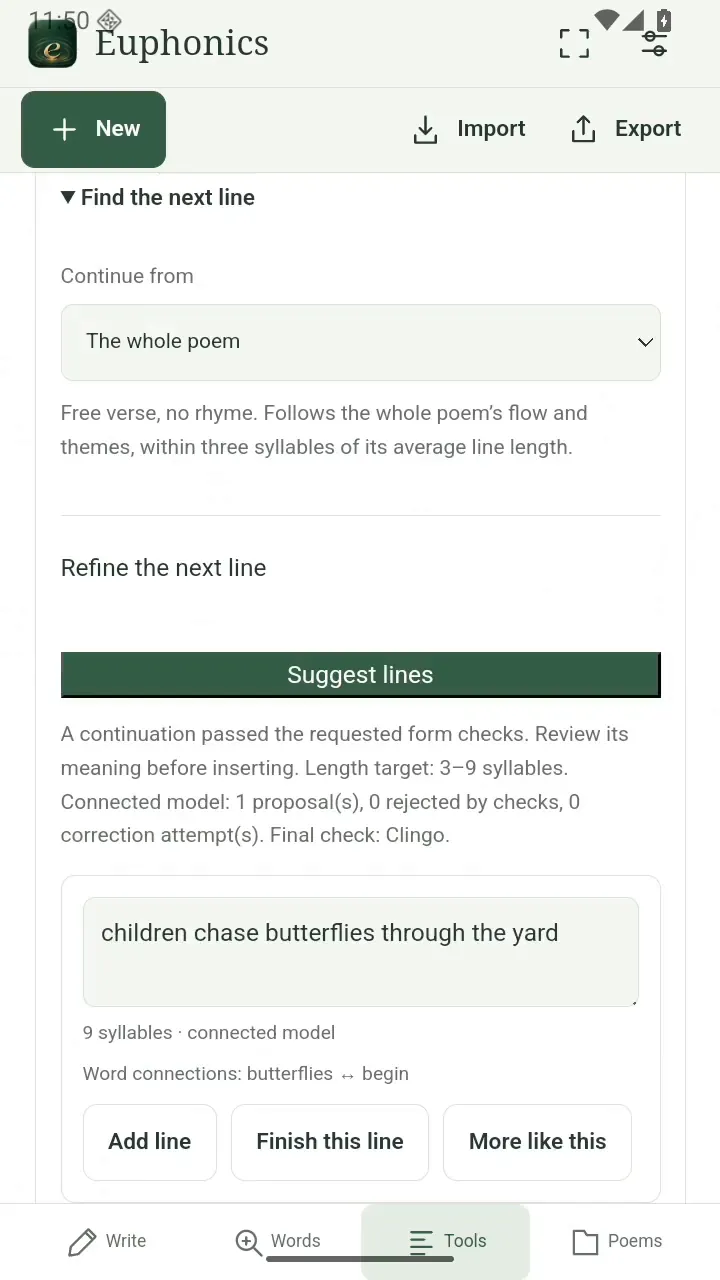
Suggest the next line
A nudge past the blank line.
Explore a next line inspired by your poem or a line you choose. Give it a rhyme, a rhythm, or a direction—then keep, change, or pass on the suggestion.
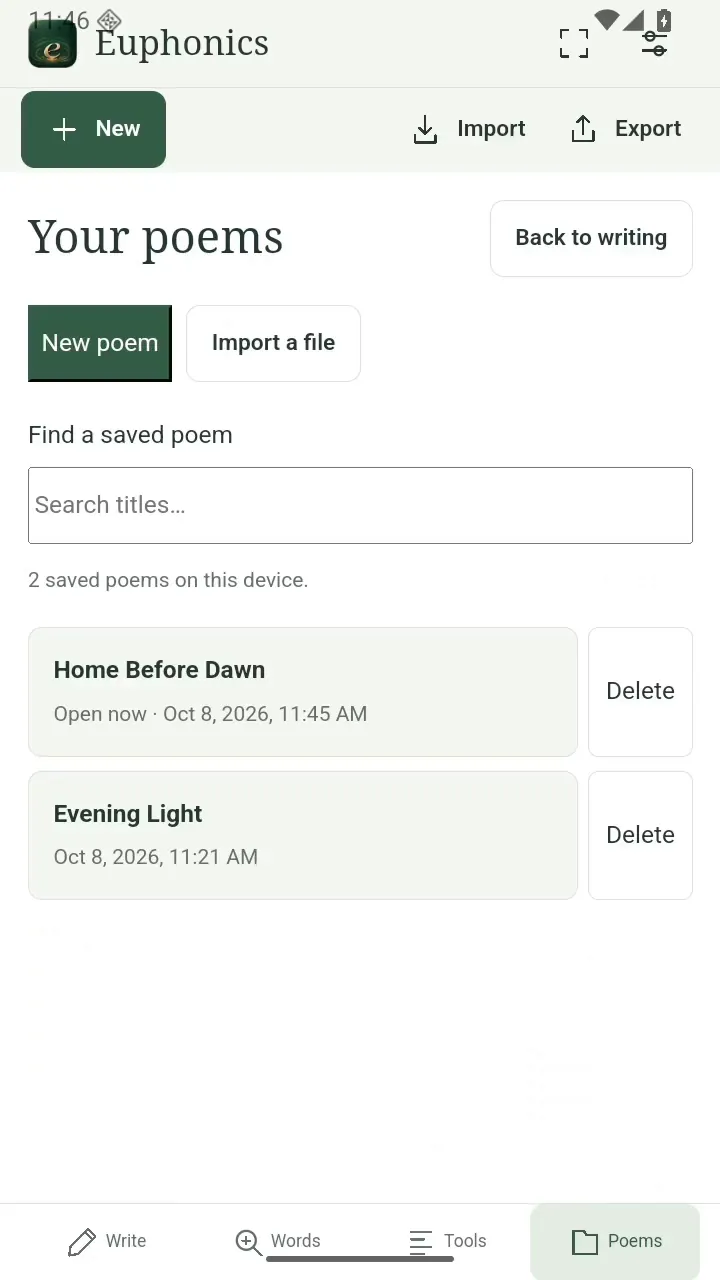
Keep your writing close
From a stray thought to a finished verse.
Keep drafts together, return to a favorite line, and export the words when you’re ready to share. There’s room for the unfinished ones, too.
Try Euphonics
Help test Euphonics.
Want to try it? Send a request and I’ll email you when you can join.
Euphonics beta
Your request is saved.
I’ll email you when you can join. You can reply to your confirmation email to add details.
Open support dashboardQuestions
Which phones can I try it on?
Euphonics is seeking beta testers on Android. Request access below and tell me about your phone.
Can I write without the assistant?
Yes. Writing, rhyme lookup, syllable counts and scansion work without the optional writing assistant. Suggestions are yours to accept, change or leave behind.
Will it get every stress or rhyme right?
Scansion and rhyme tools give you a starting point. Accents, poetic readings and sung words can differ; adjust stress marks to match how you hear the line.
How do next-line suggestions work?
Choose the whole poem or one line as your starting point. The optional assistant can suggest a continuation, with controls for rhyme, meter and words to keep. Availability depends on your beta build and assistant setup; review every suggestion before adding it.
Can I keep a copy of my writing?
Drafts save on your device. Export a poem or lyric as text or Markdown to keep a separate copy or use it elsewhere.