
Android · 0:15 video
Find your saved writing
Find the poem or lyric you want to pick up again.
Before you start: Save a couple of drafts in Euphonics.
Download videoDownload captions
Step by step
Browse your poems
Open Poems to see your saved drafts.
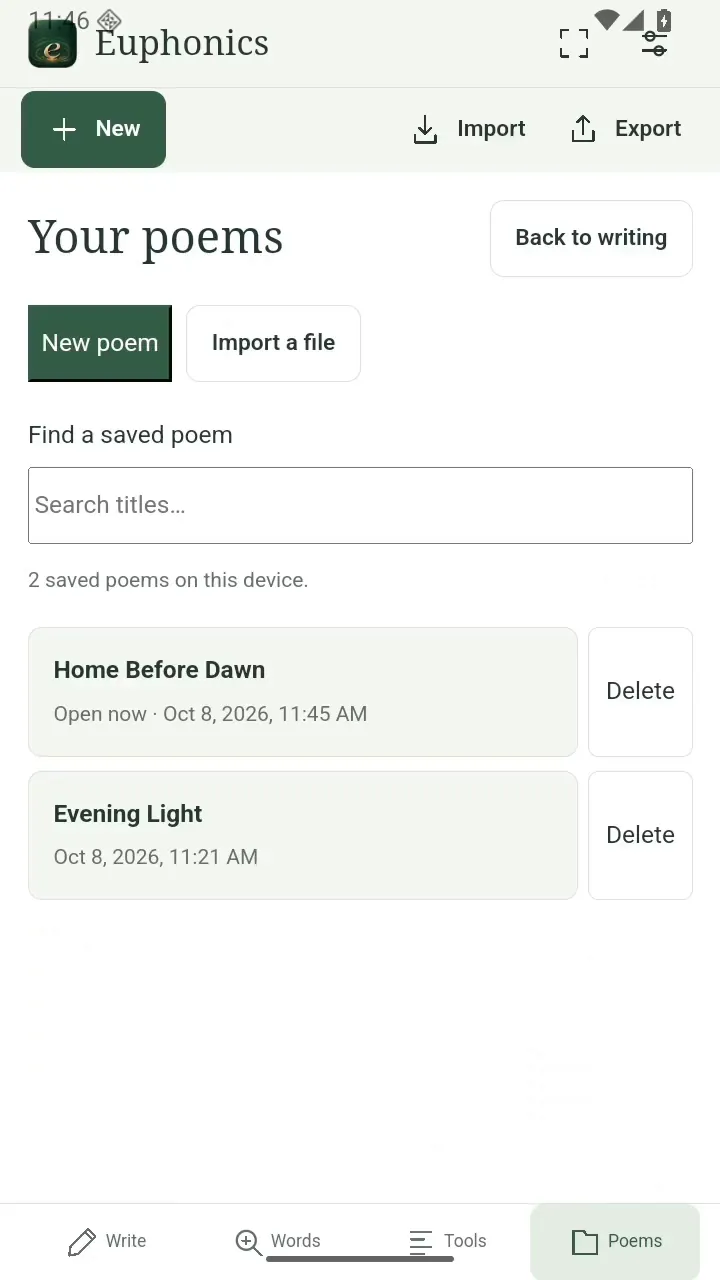
Browse your poems. Open full size
- Your saved poems and lyrics.
Find a title
Type part of a title in Find a saved poem.
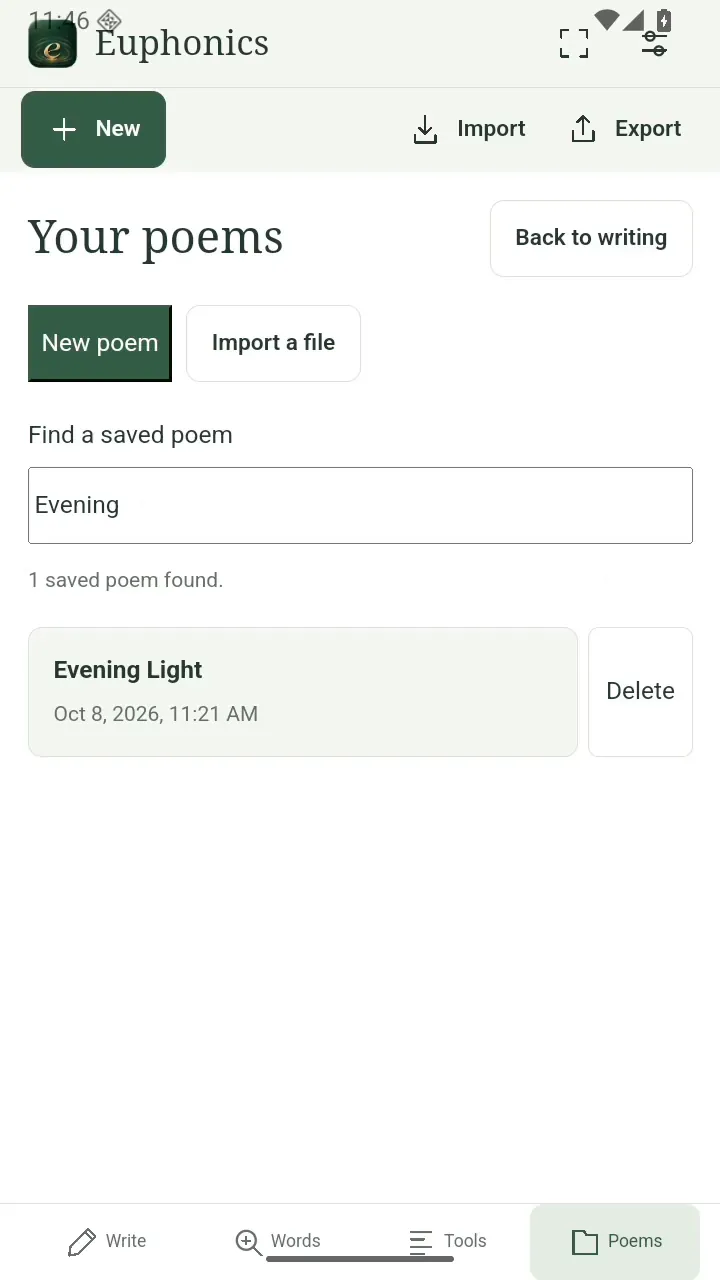
Find a title. Open full size
- Search part of a title.
Keep writing
Tap the title to reopen the draft.
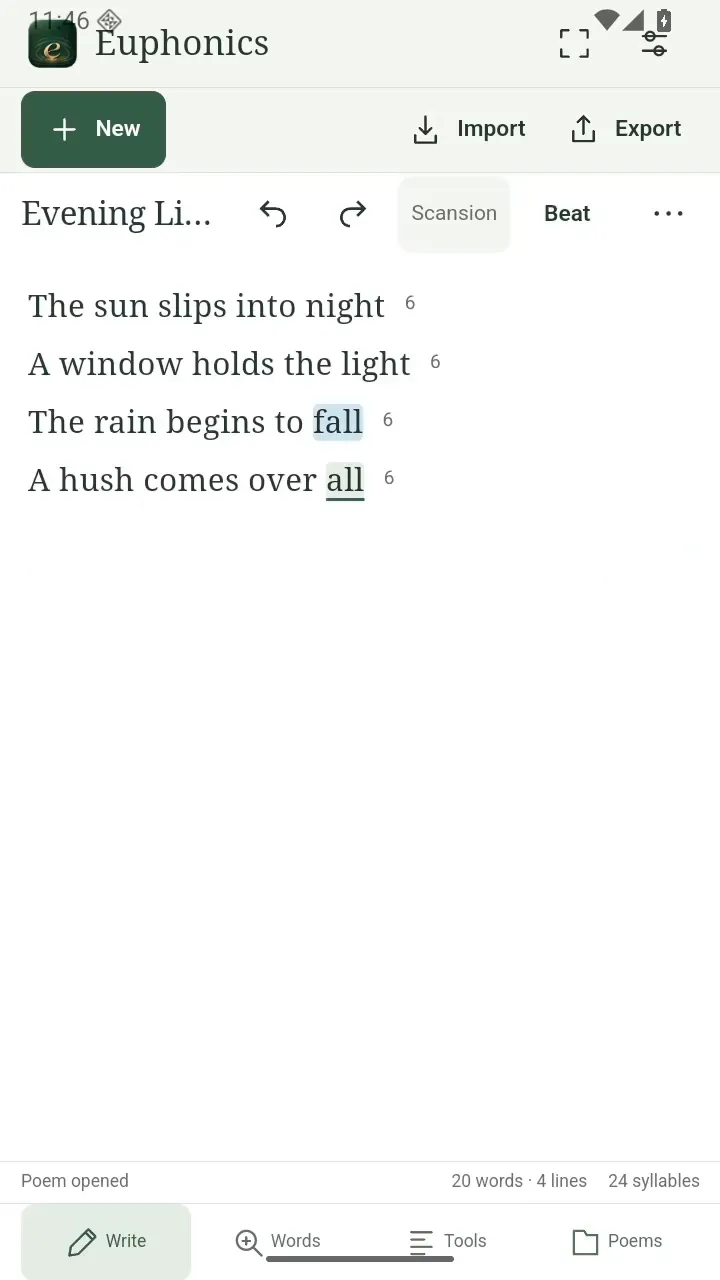
Keep writing. Open full size
- Pick up where you left off.
Read the video instructions
- Find your saved writing
- Open Poems to see your saved drafts.
- Search by title to find the one you want.
- Tap the title to return to your words.