
the web · 0:22 video
Browse a big question
Open Know what you believe, choose one of the ten big questions, and read an article under it.
Before you start: Resolve by Reason open on your phone, or nk.tools/resolve-by-reason in a browser.
Download videoDownload captions
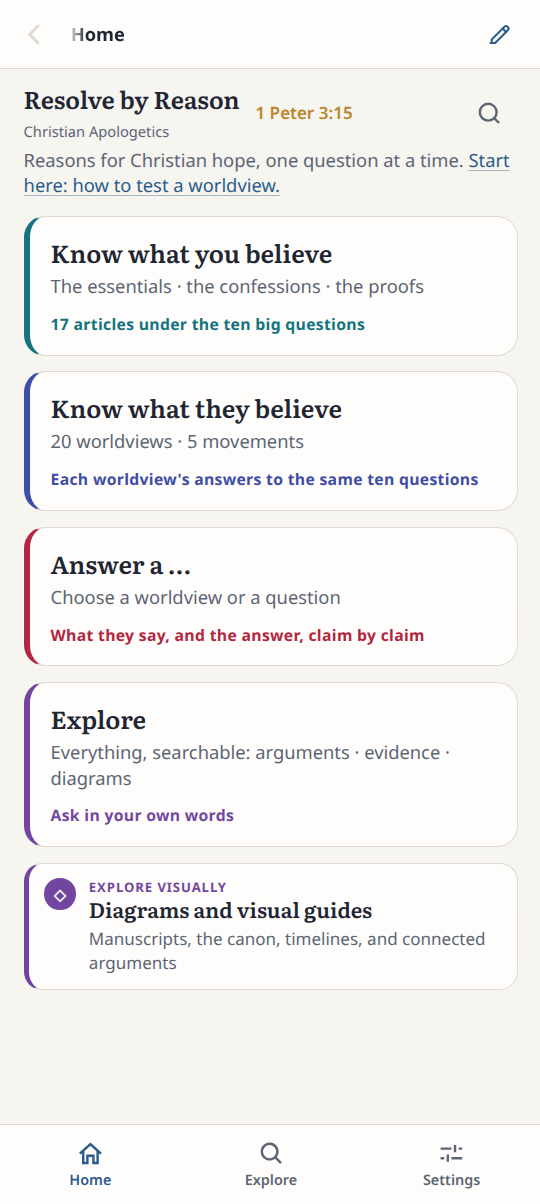
1Open the questions
On Home, tap Know what you believe.
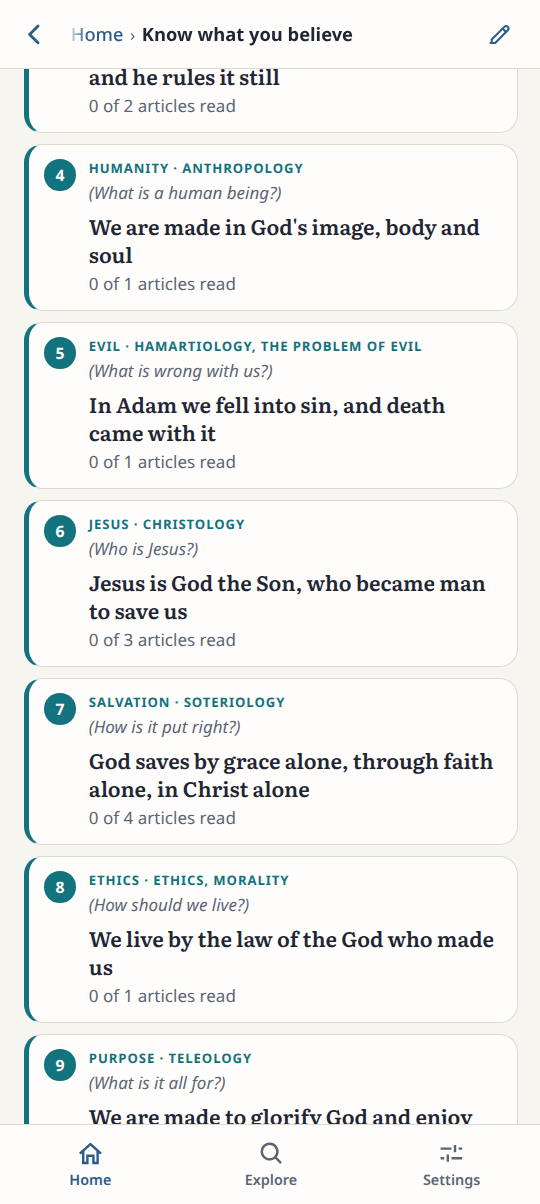
2Choose a question
Tap 6, Who is Jesus? The answer in full sits at the top.
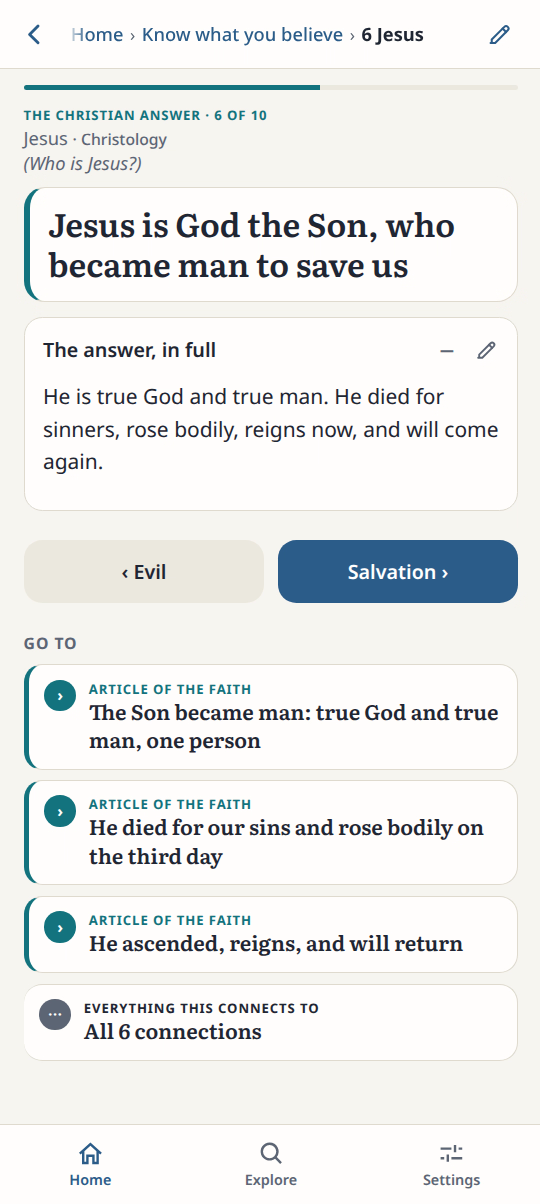
3Open an article
Under Go to, tap an article of the faith.
4Read the answer
Scroll the article. Each point names its source.
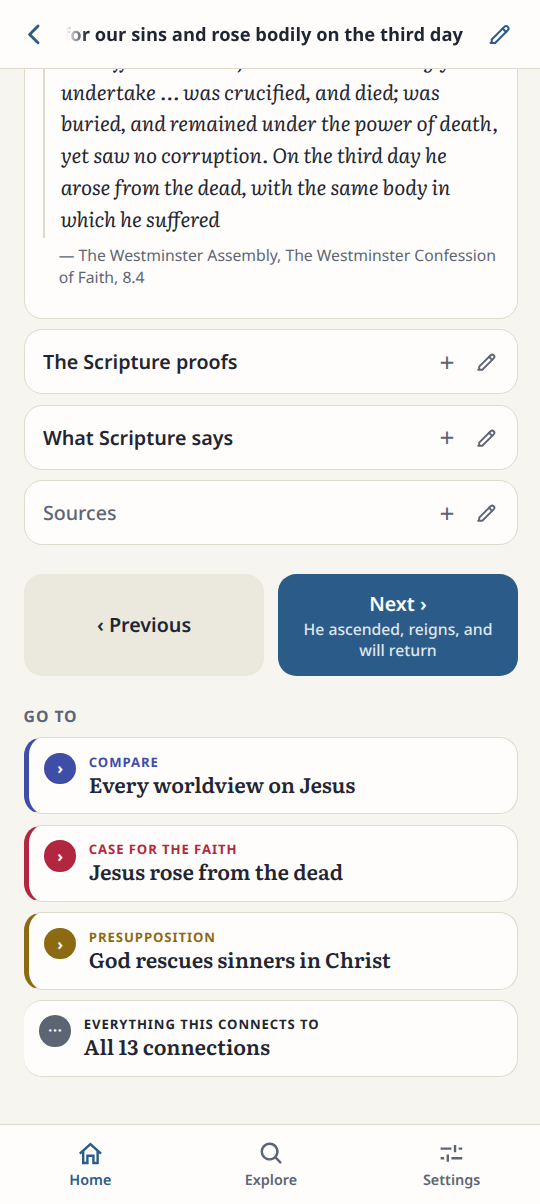
Result: The article states the Christian answer and lists the sources behind it.