
the web · 0:18 video
Bring new information
Send the team a fact, a source or a correction for one part of a page. The comment pencil sits beside each part.
Before you start: Resolve by Reason open on your phone, or nk.tools/resolve-by-reason in a browser.
Download videoDownload captions
Tap Send to send it to support@nk.tools. Nothing else is sent: no browser details and no reading history.
1Find the pencil
Open the claim. Tap the pencil beside the part you have information about.
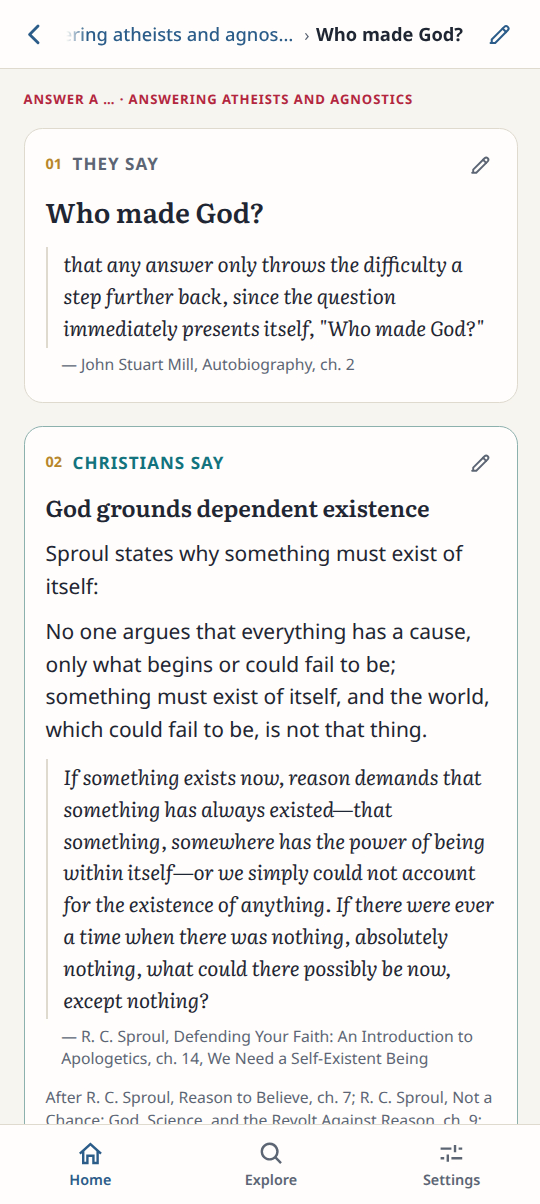
2Write it
Type the new information and where it comes from.
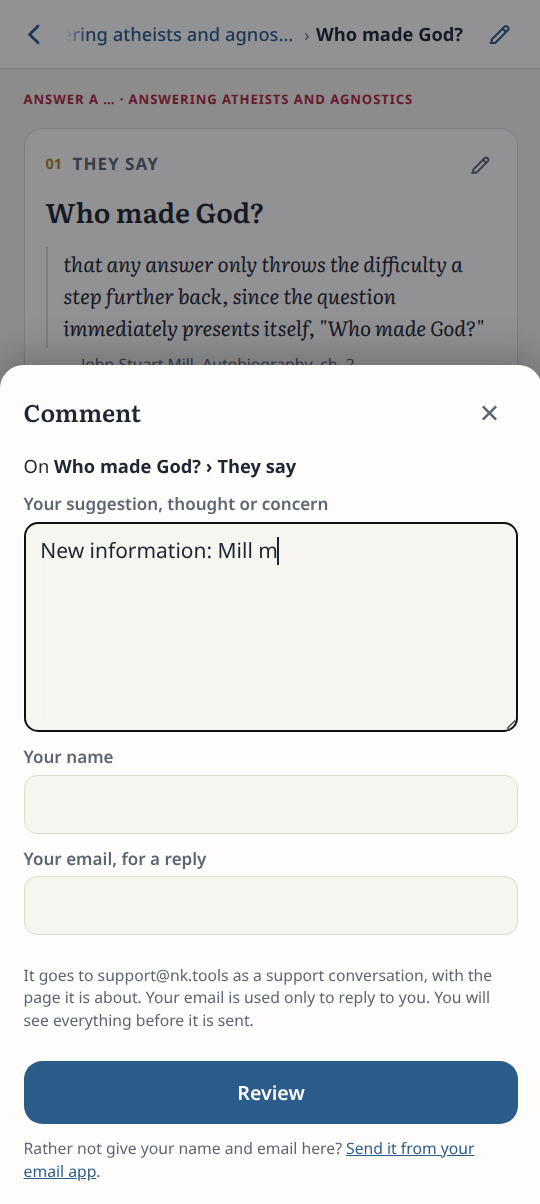
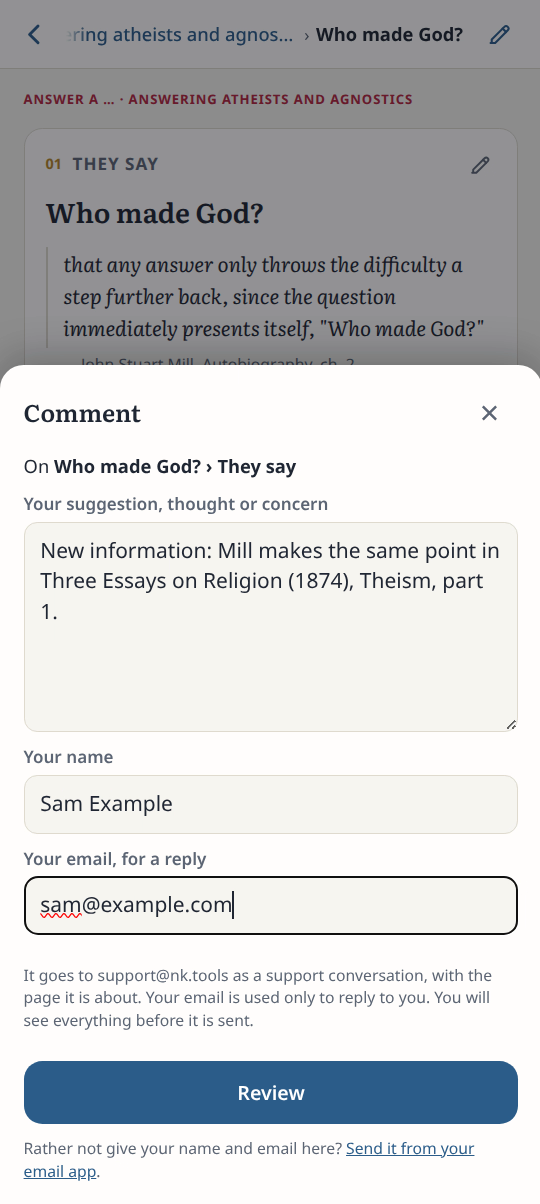
3Add your name
Enter your name and email for a reply. Tap Review.
4Check and send
Check the message, the page and the version. Tap Send.
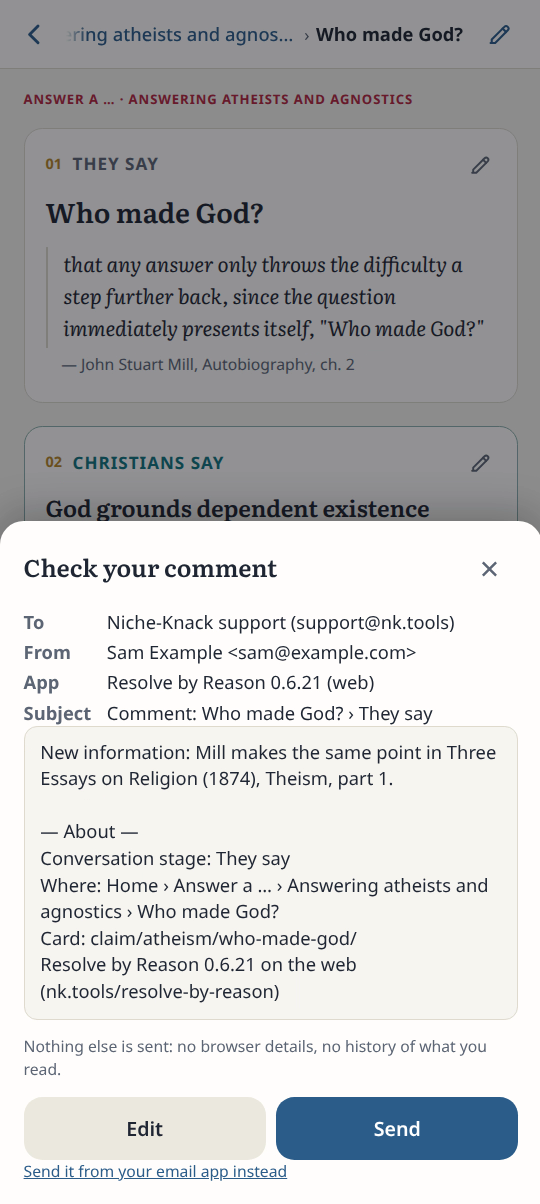
Result: The Review screen shows exactly what will be sent and to whom.