
the web · 0:26 video
Use it in a browser
Resolve by Reason runs in any modern browser. It is the same version as the phone app.
Before you start: A phone or computer with a web browser and an internet connection.
Download videoDownload captions
1Go to the address
Open nk.tools/resolve-by-reason in your browser.

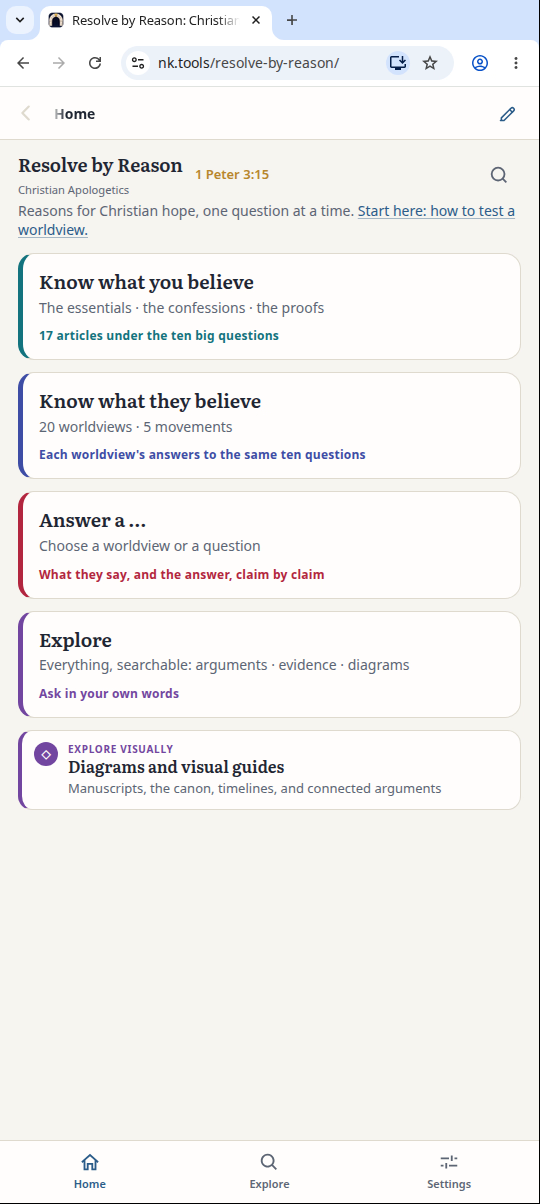
2Start at Home
Home has the same four ways in as the app.
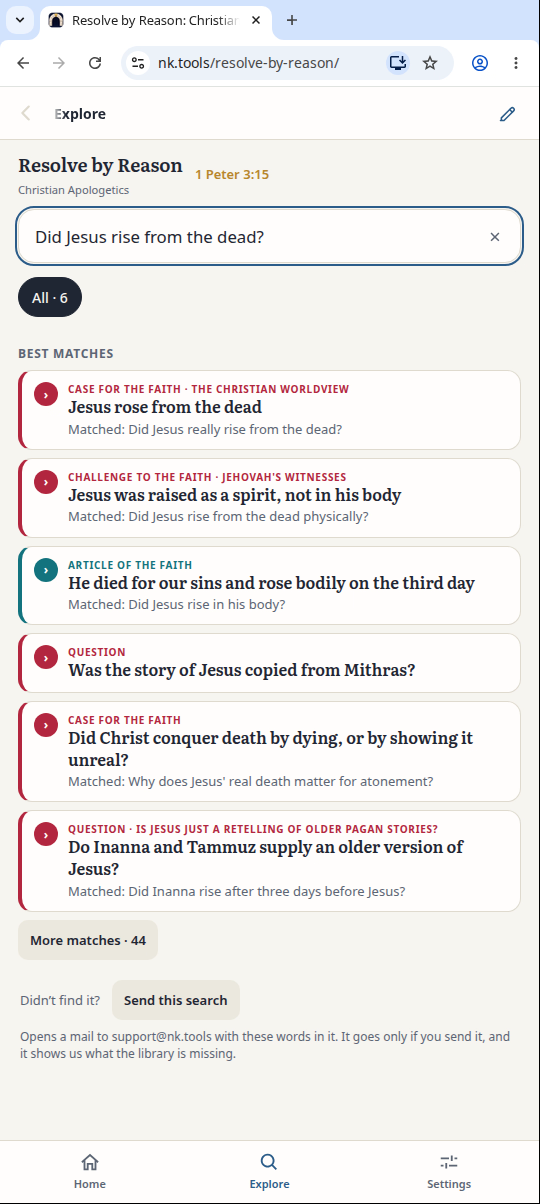
3Search
Tap Explore and ask a question in your own words.
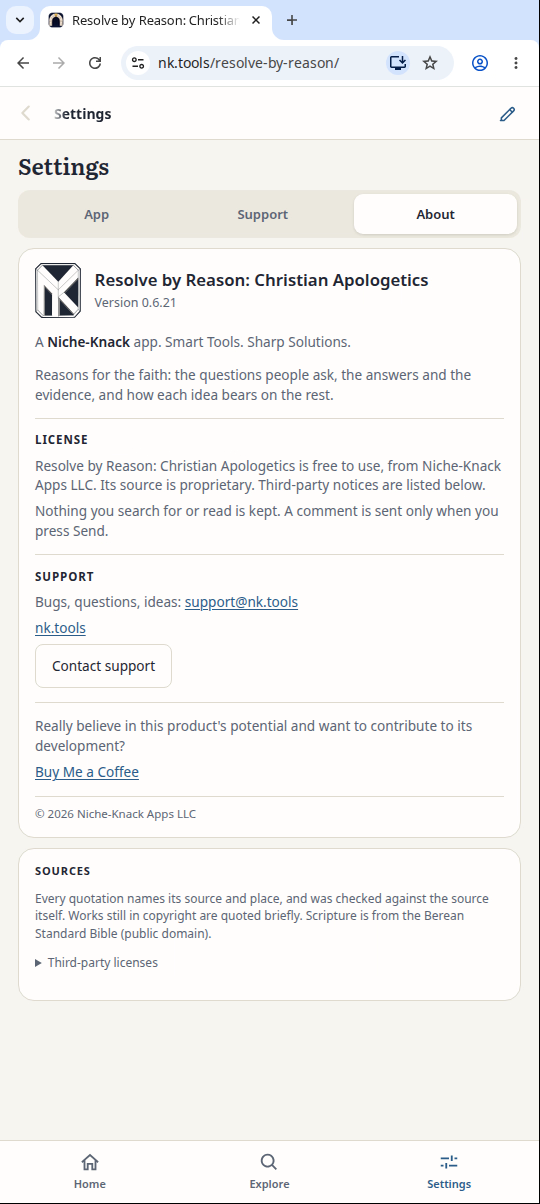
4Check the version
Tap Settings, then About. The version matches the phone app.
Result: The full library opens in the browser, with the same Home, Explore and Settings.