
RiffWright · Beta testing · Android

Hum it. Shape it.
Make it a song.

Catch the idea before it’s gone. Hum a melody or beatbox a beat, play it in key, and build the riff into a whole song.

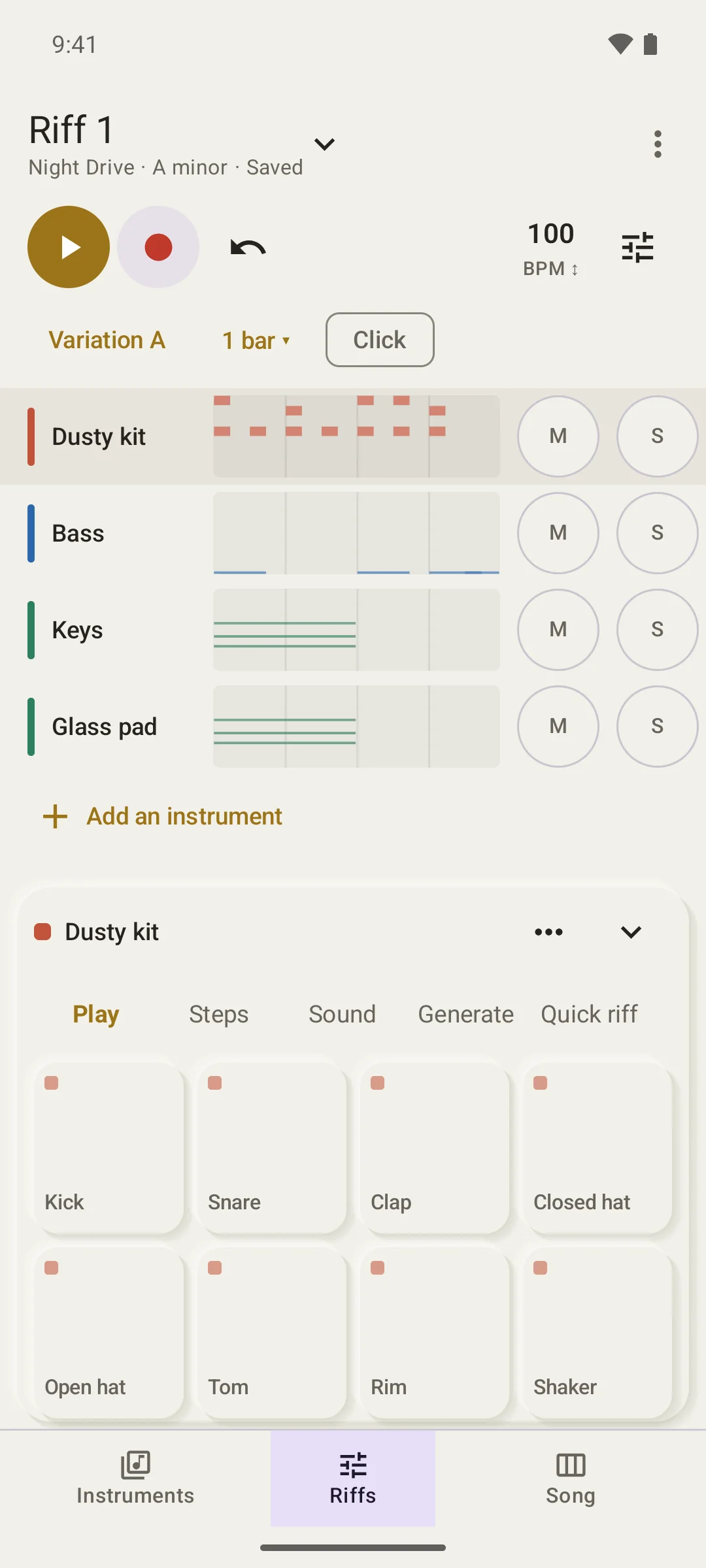
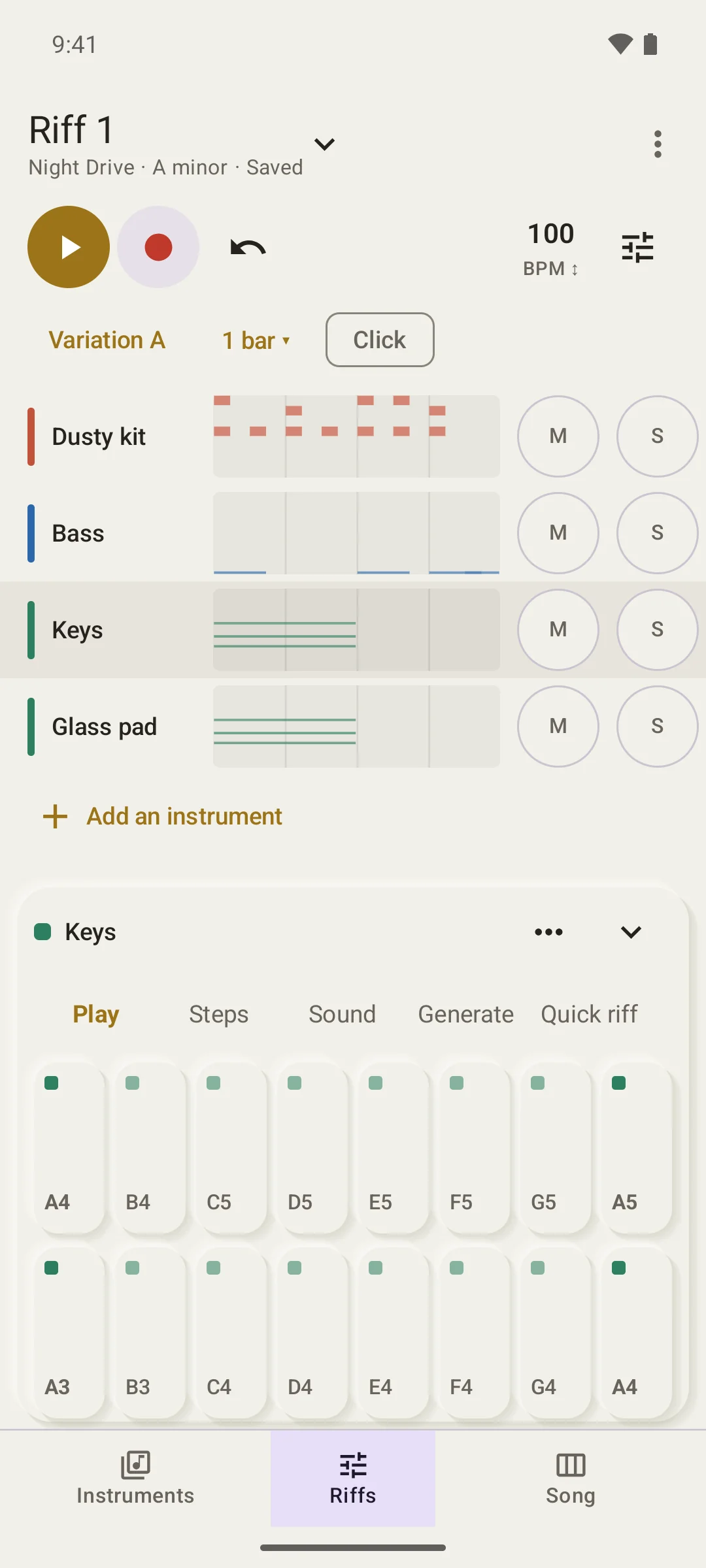
RiffWright on Android: a riff called Riff 1 with drums, bass, keys and a glass pad, and eight drum pads below
One riff, four instruments, and the pads under your thumbs.
  • Hum it into a riff
  • Sounds built from scratch
  • Your songs stay yours

Quick riff · New in the beta

Hum it. Get a riff.

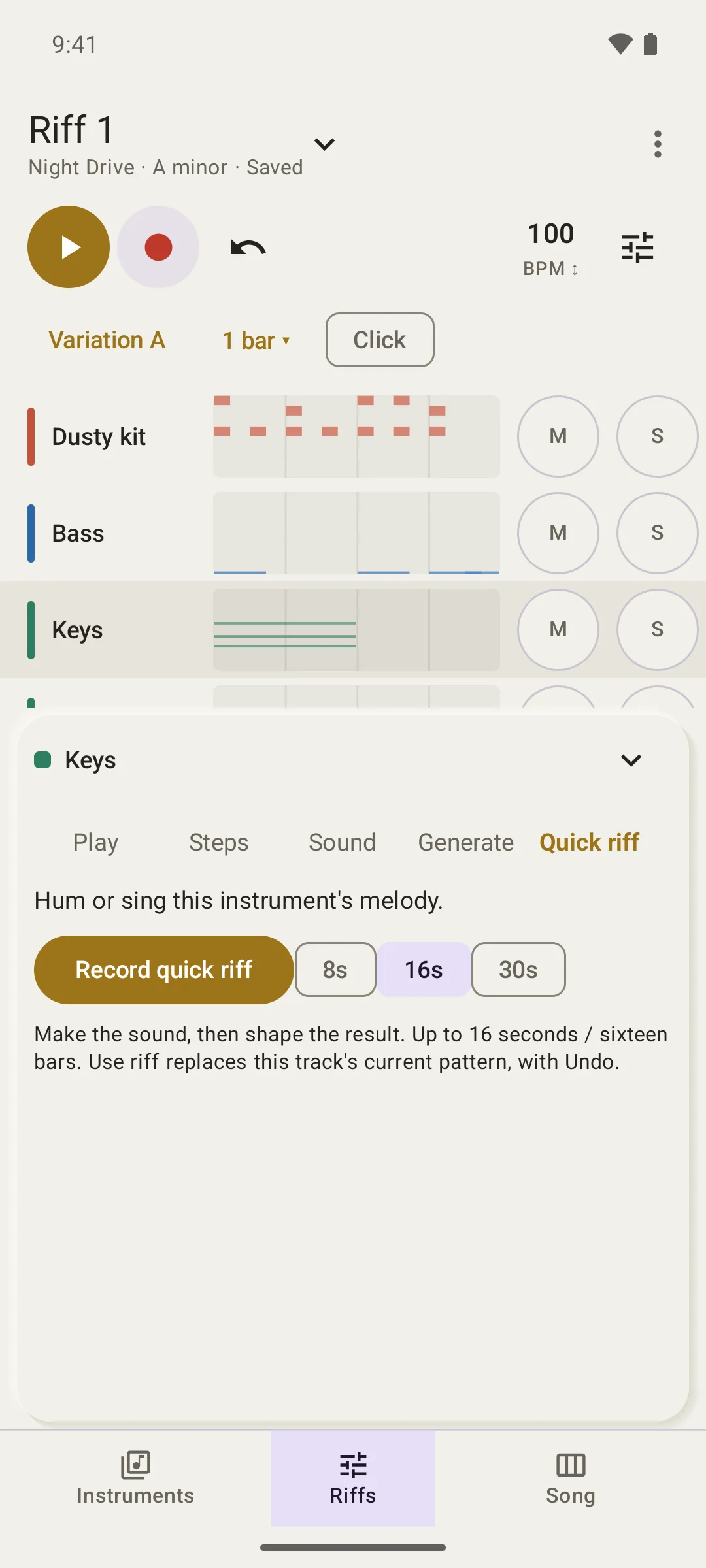
Hum or sing a melody, or beatbox a beat. Quick riff turns the take into a pattern for the instrument you chose and keeps your original recording. It listens on your device, offline.

Move or resize notes, adjust their strength, or change which drum a hit plays. Preview the pattern while you edit. Then use the riff, with Undo if you change your mind.

RiffWright Quick riff for a Keys track, asking you to hum or sing the melody, with 8, 16 and 30 second takes
Hum the melody, or beatbox the beat for a drum track.

Sounds built from scratch

Every sound shows how it’s made.

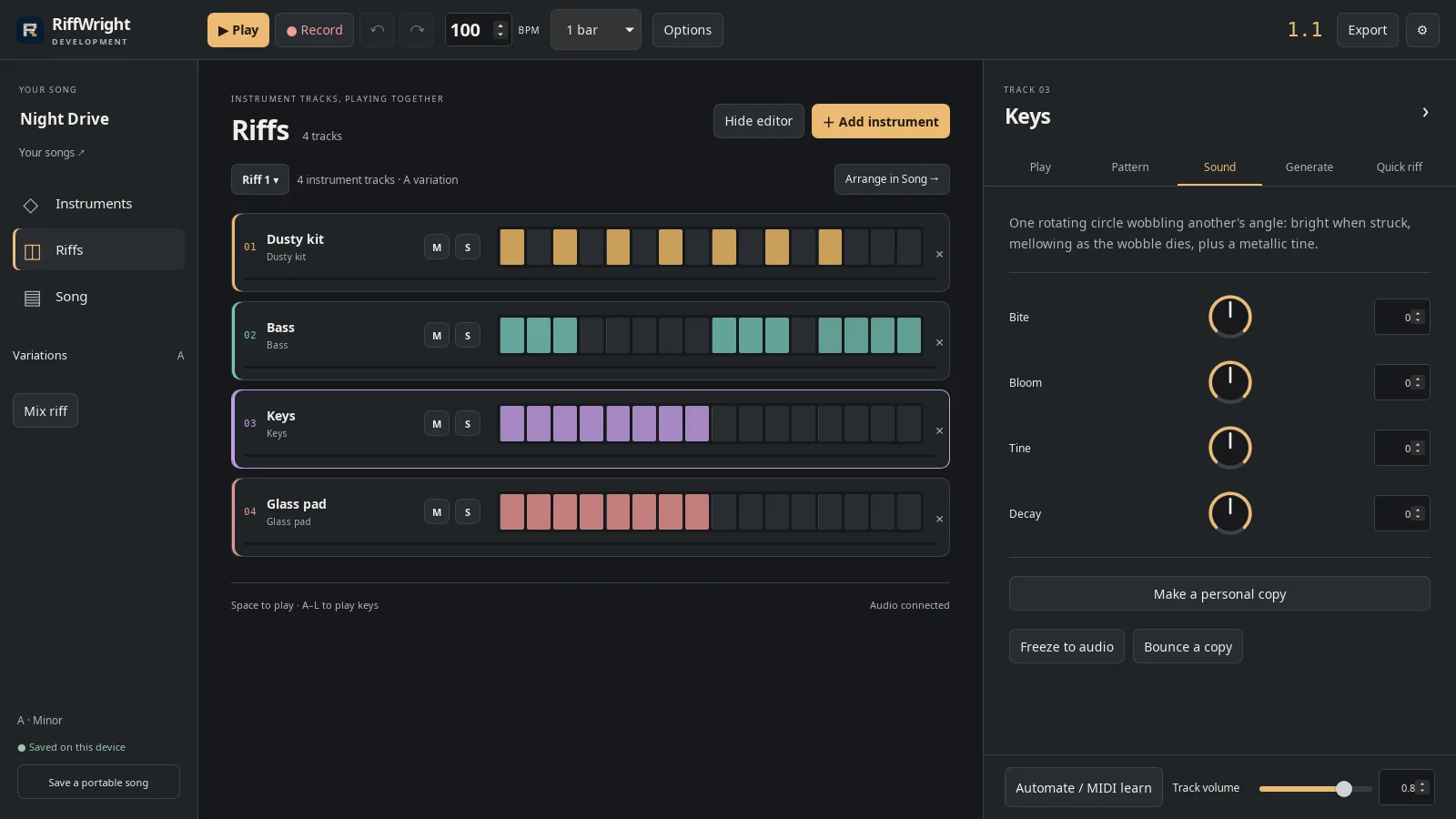
The included synthesized instruments start with the physics of sound: a plucked string’s harmonics, a drum skin’s modes, a struck bar, breath through a pipe. Each one tells you, in plain words, how it’s made. You can also record your own sounds.

Every sound has four dials named for what they do. Turn them while the loop plays. Want more? The designer opens the whole sound. Save your version and set up its dials.

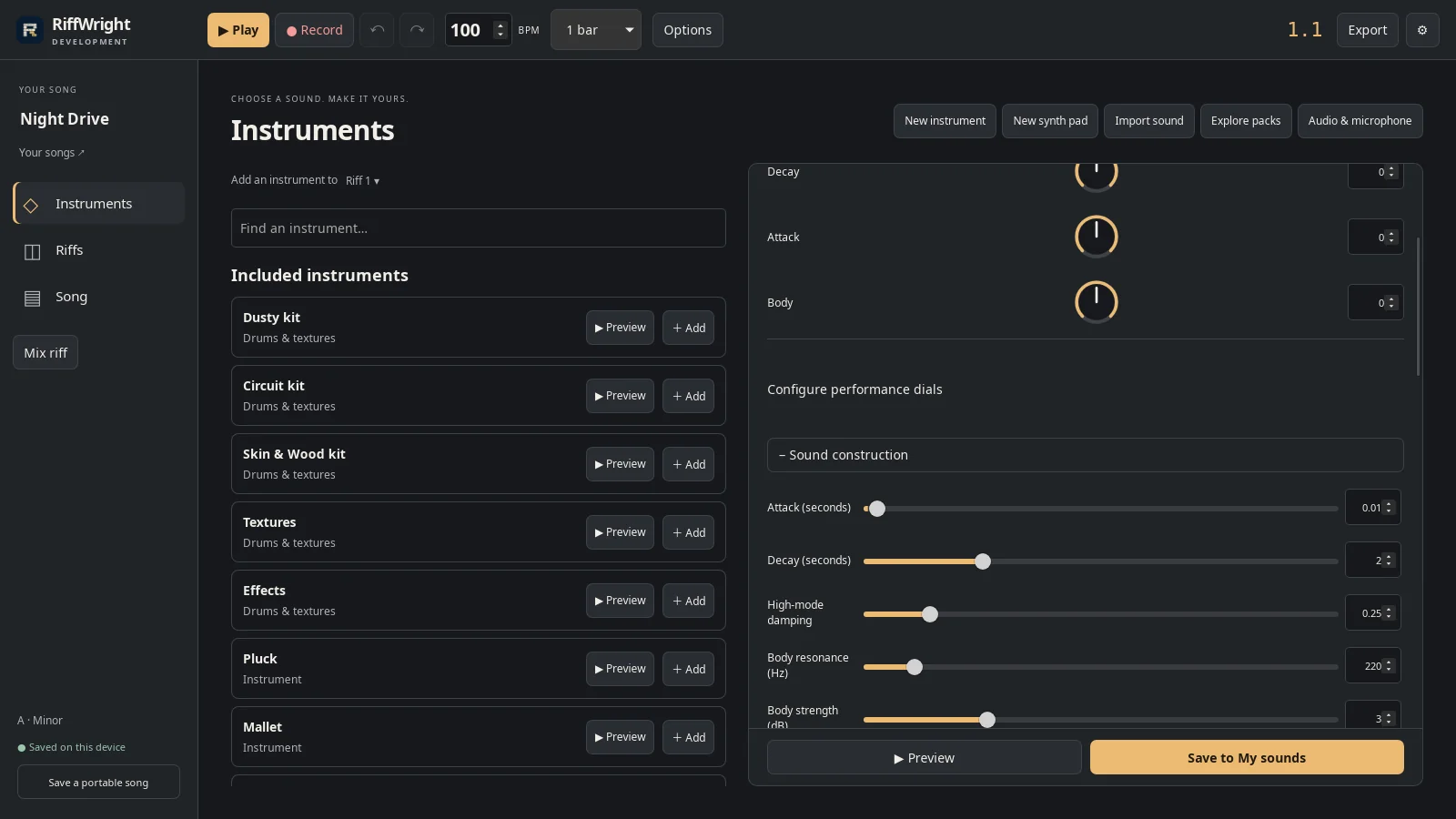
Try a different compatible instrument from the track’s Sound panel while keeping its notes and arrangement. Drum tracks have a kit menu, too.

Play in key

Every note fits.

Instrument keys follow the song’s key and scale, so every note you tap belongs. Change the key later and every part moves with it.

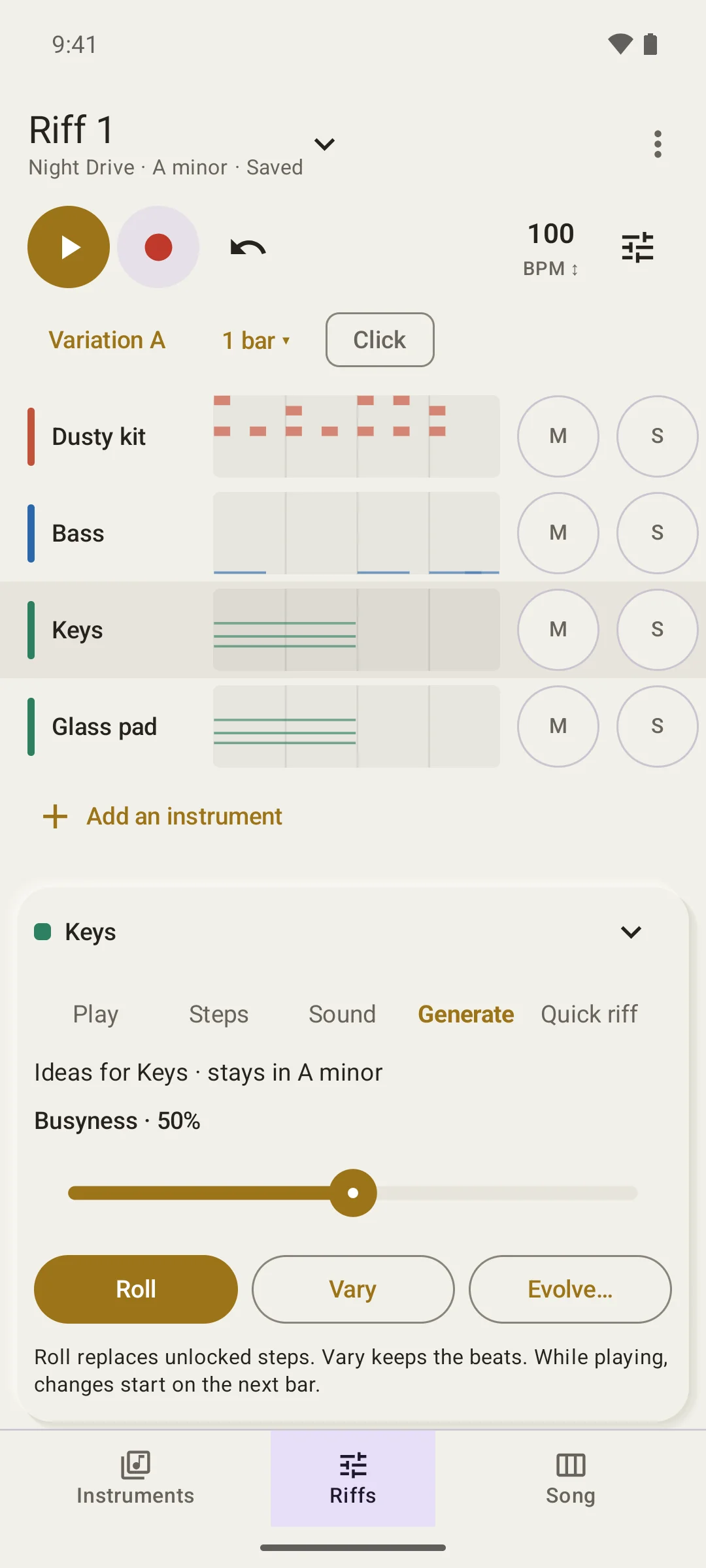
Stuck? Roll writes a part that suits the track (a bass line, chords, a lead, a beat). Vary keeps the idea and changes the details. Every result is an ordinary pattern you can edit, and Undo brings back the last one.

From riff to song

Arrange whole riffs, not a hundred clips.

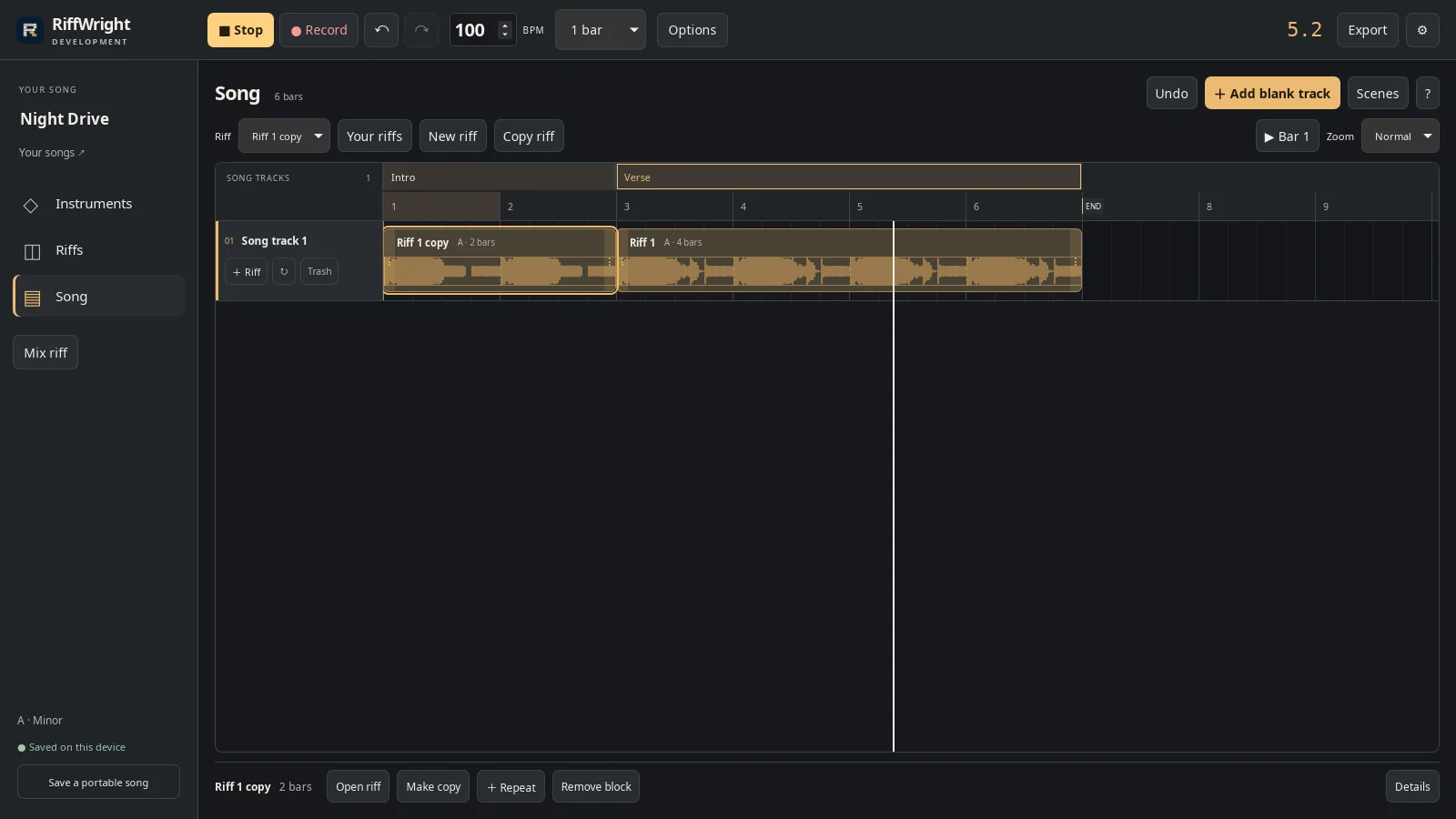
A riff and every instrument in it become one block on the Song timeline. Drag the end to repeat it. Make a copy when one part of the song should be different, and name your sections: Intro, Verse, Bridge.

Change a riff and every block that uses it follows.

RiffWright on Linux: the song Night Drive with an Intro section and a Verse section, each a riff block on one Song track
An intro without drums, then the verse. Two blocks, named sections.

Mix, export, keep going

Your songs stay yours.

Mix each instrument, then export WAV, MP3, editable MIDI, or separate stems. Songs save as you go, stay on your device, and need no account.

The song in these pictures was made on a Linux desktop and opened unchanged on an Android phone.

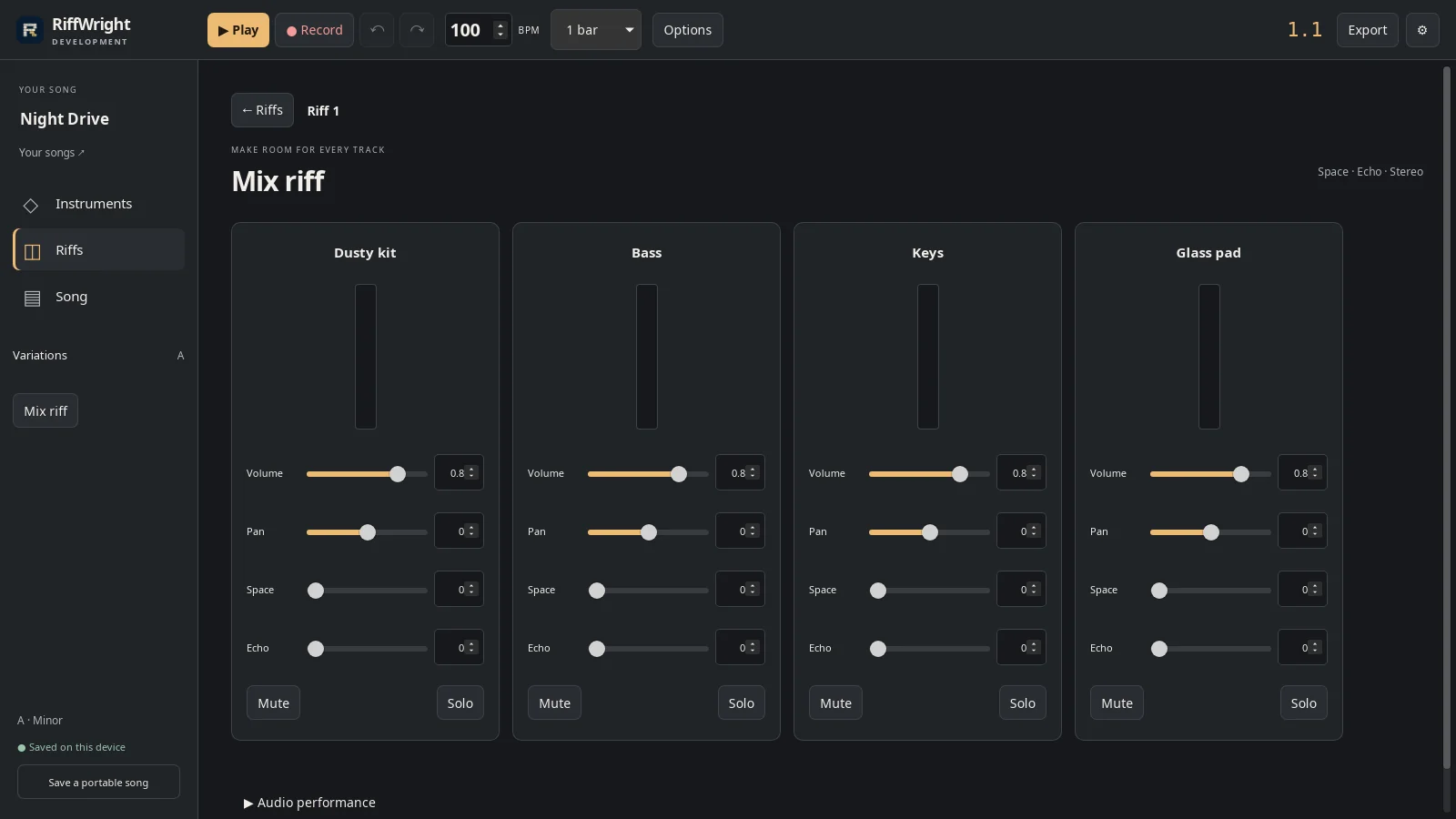
RiffWright mixer on Linux with volume, pan, space and echo for each instrument
Volume, pan, space and echo for every instrument in the riff.

Real walkthroughs, real sound

Watch a song come together.

Turn riffs into a song

Place riffs as blocks, repeat them, make an intro variation, and name the sections.

Recorded from RiffWright 0.45.0 on a Linux desktop, with the app’s own audio. Night Drive is an original demo song made in RiffWright for these guides.

See all 8 RiffWright how-tos

Four optional packs. Forty-eight starting points.

Hear a sound. Make it yours.

Each pack has twelve editable instruments. Press Preview, then try three pitches. A new preview replaces the last one; Stop is always one tap away.

Original patches inspired by classic synthesis and film sound design. No film recordings or factory sound banks. Instrument and film references describe inspiration, not endorsement or exact emulation.

12 editable sounds · $4.99 USD at launch

Classic Currents

Warm bass, bright leads, glassy keys, and wide pads inspired by classic synthesis.

Preview the 12 sounds
Deep Current
Silk Lead
Chorus Cloud
Neon Pluck
Stadium Brass
Sync Edge
Cinema Bloom
Glass Tines
Digital Thump
Liquid Line
Wide Horizon
Crystal Air

12 editable sounds · $4.99 USD at launch

Industrial Currents

Pulse bass, synthetic metal, uneasy atmospheres, and the texture of 1990s industrial.

Preview the 12 sounds
Undertow
Vector Lash
Pressure Stack
Neural Pulse
Arc Furnace
Rusted Bell
Factory Air
Relay Needle
Body Current
Cold Cathedral
Contact Sequence
Corroded Glass

12 editable sounds · $4.99 USD at launch

Cinema Currents

Twelve cinematic colors: swelling brass, distant strings, machine pulses, and suspenseful drones.

Preview the 12 sounds
Neon Rain
Offworld Haze
Circuit Halo
Chrome Heartbeat
Liquid Alloy
October Keys
Polar Signal
Living Circuit
Jungle Voltage
Following Shadow
Desert Breath
Finish Line

12 editable sounds · Launch price to be decided

Riptide Currents

Dubstep bass, growls, hard synthetic hits, and a rising build. Twelve sounds to shape your next drop.

Preview the 12 sounds
Riptide Wobble
Jaw Growl
Ragged Tide
Seabed
Harpoon
Hull Breach
Breaker
Depth Charge
Piston
Snarl Scan
Shock Stab
Storm Warning

The current Android beta includes all four packs to try. Purchases are not open yet.

Try RiffWright

Help test RiffWright.

Want to try it? Send a request and I’ll email you when you can join.

Beta questions · Privacy

Platforms you’d like to test

Choose all that apply.

Questions

Which devices can I test it on?

Android beta downloads are available by invitation. Windows, macOS, Linux, iPhone and iPad builds are still being prepared for testers. Tell me which device you use when you request access.

Do I need an account or a connection?

Not to make music. Songs, recordings and sounds stay on your device, and RiffWright works offline. The beta asks for your invitation code and the diagnostic agreement when you first open it.

What will it cost?

Planned launch pricing is a free download with a $19.99 USD lifetime unlock. Classic, Industrial and Cinema Currents are optional, $4.99 USD each. Riptide’s launch price is still to be decided. No subscription is planned. Approved beta testers get 10% off at release.

What can I export?

Export WAV, MP3, editable MIDI notes, or separate stems for another studio. Android also saves M4A. A portable song file keeps its sounds and recordings, so it opens on another device.

How well does Quick riff hear me?

Quick riff is new in this beta. It listens on your device, and every note or hit it finds can be moved, changed or removed before you use it. Tell me where it gets you wrong; that is what the beta is for.

Can I use the pack sounds in my own songs?

Yes. The original pack sounds can be used in your music. You can edit them and save personal versions. Redistribution or resale of a pack’s preset definitions is not permitted.

What happens to my music?

It stays yours and on your device unless you export or share it. RiffWright privacy describes recordings, accounts, purchases and beta diagnostics in full.

Your next song starts with a hum.