
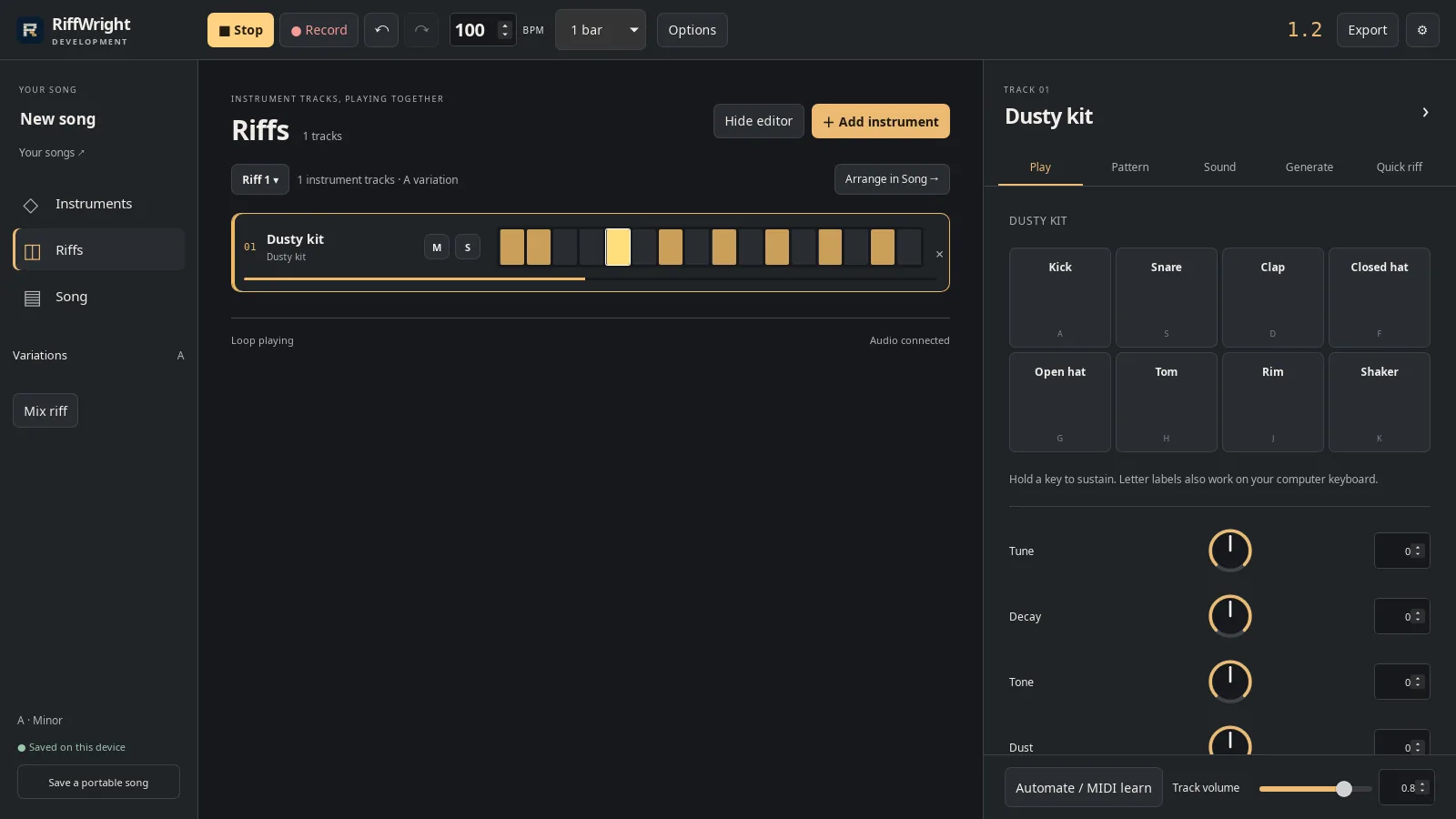
Play and record a riff
Choose a kit, play it with your keyboard, and record a take that lands on the beat.
Learn by doing
Record a riff, shape its sound, let it write a part, and turn your riffs into a song.
About RiffWright and beta access
11 guides
No guide matches those filters. Try fewer words or .
Choose a kit, play it with your keyboard, and record a take that lands on the beat.
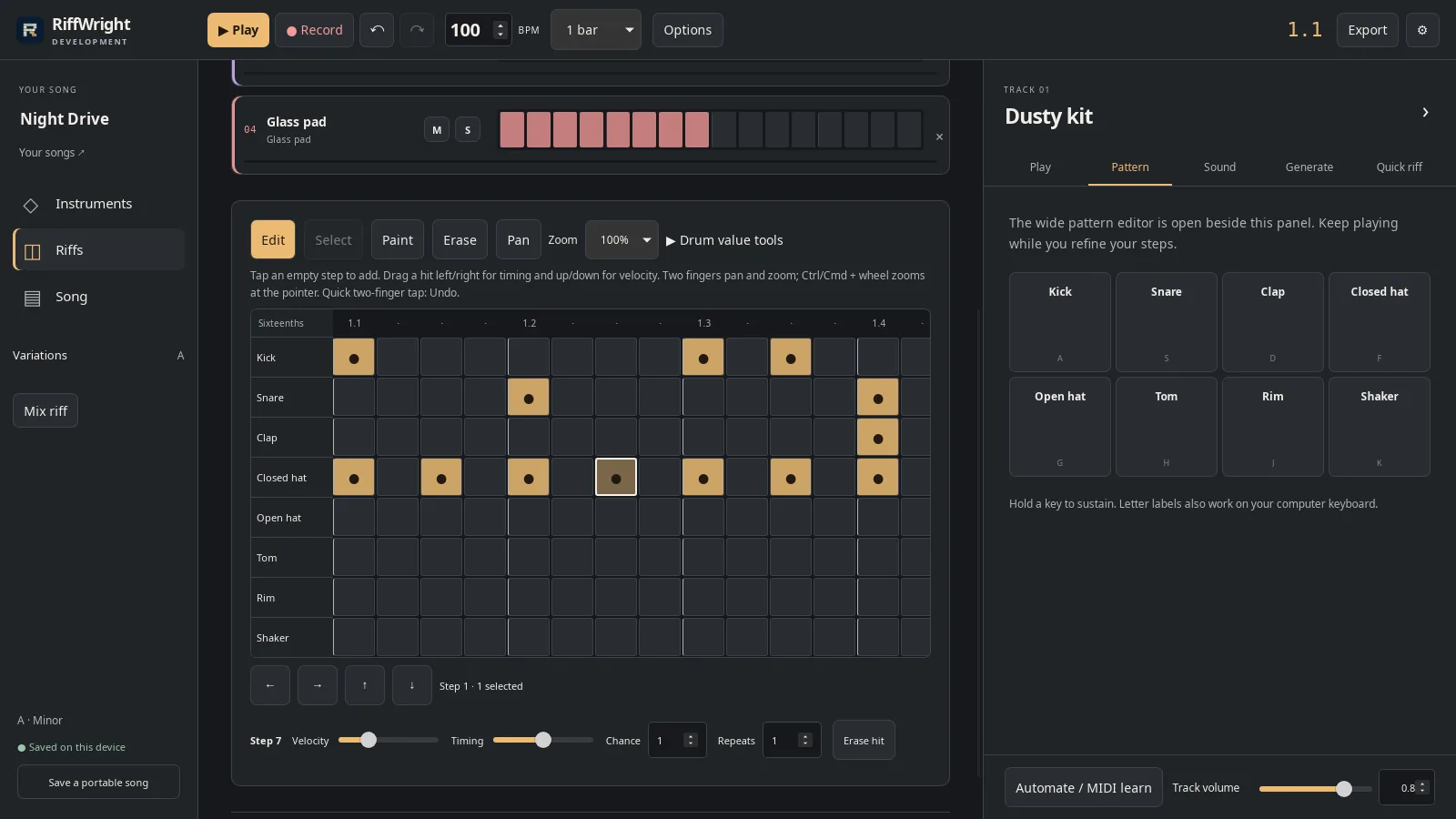
Add a hit, then set how hard it lands and nudge its timing.
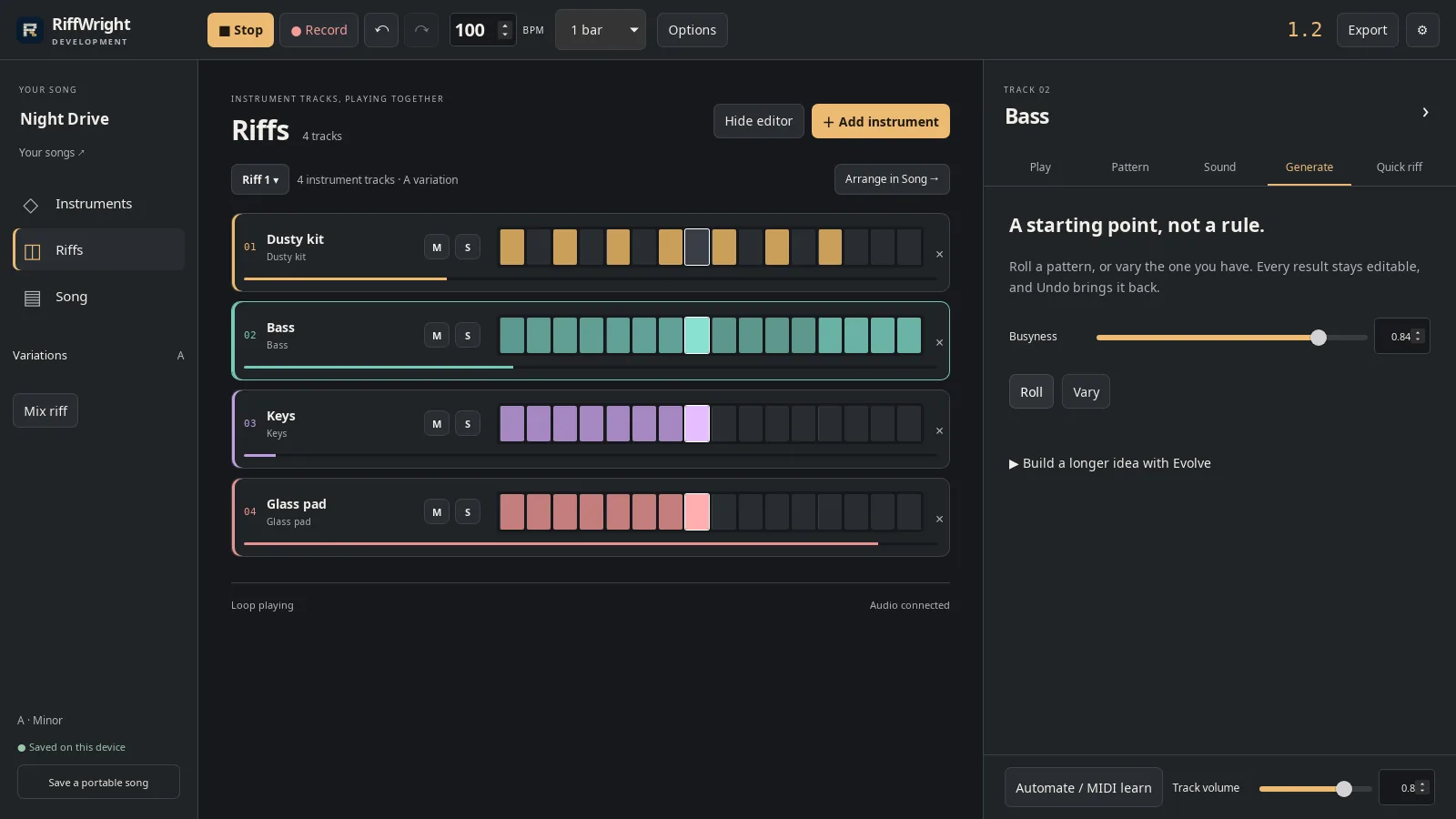
Roll a new part, vary it, change how busy it is, and keep what works.
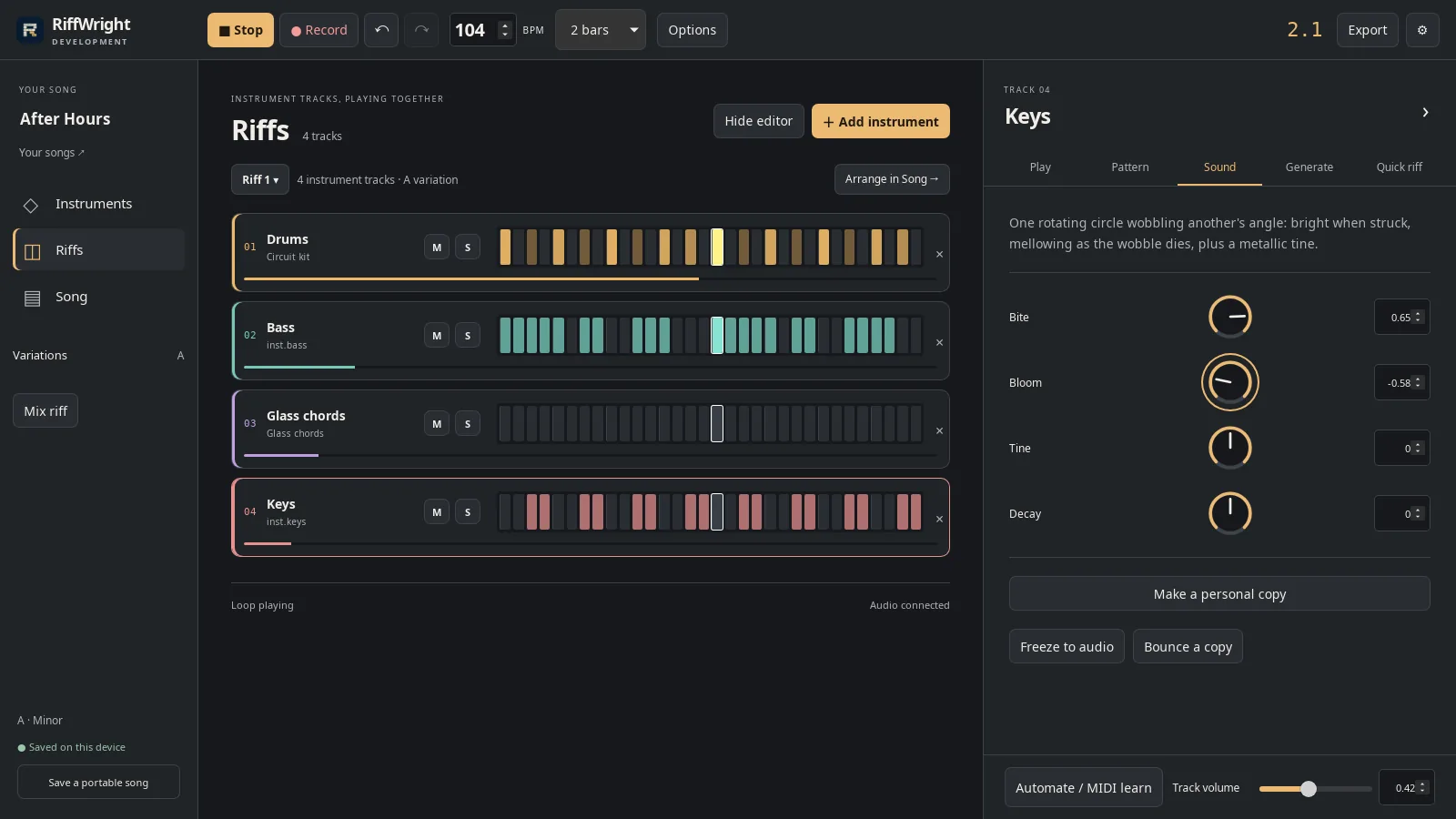
Turn the four dials while the loop plays, then save your version as a sound of your own.
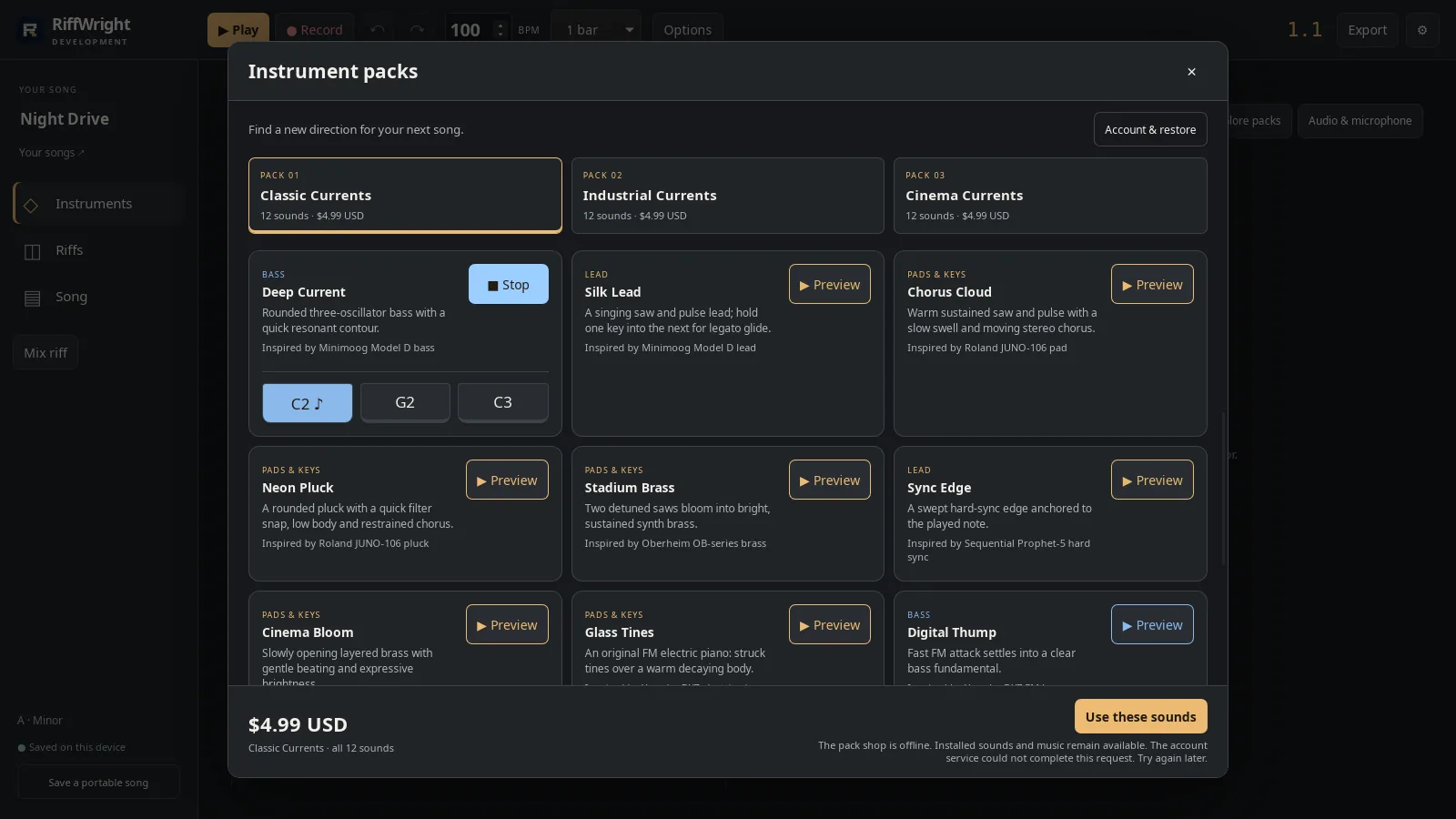
Browse the sound packs and audition a sound at three pitches.
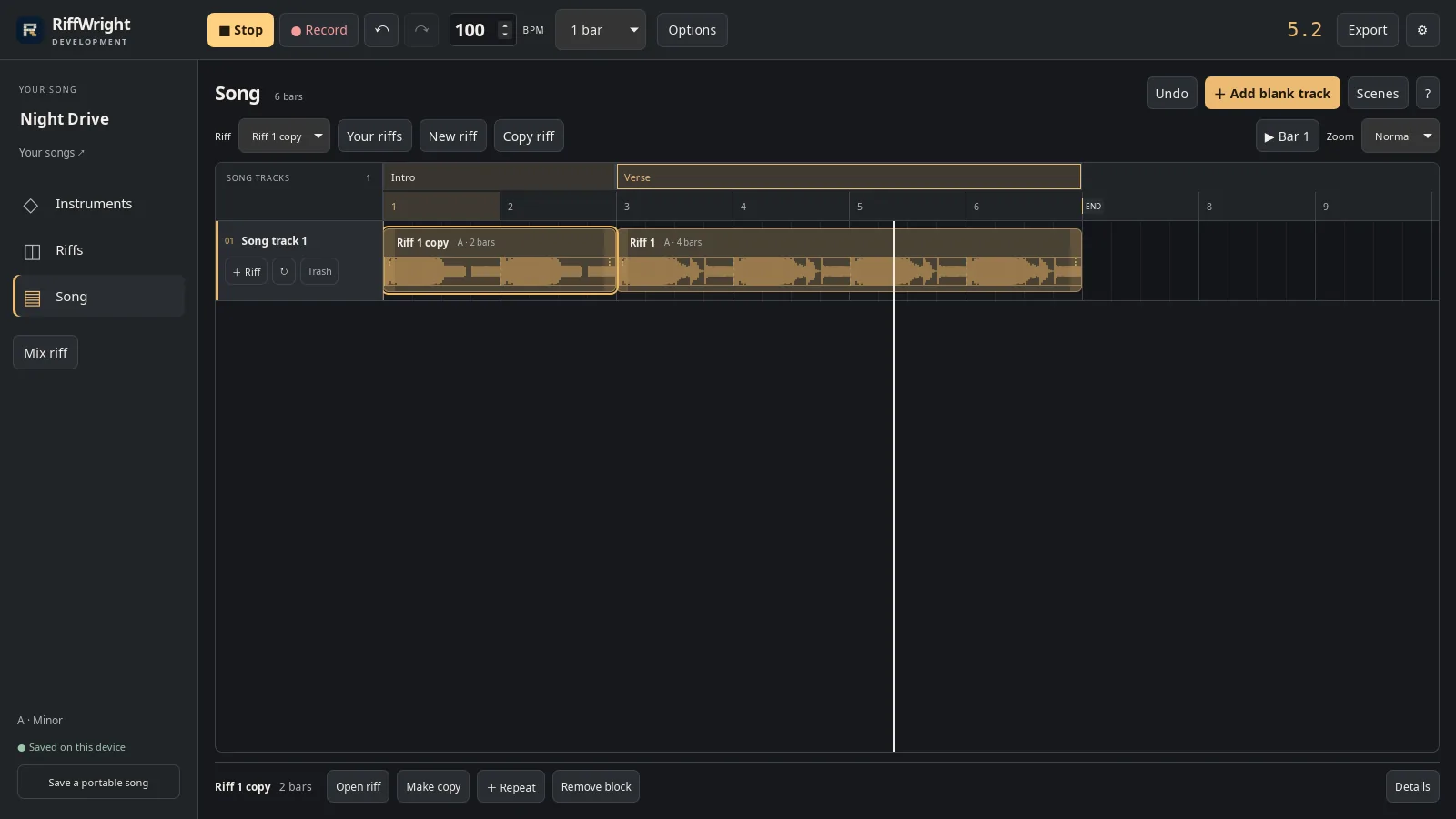
Place riffs as blocks, repeat them, make an intro variation, and name the sections.
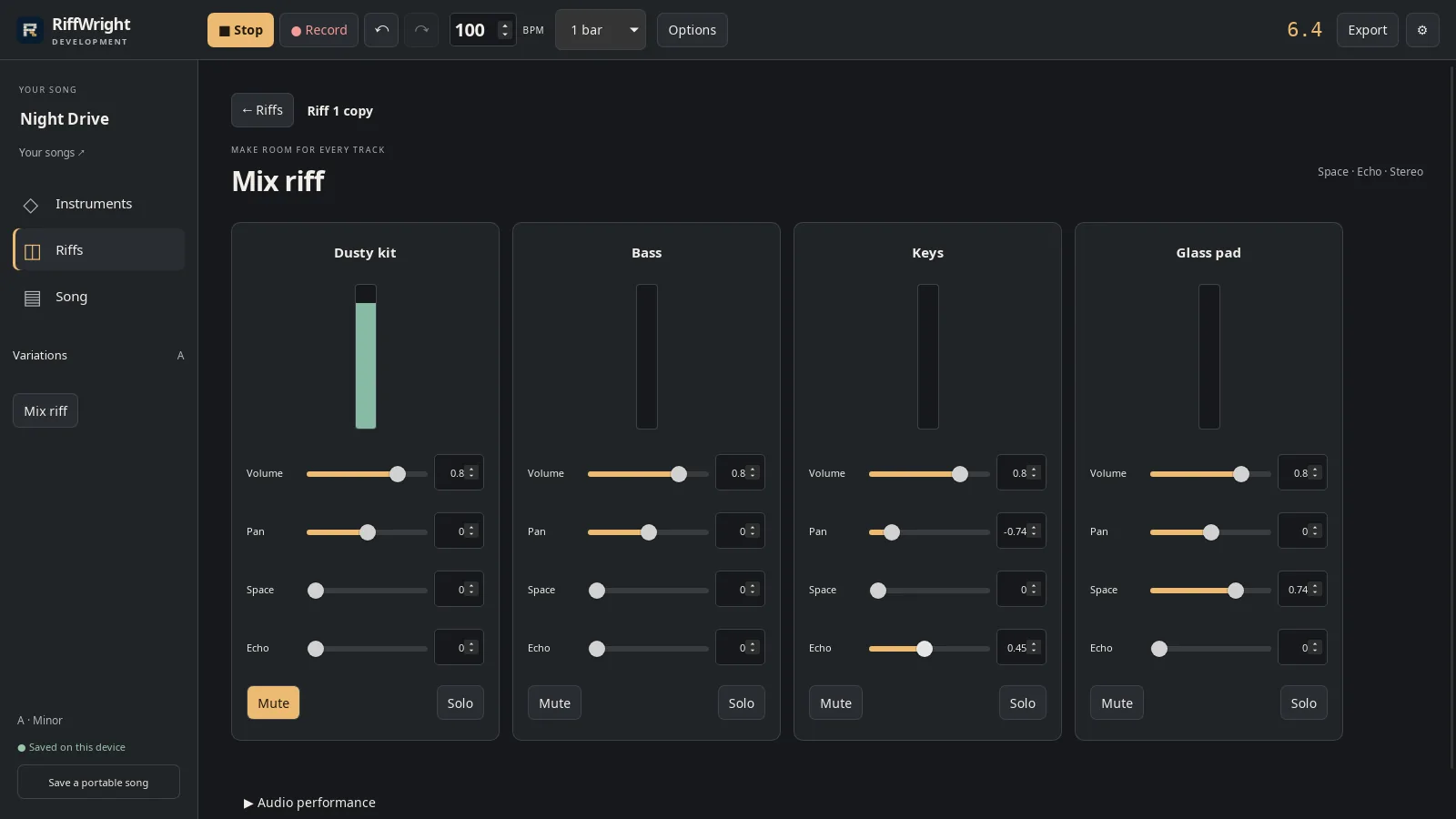
Balance each instrument, add space and echo, then export audio, MIDI or stems.
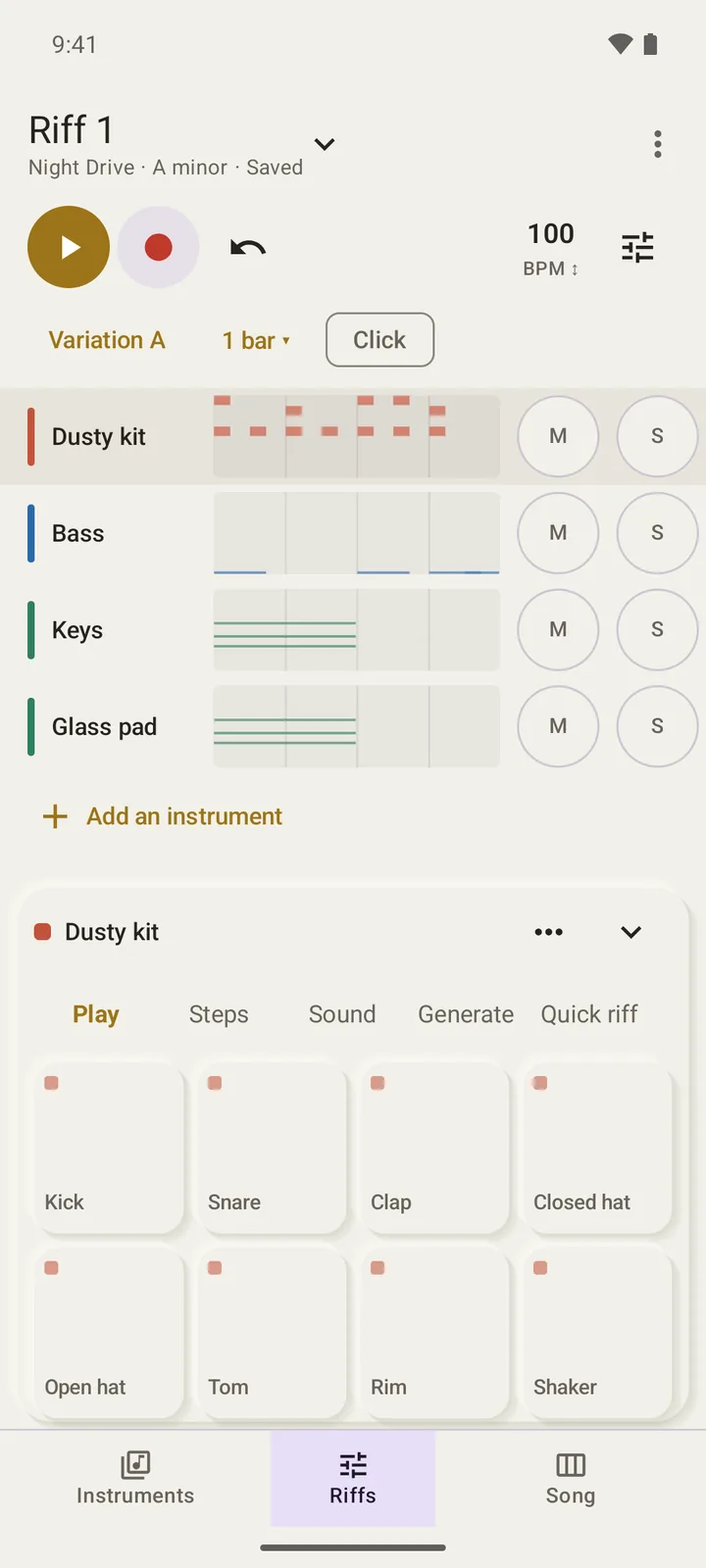
Riffs, in-key playing, Generate, Quick riff and Song on a phone.
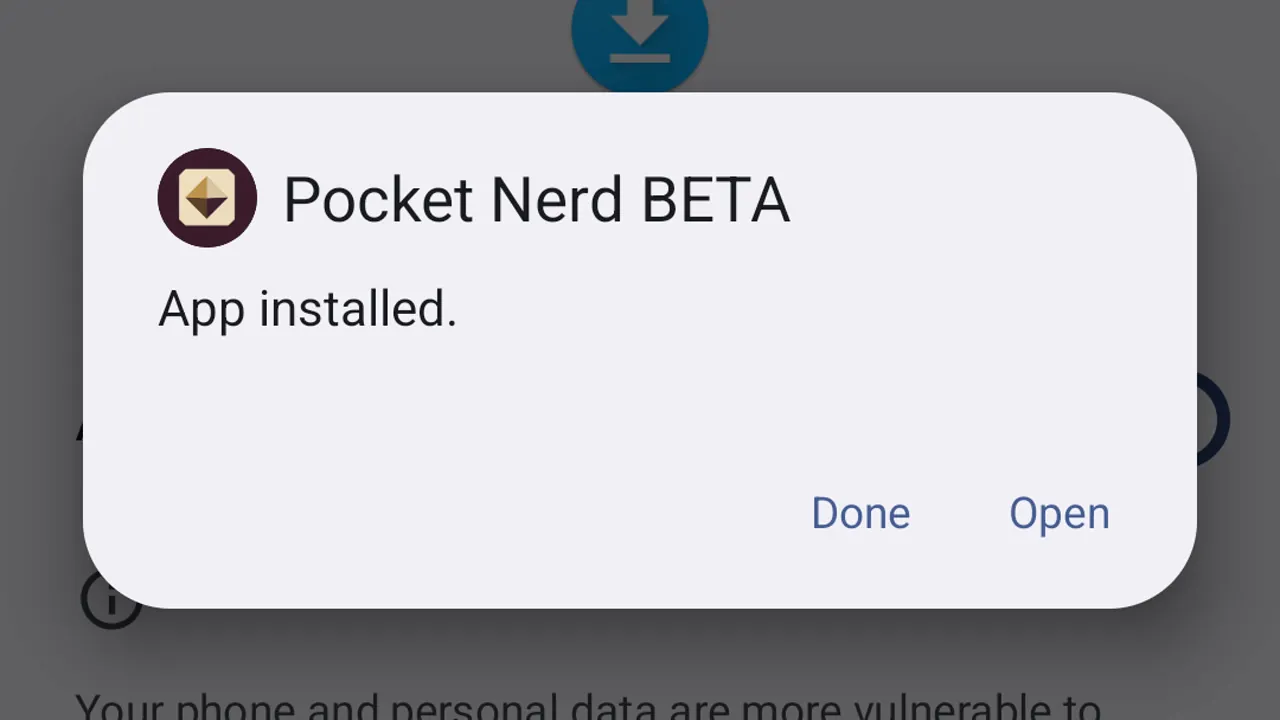
Download your approved beta, install it on your Android device, and open it for the first time.

Download your approved RiffWright beta, install it on Linux and open it for the first time.

Download your approved RiffWright beta, install it on Windows and open it for the first time.