
Desktop · 0:30 video
Hear a sound pack before you choose
Browse the sound packs and audition a sound at three pitches.
Before you start: Nothing. Previews need no account and no purchase.
Download videoDownload captions
Step by step
Open the packs
In Instruments, choose Explore packs.
Pick a pack
Three packs, twelve sounds each.
Preview a sound
Press Preview on any sound.
Try its range
Play its three pitch keys.
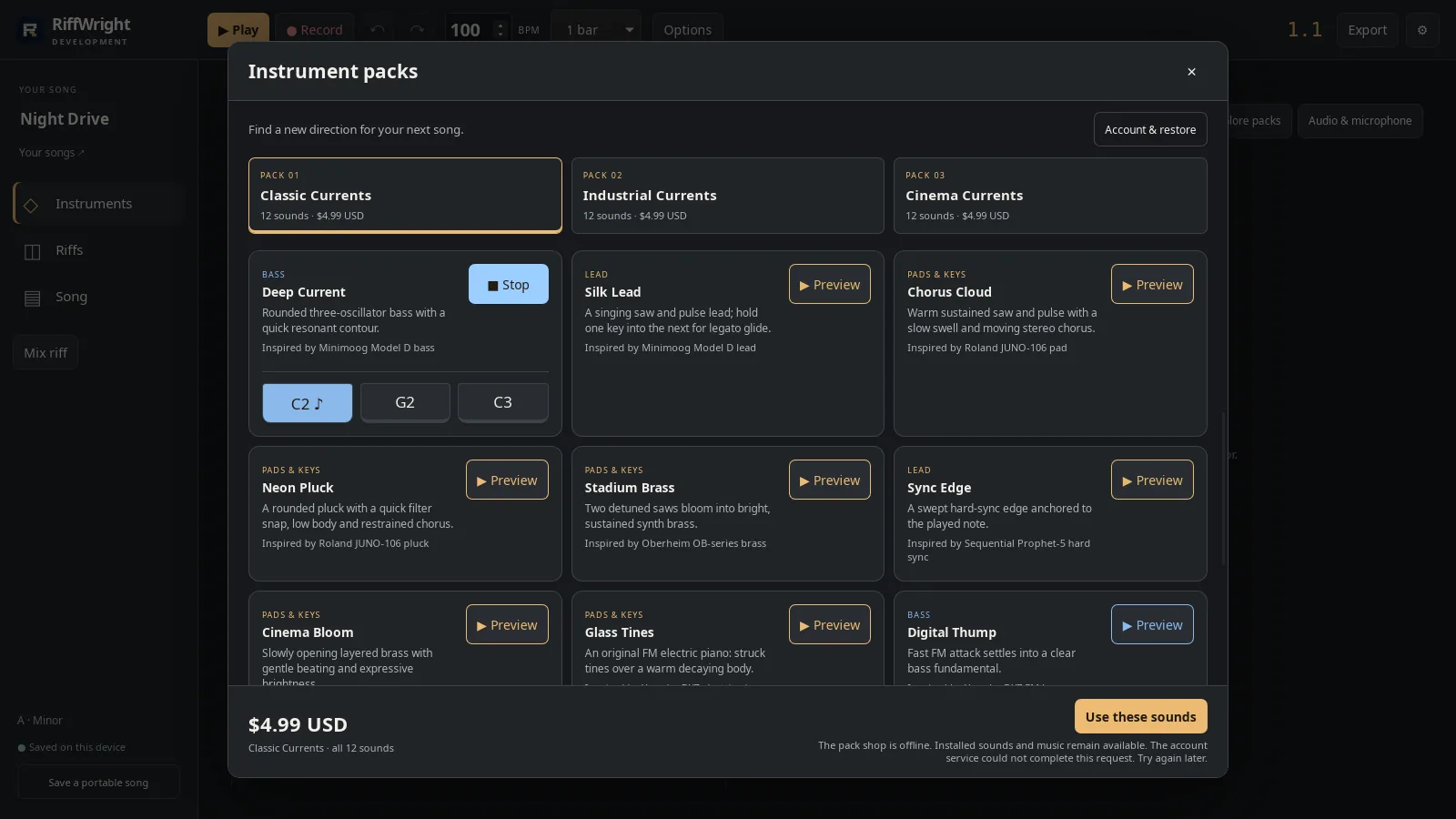
Three pitches to try. Open full size
- Pitch keys
Switch or stop
A new Preview replaces the last one. Stop is always one tap away.
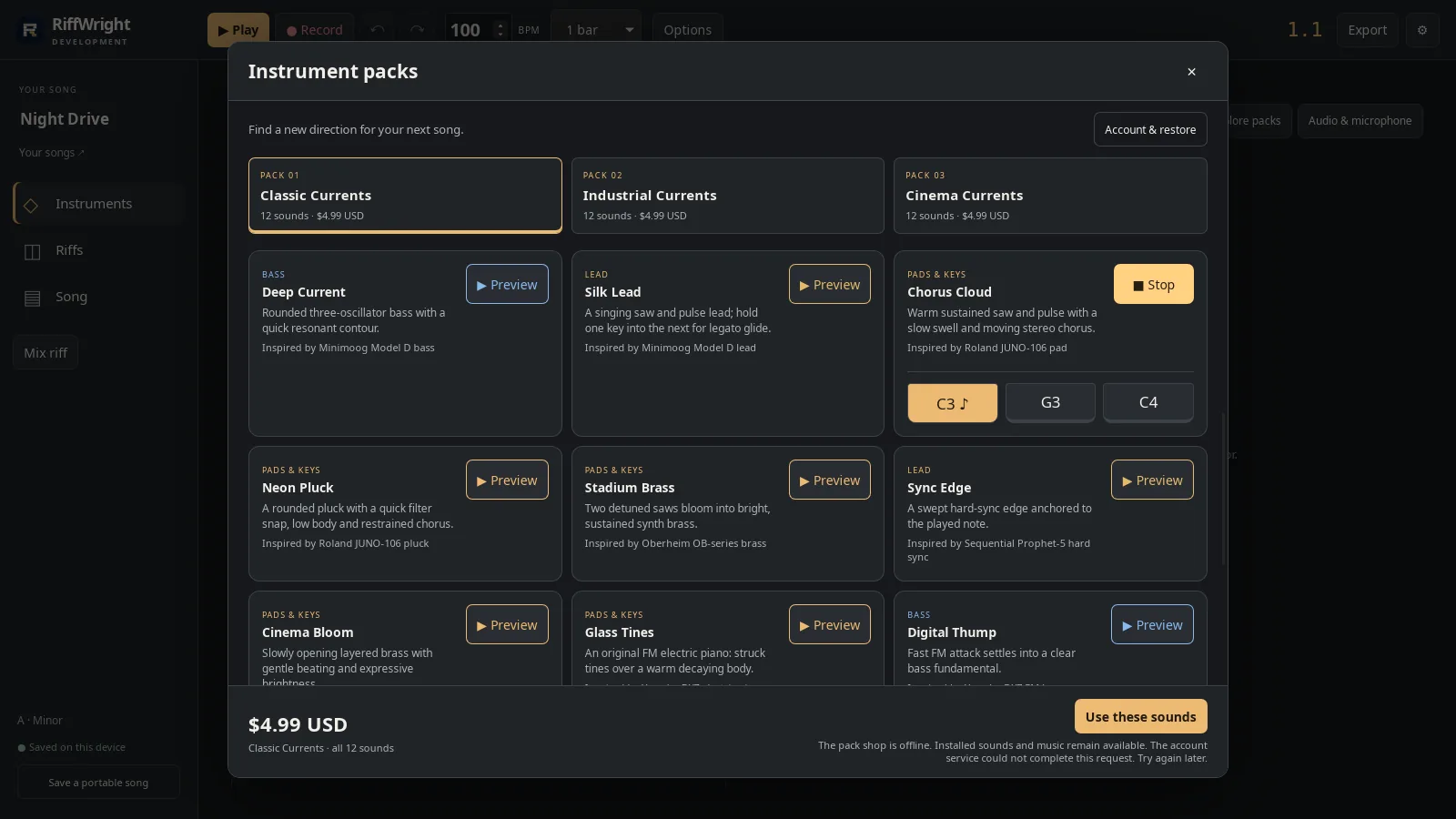
Only one preview plays at a time. Open full size
- Stop
Read the video instructions
- In Instruments, choose Explore packs.
- Three packs, twelve sounds each.
- Find a sound and press Preview.
- Try three pitches to hear its range.
- A new Preview replaces the last one. Stop is one tap away.
- Development and Beta builds include all three packs to try.