
Desktop · 0:56 video
Turn riffs into a song
Place riffs as blocks, repeat them, make an intro variation, and name the sections.
Before you start: A riff you like.
Download videoDownload captions
Step by step
Start arranging
In Song, choose Start arranging riffs, then add a Song track.
Place a riff
Choose Place Riff 1, or double-click a bar.
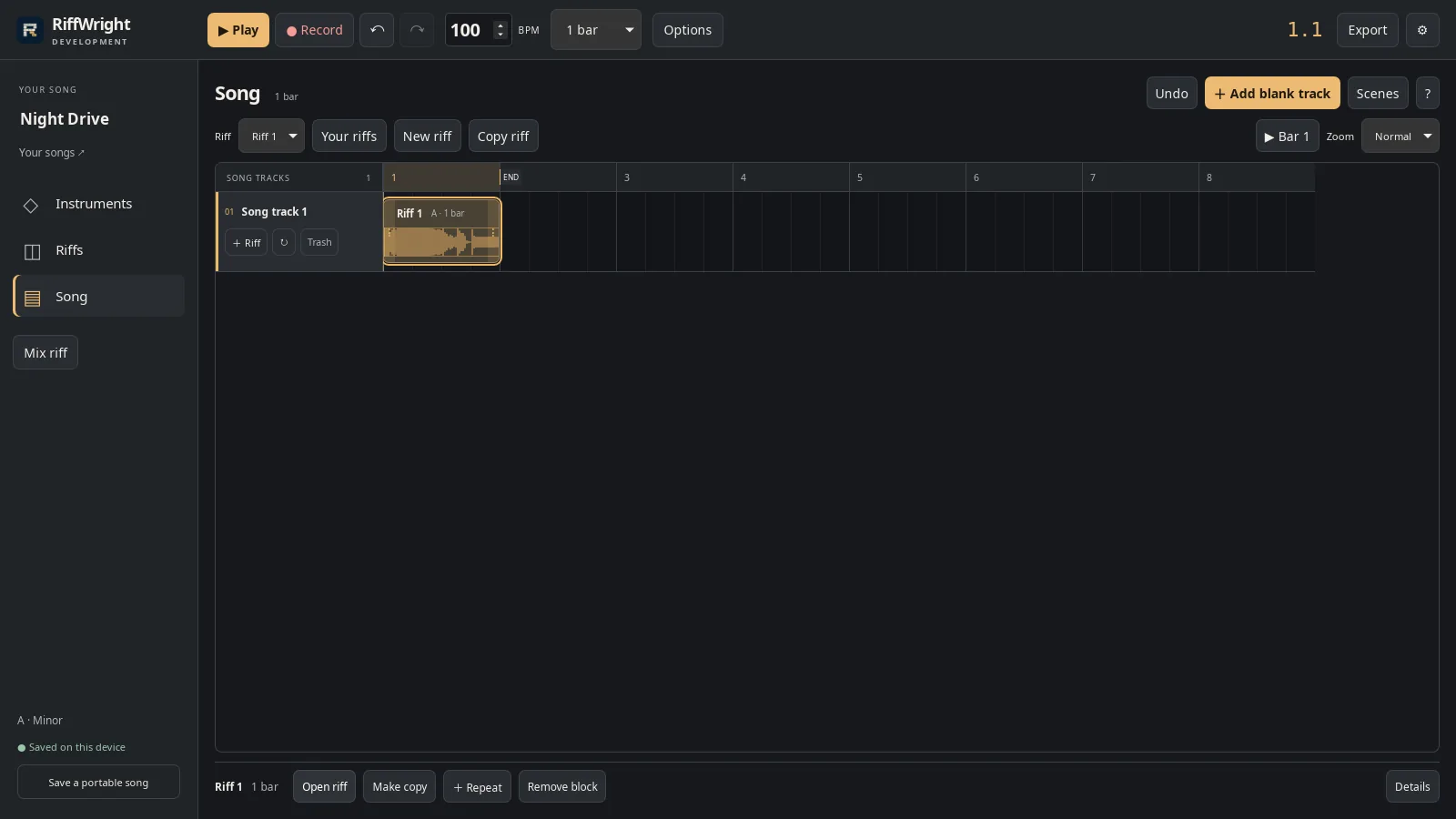
A whole riff placed as one block. Open full size
- Riff 1
Repeat it
Drag the right edge of a block to repeat it.
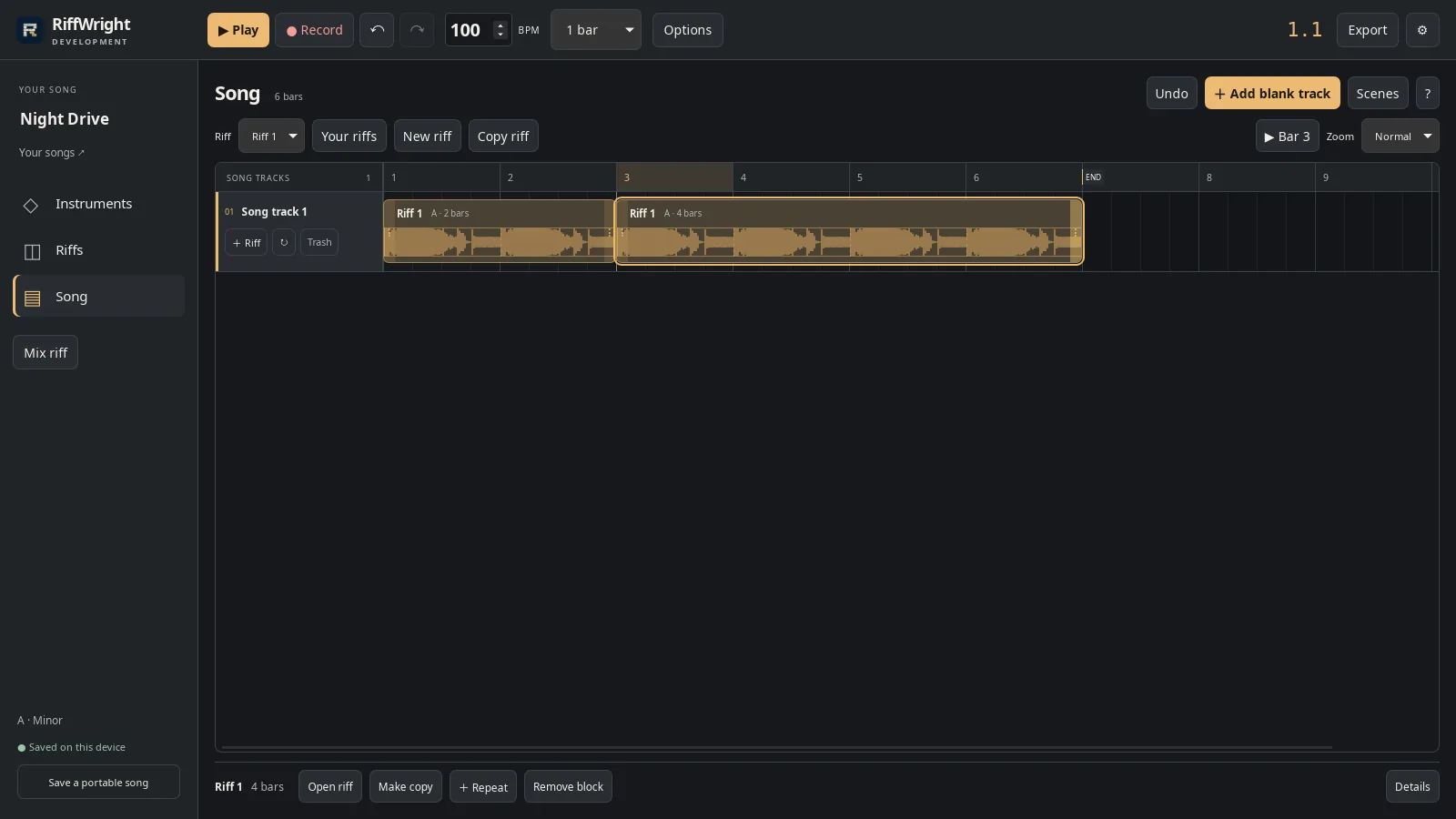
Drag an edge to repeat a riff. Open full size
- Right edge
Make a variation
Select a block and choose Make copy. Change the copy in Riffs; here the drums sit out for an intro.
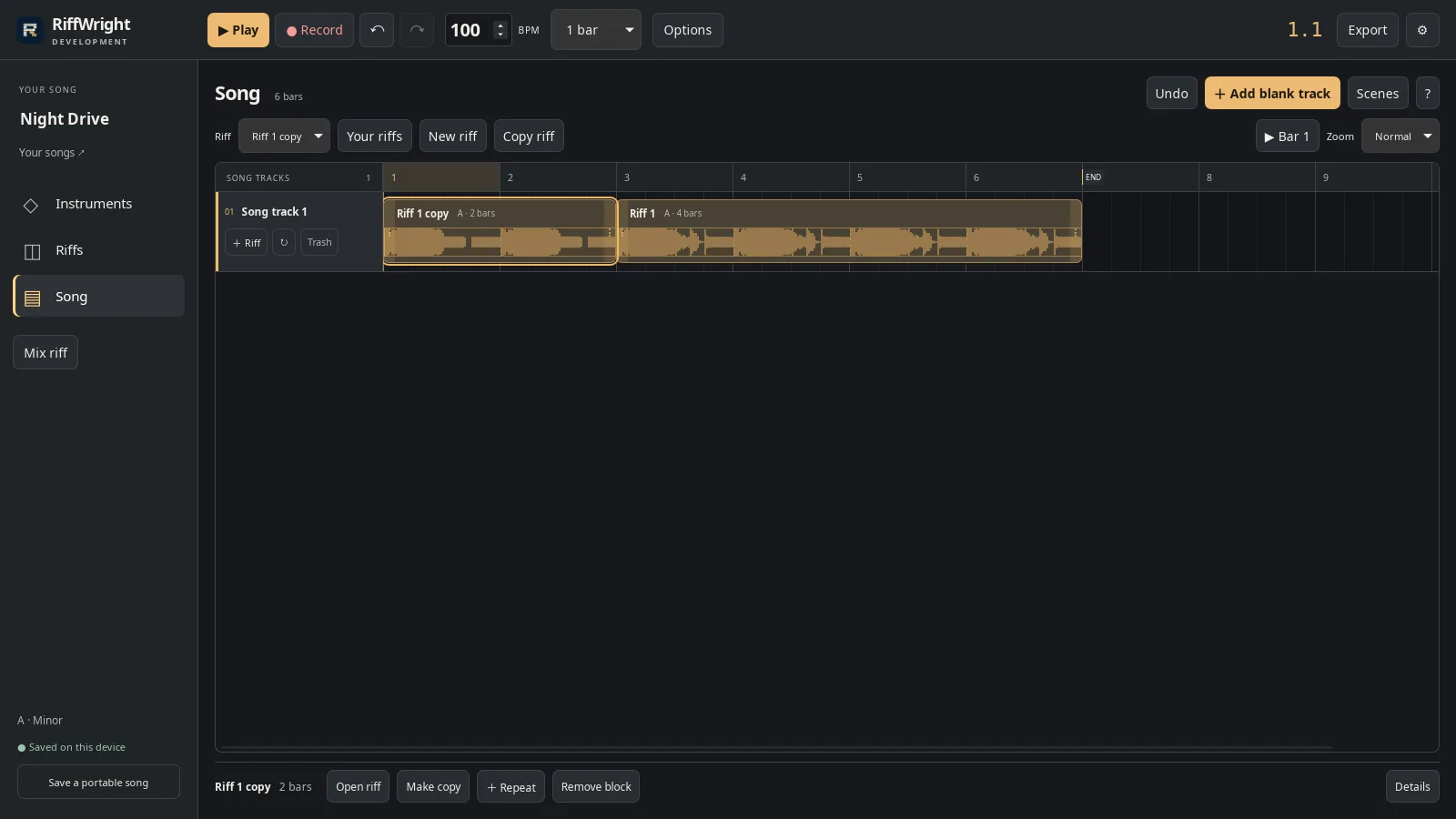
An intro copy without drums. Open full size
- Riff 1 copy
Name the sections
Choose Scenes and add Intro and Verse with their bars.
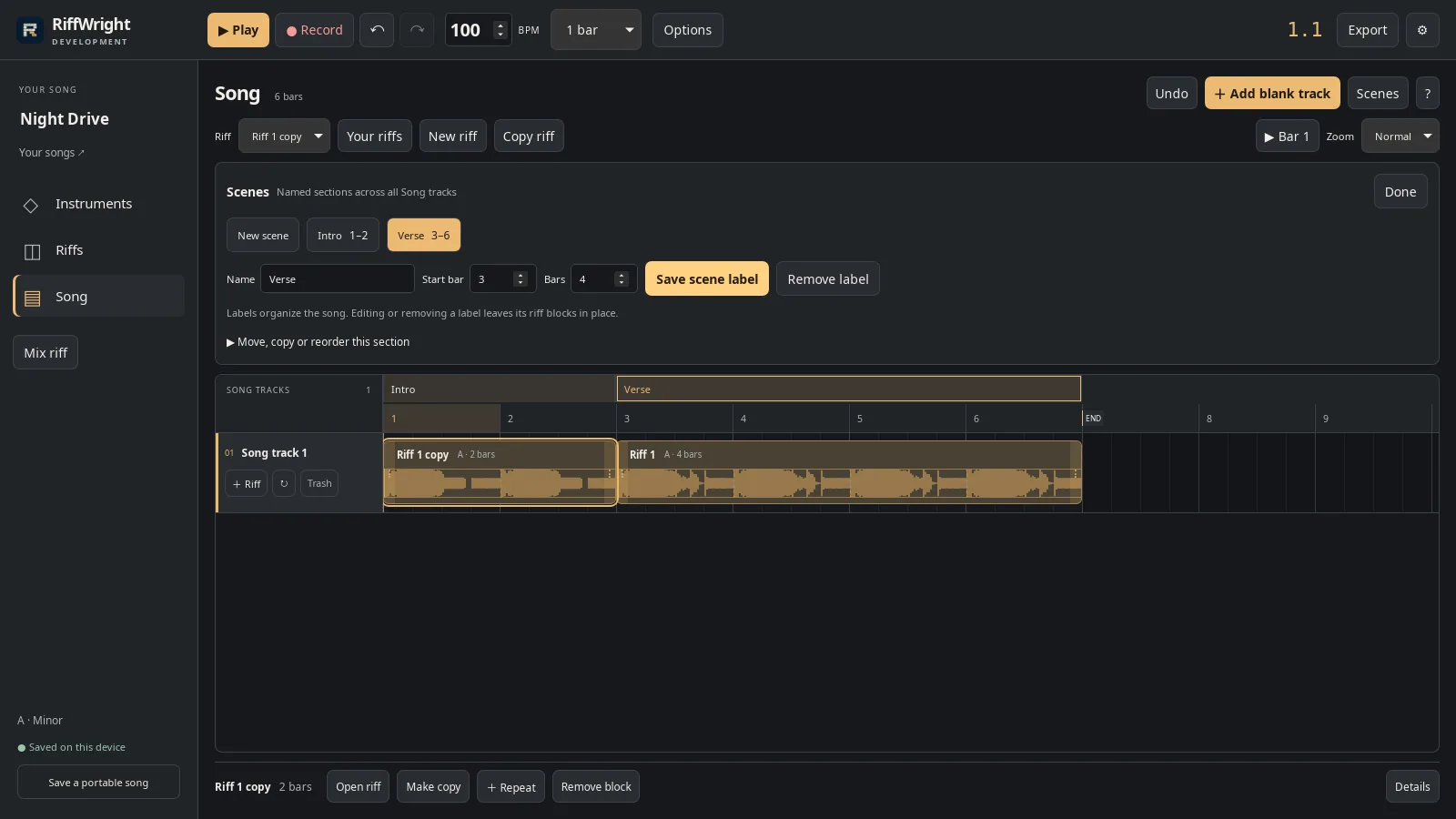
Intro and Verse span every Song track. Open full size
- Verse, bars 3 to 6
Play the song
Press Play to hear it from the start.
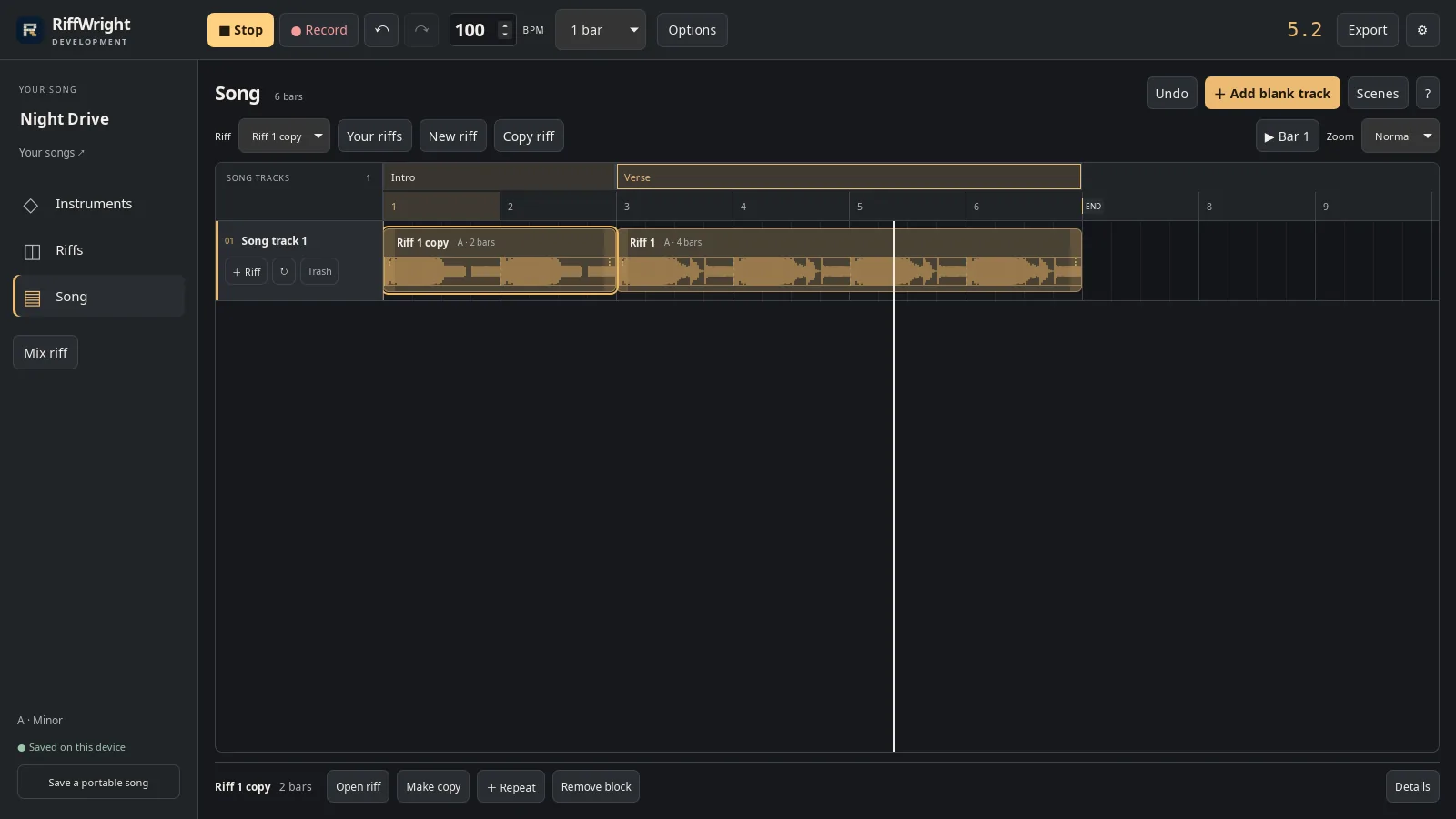
The whole song, in order. Open full size
- Playhead
Read the video instructions
- In Song, start arranging your riffs.
- Add a Song track, then place your riff.
- Drag the end of a block to repeat it.
- Double-click a bar to place the riff again, then stretch it.
- Make copy turns a block into its own riff, ready to change.
- Here the drums sit out for the intro.
- Scenes name the parts of your song.
- Press Play to hear the whole song.