
Desktop · 0:32 video
Let RiffWright write a part
Roll a new part, vary it, change how busy it is, and keep what works.
Before you start: A riff with an instrument track, such as a bass.
Download videoDownload captions
Step by step
Open Generate
Select an instrument track and choose Generate.
Roll a part
Press Play, then Roll. The new part starts on the next bar.
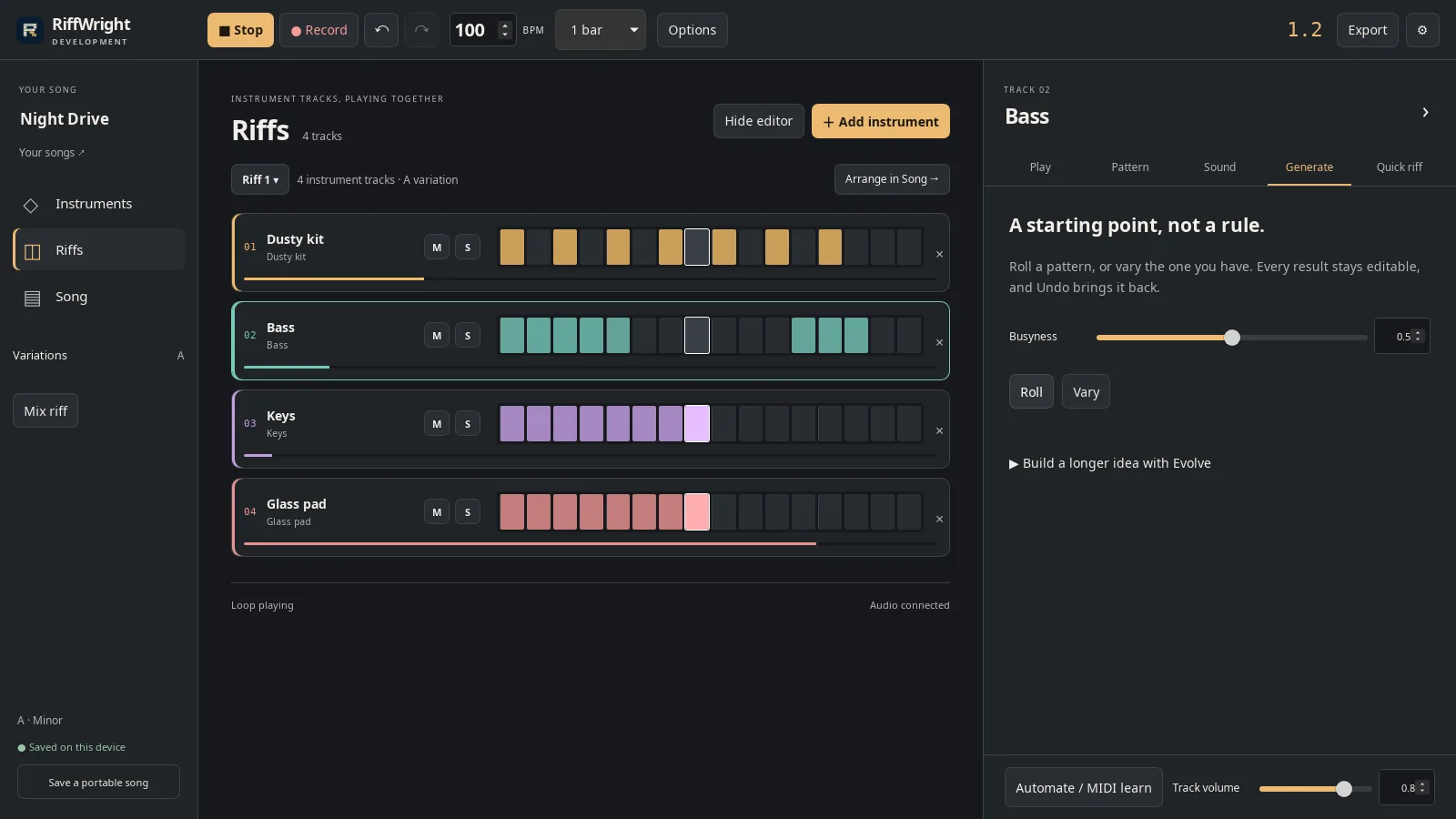
A new bass part from Roll. Open full size
- New bass part
Vary it
Vary keeps the idea and changes the details.
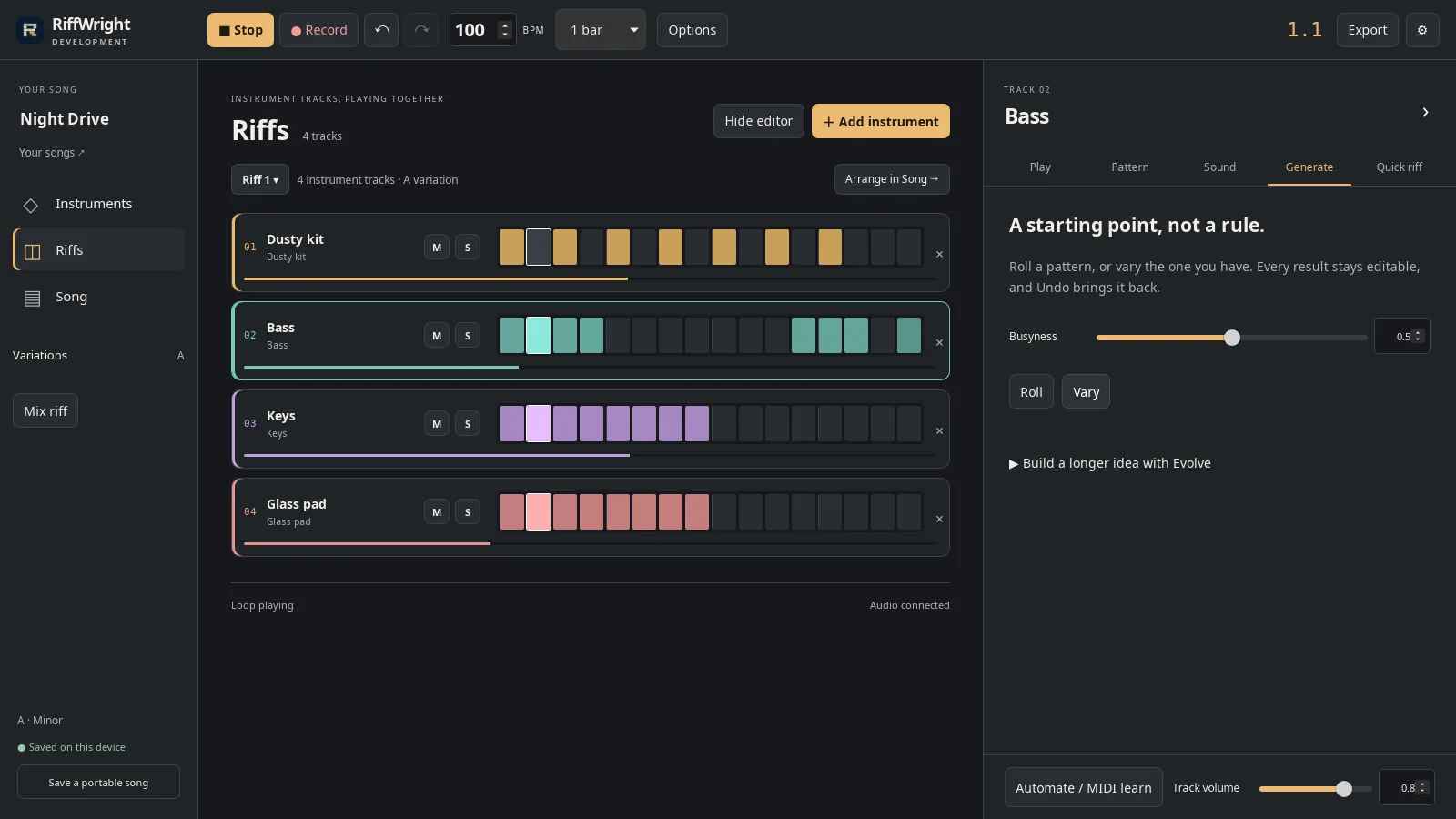
Vary keeps the shape and changes the details. Open full size
- Vary
Set Busyness
Drag Busyness to set how much it plays, then Roll again.
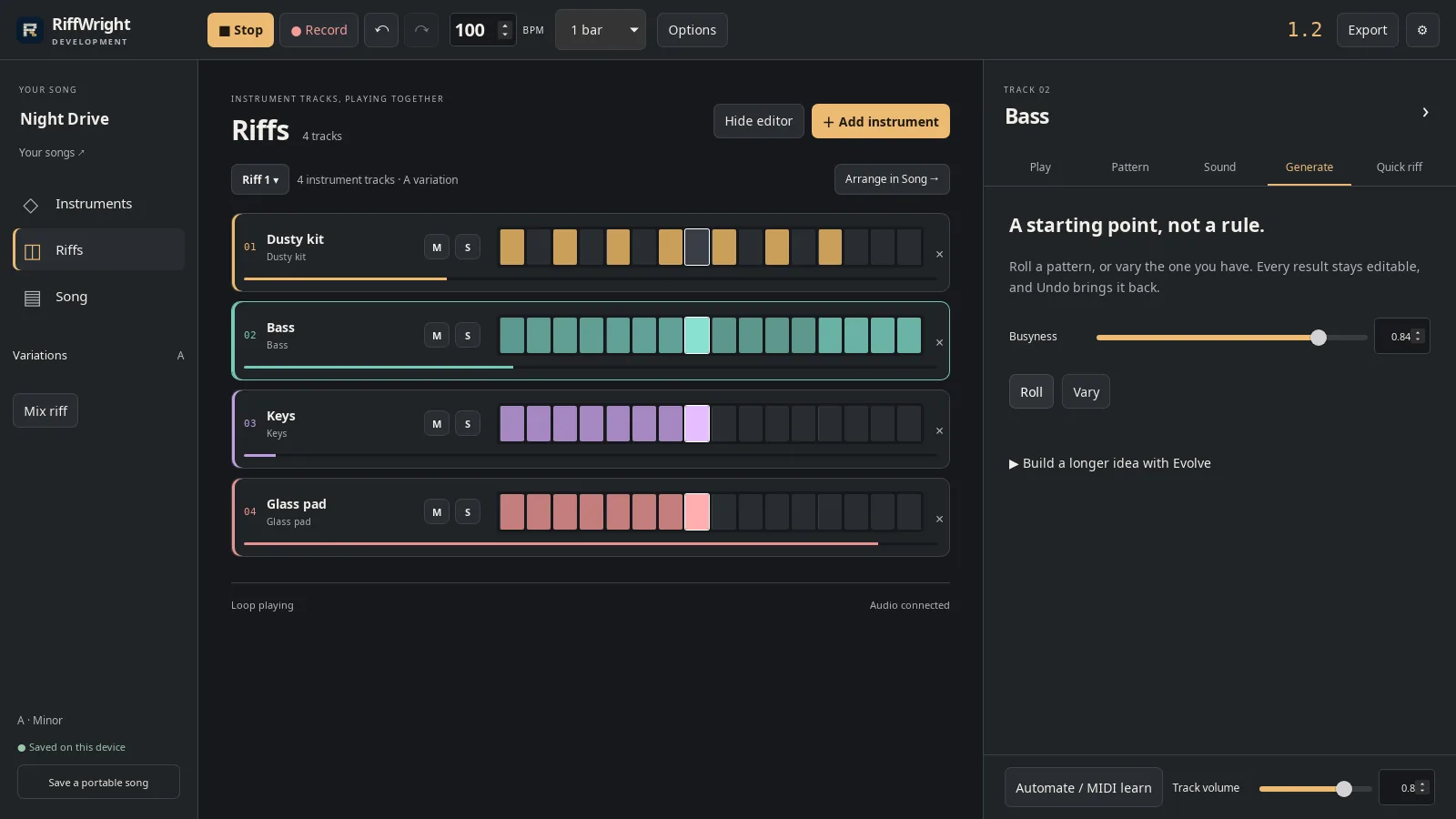
More busyness, more notes. Open full size
- Busyness
Keep or undo
Every result is an ordinary pattern you can edit. Undo brings back the last one.
Read the video instructions
- Choose a track and open Generate.
- Press Play, then Roll for a new part. It switches on the next bar.
- Vary keeps the idea and changes the details.
- Busyness sets how much it plays.
- Every result is an ordinary pattern. Undo brings back the last one.