
Desktop · 0:32 video
Shape a sound with four dials
Turn the four dials while the loop plays, then save your version as a sound of your own.
Before you start: A riff with an instrument track. Select it and open Sound.
Download videoDownload captions
Step by step
Open Sound
Select an instrument track and choose Sound. A short note says how the sound is made.
Listen while you change it
Press Play so you hear every change.
Turn a dial
Drag a dial up or down. Here Bite brightens the strike and Bloom softens the tone.
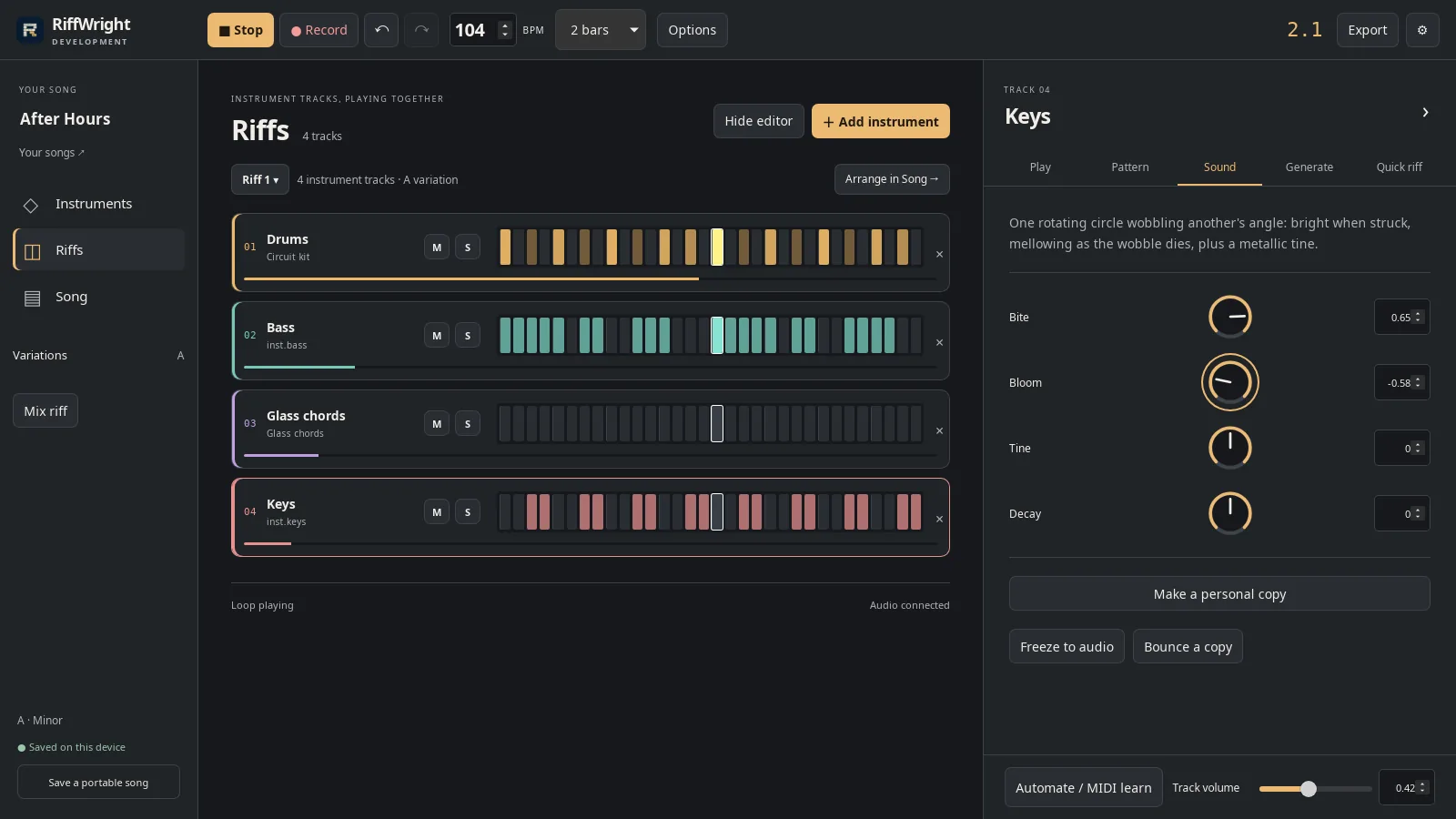
Four dials, named for what they do. Open full size
- Bite
Undo a change
Undo puts the last dial back.
Keep it
Choose Make a personal copy, give it a name, and choose Save to My sounds.
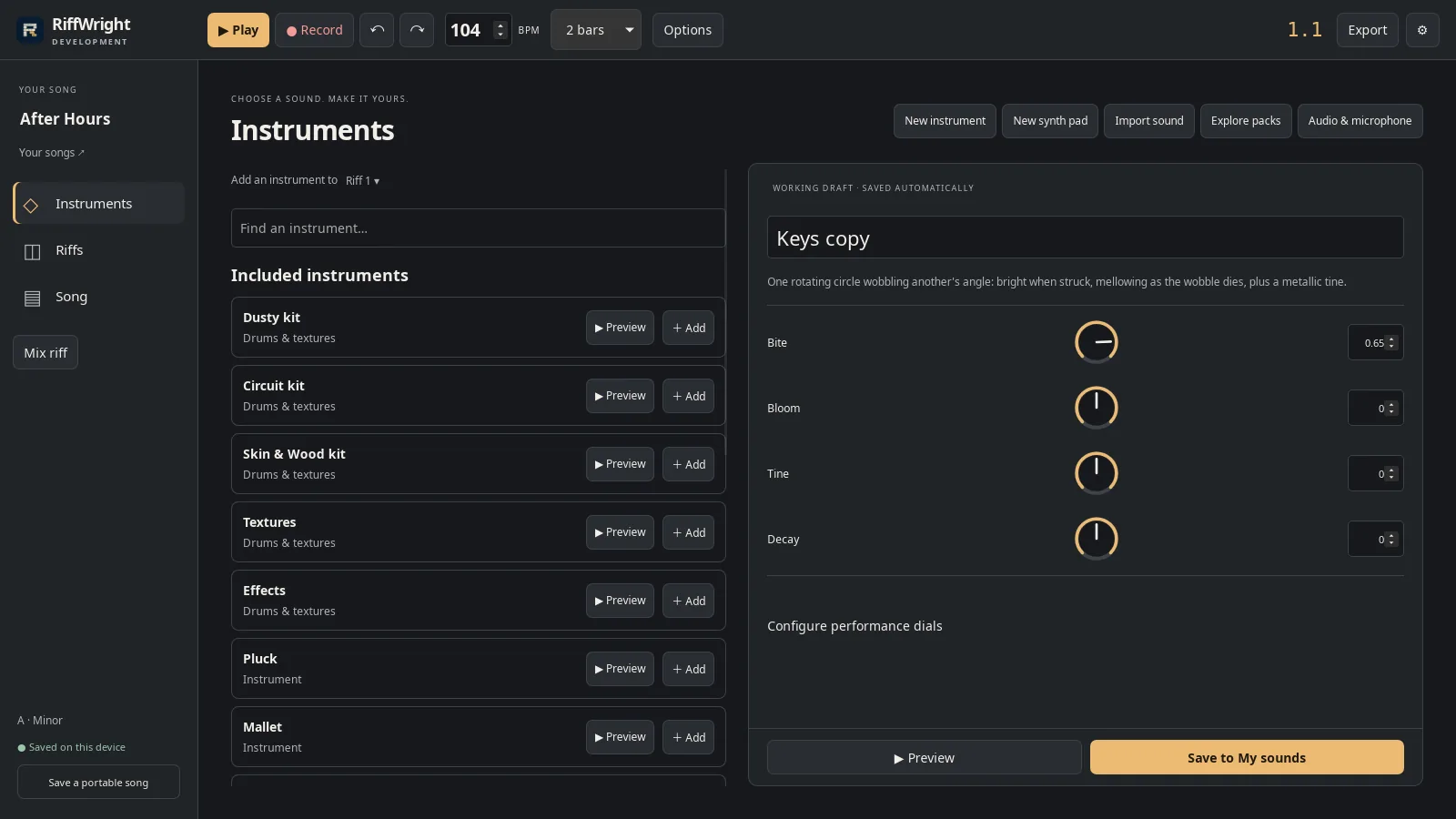
A personal copy opens in the sound designer. Open full size
- Name your sound

Saved to My sounds. Open full size
- Saved
Read the video instructions
- Press Play so you hear every change.
- Every sound has four dials, named for what they do.
- Turn Bite up for a brighter strike.
- Turn Bloom down for a softer, shorter tone.
- Undo puts the last dial back.
- Like it? Make a personal copy.
- Give it a name and save it to My sounds.