
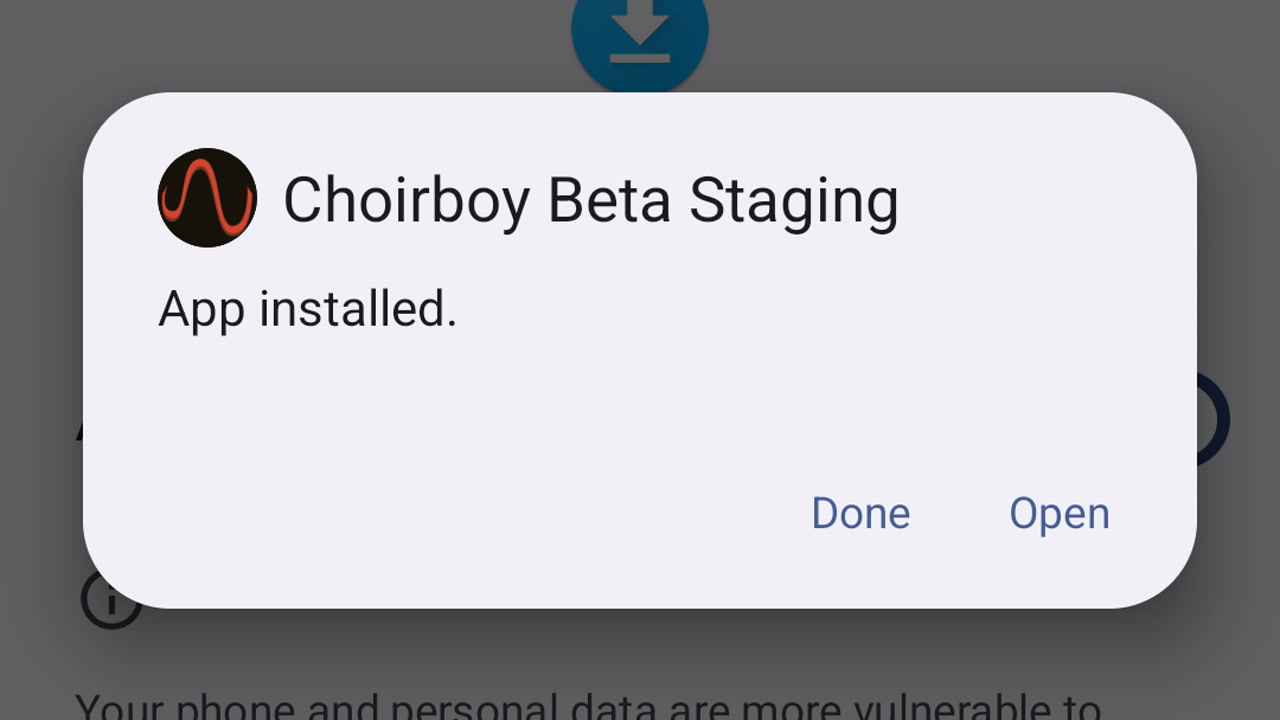
Install the Choirboy beta on Android
Download your approved Choirboy beta, install it on Android and open it for the first time.
Learn by doing
Find podcasts, connect your media, adjust filtering, and manage your account.
About Choirboy and beta access
17 guides
No guide matches those filters. Try fewer words or .
Download your approved Choirboy beta, install it on Android and open it for the first time.
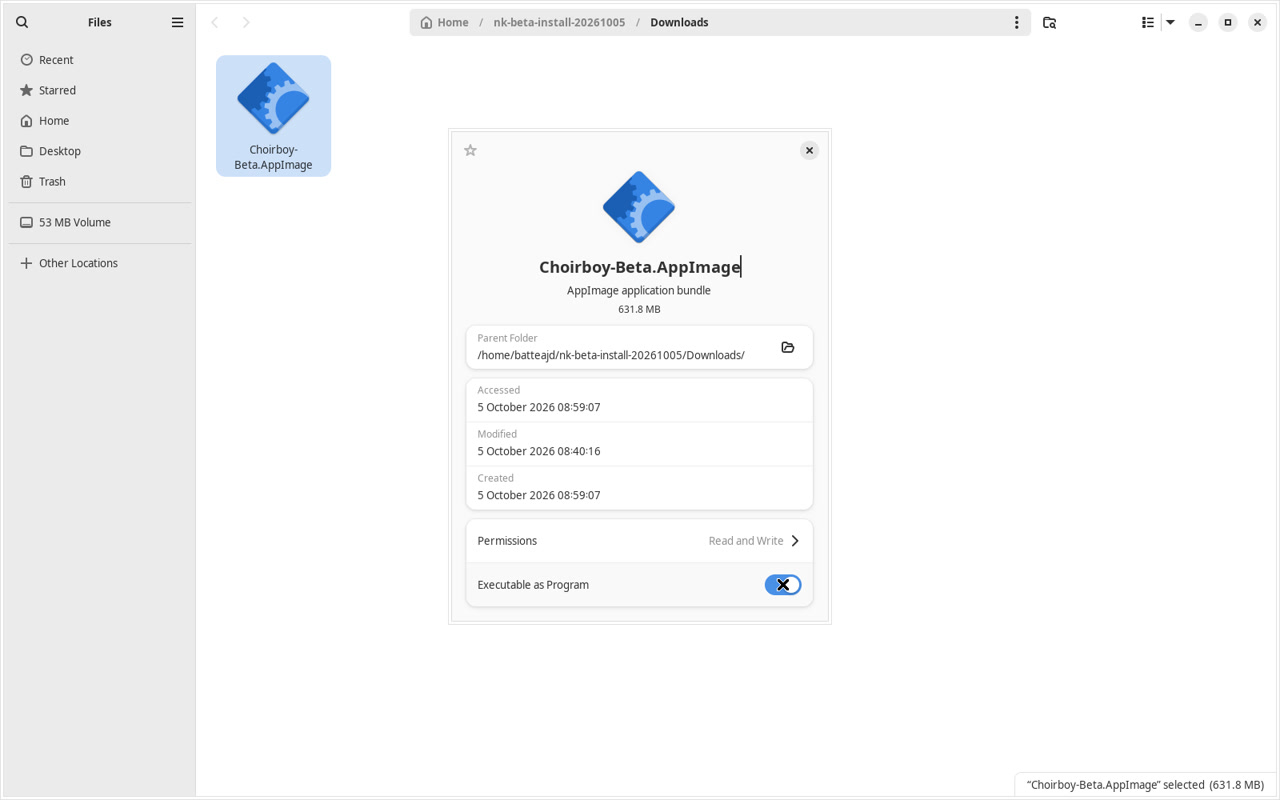
Download your approved Choirboy beta, install it on Linux and open it for the first time.
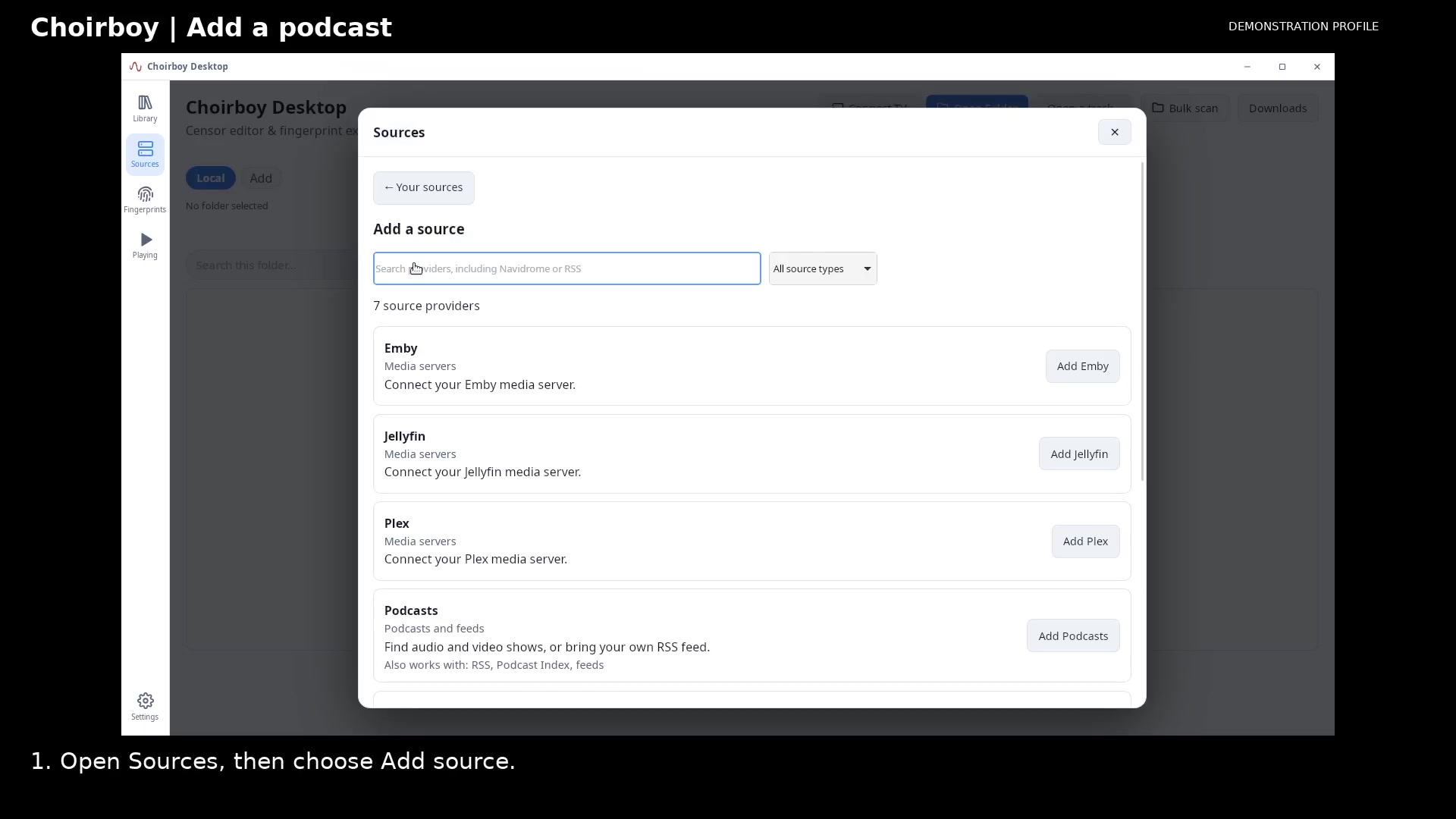
Search the podcast directory, review a show's episodes, and save it to your library.
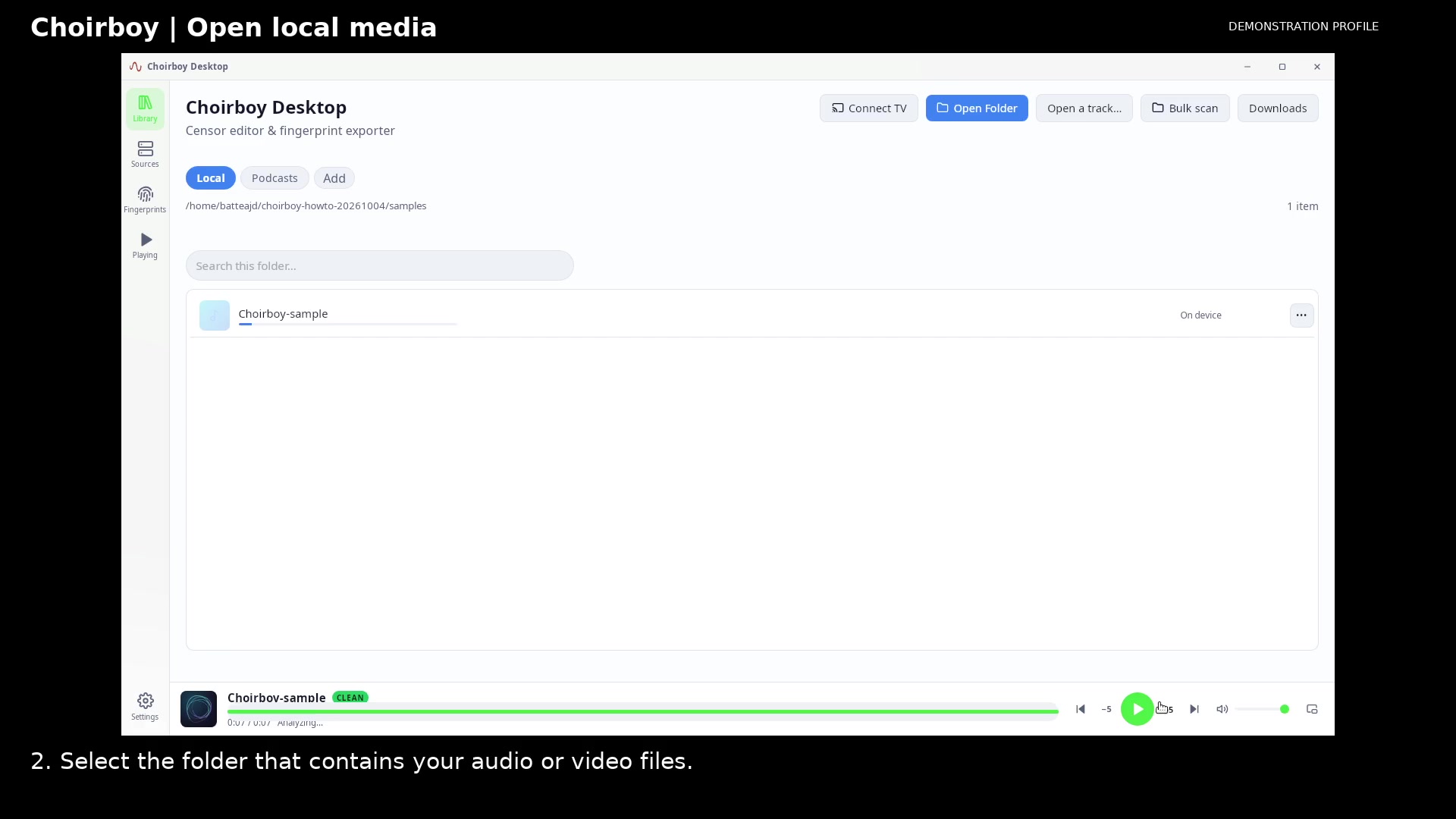
Choose a media folder and open a recording in Now Playing.
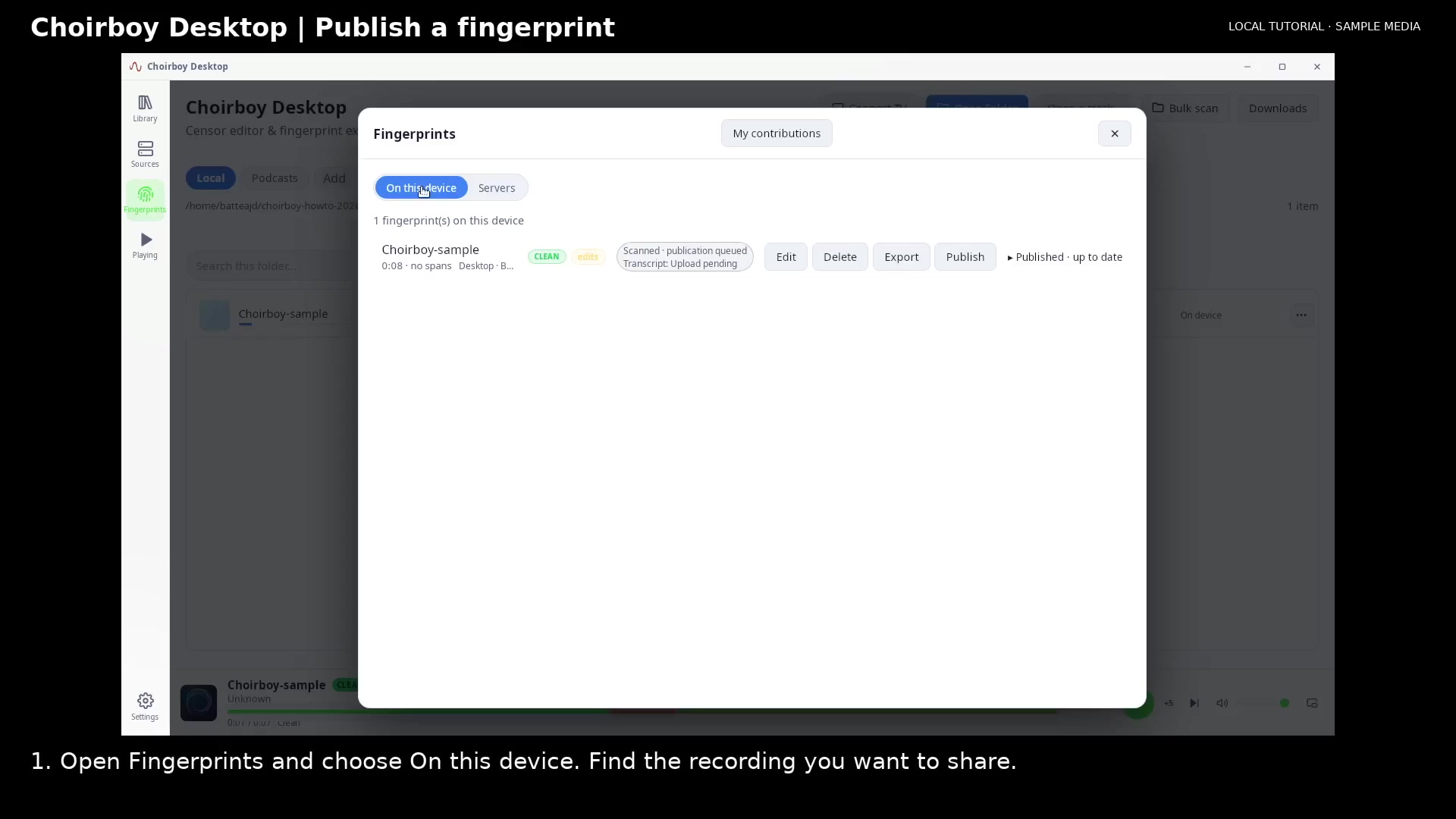
Review publication consent, send the saved fingerprint, and check the registry catalog.
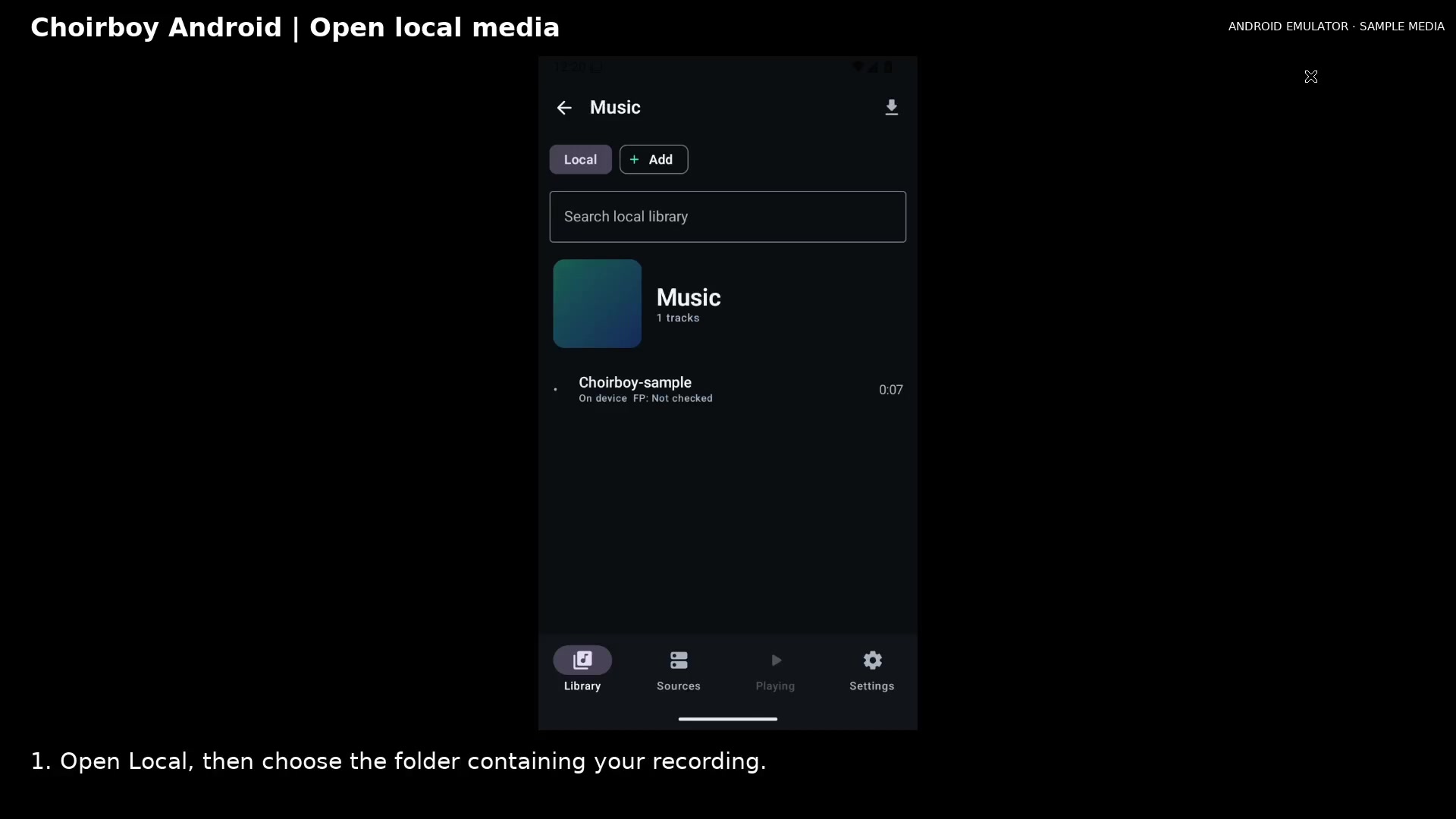
Find a recording in the Android media library and open it for playback.
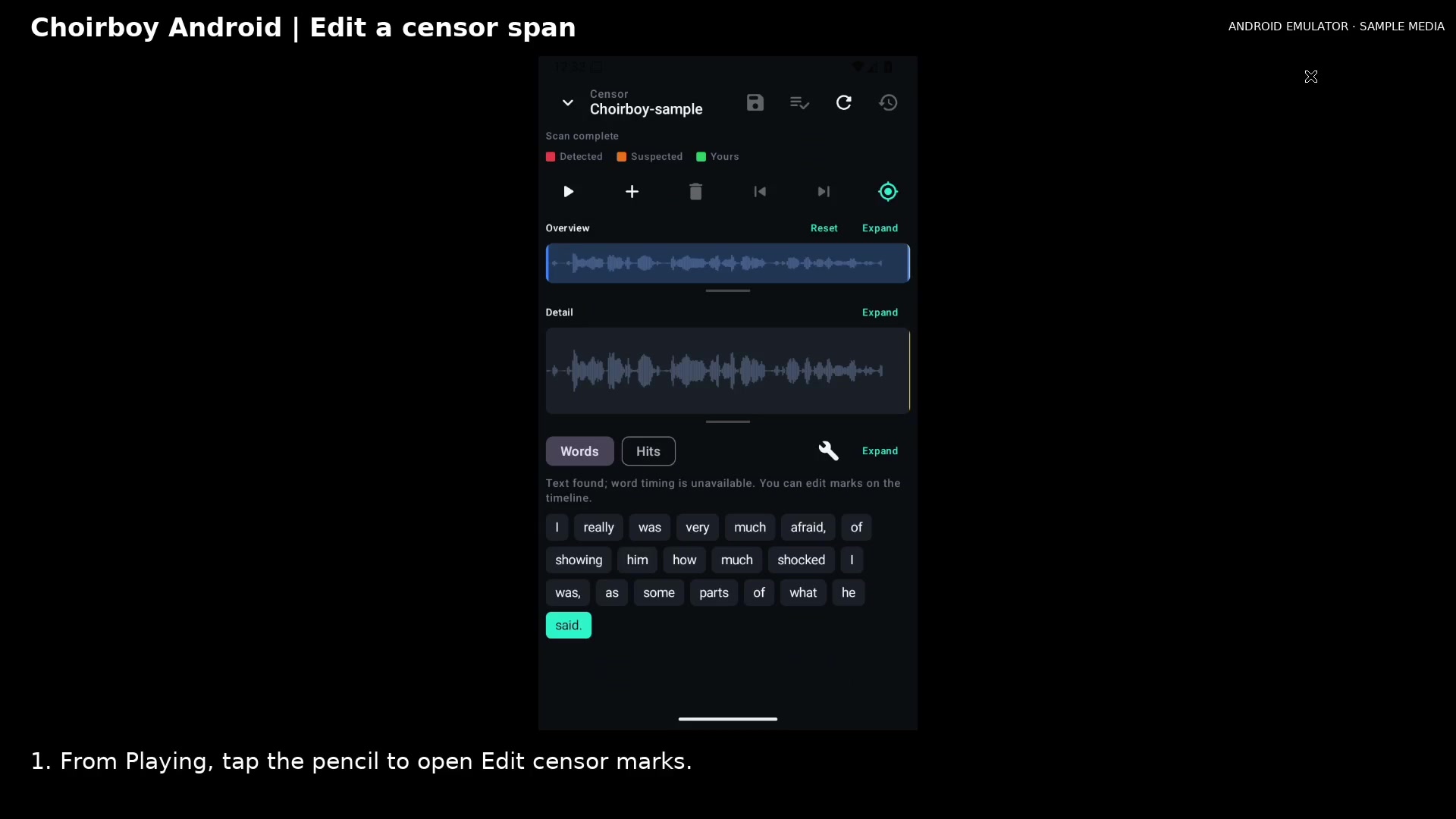
Add a manual mark, move its timing, choose a censor mode, and save it.
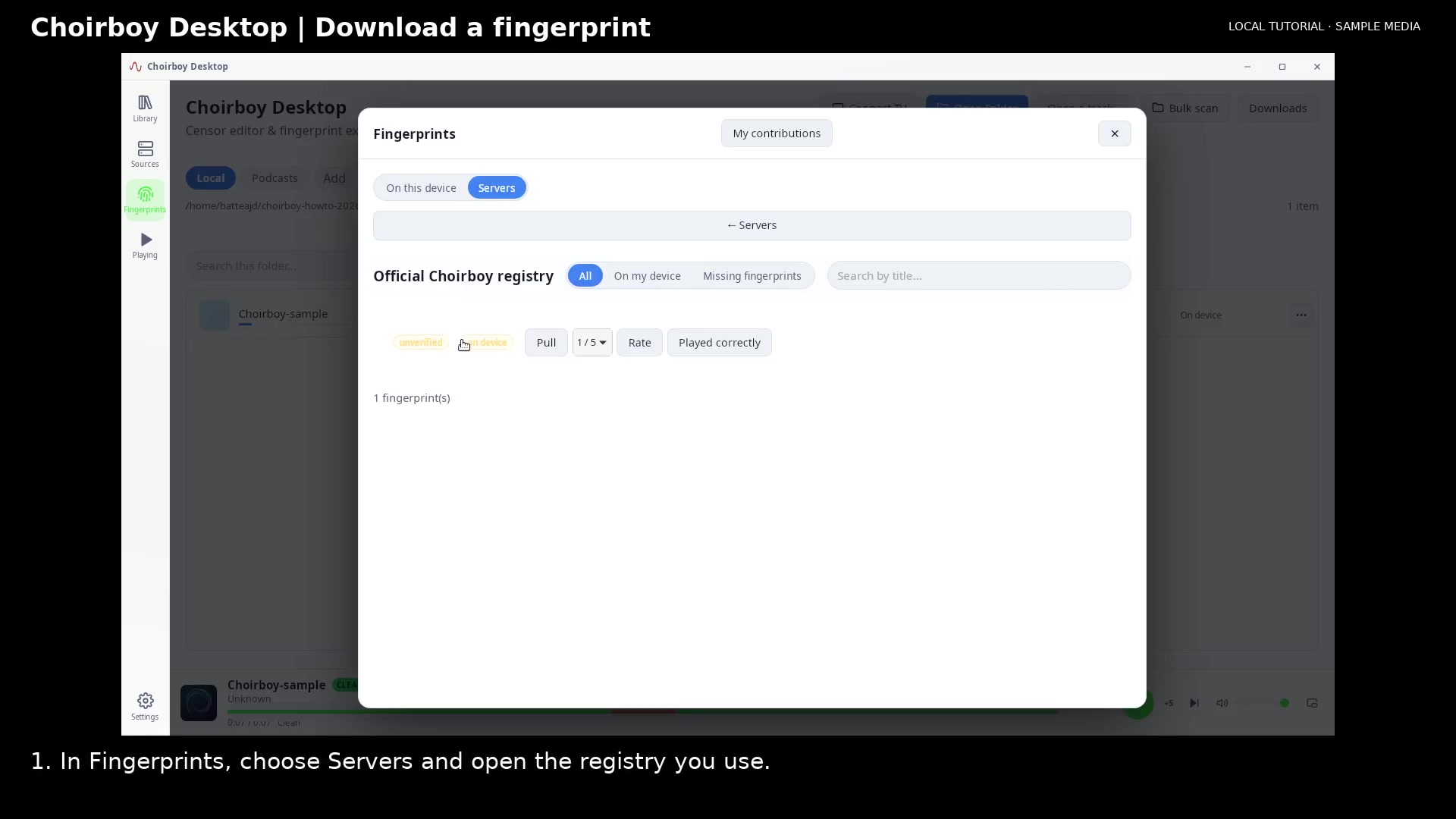
Use Pull to import a registry fingerprint into your local fingerprint library.
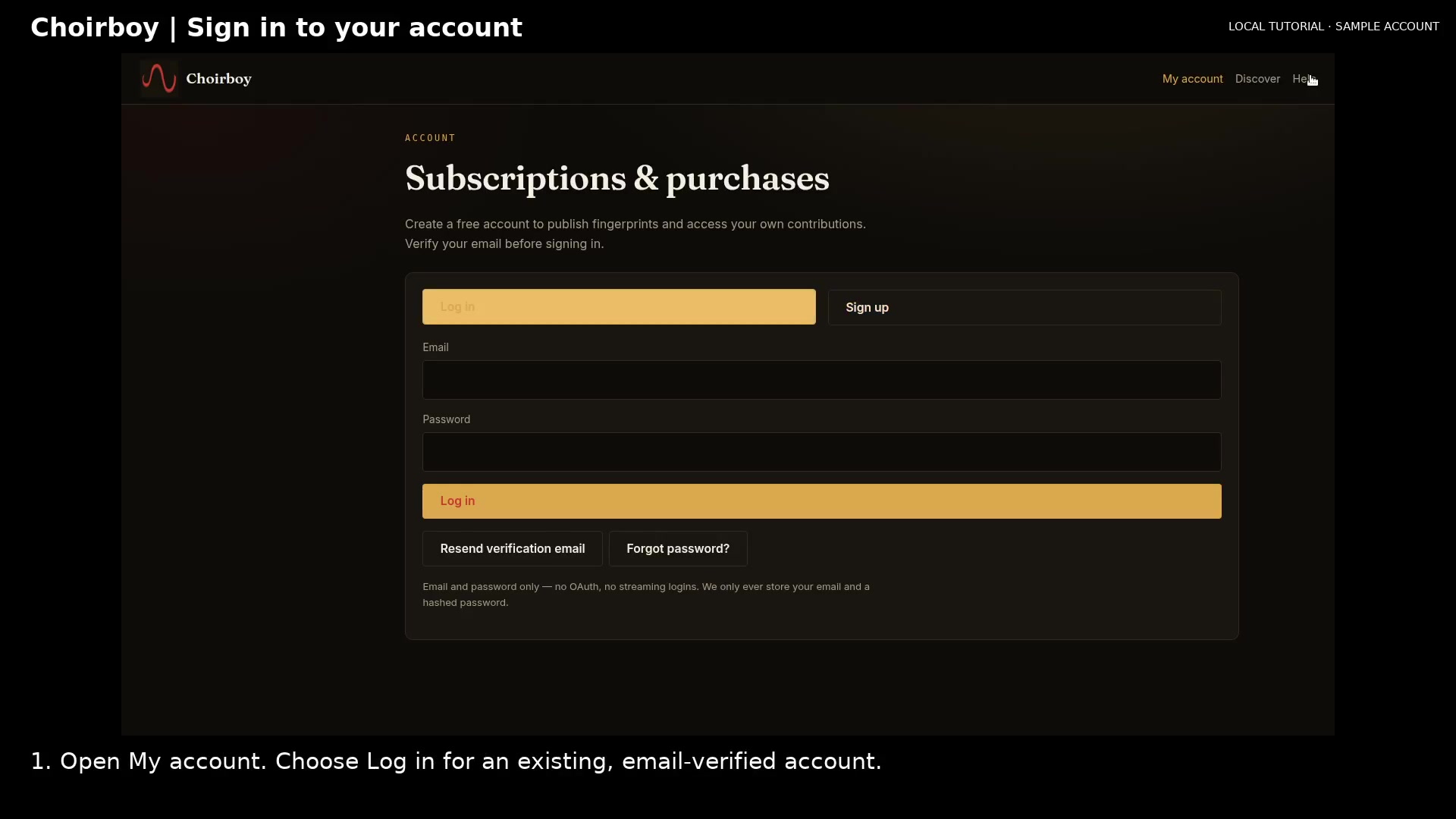
Sign in with a verified email address and find your purchases and account tools.
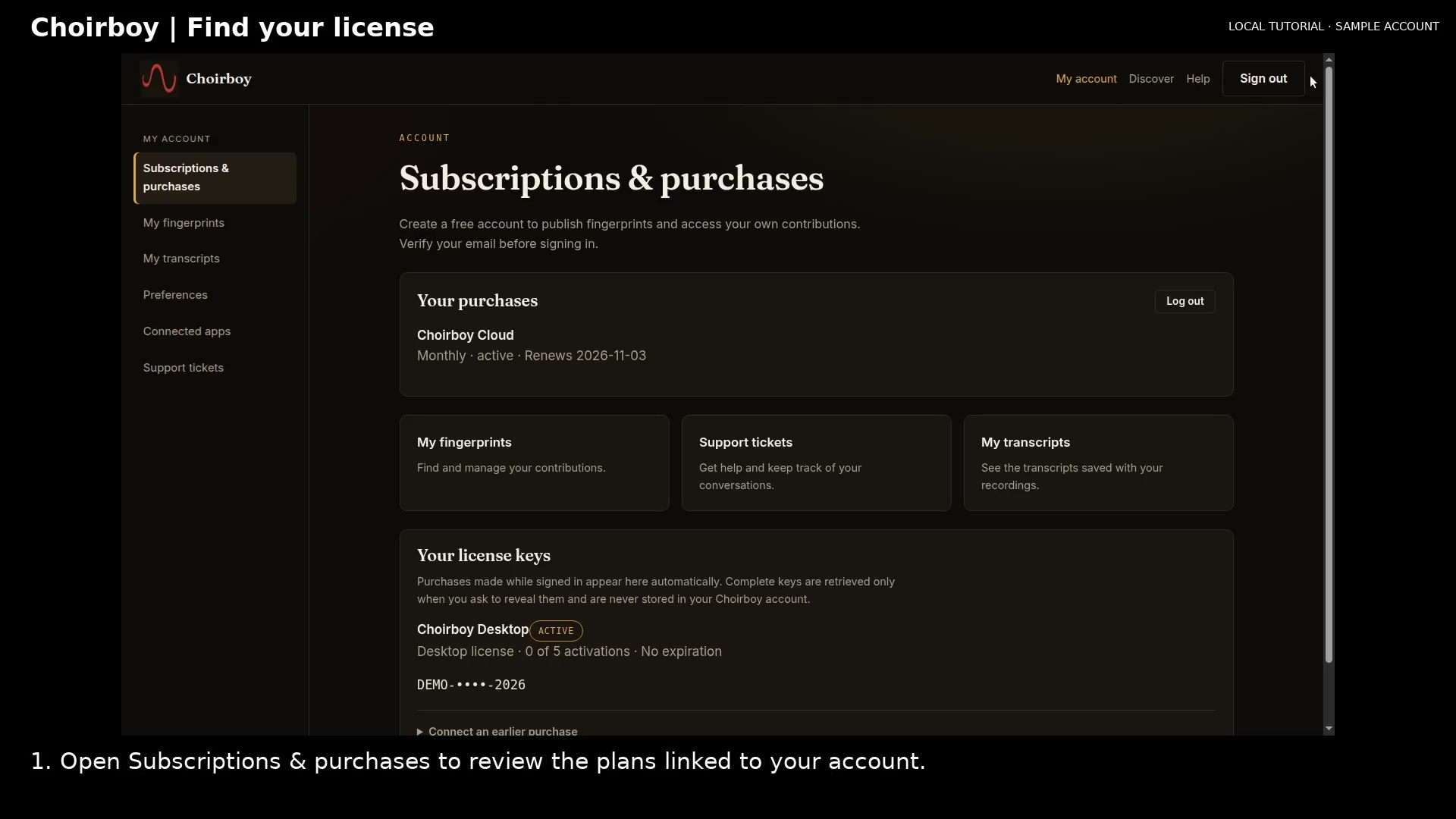
Review the license linked to your account and locate recovery for an earlier purchase.
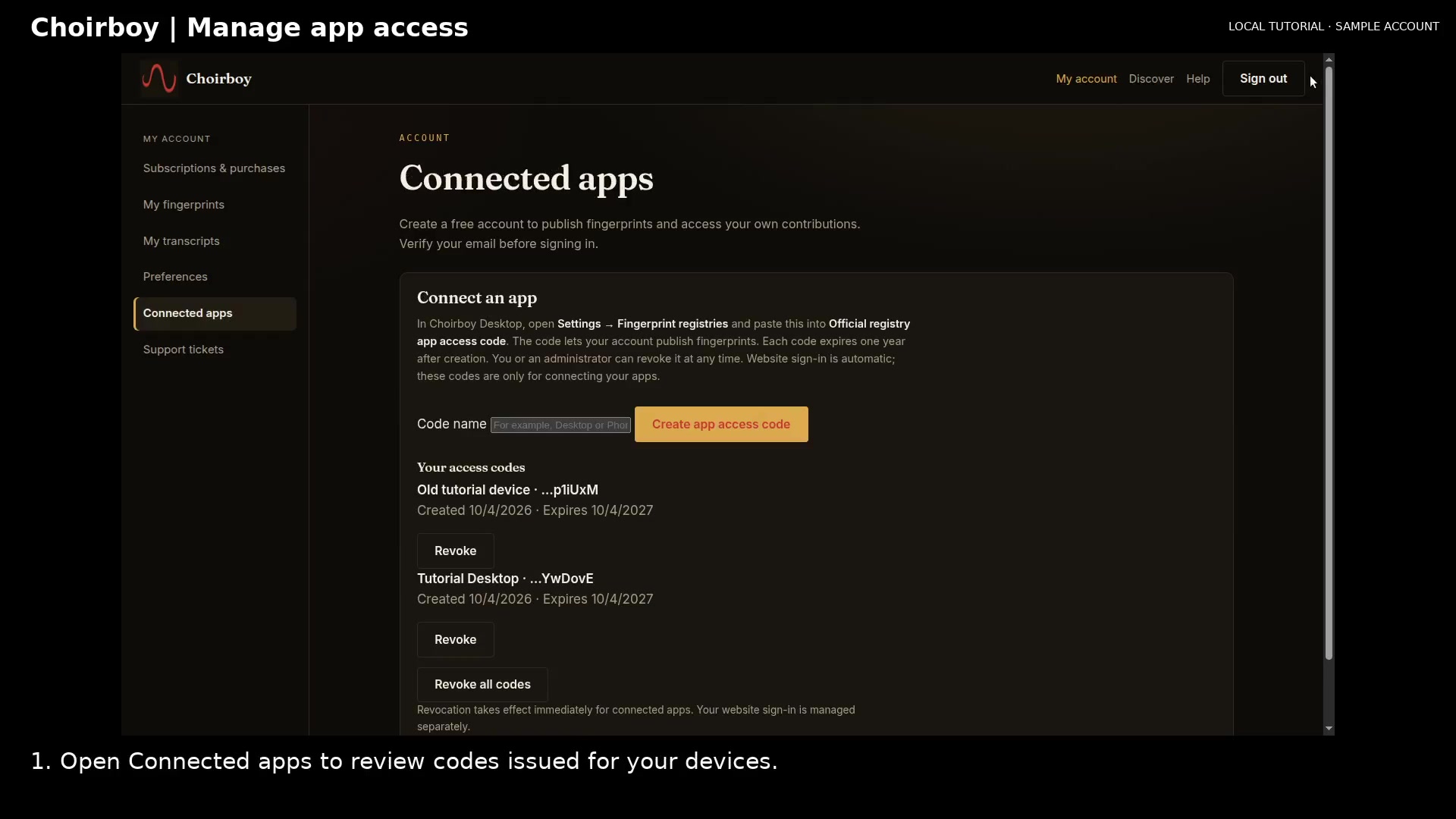
Review connected-app access and revoke a code for a device you no longer use.
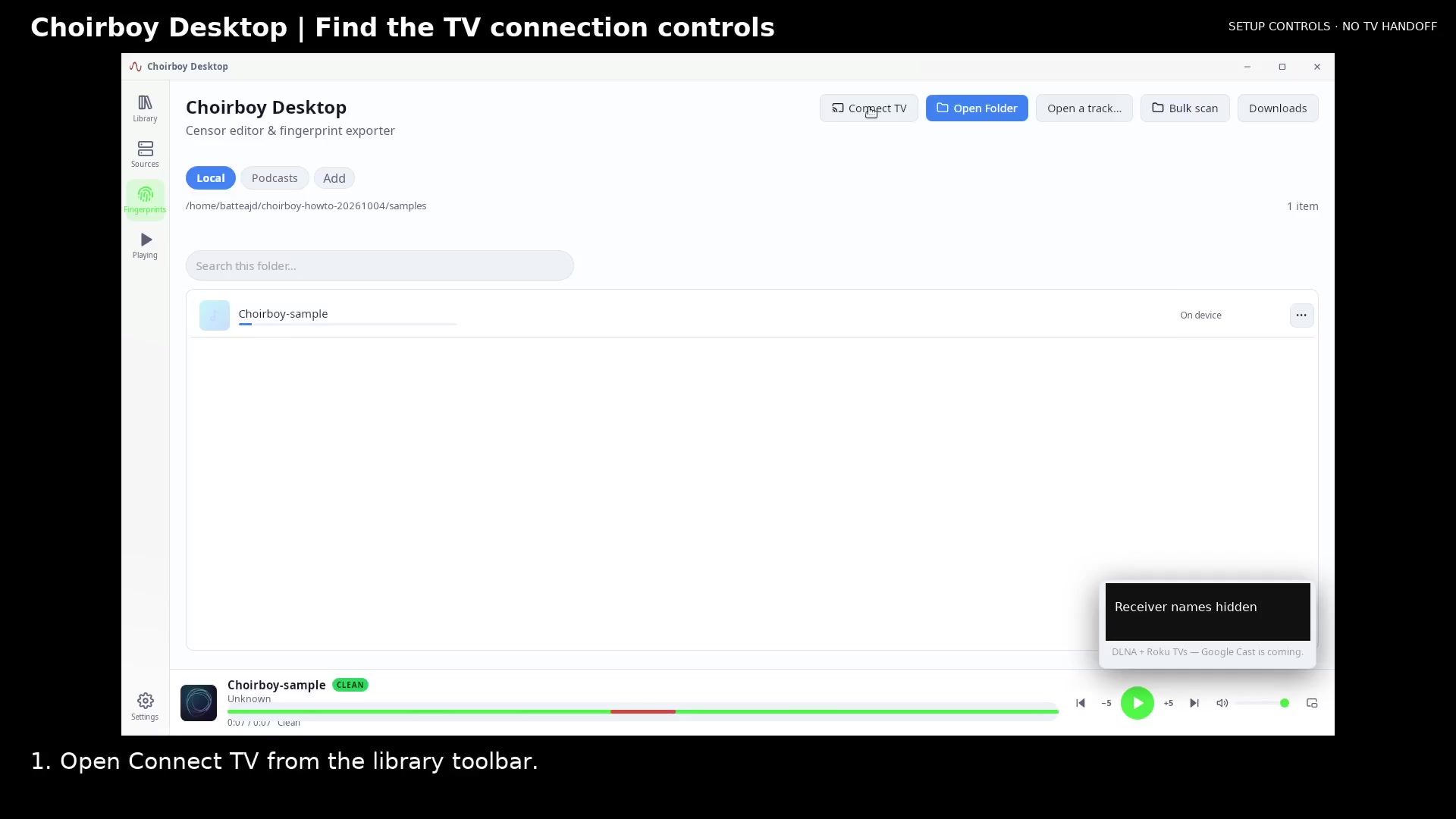
Open the receiver picker and review its setup note before connecting your own TV.
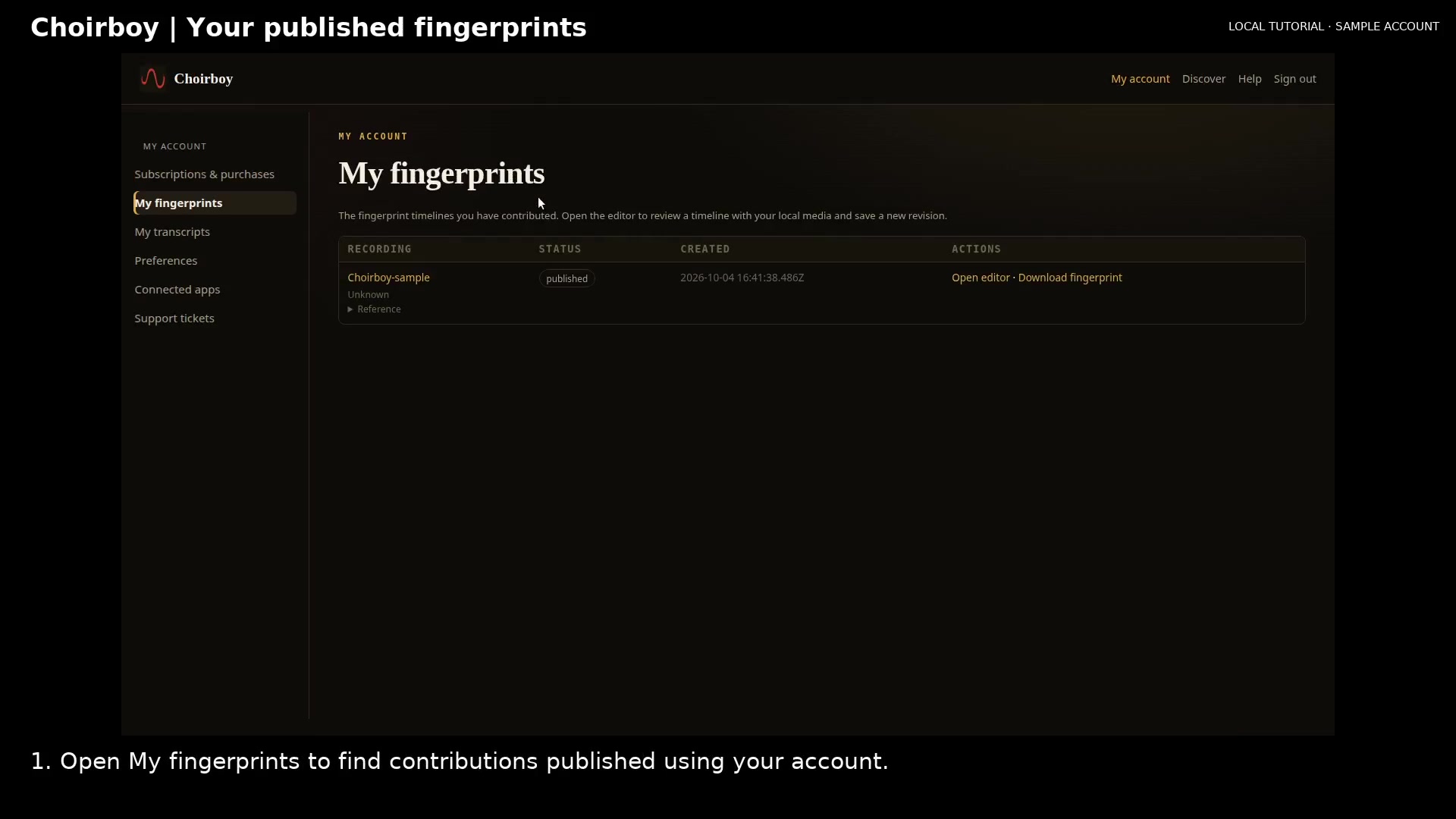
Find an account contribution, download its fingerprint data, and open the editor with matching local media.
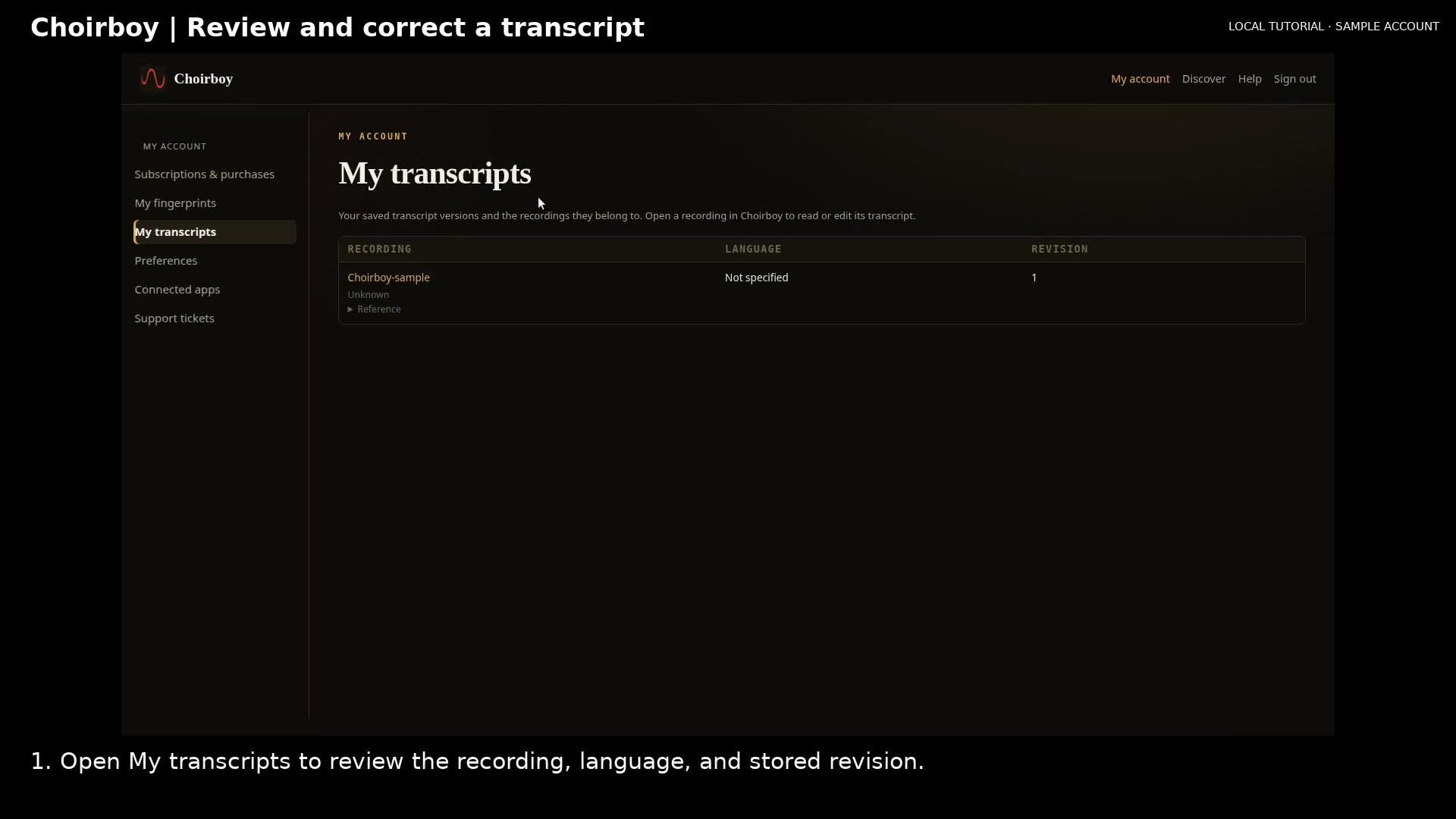
Find your transcript, correct its text through the owner fingerprint editor, and reopen the saved revision.
Check the receiver, network and host before using the TV connection controls.
Know what is saved, what is shared and when a subscription is needed.
Understand the saved revision and live preview messages before relying on an edited span.