
Desktop · 0:20 video
Find the TV connection controls
Open the receiver picker and review its setup note before connecting your own TV.
Before you start: Choirboy Desktop and a supported receiver on the same local network.
Download videoDownload captions
Step by step
Open Connect TV
From the library toolbar, choose Connect TV. The receiver picker opens near the bottom of the window.
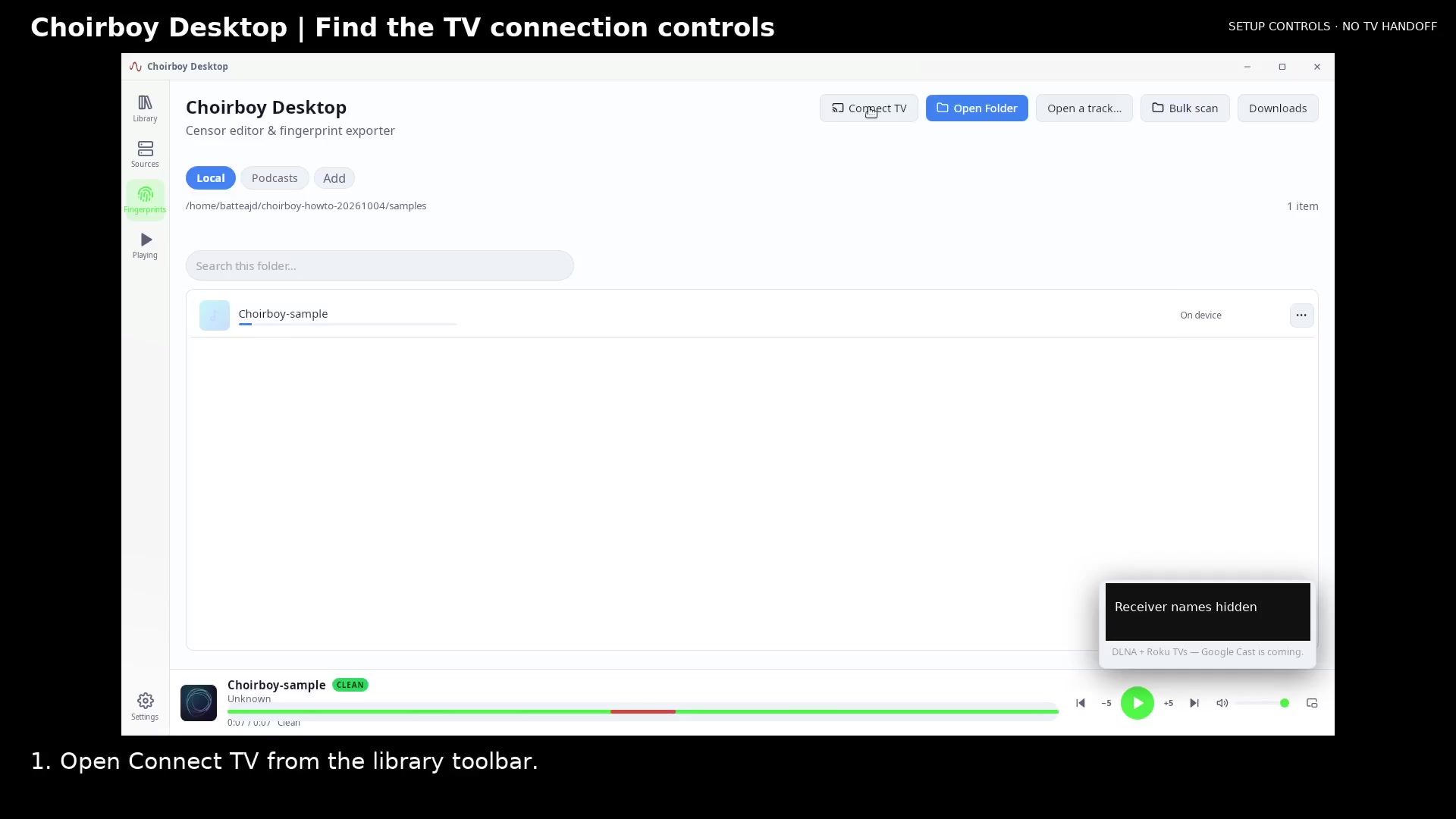
Open the TV picker Open full size
- Open Connect TV
Allow receiver discovery
Wait while the picker looks for TVs on your Wi-Fi. Check that your receiver and computer share the same local network.
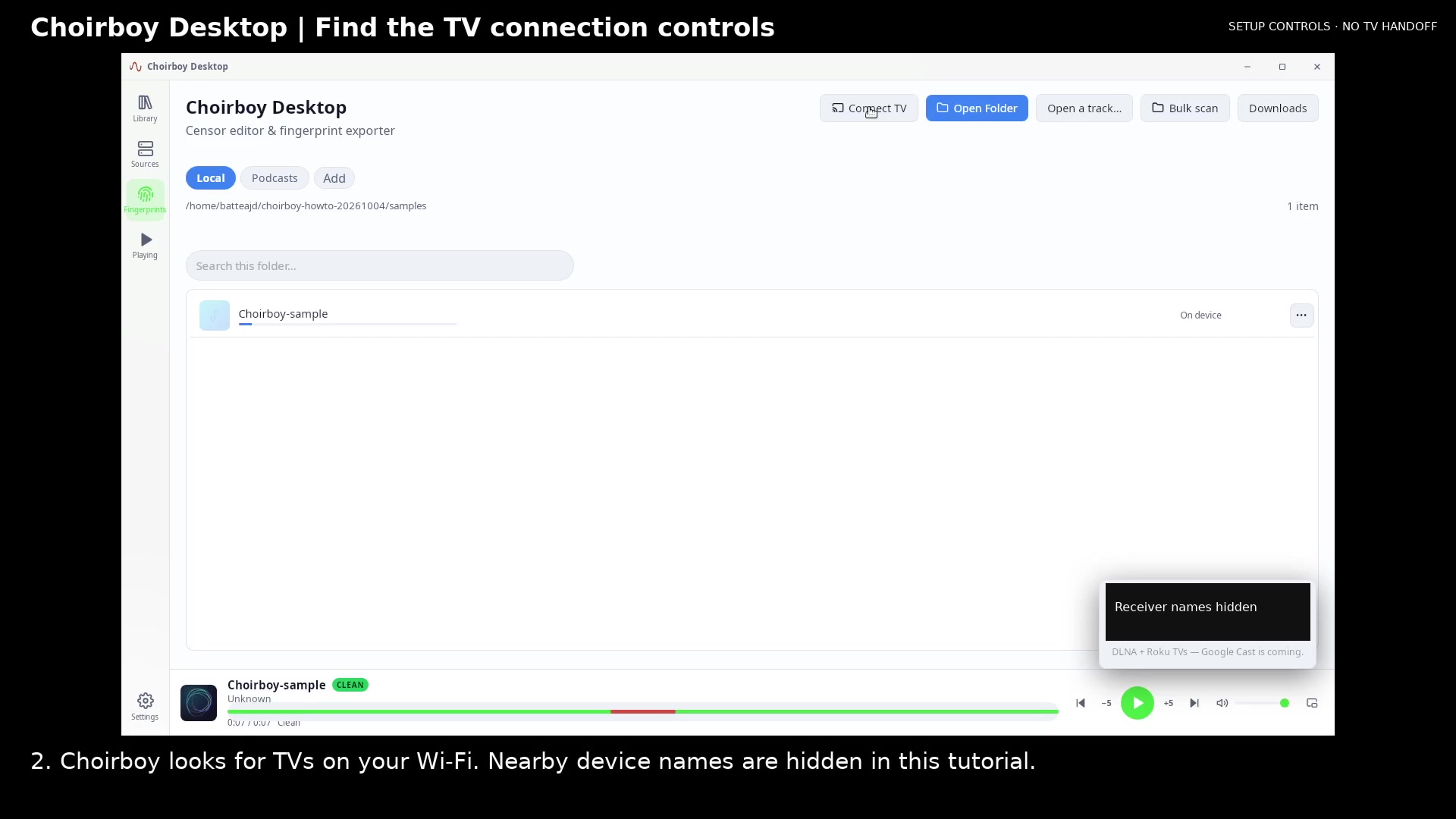
Review nearby receiver discovery Open full size
- Receiver discovery area
Check receiver support
Read the supported receiver note. Check that your receiver type is supported before choosing your TV.
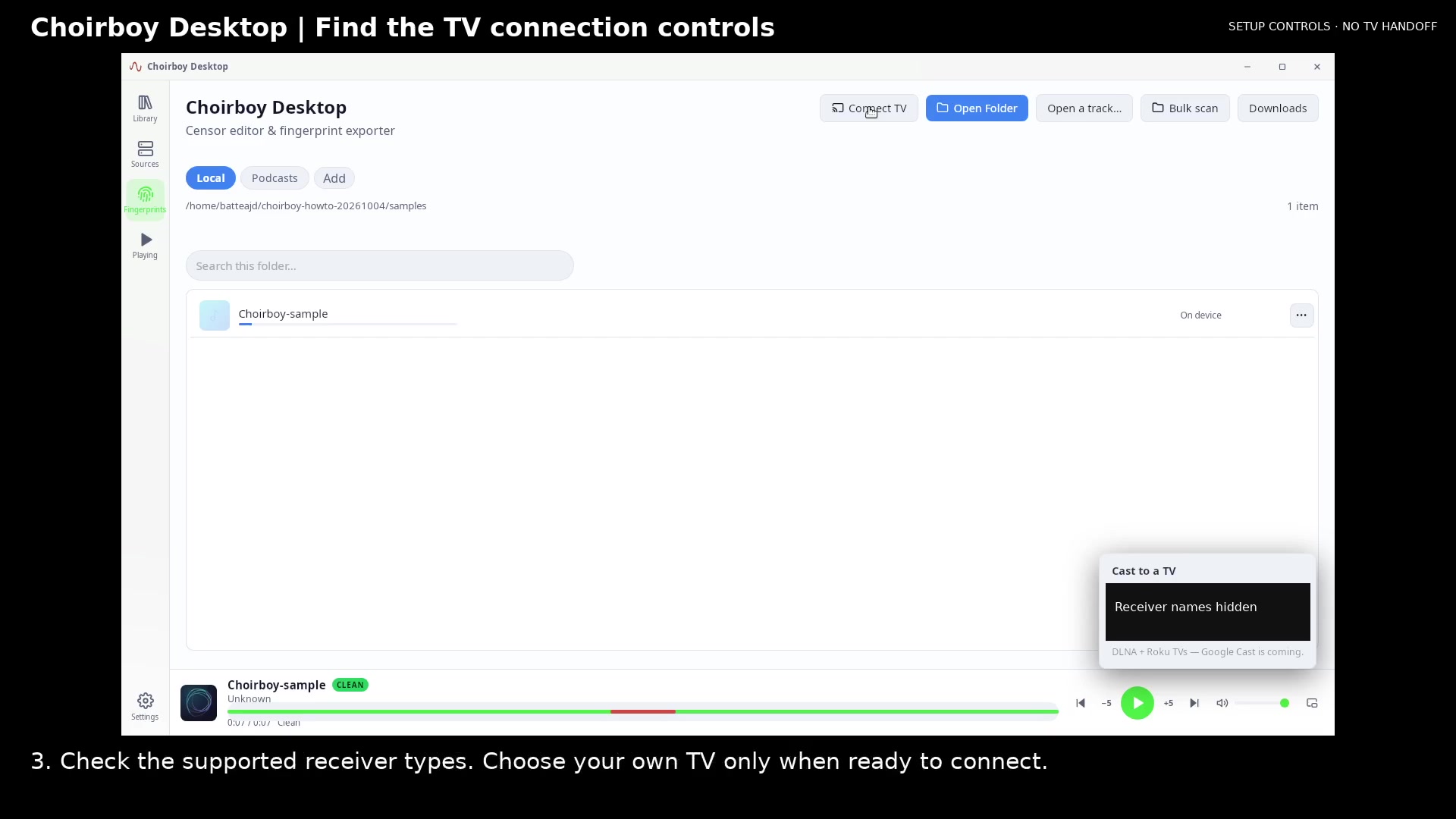
Check the receiver support note Open full size
- Read receiver support
Read the video instructions
- Open the TV receiver picker to check connection controls.
- 1. Open Connect TV from the library toolbar.
- 2. Wait while Choirboy looks for TVs on your Wi-Fi.
- 3. Check the supported receiver types. Choose your own TV only when ready to connect.
- Check the supported receiver types before choosing your TV.