
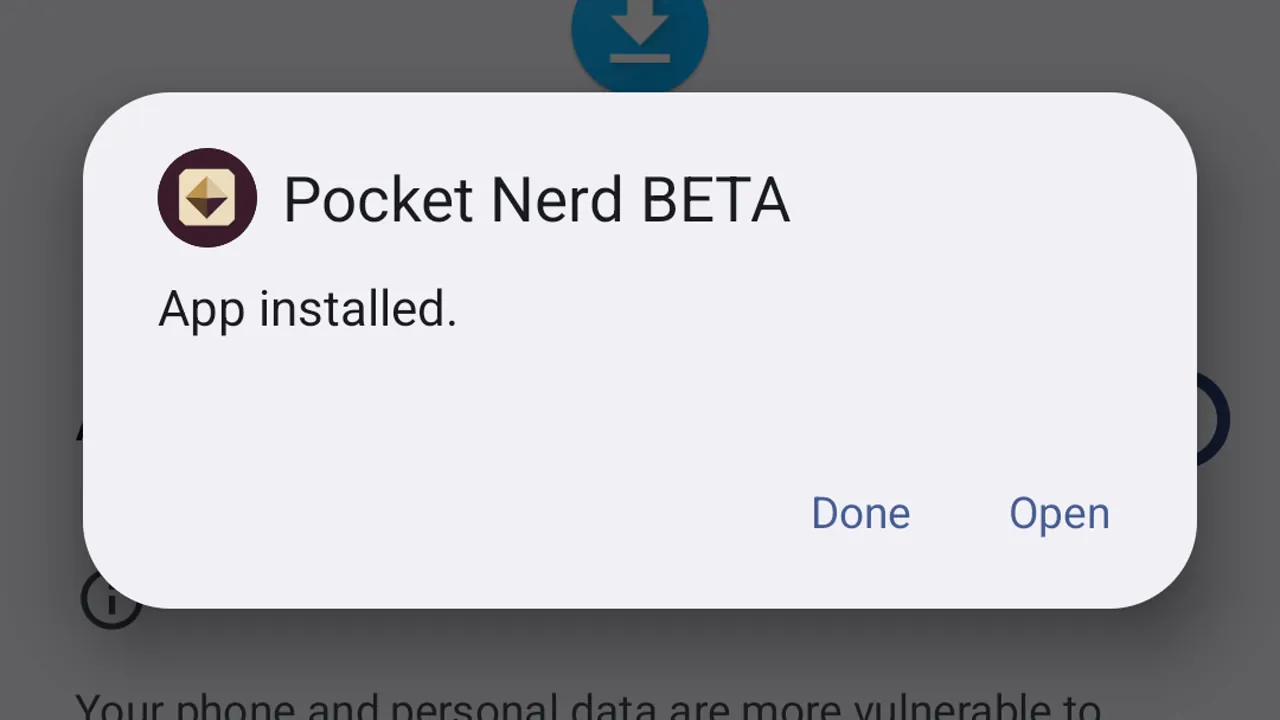
How to install an Android beta
Download your approved beta, install it on your Android device, and open it for the first time.
Learn by doing
See your days, set a wake alarm, start a focus and limit an app.
About Redeem the Time and the 30-day demo
7 guides
No guide matches those filters. Try fewer words or .
Download your approved beta, install it on your Android device, and open it for the first time.

Days shows the days you have lived and, on average, the days left, with a verse for today.

Add an alarm on Wake. It rings with your days on the screen.

Try an alarm now to see how it rings, snoozes and dismisses.

Pick a length and the focus starts. Clearing distractions is optional.

Give the apps that take too much time a daily limit. You get a nudge when the minutes are up.

Days is always free. Wake, Focus and Limits are free to try, then a one-time $3.99 unlock keeps them.