
Android · 0:23 video
Set an app time limit
Give the apps that take too much time a daily limit. You get a nudge when the minutes are up.
Before you start: Redeem the Time open on Android, set up with your birth date.
Download videoDownload captions
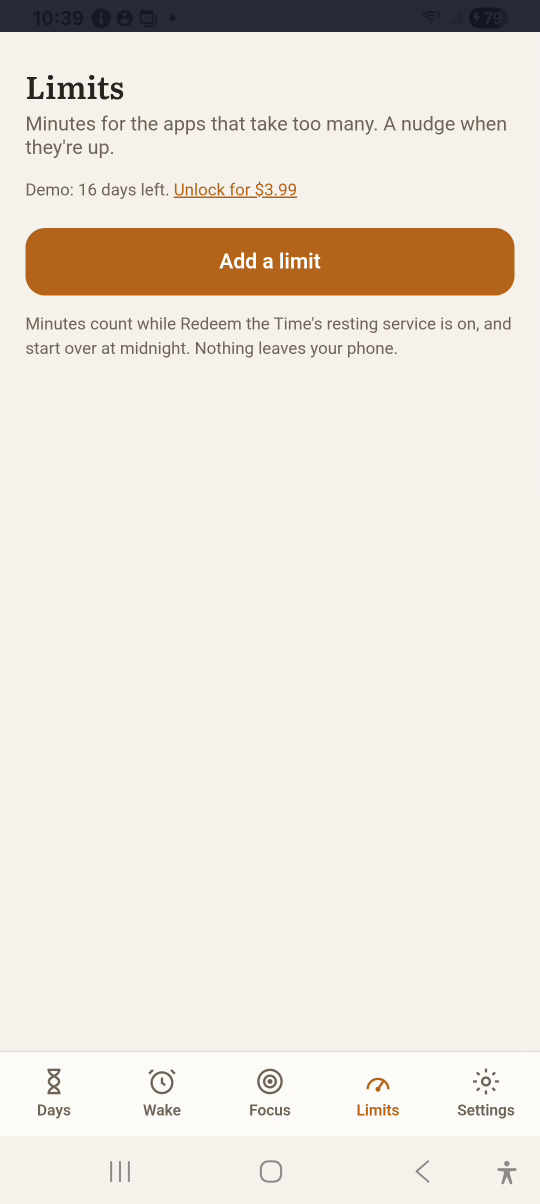
1Add a limit
Tap Limits, then Add a limit.
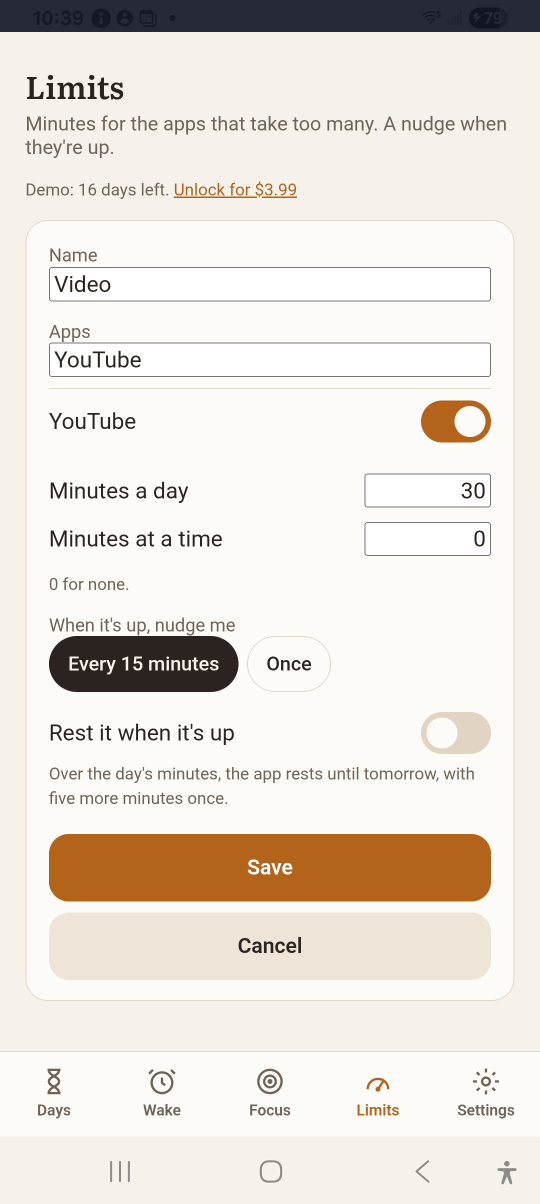
2Name it and pick apps
Type Video. Search YouTube and switch it on.
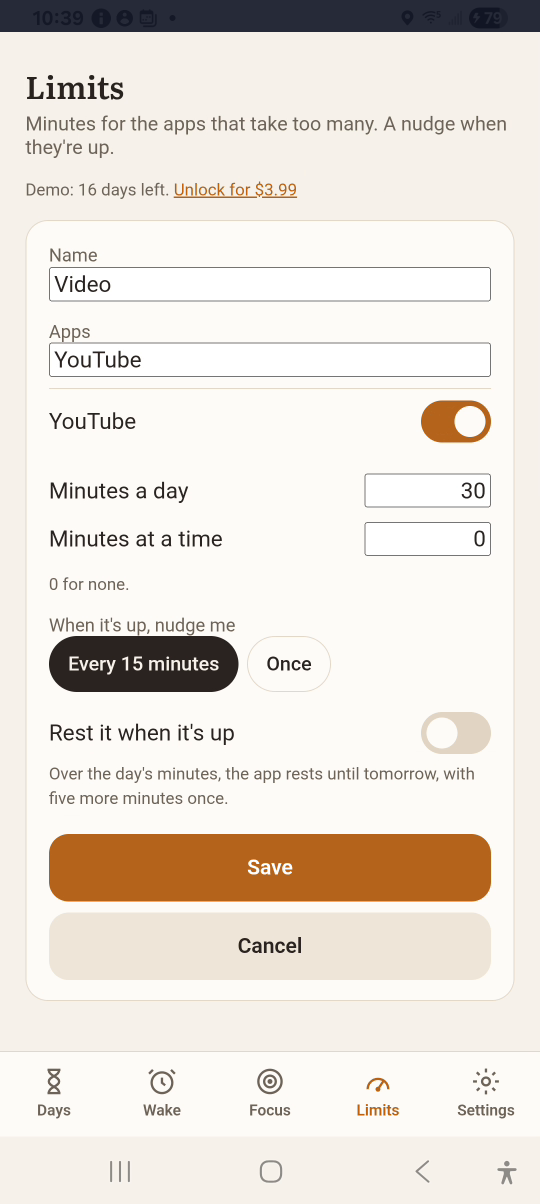
3Set the minutes
Set Minutes a day to 30. Choose how often to be nudged.
4Save
Tap Save. The limit shows today’s minutes.
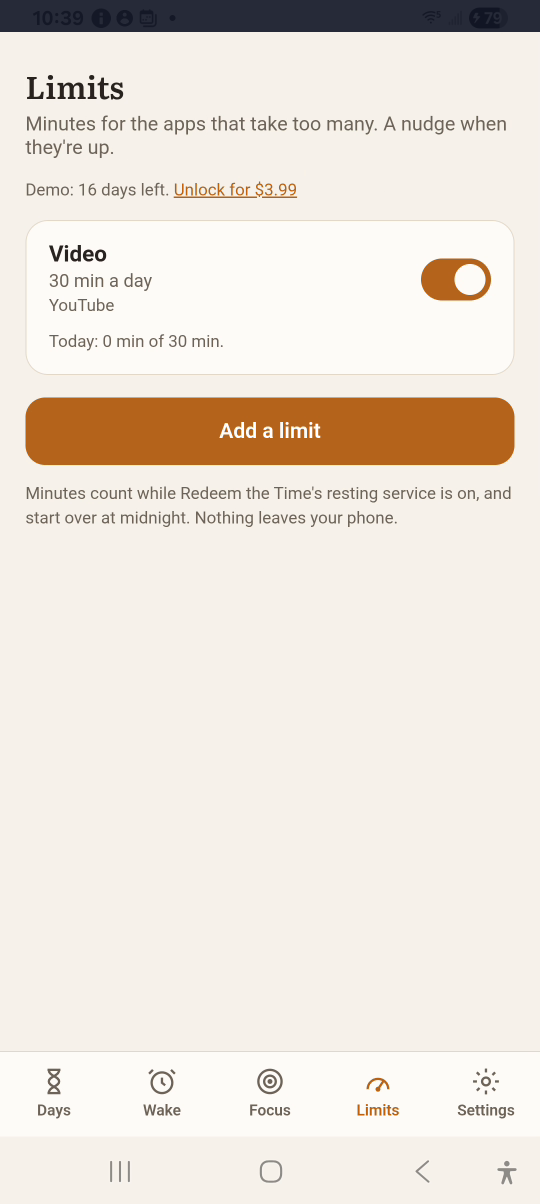
Result: The limit is listed with today’s minutes used out of 30.