
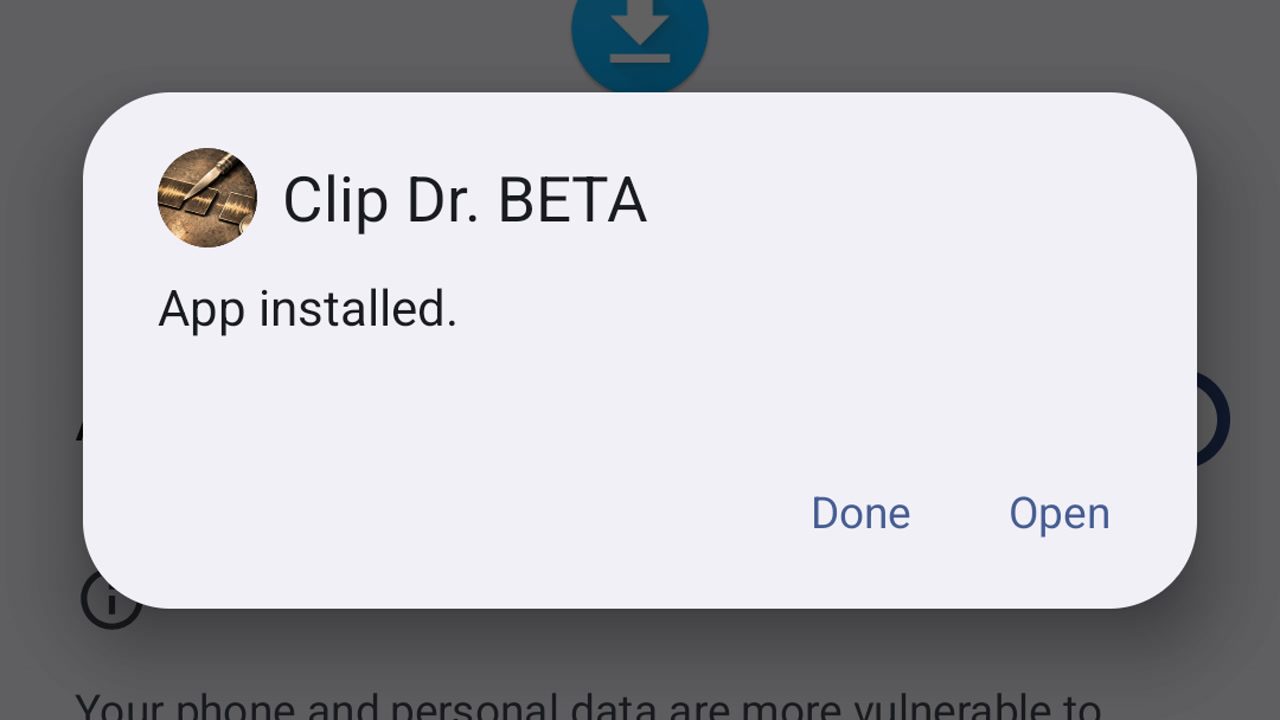
Install the Clip Dr. beta on Android
Download your approved Clip Dr. beta, install it on Android and open it for the first time.
Learn by doing
Import a recording, make a clip, work with transcripts, and share the result.
About Clip Dr. and beta access
23 guides
No guide matches those filters. Try fewer words or .
Download your approved Clip Dr. beta, install it on Android and open it for the first time.
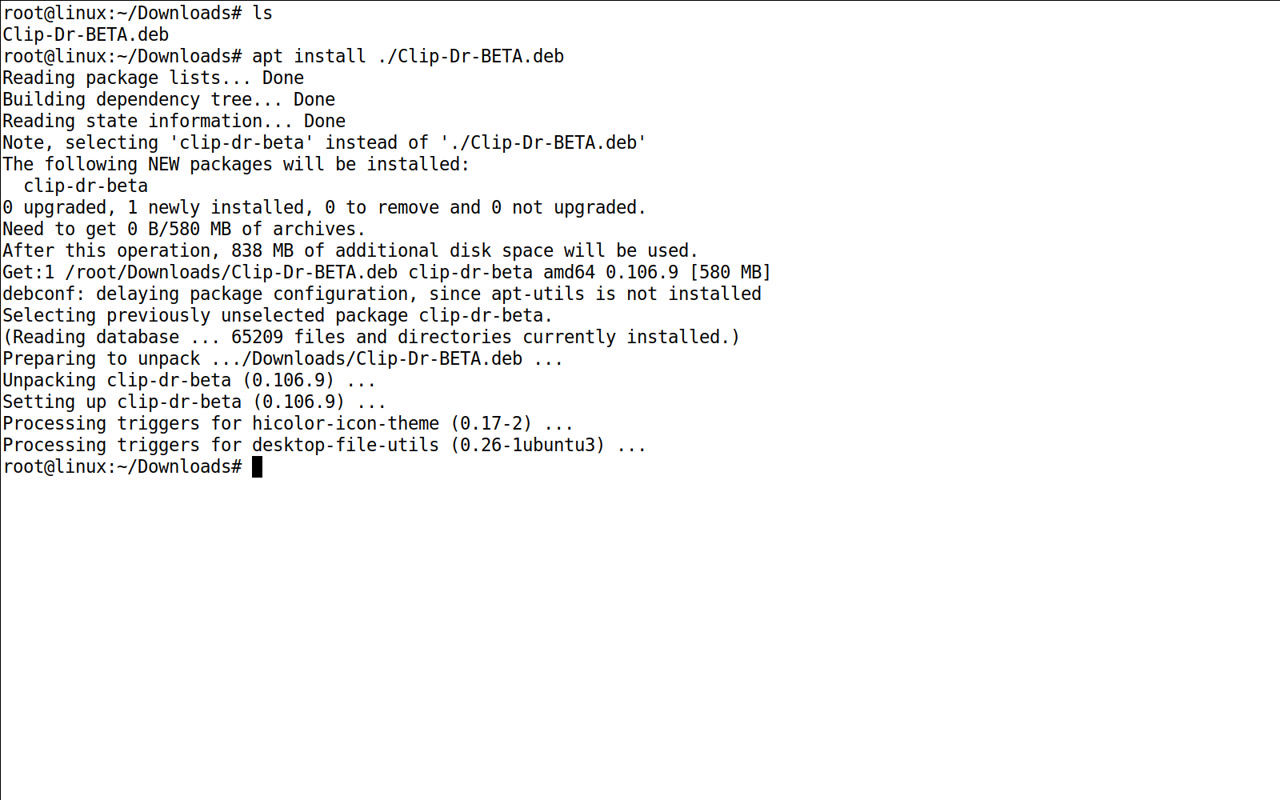
Download your approved Clip Dr. beta, install it on Linux and open it for the first time.
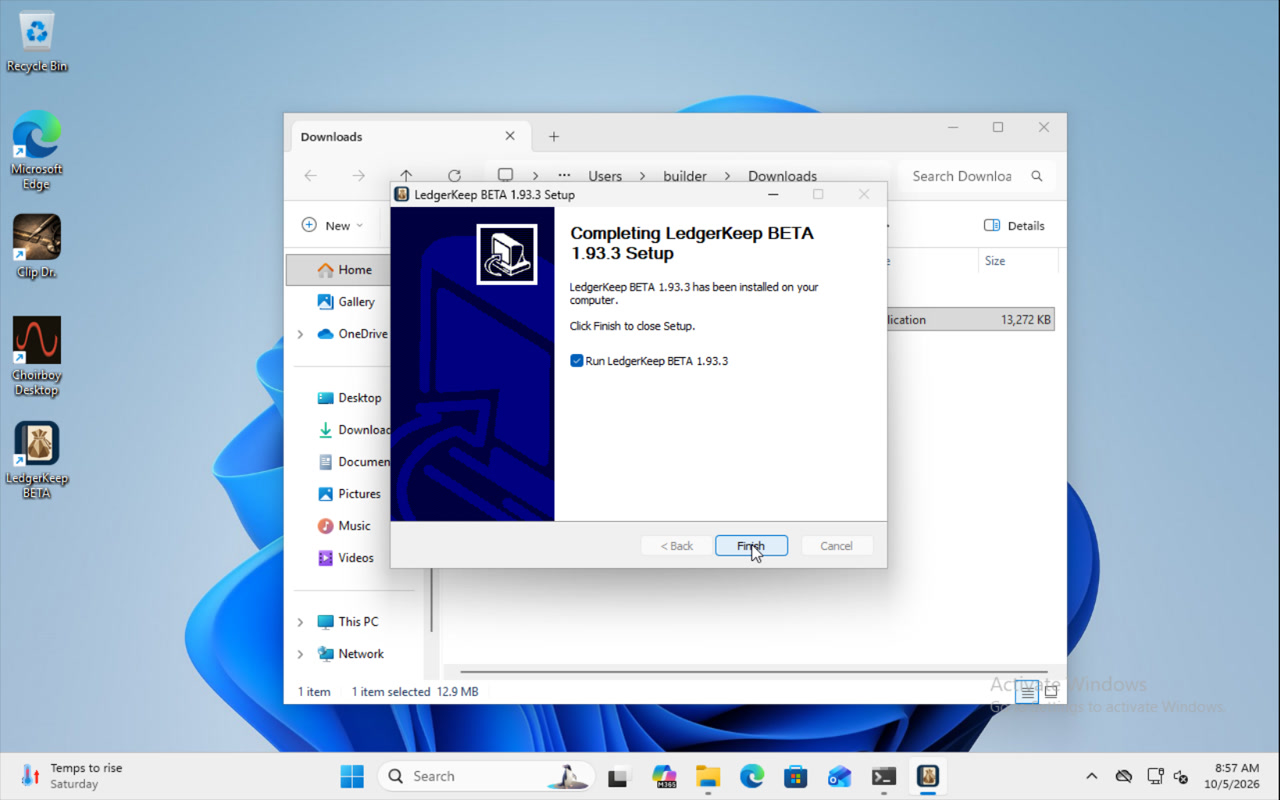
Download your approved Clip Dr. beta, install it on Windows and open it for the first time.
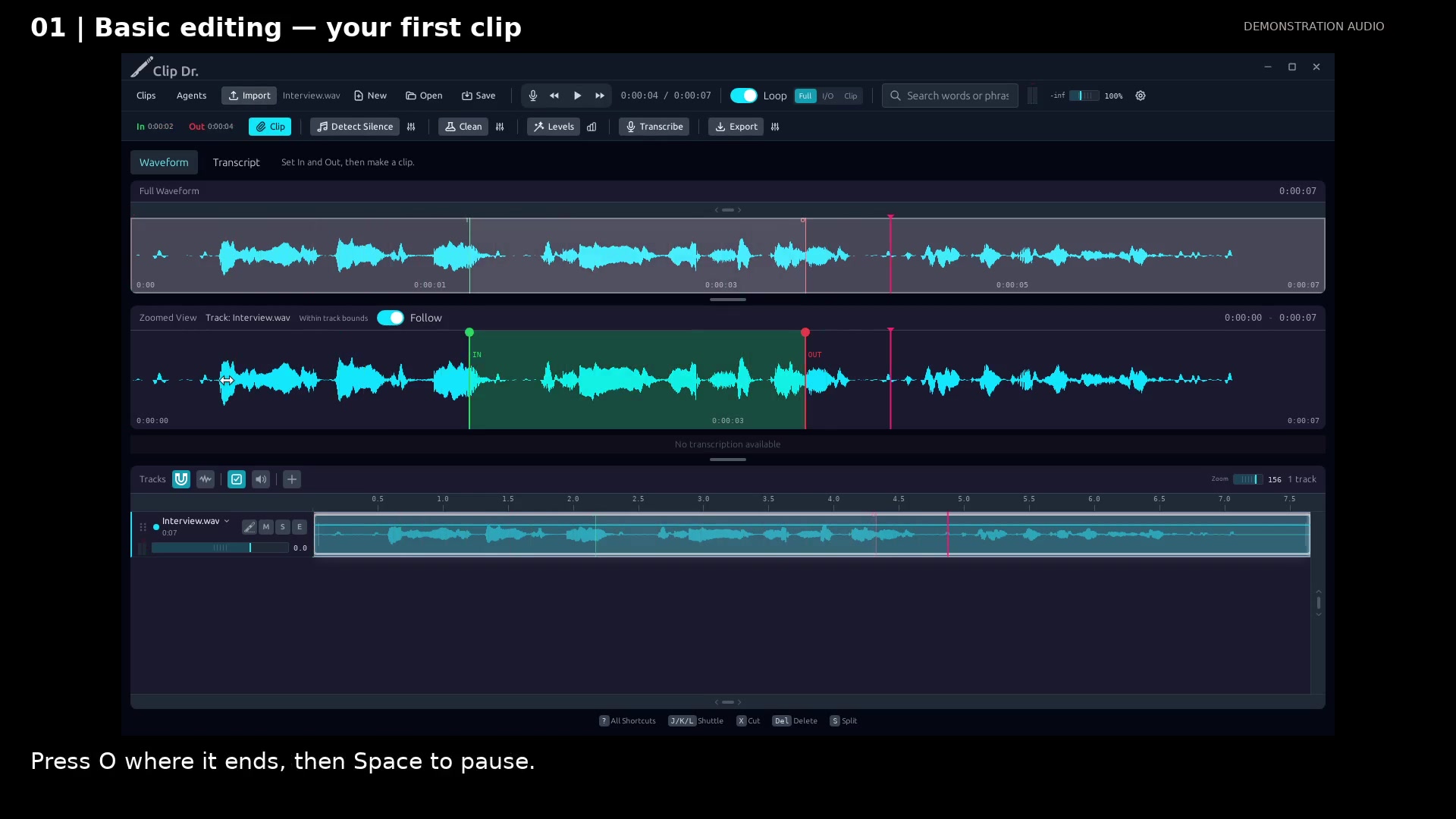
Keep the useful passage from a recording in four steps: Import, In, Out, and Clip.
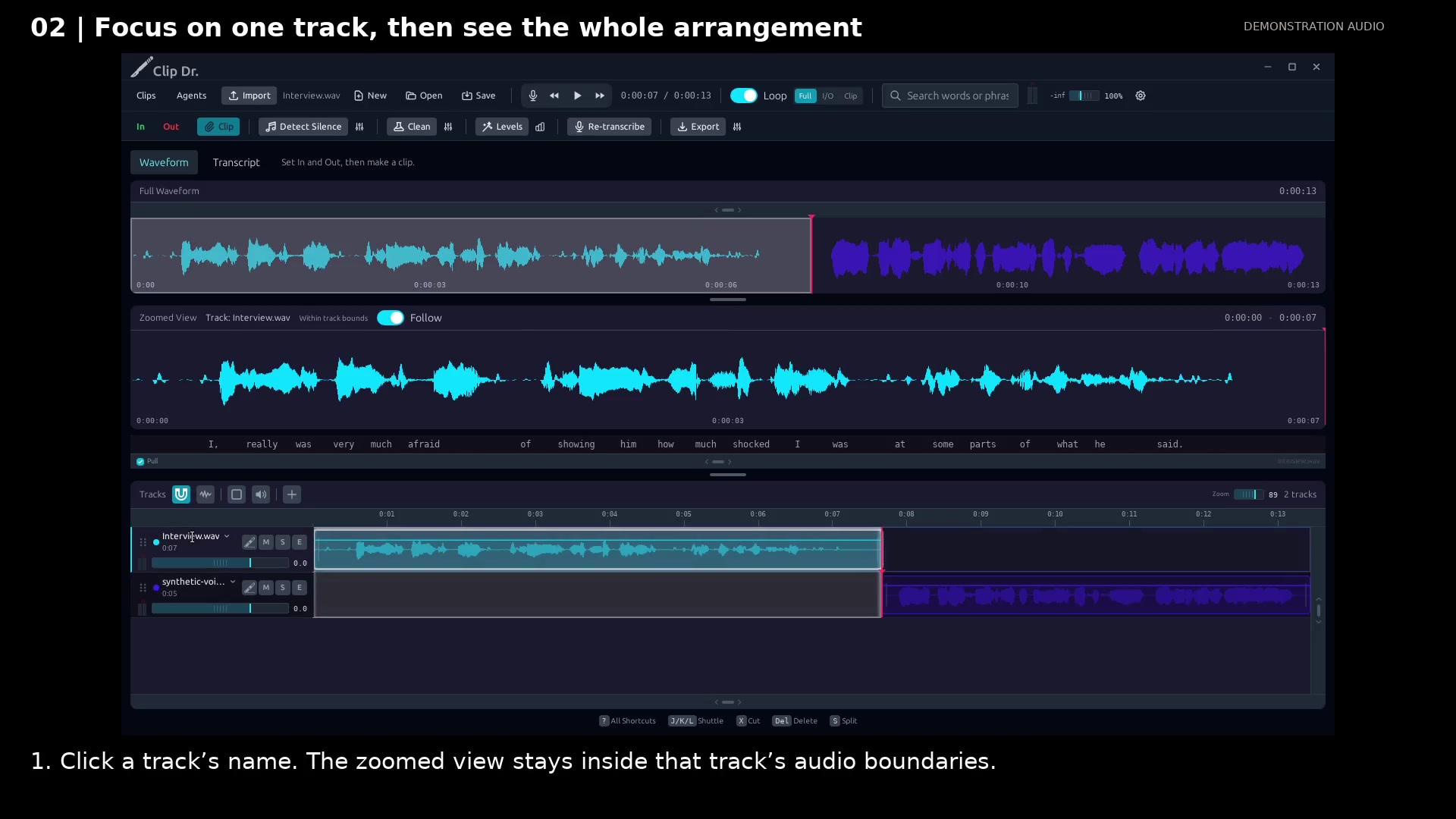
Use track selection and bounded zoom to work precisely without losing the complete arrangement.
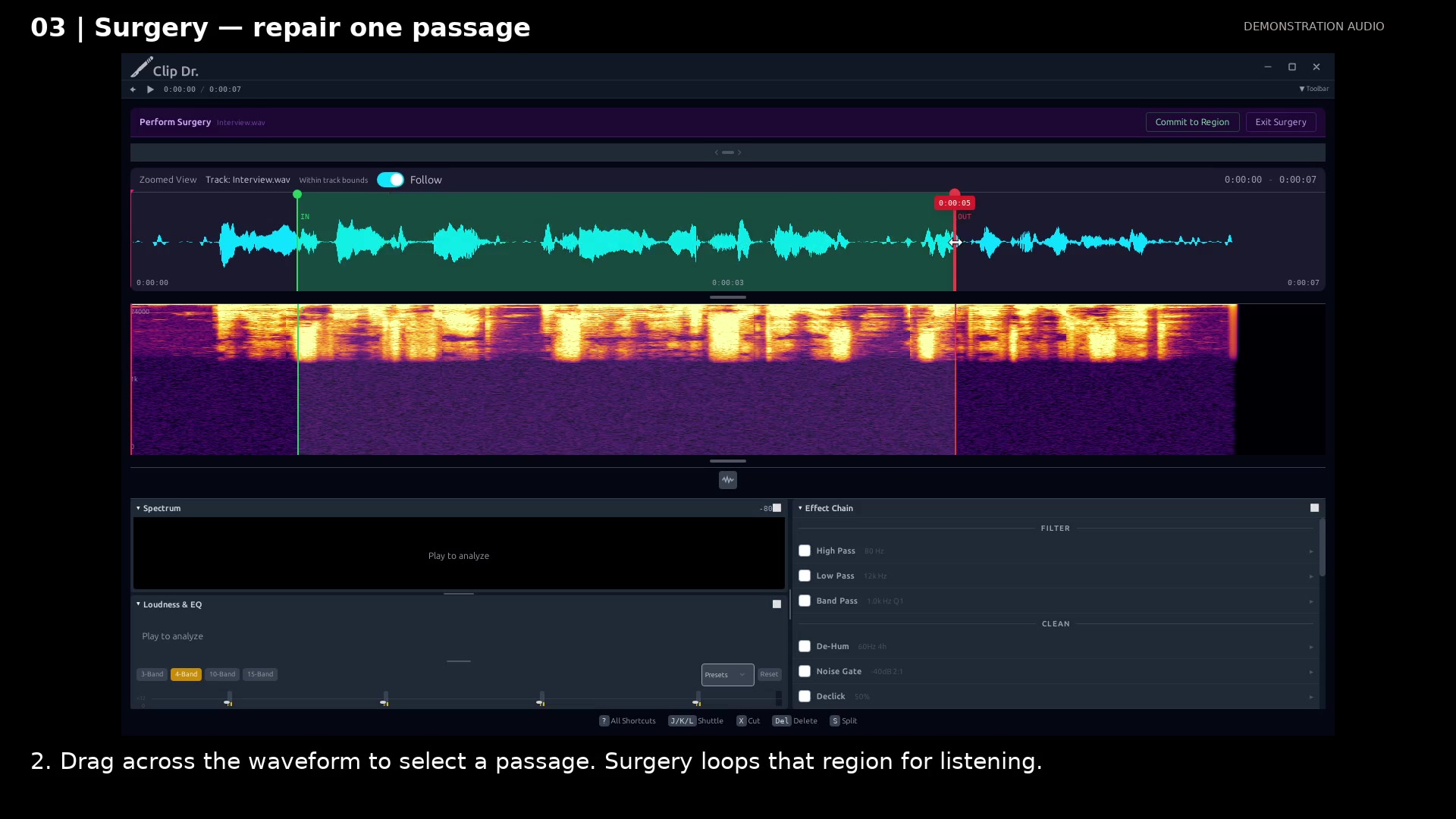
Loop a troublesome passage, compare a treatment, and create a treated copy while keeping the source.
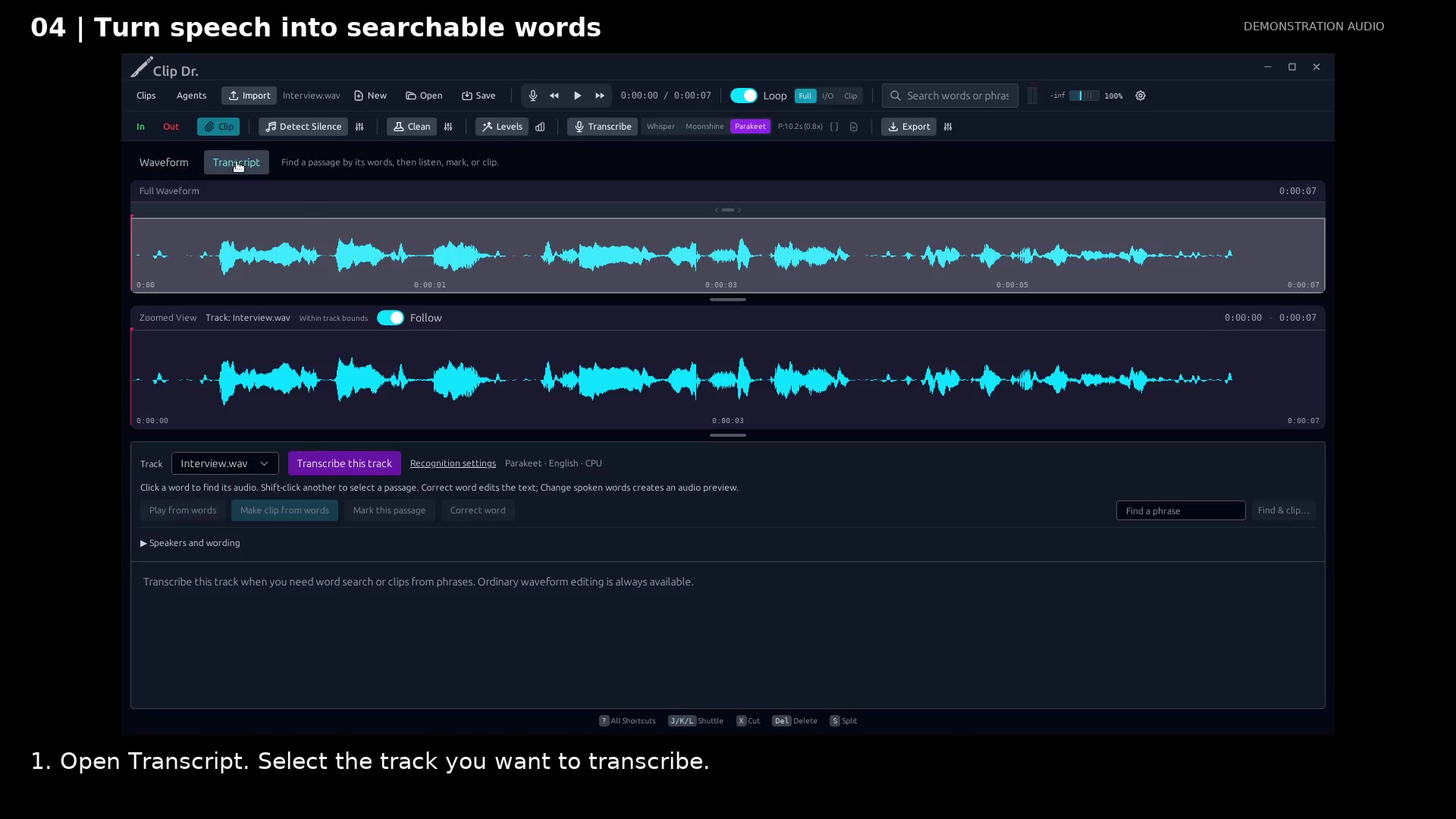
Turn speech into timed words you can click, search, and use to make clips.
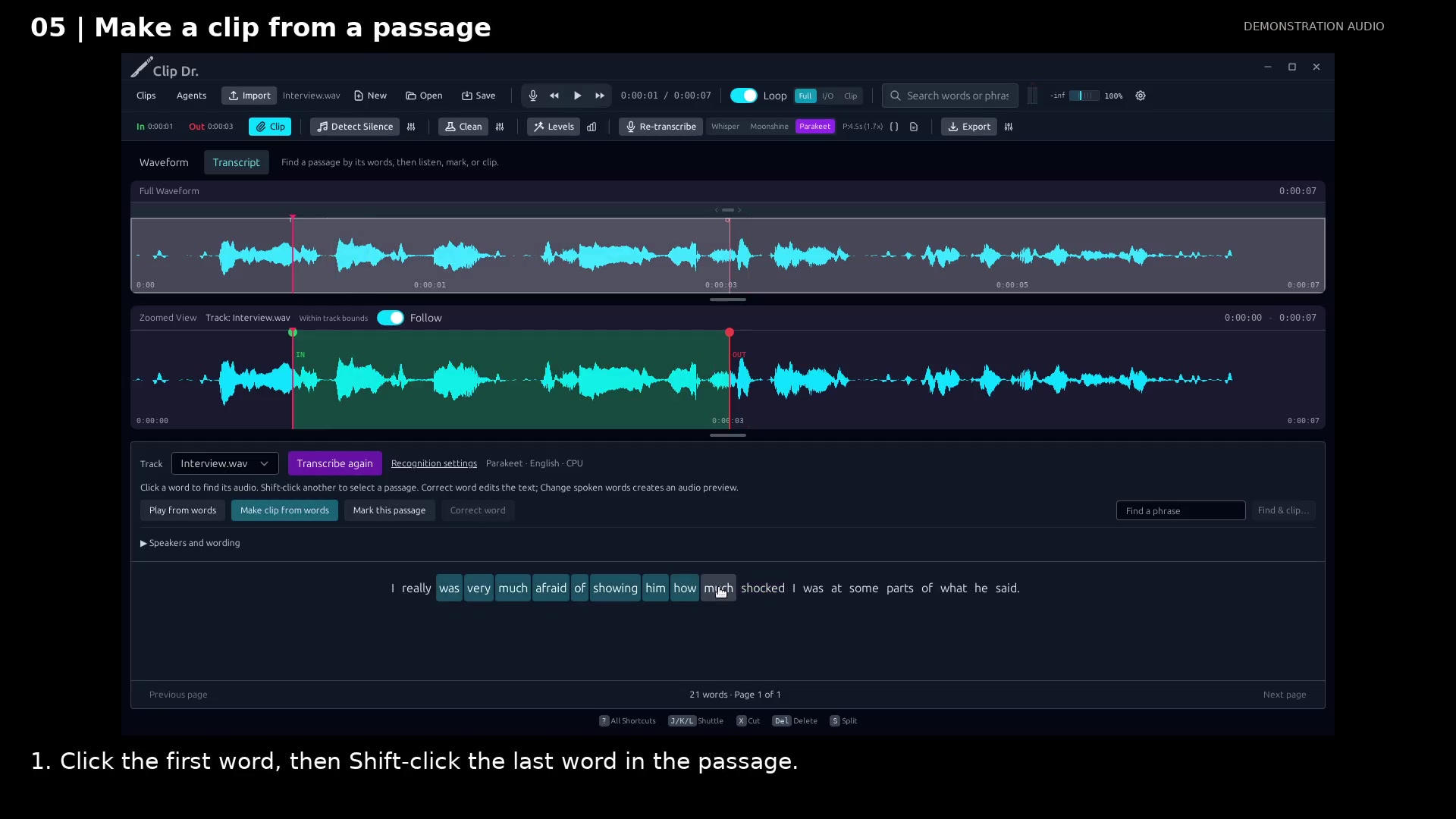
Pick the passage in a transcript and let its timing locate the audio excerpt.
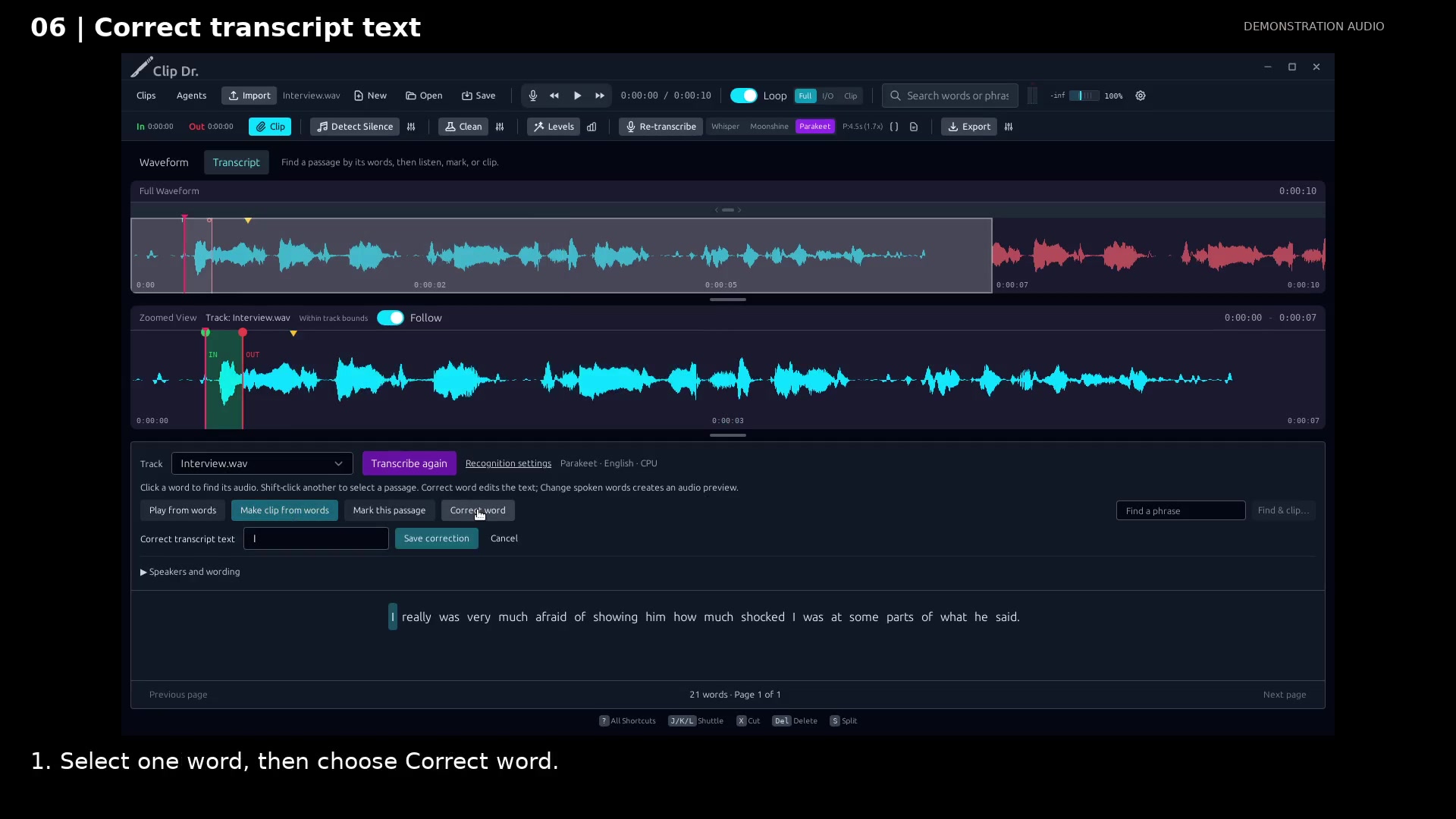
Fix spelling or punctuation without changing the recorded voice.
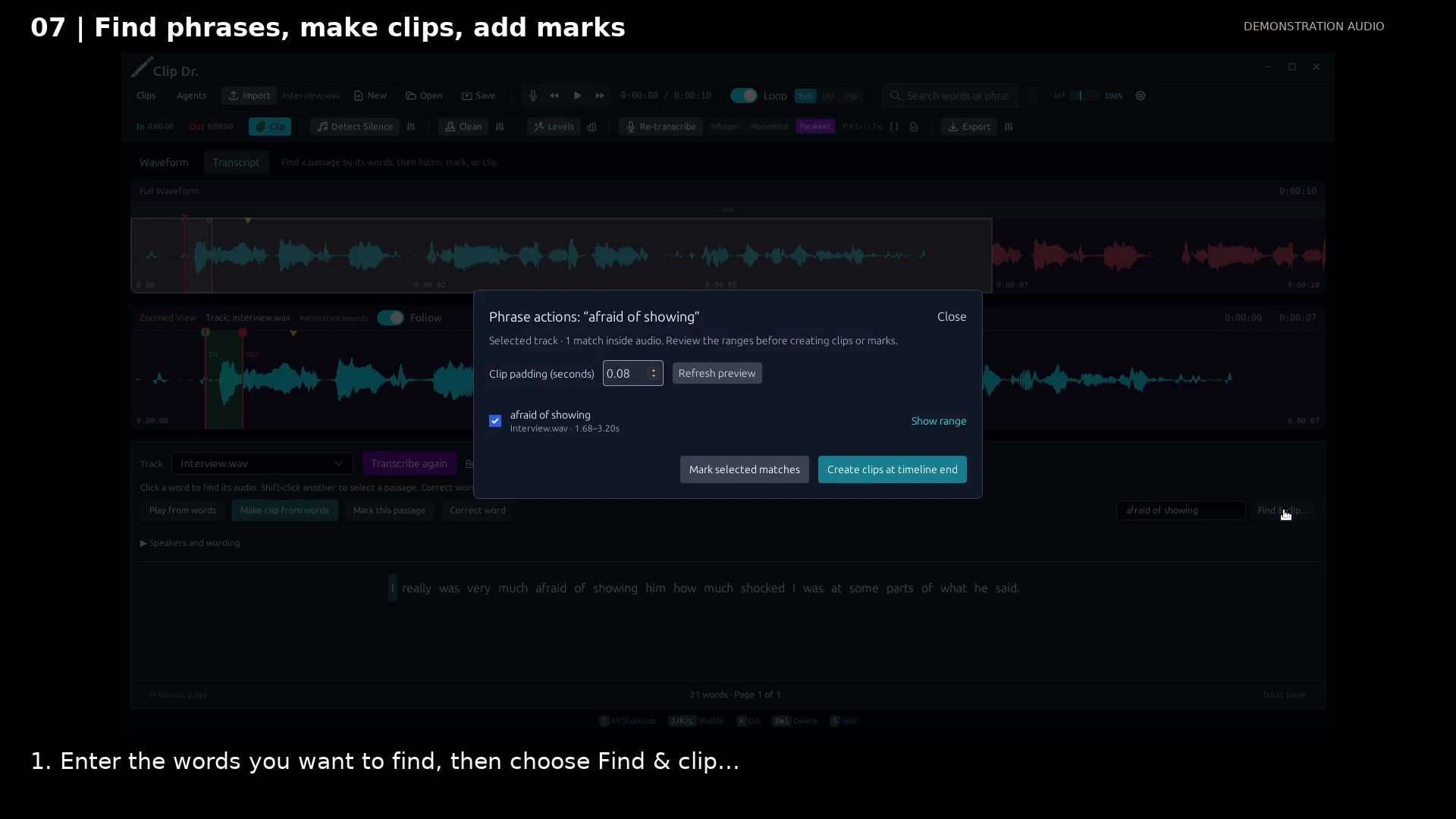
Search for remembered words, review the matches, and make clips or marks together.
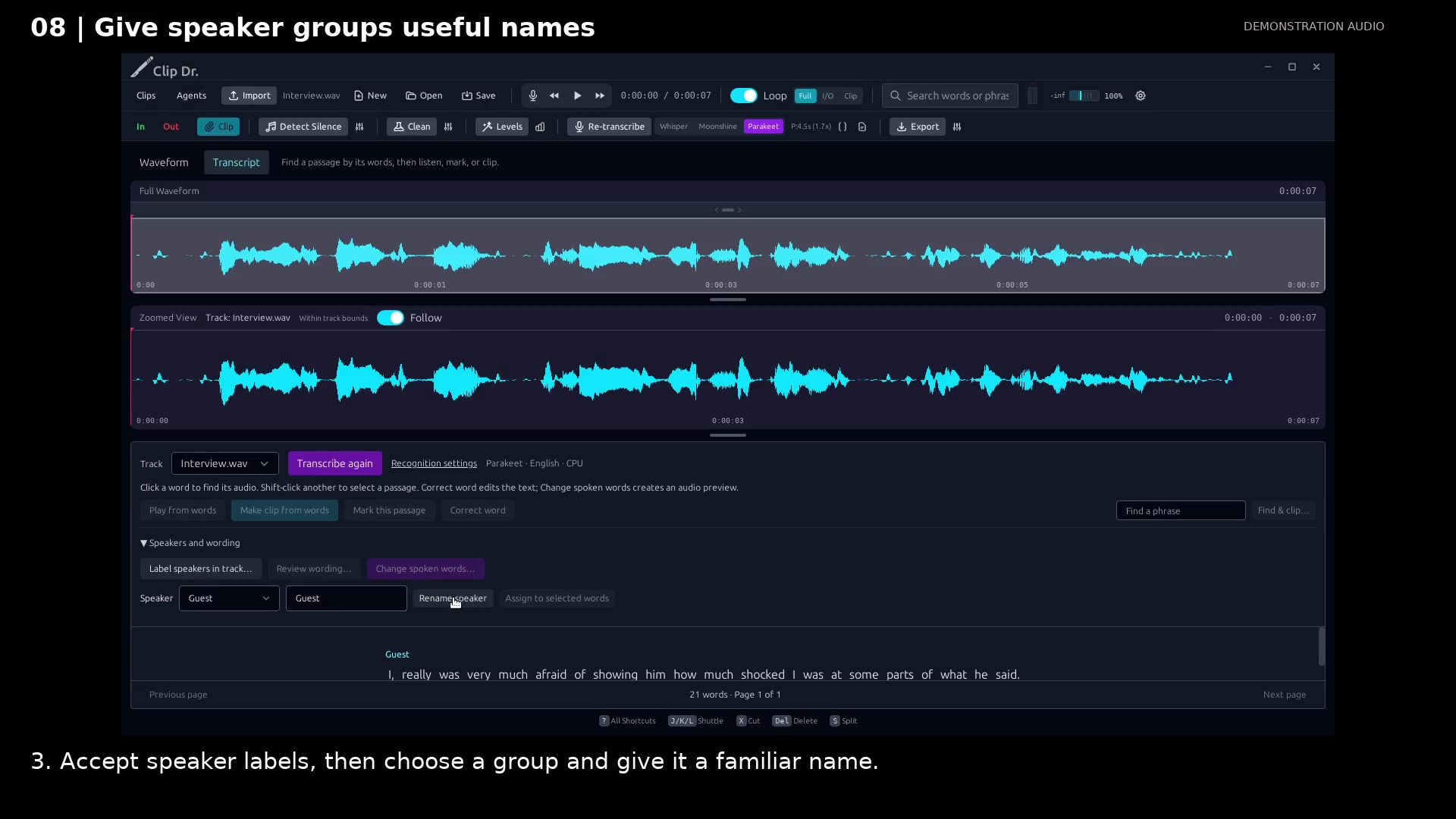
Turn locally detected voice groups into familiar names you can follow through the transcript.
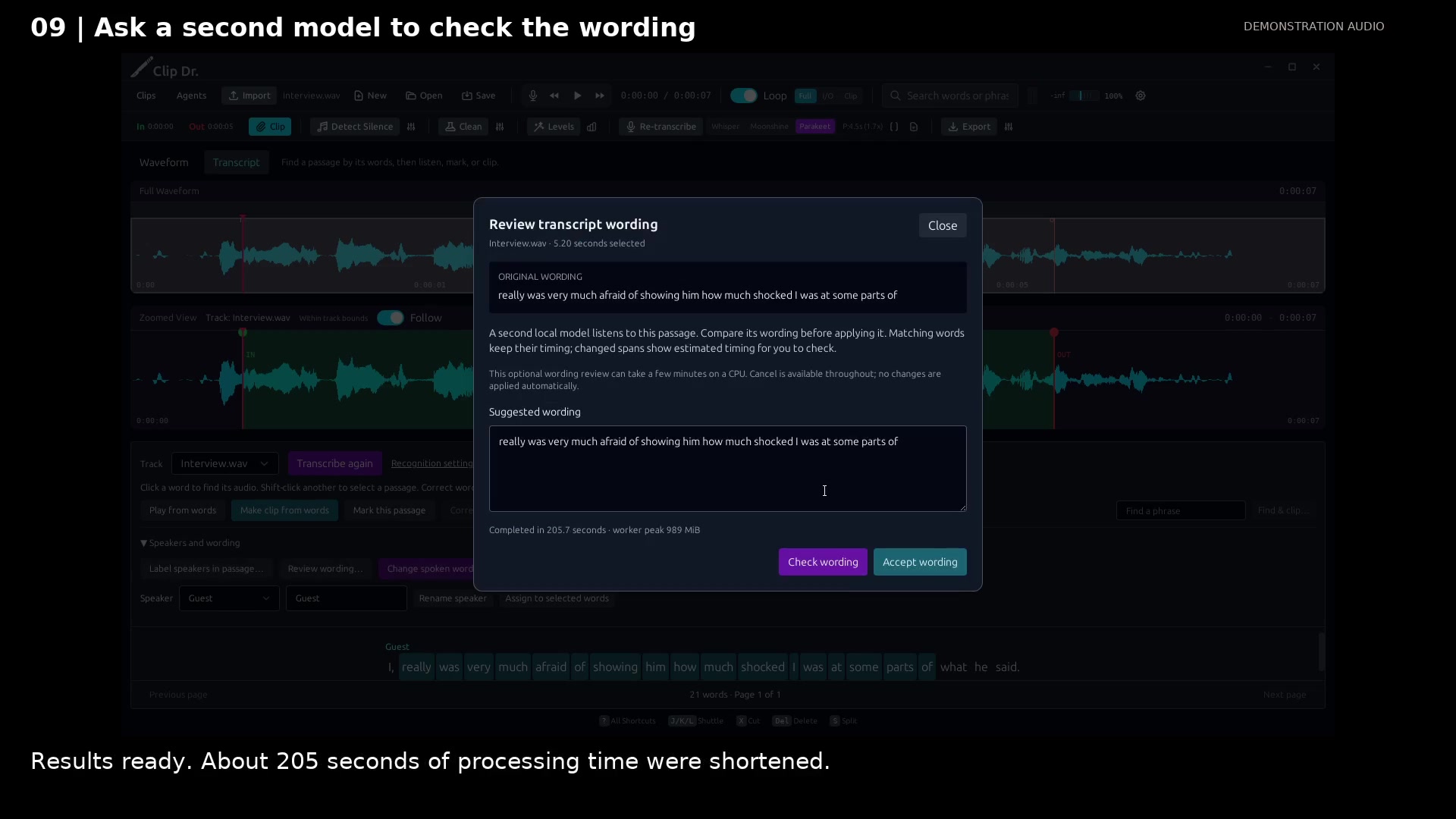
Compare a second local transcription before deciding whether to change the wording.
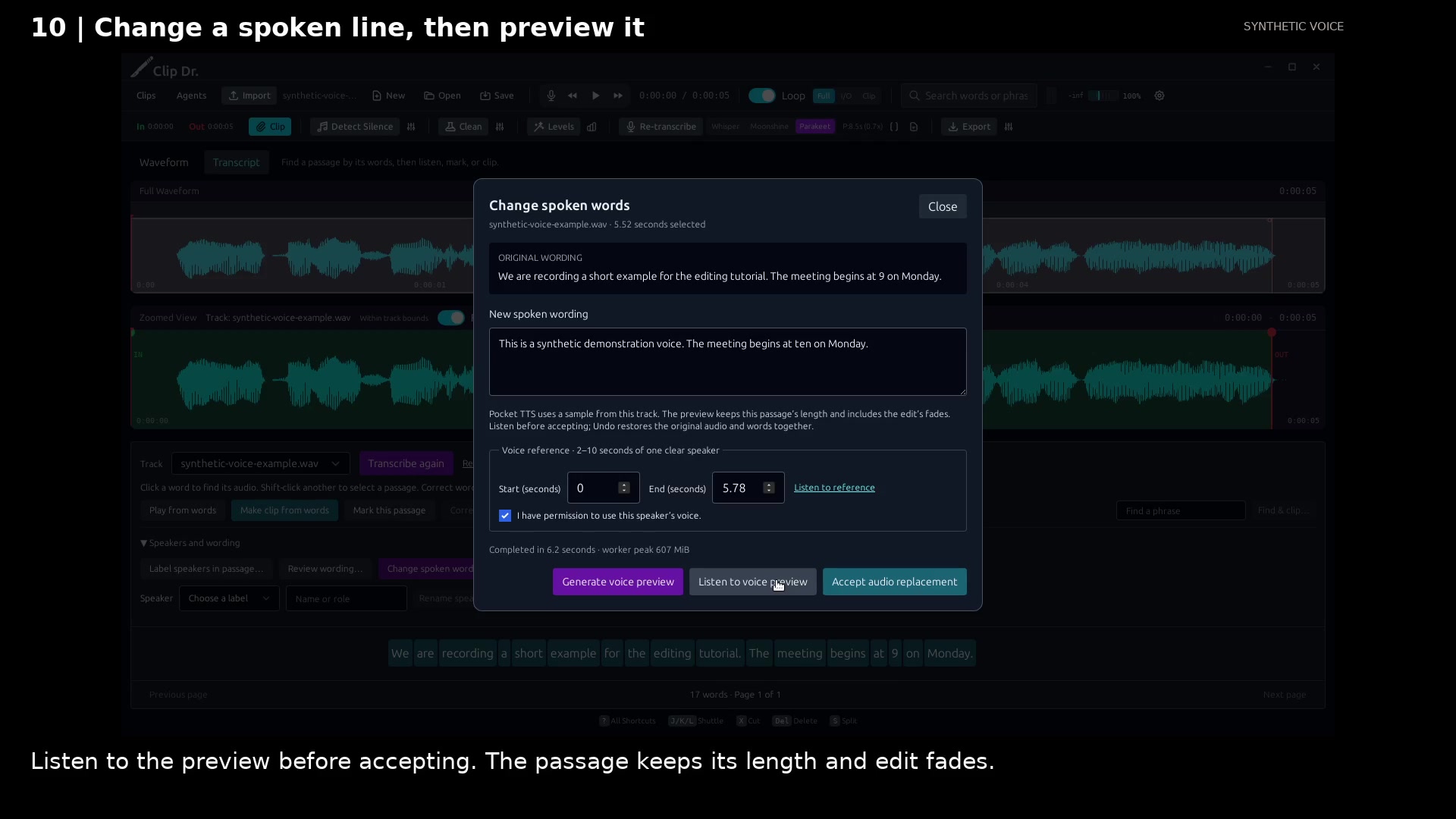
Edit a short line, hear a local voice preview, then explicitly accept or undo the audio replacement.
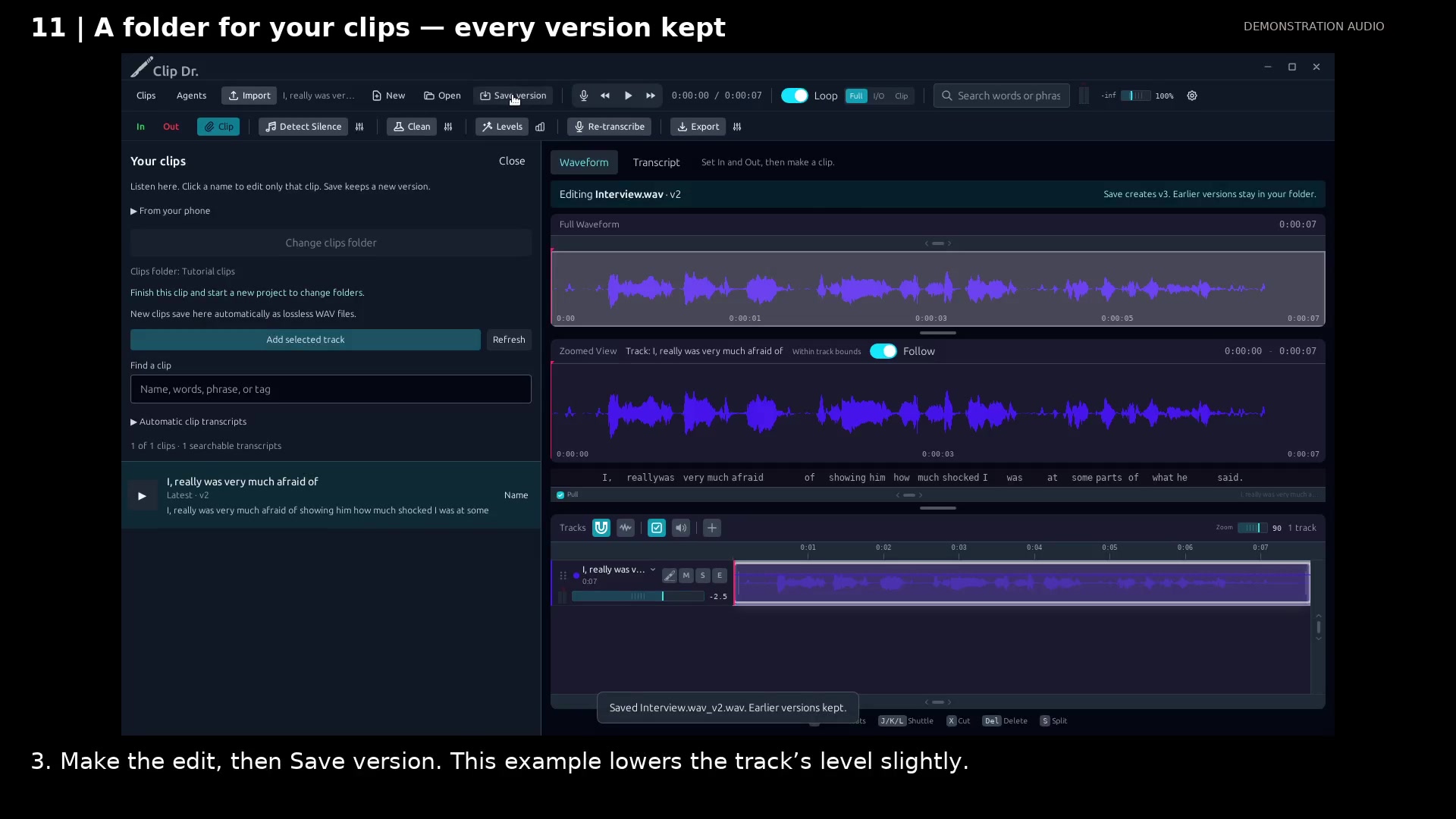
Listen through a folder, open only the clip that needs work, and save its next numbered version.
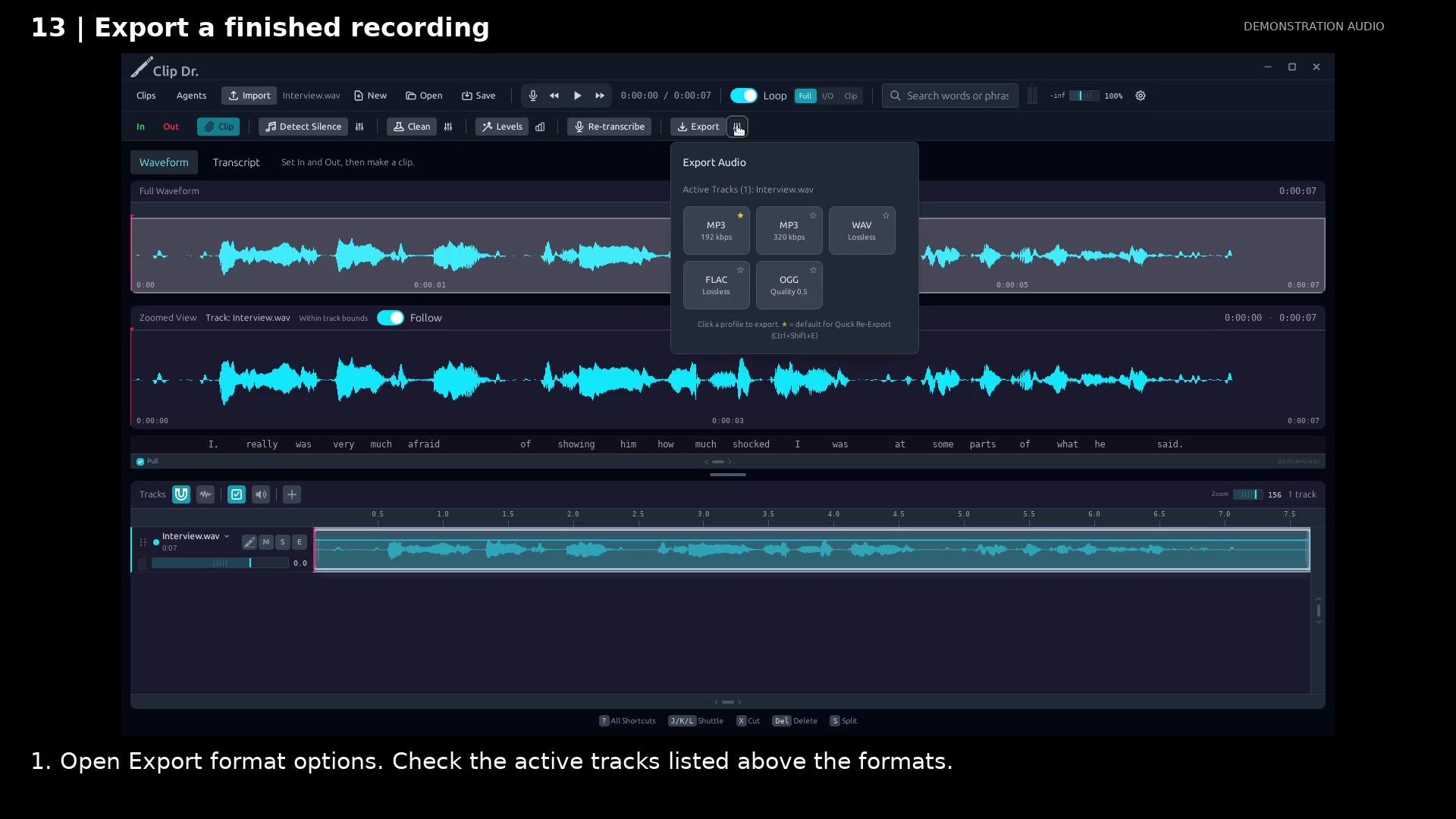
Choose a delivery format and keep a favorite for the next export.
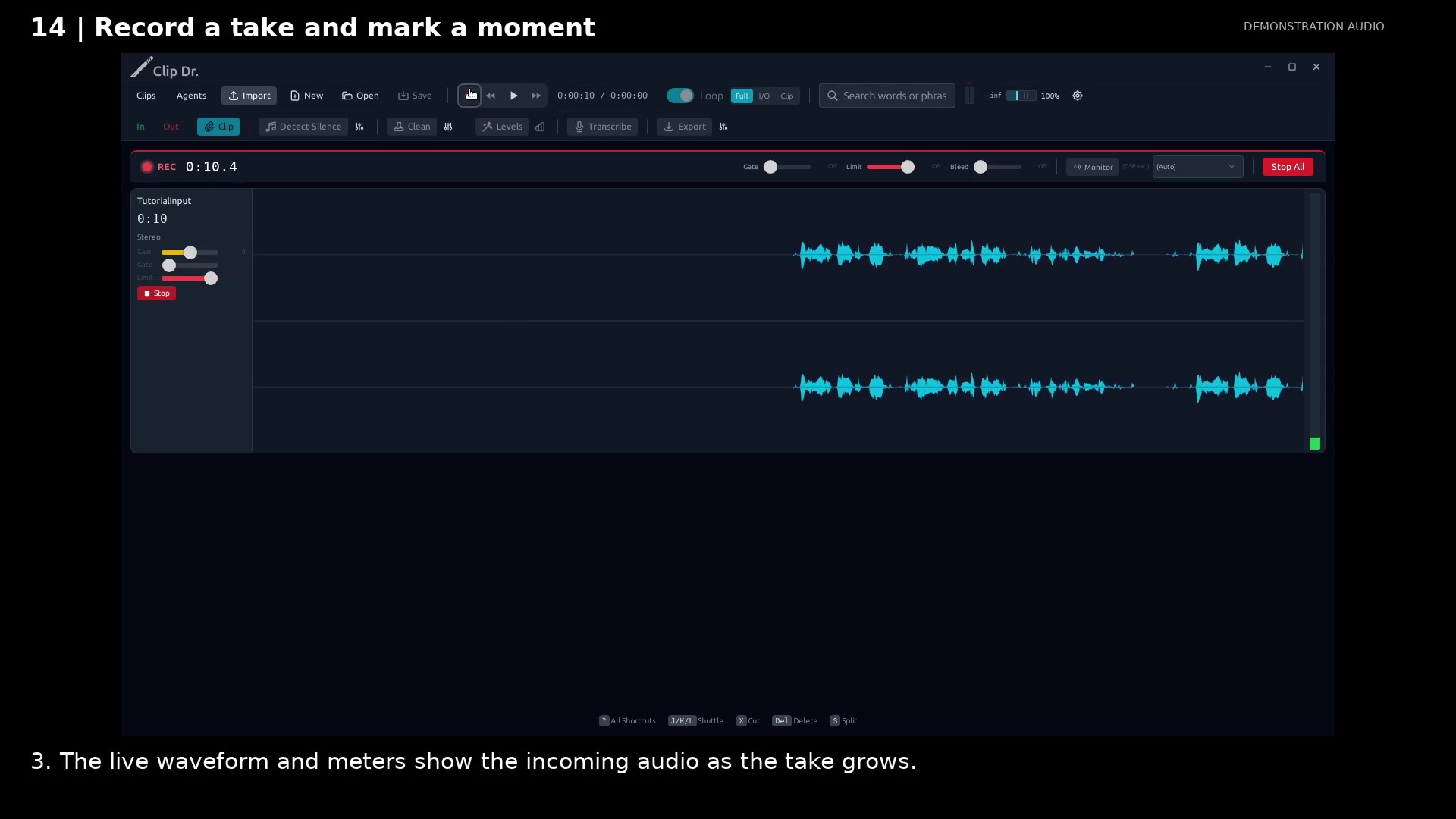
Watch the incoming waveform and mark useful moments while the take continues.
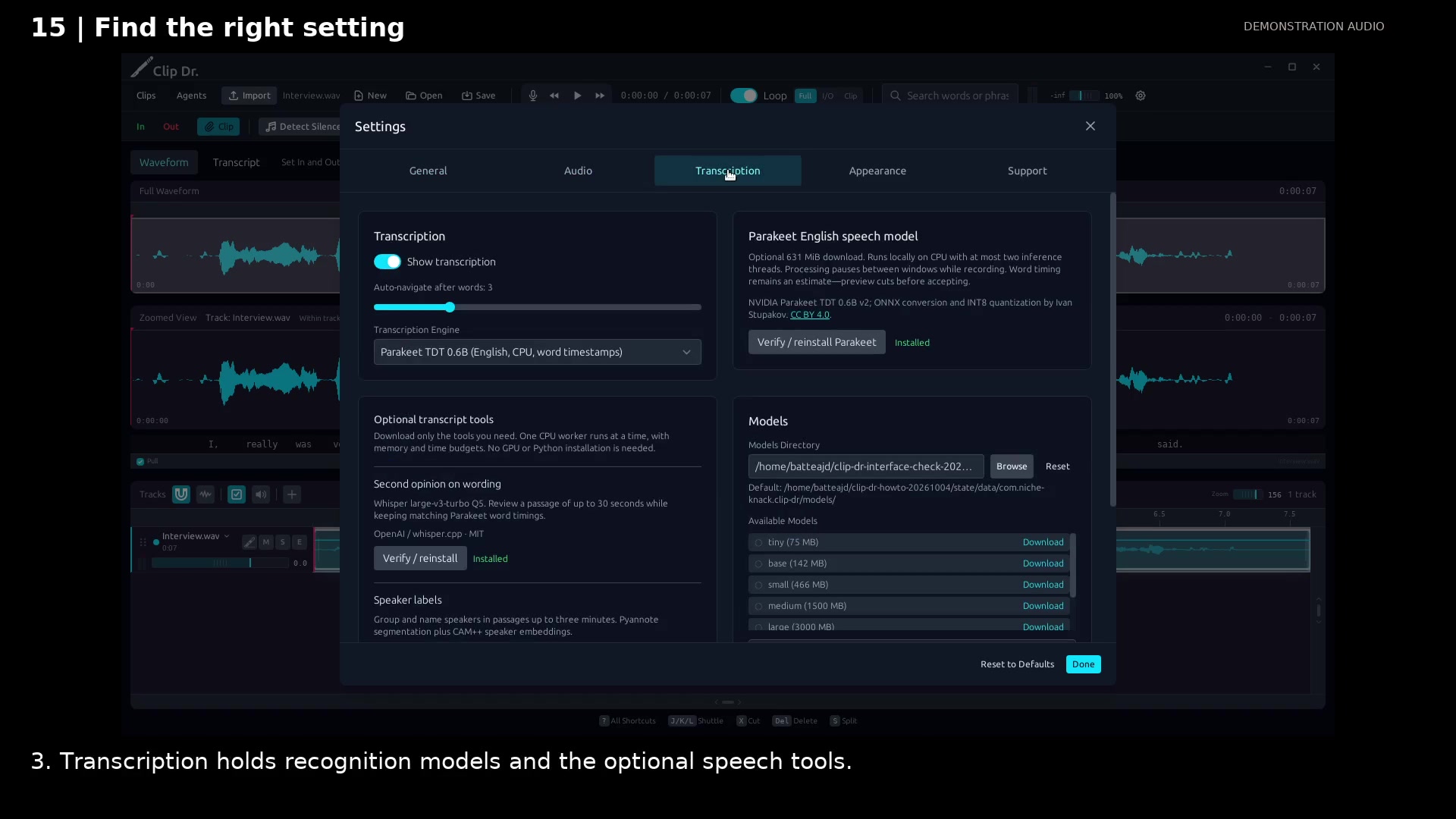
Start with the defaults and find optional controls by task.
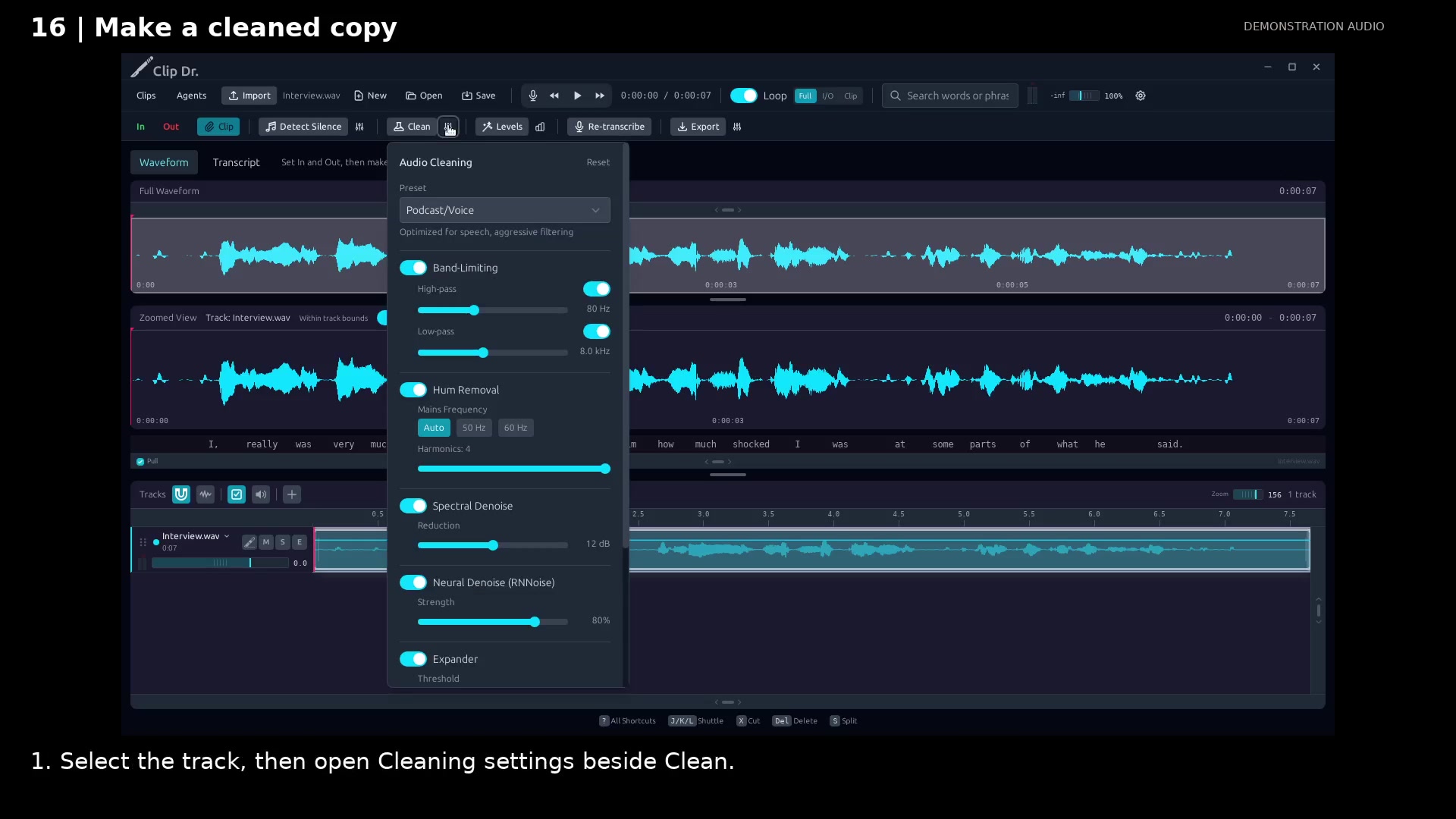
Apply a cleanup preset while keeping the source available.
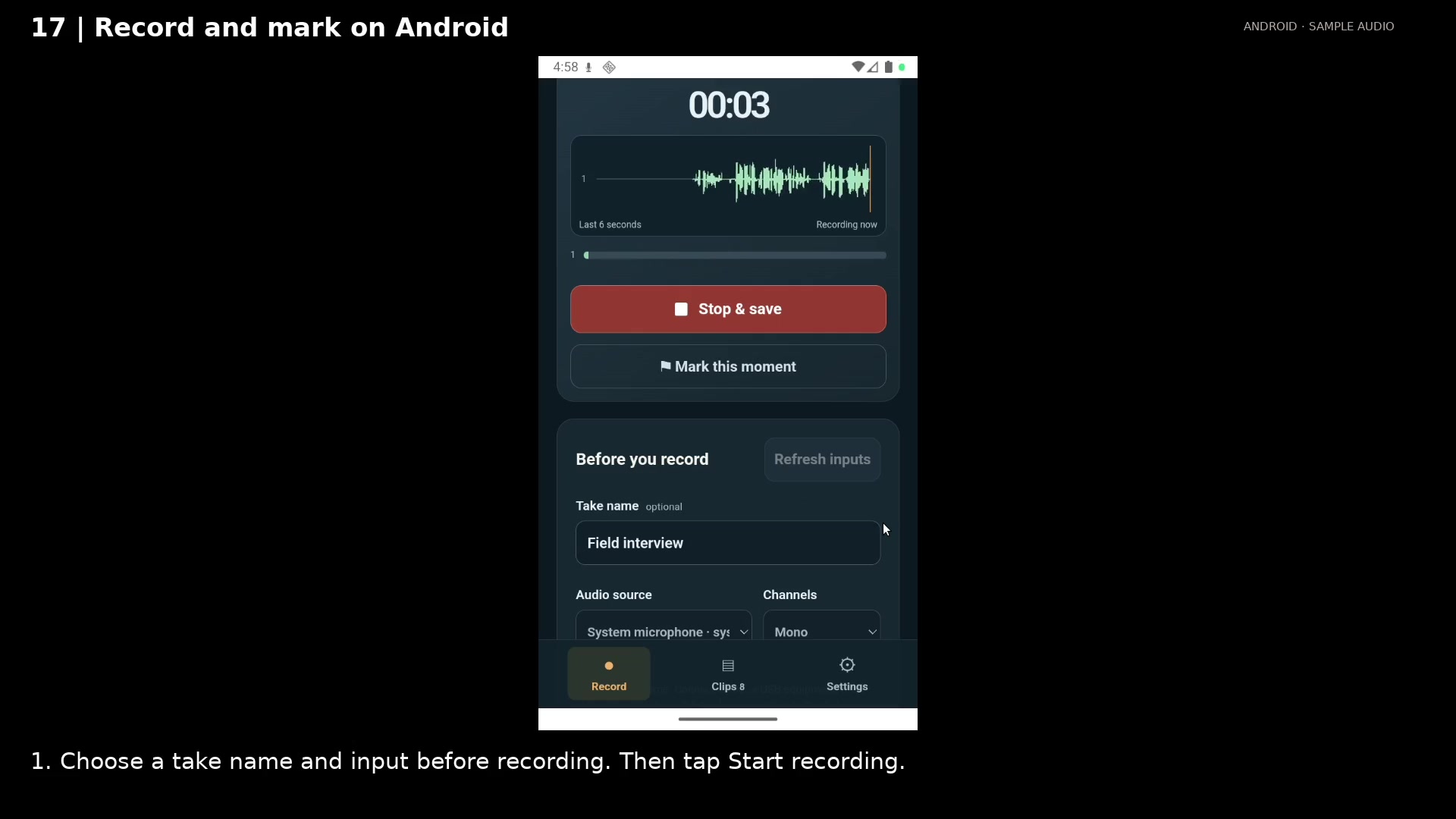
Watch incoming audio and flag useful moments without stopping the take.
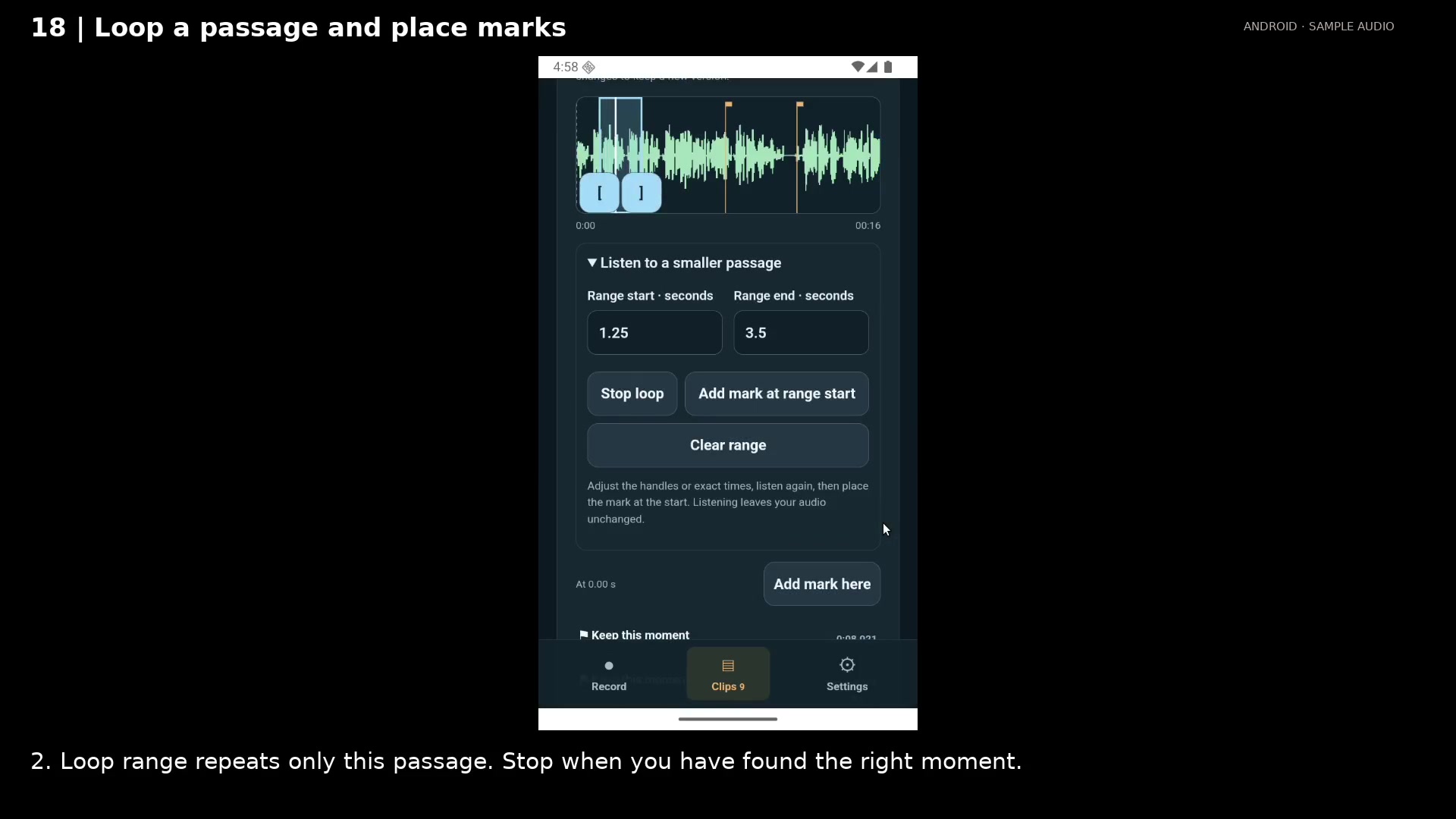
Listen to a small passage repeatedly, then name and position the moments you want to keep.
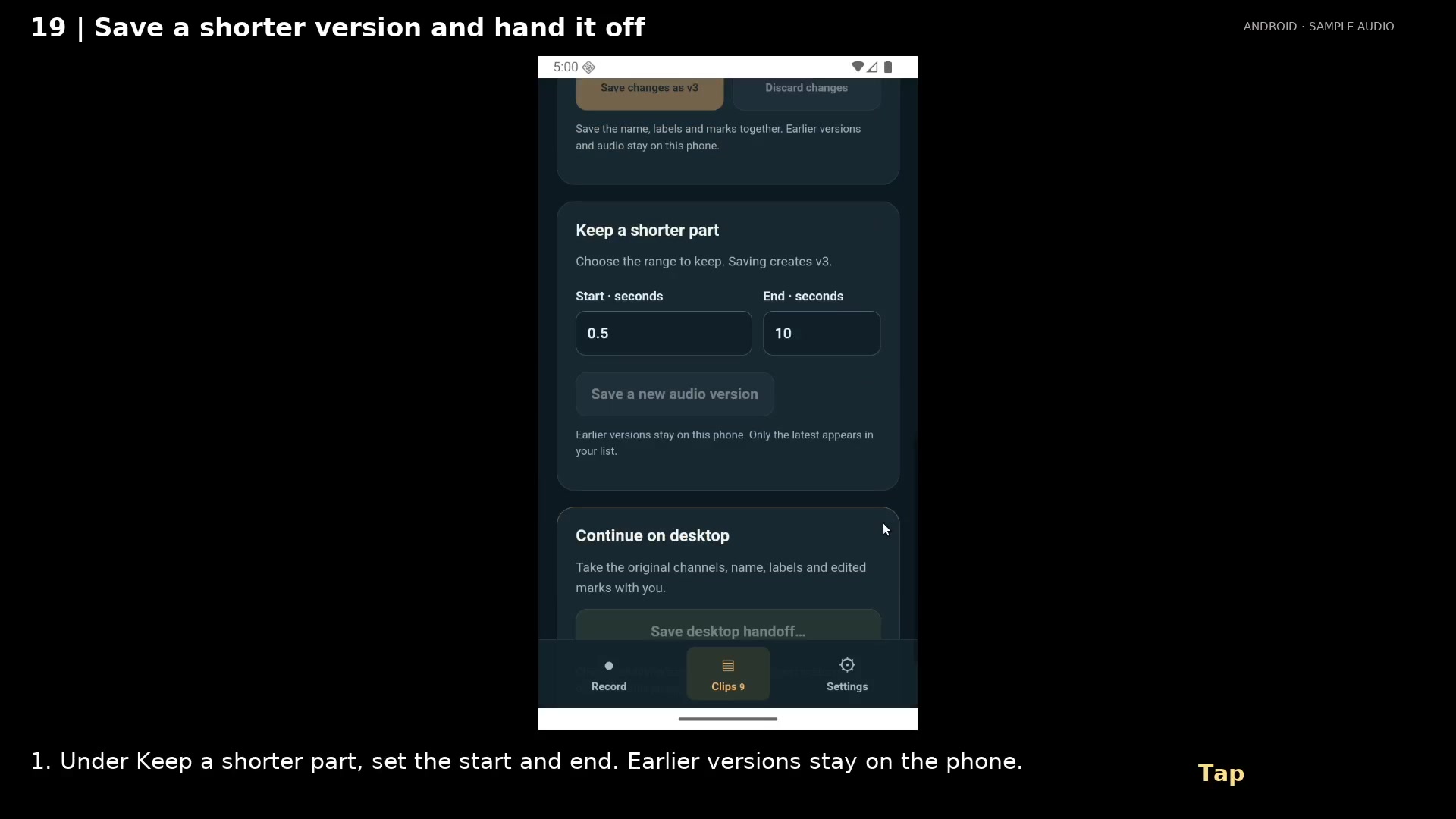
Keep the useful part and send its audio, labels, and edited marks to desktop in one package.
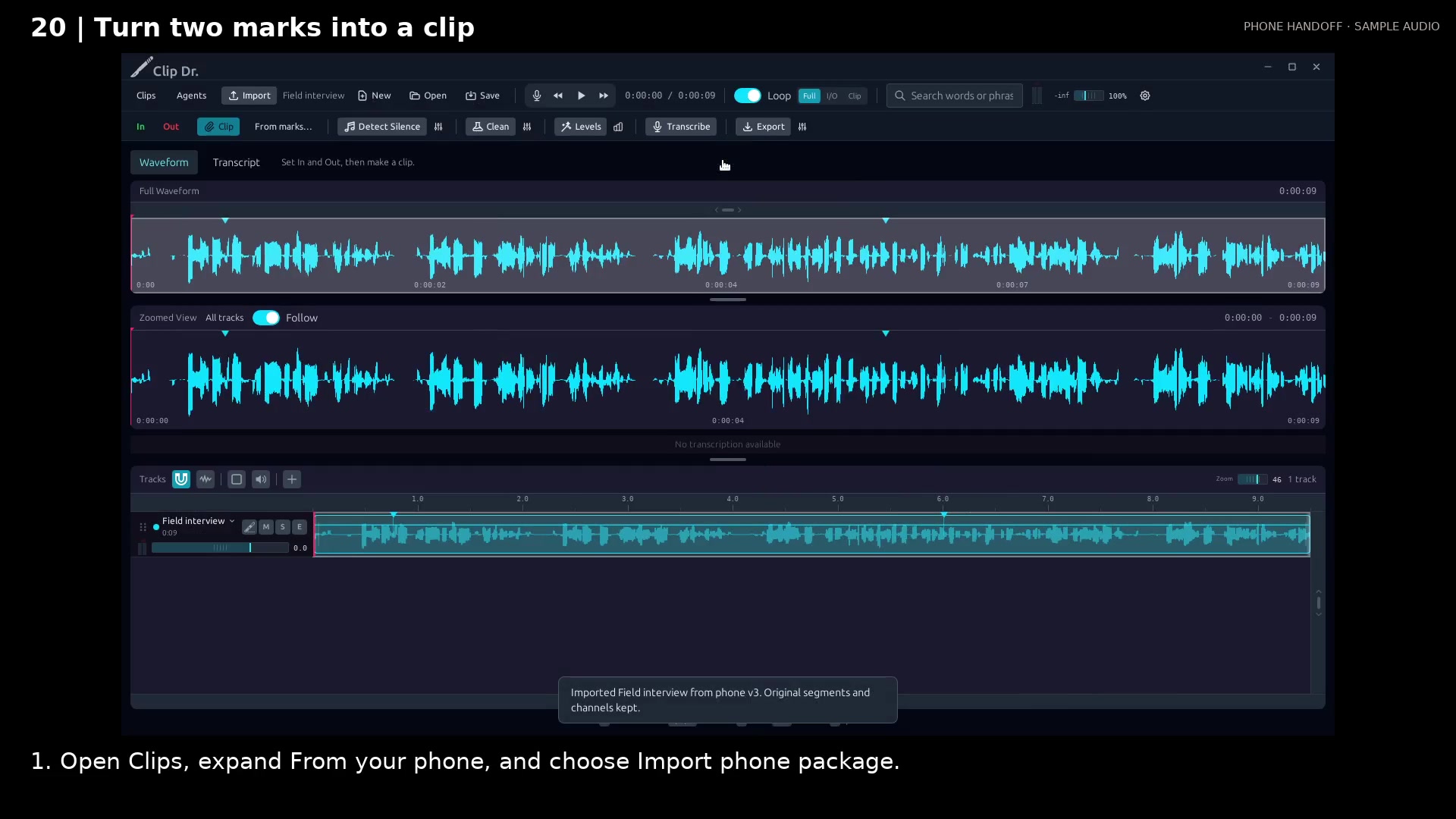
Choose a start and end by name to make an exact excerpt from a marked recording.
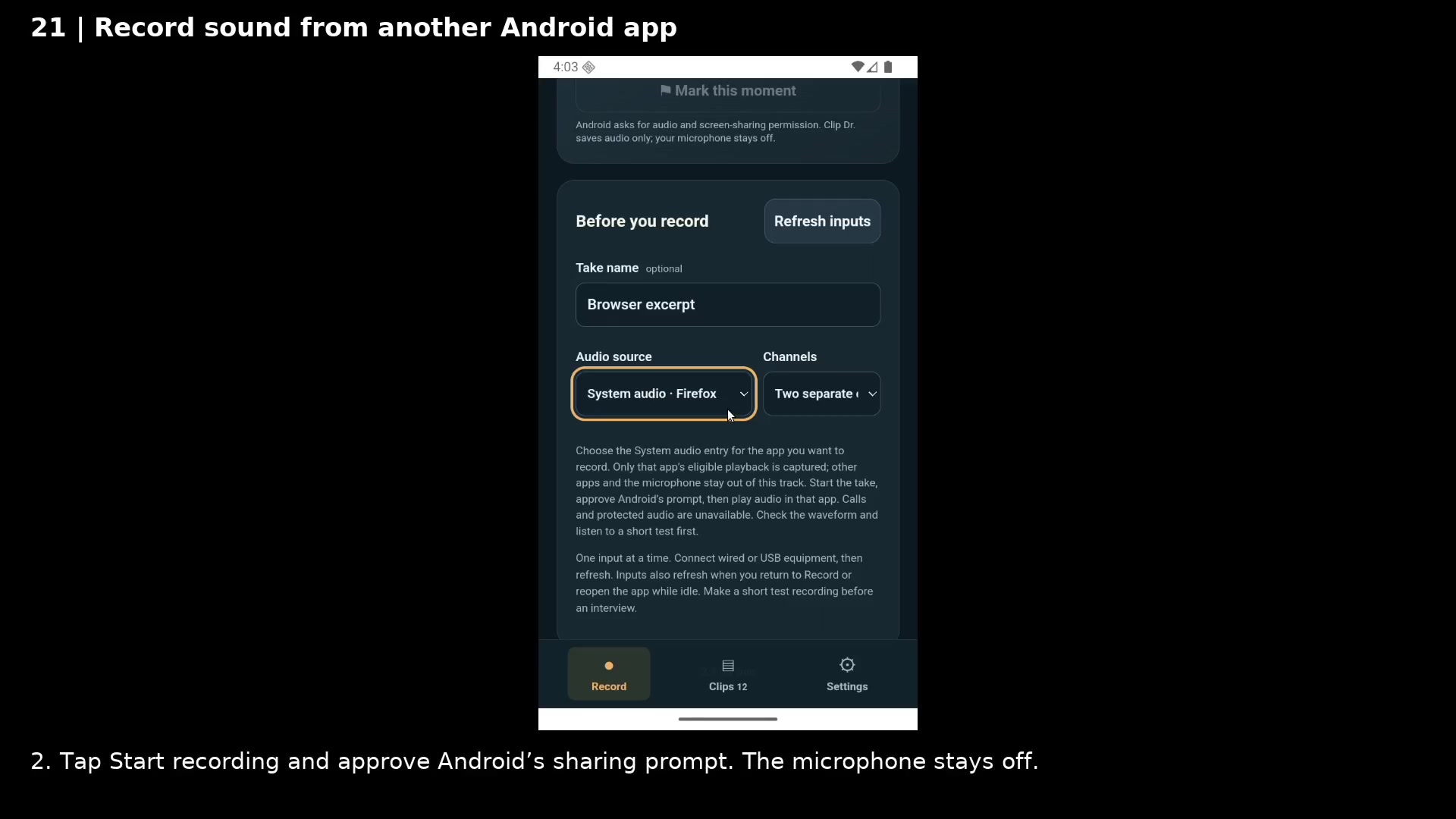
Capture a passage from a browser or player, mark the useful moments, and keep it ready for desktop editing.