Linux · 0:26 video

Even out quiet and loud passages on desktop

Lift quiet passages and hold back loud ones in one click.

Before you start: Clip Dr. open on a Linux computer.

Download videoDownload captions

Audio: LibriSpeech excerpt 1688-142285-0007 (OpenSLR 12, Vassil Panayotov and Daniel Povey, from LibriVox), CC BY 4.0.

1Import

Click Import and pick the recording.
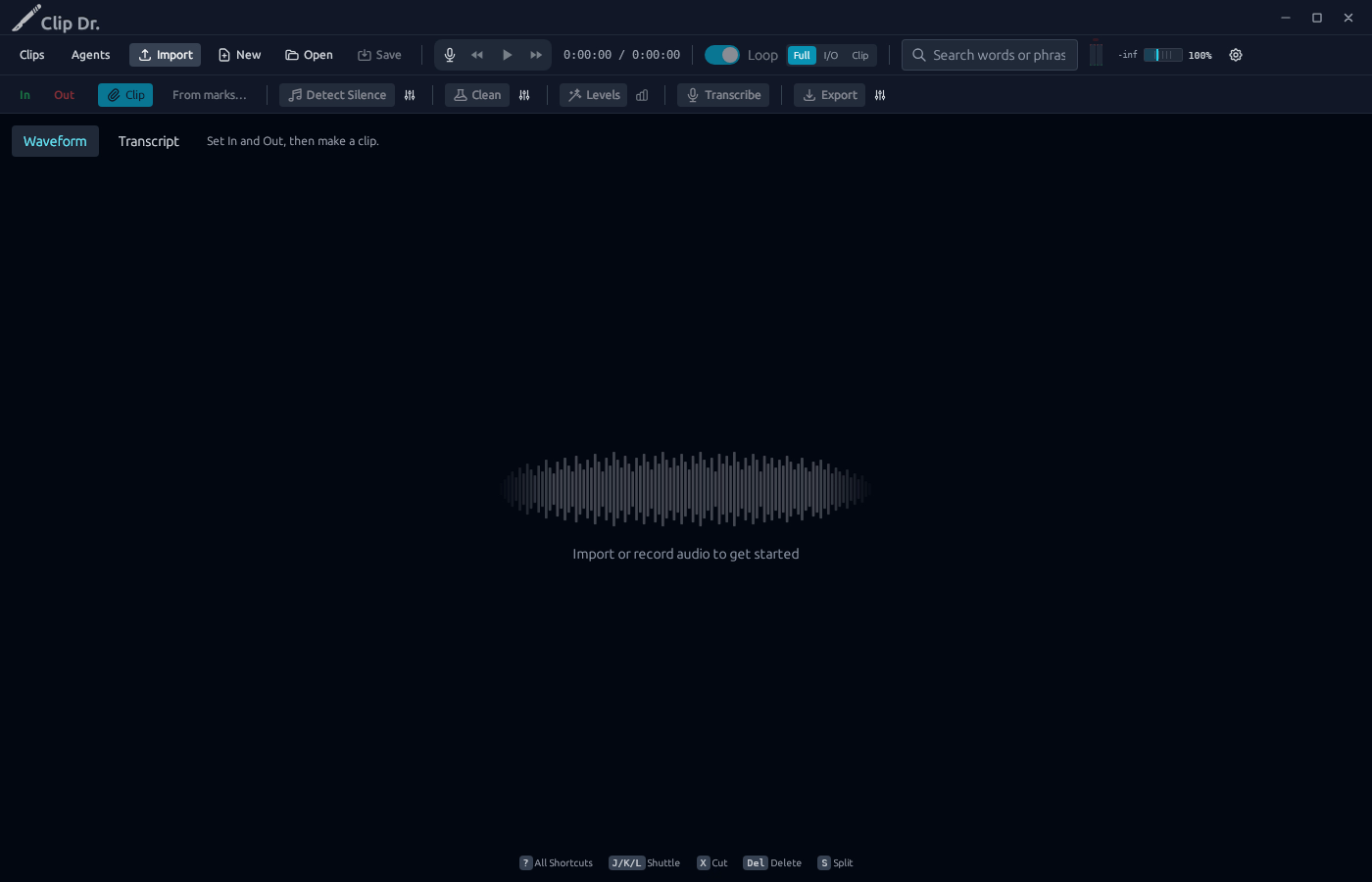
1 · Import. Click Import and pick the recording.Even out quiet and loud passages on desktop — step 11
Import. Select the image to enlarge it.

2Levels

Click Levels.

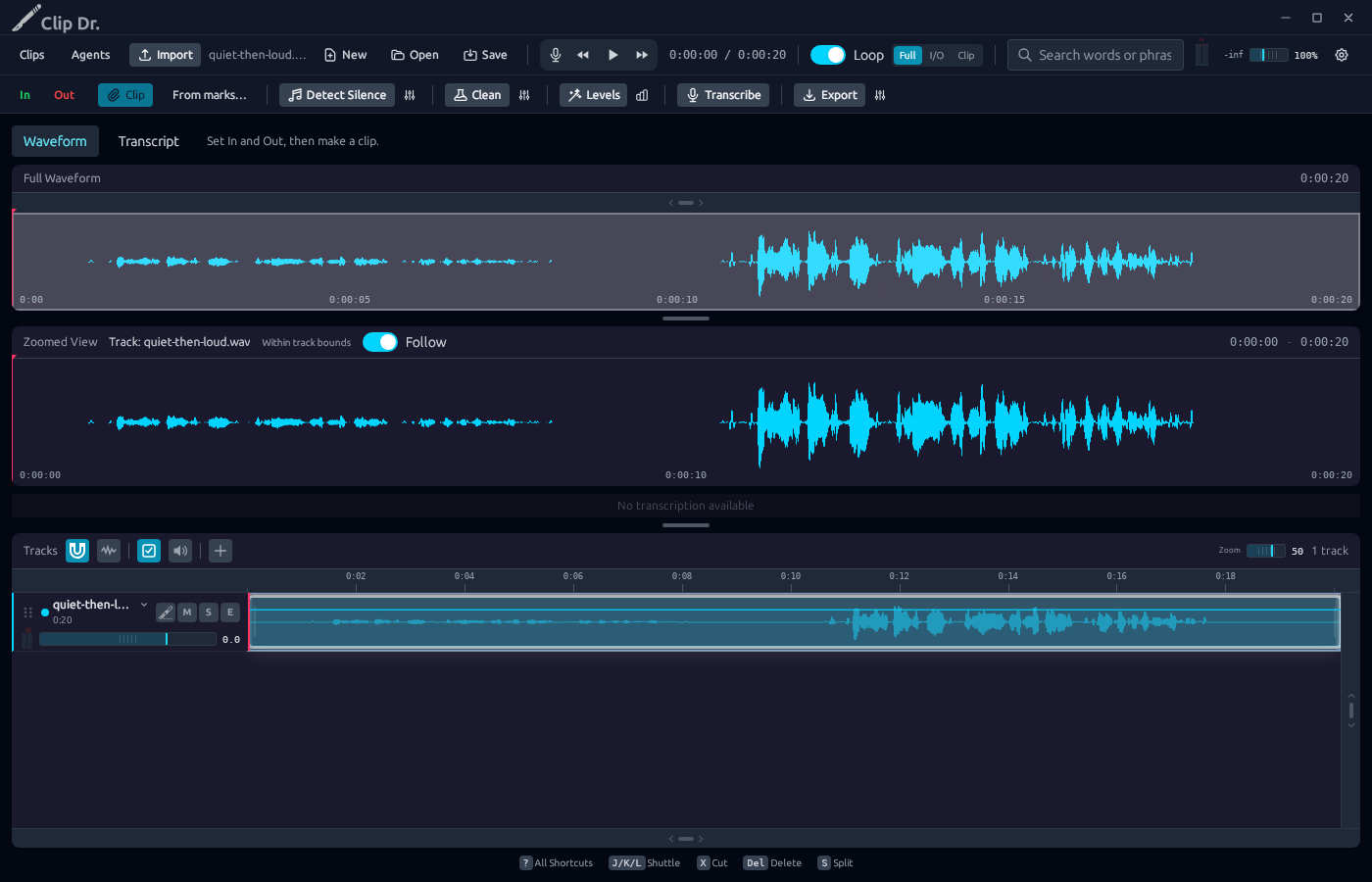
2 · Levels. Click Levels.Even out quiet and loud passages on desktop — step 22
Levels. Select the image to enlarge it.

3Check the gain line

The line over the track shows the gain at each moment.
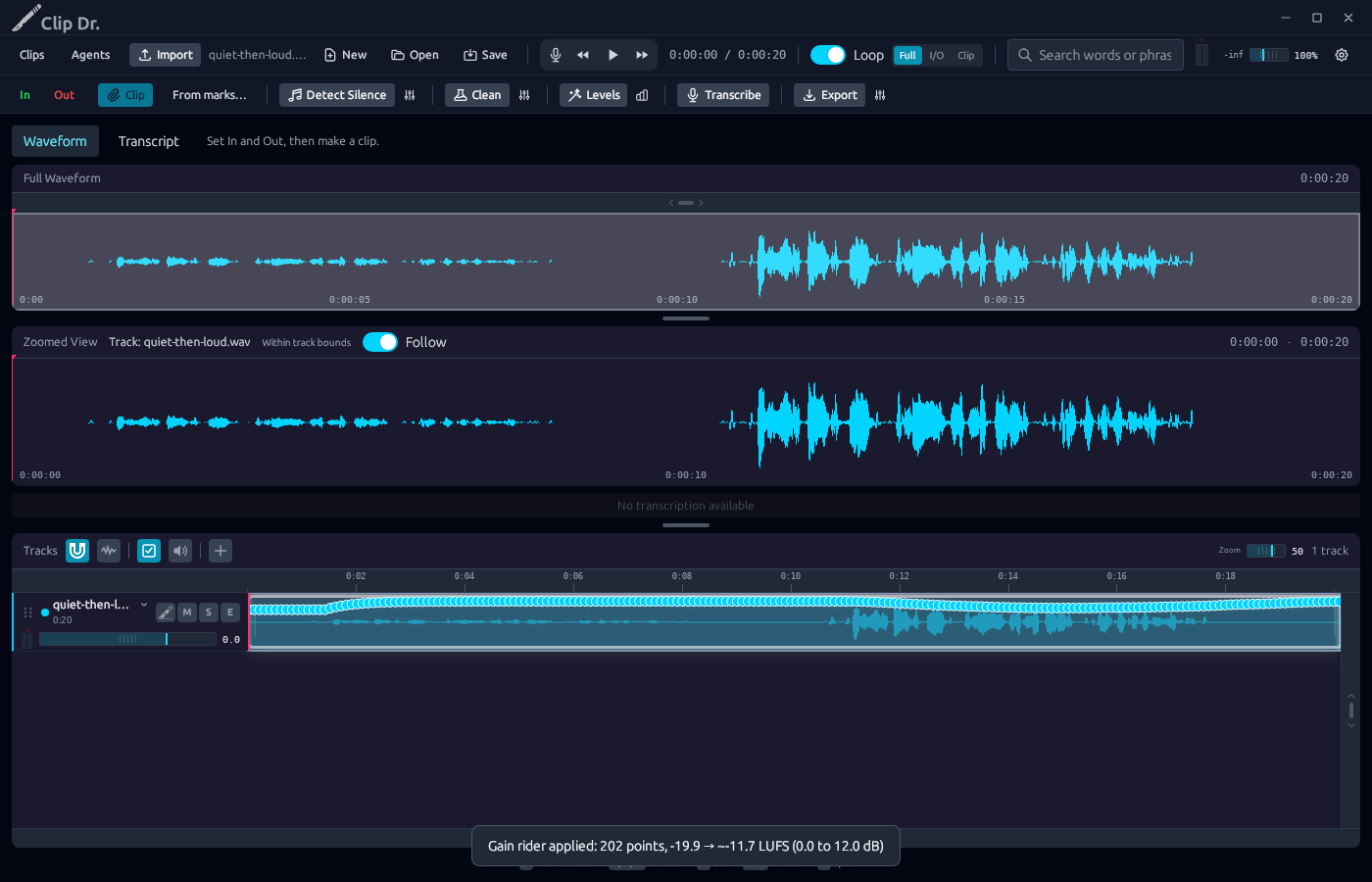
3 · Check the gain line. The line over the track shows the gain at each moment.Even out quiet and loud passages on desktop — step 33
Gain line. Select the image to enlarge it.

4Play

Watch the meters as it plays.
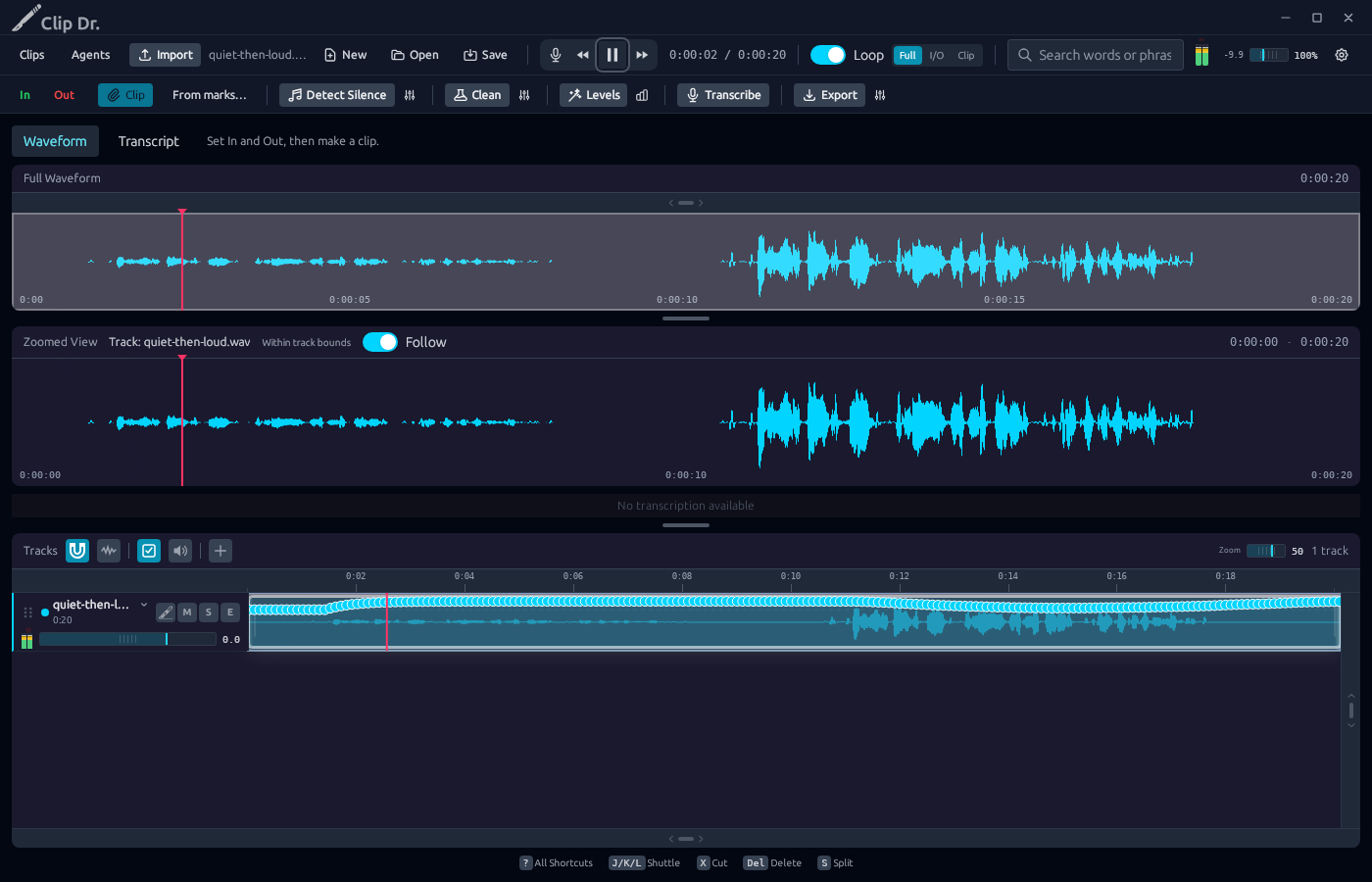
4 · Play. Watch the meters as it plays.Even out quiet and loud passages on desktop — step 44
Meters. Select the image to enlarge it.

Result: A gain line rides the track. The quiet half is lifted to match.