
Linux · 0:24 video
Loop a section on desktop
Play one stretch over and over while you listen.
Before you start: Clip Dr. open on a Linux computer.
Download videoDownload captions
Audio: LibriSpeech excerpt 1688-142285-0007 (OpenSLR 12, Vassil Panayotov and Daniel Povey, from LibriVox), CC BY 4.0.
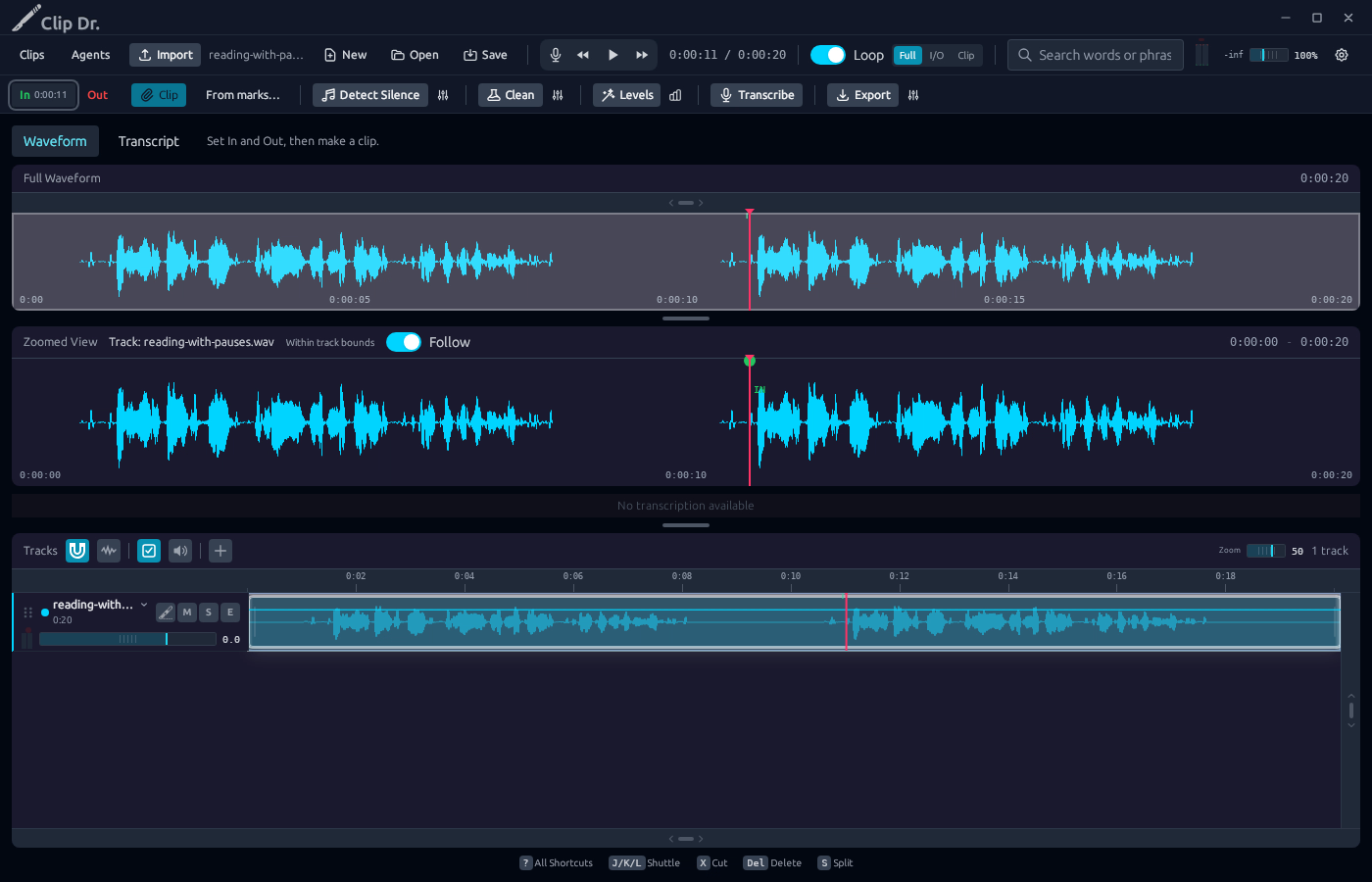
1Set In
Click the waveform, then click In.
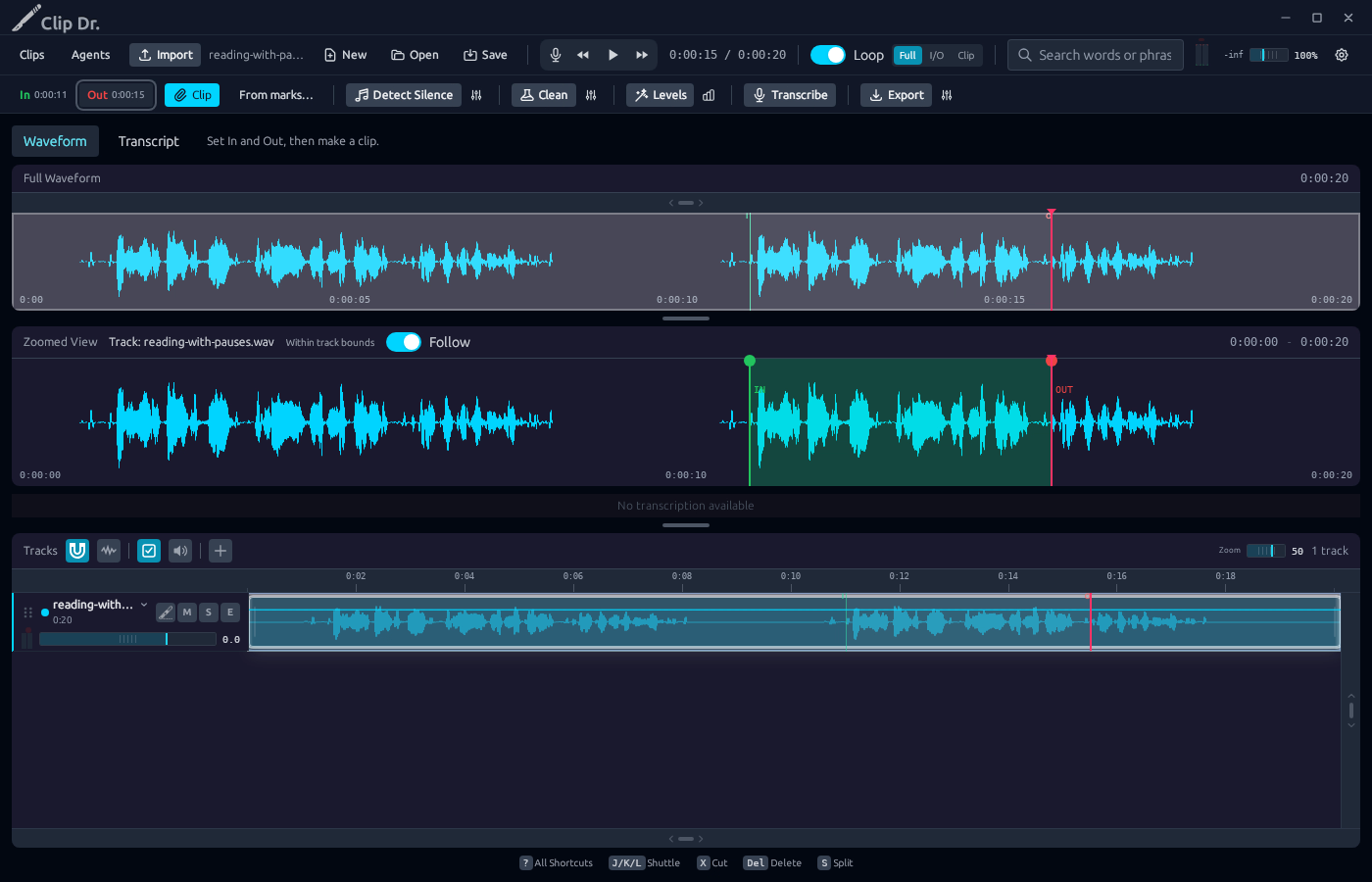
2Set Out
Click a later point, then click Out.
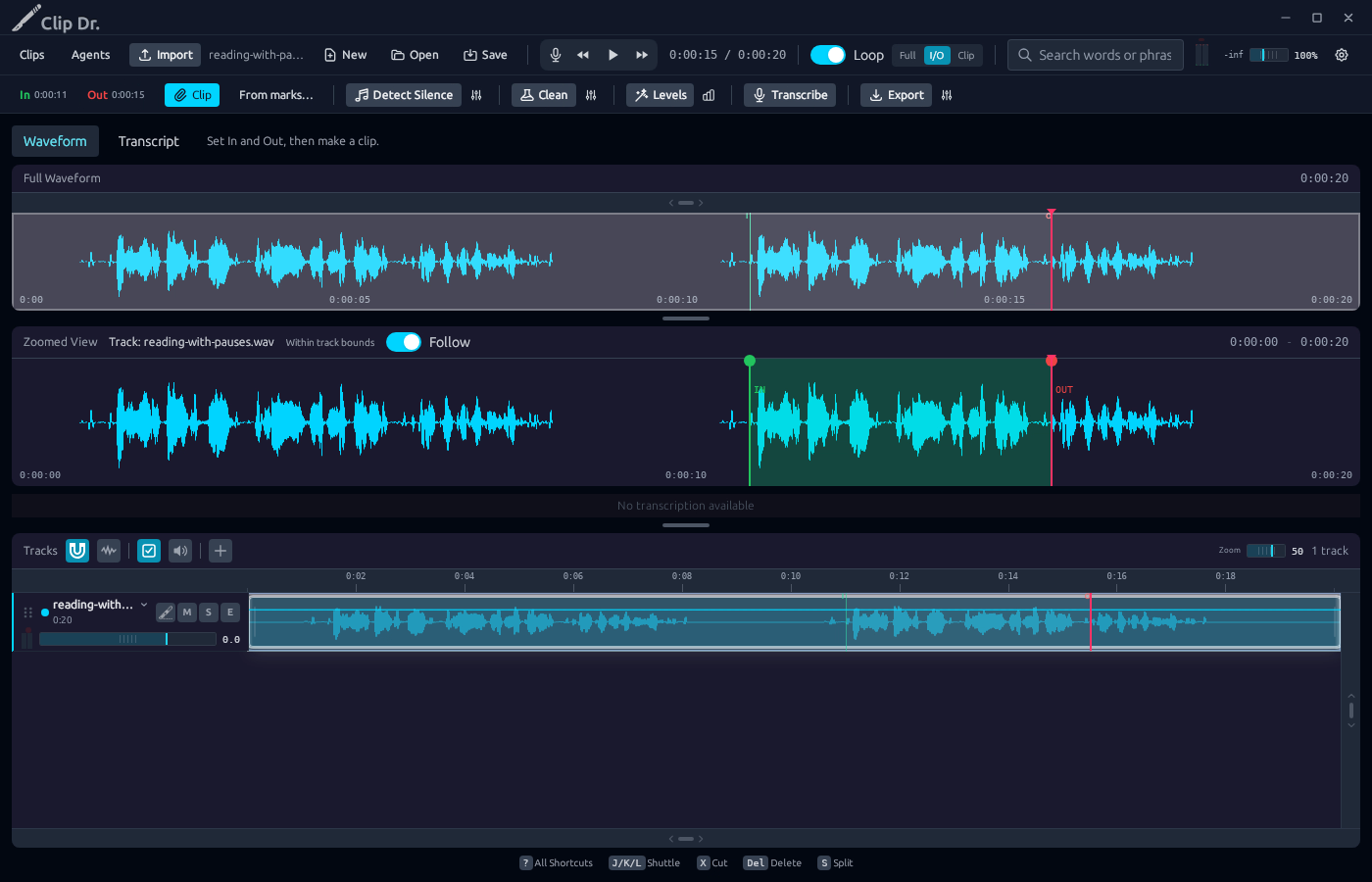
3Pick a loop mode
Full: the whole recording. I/O: In to Out. Clip: the selected clip.
4Play
Playback wraps back to In. Loop must be on.
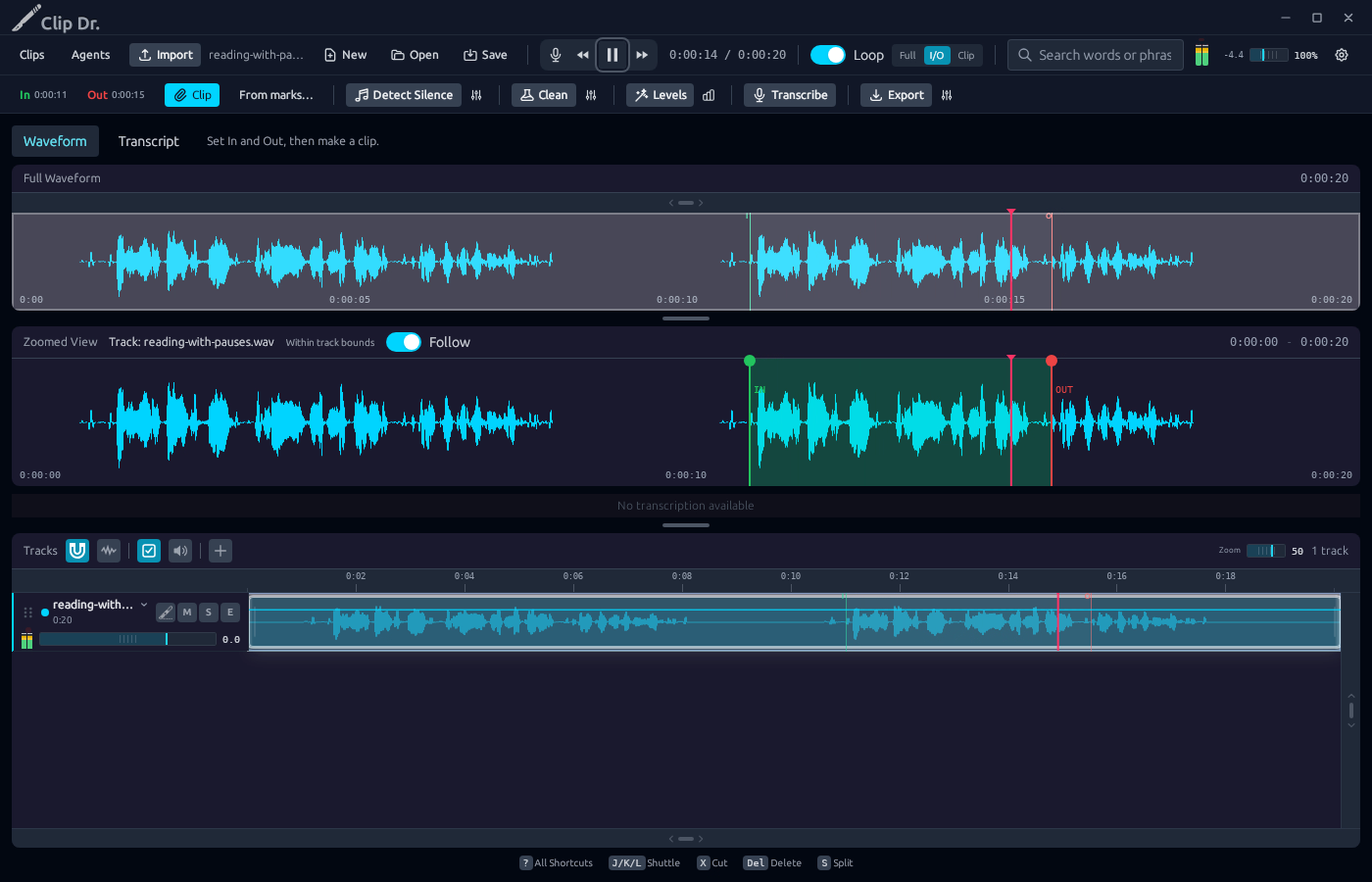
Result: Playback repeats between the In and Out marks.