
Desktop · 0:26 video
Transcribe a recording locally
Turn speech into timed words you can click, search, and use to make clips.
Before you start: A selected audio track. English Parakeet transcription is included with the desktop app.
Download videoDownload captions
Step by step
Open Transcript
Choose Transcript above the waveform and select the track you want to work with. New installations use the included Parakeet English model. Existing users can choose Parakeet in Settings → Transcription.
Transcribe the track
Choose Transcribe this track. Processing runs locally. When the words appear, click one to find that moment in the recording.
Navigate by words
Click a word to move to its audio. Choose Play from words to listen from the selected passage. The normal transport pauses playback.
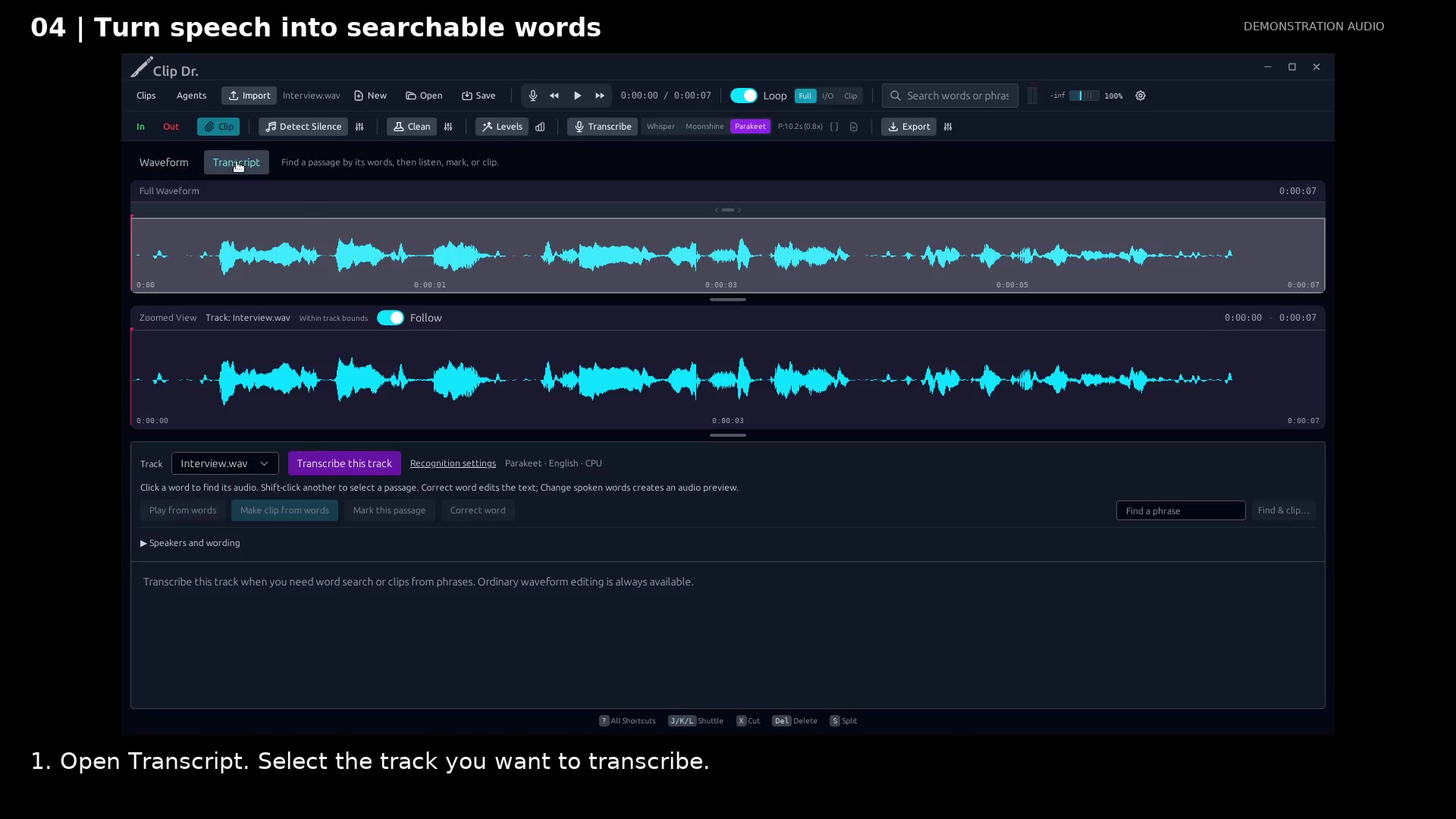
Open the transcript workspace. Open full size
- Transcript opens the word-based workspace.
- Transcribe this track starts local recognition.
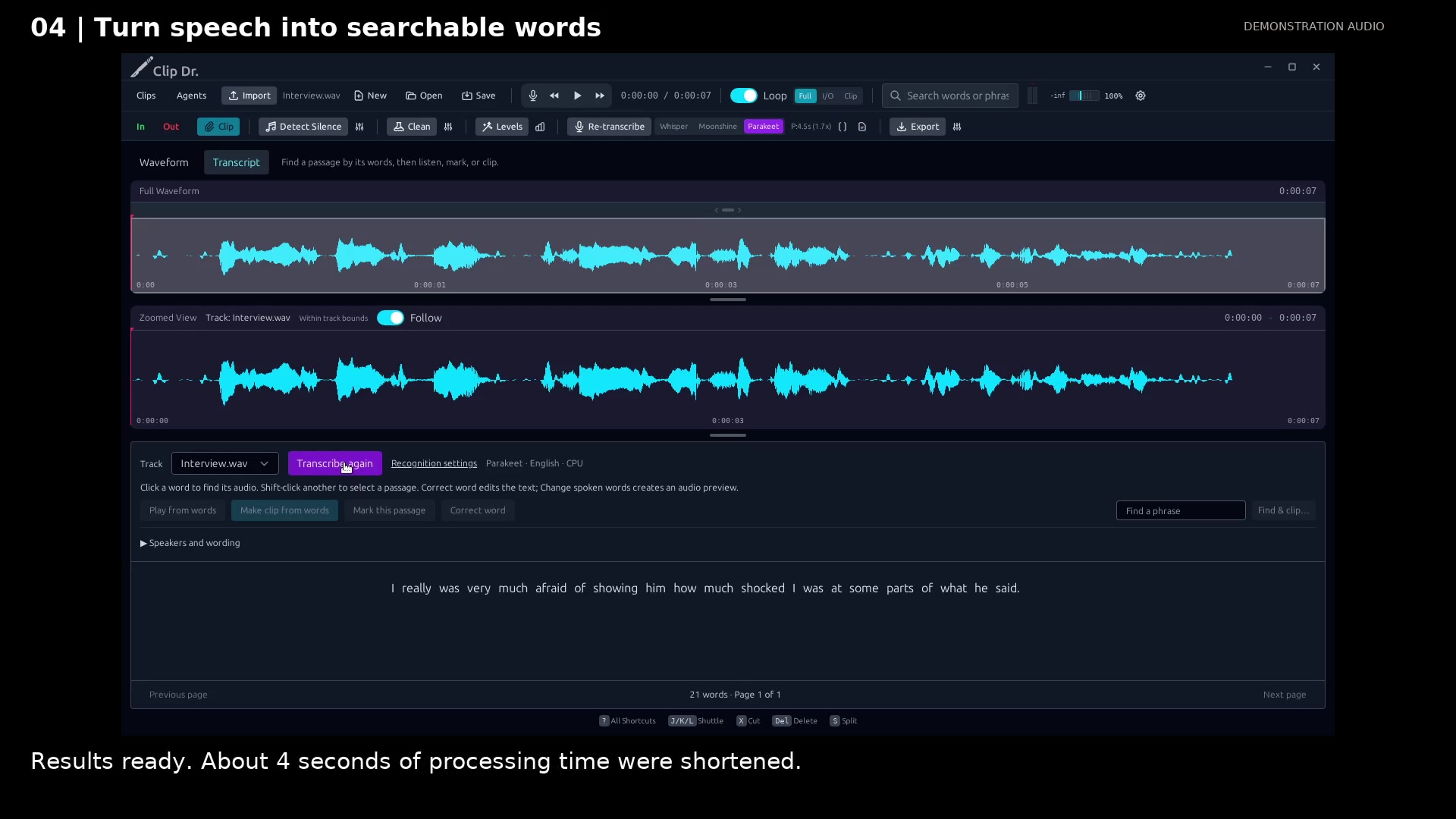
Read the completed local transcript. Open full size
- Timed words stay linked to the audio.
- Listen from your selected words.
Read the video instructions
- Start with a recording open. Transcription is optional: ordinary editing always works.
- 1. Open Transcript. Select the track you want to transcribe.
- 2. Choose Transcribe this track. This example uses the installed Parakeet English model.
- Processing runs locally. Wait for the result before continuing.
- The result is ready to review.
- 3. Click a word to jump to its audio. Choose Play from words to listen.
- The transcript stays tied to the recording. Use words to find moments faster.
Audio credits
LibriSpeech excerpts 1688-142285-0007 and 1272-128104-0000, collected by Vassil Panayotov, Guoguo Chen, Daniel Povey, and Sanjeev Khudanpur from LibriVox, are used under CC BY 4.0. Excerpts have been trimmed, resampled, padded, or processed. The voice-replacement example uses an original synthetic voice.