
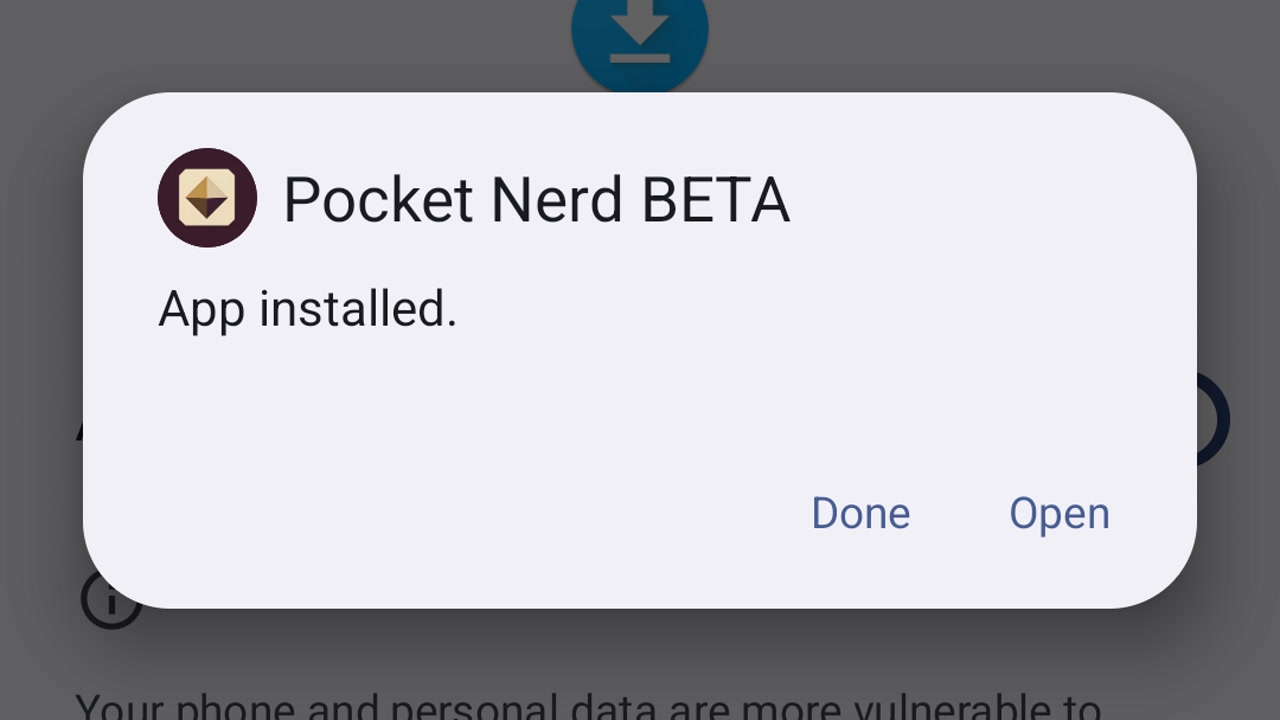
Install the Rabbit Trail beta on Android
Download your approved Rabbit Trail beta, install it on Android and open it for the first time.
Learn by doing
Capture sources, connect evidence, and continue a project on another device.
About Rabbit Trail and beta access
Download the practice sources to follow the document and connection guides.
19 guides
No guide matches those filters. Try fewer words or .
Download your approved Rabbit Trail beta, install it on Android and open it for the first time.
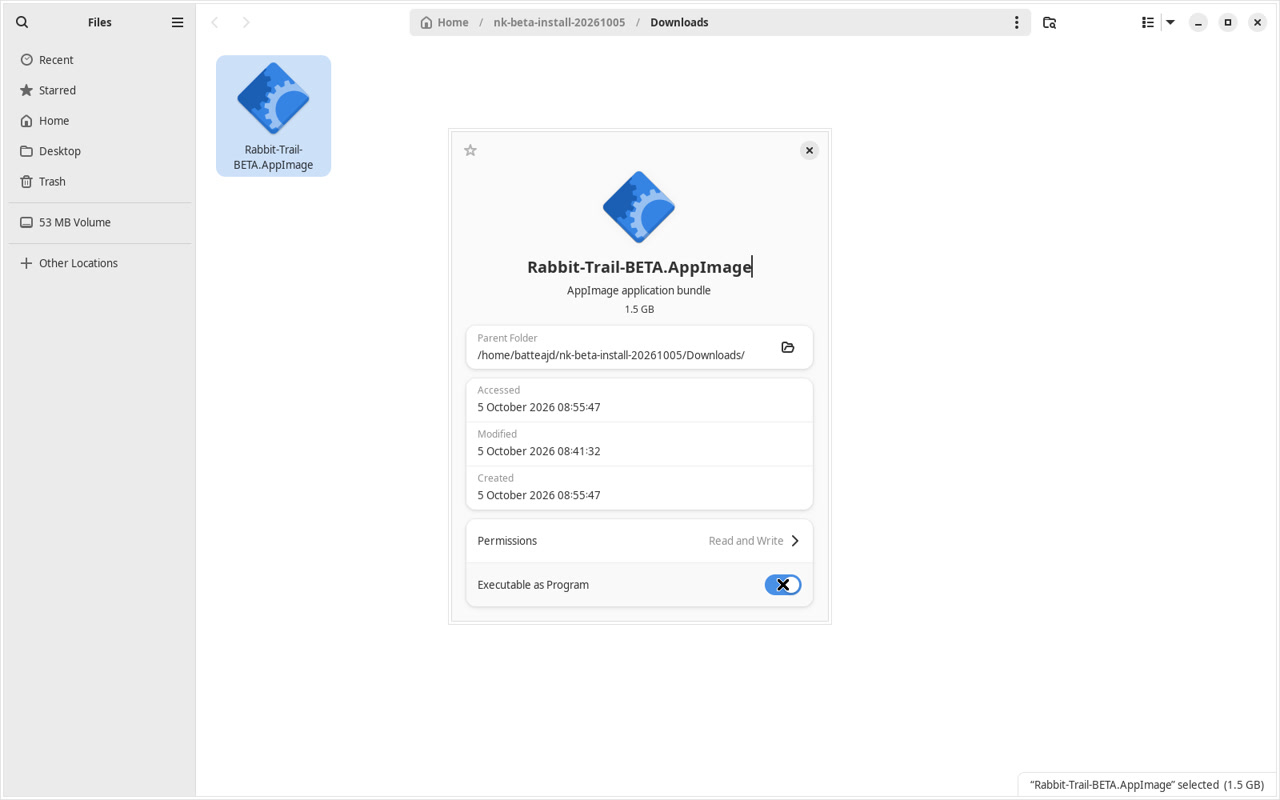
Download your approved Rabbit Trail beta, install it on Linux and open it for the first time.
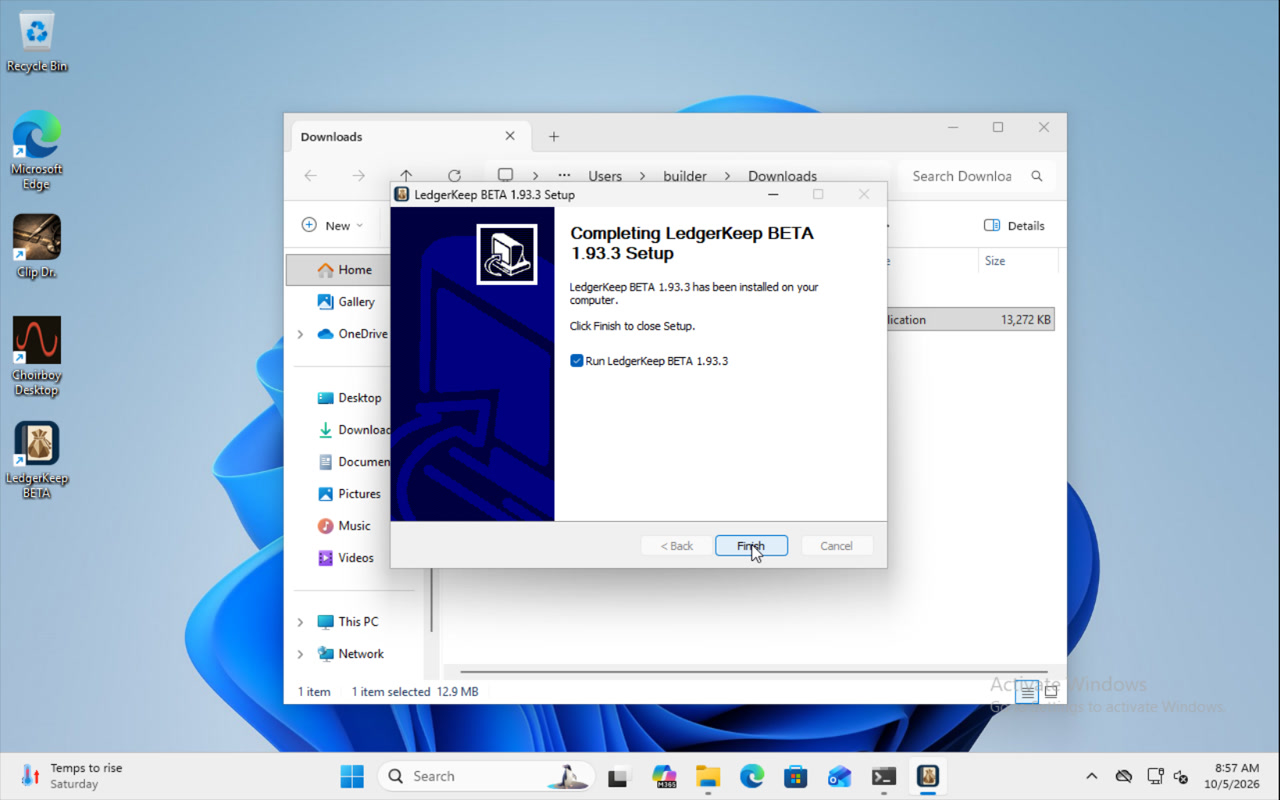
Download your approved Rabbit Trail beta, install it on Windows and open it for the first time.
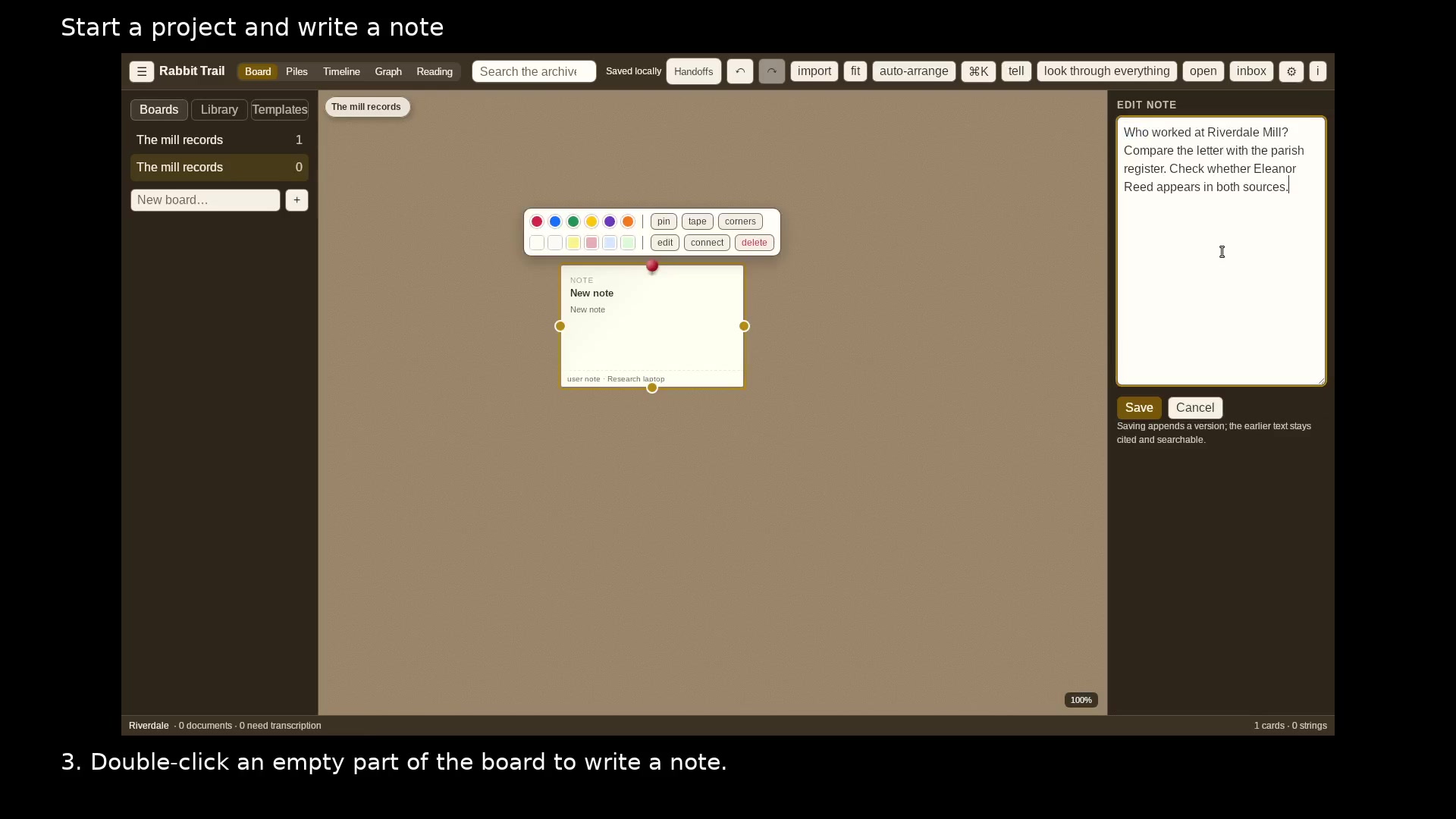
Give an investigation its own folder, board, and first research question.
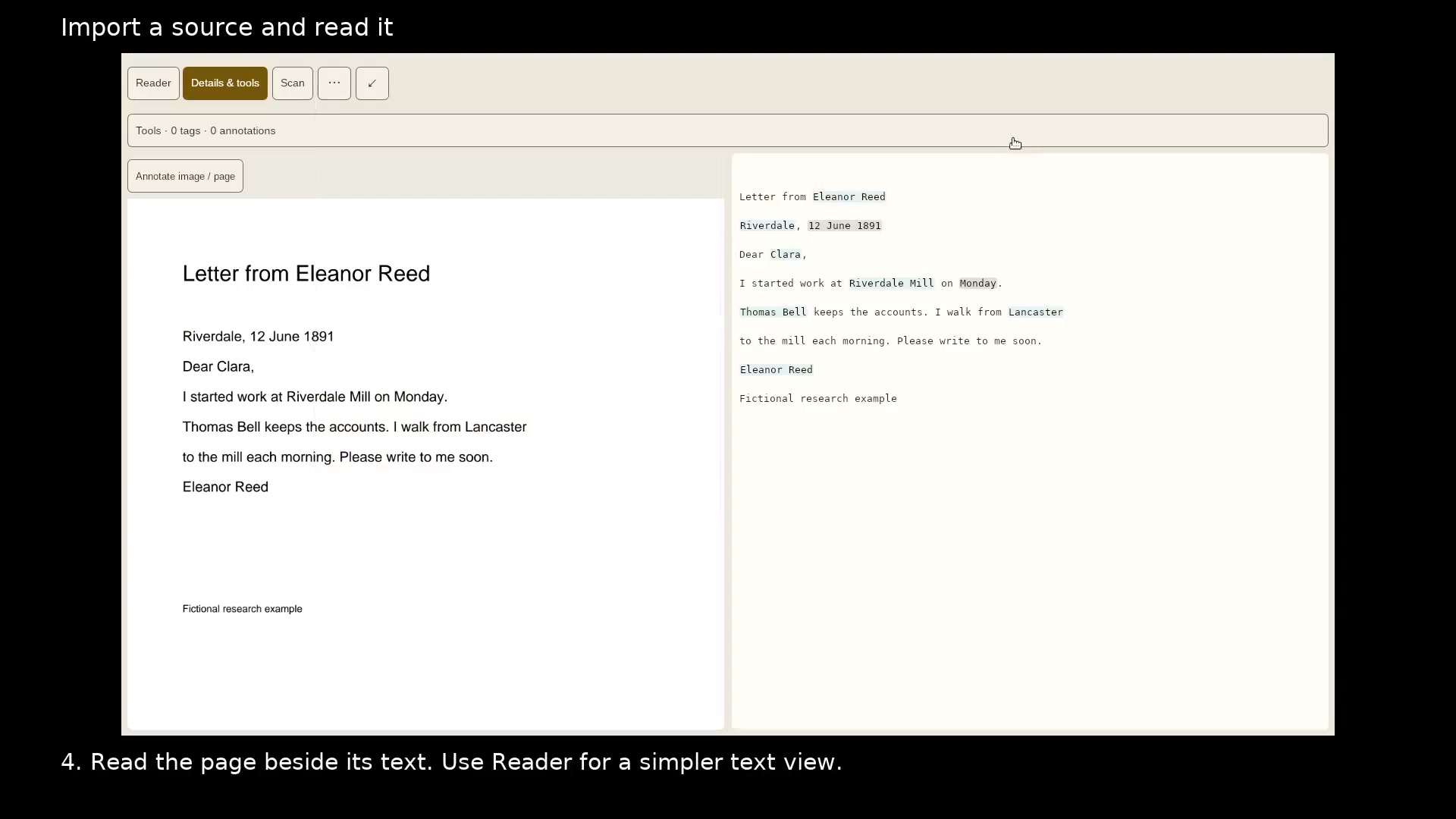
Keep the original document beside the text you use in your research.
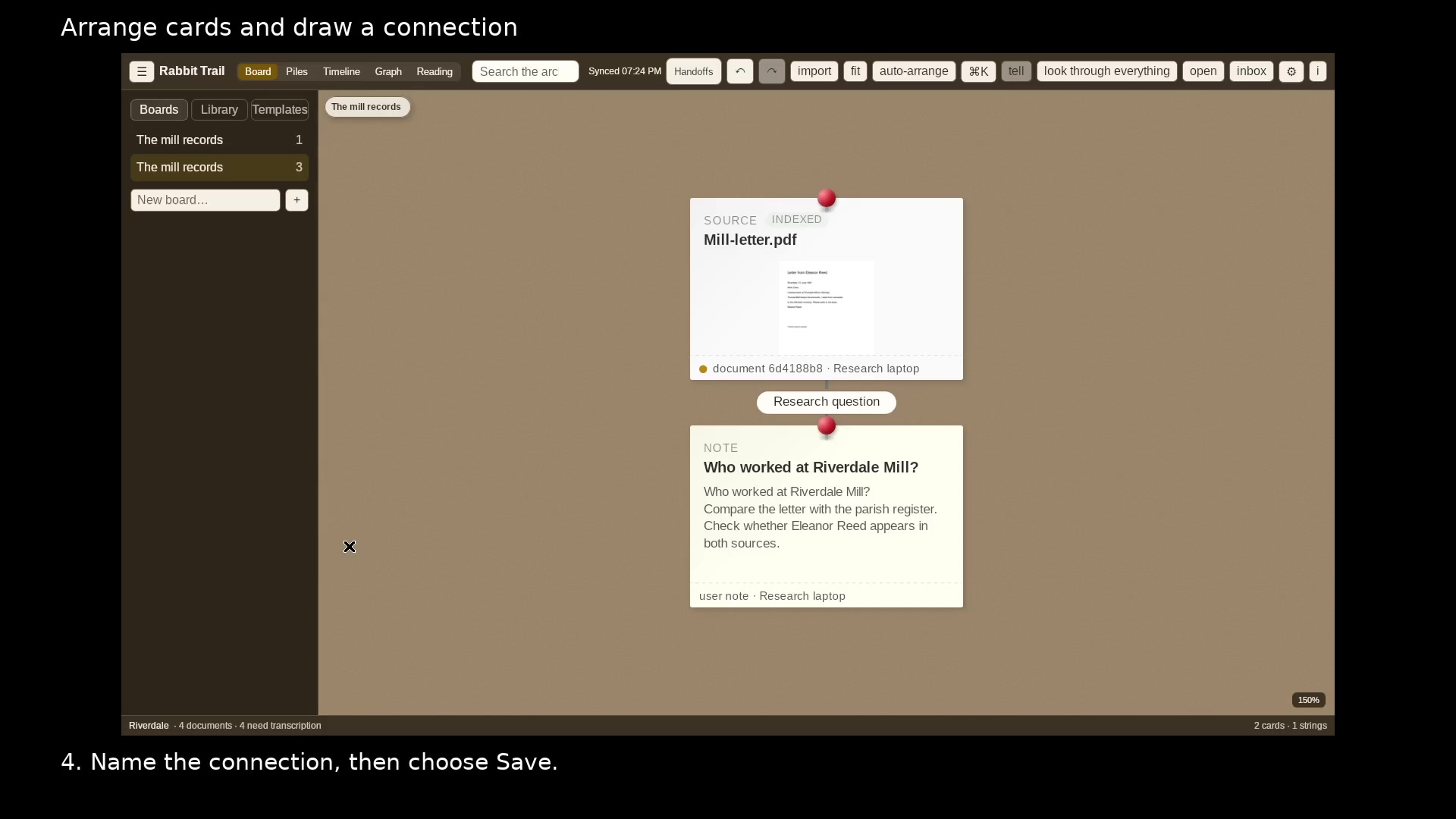
Separate overlapping cards and label why two items belong together.
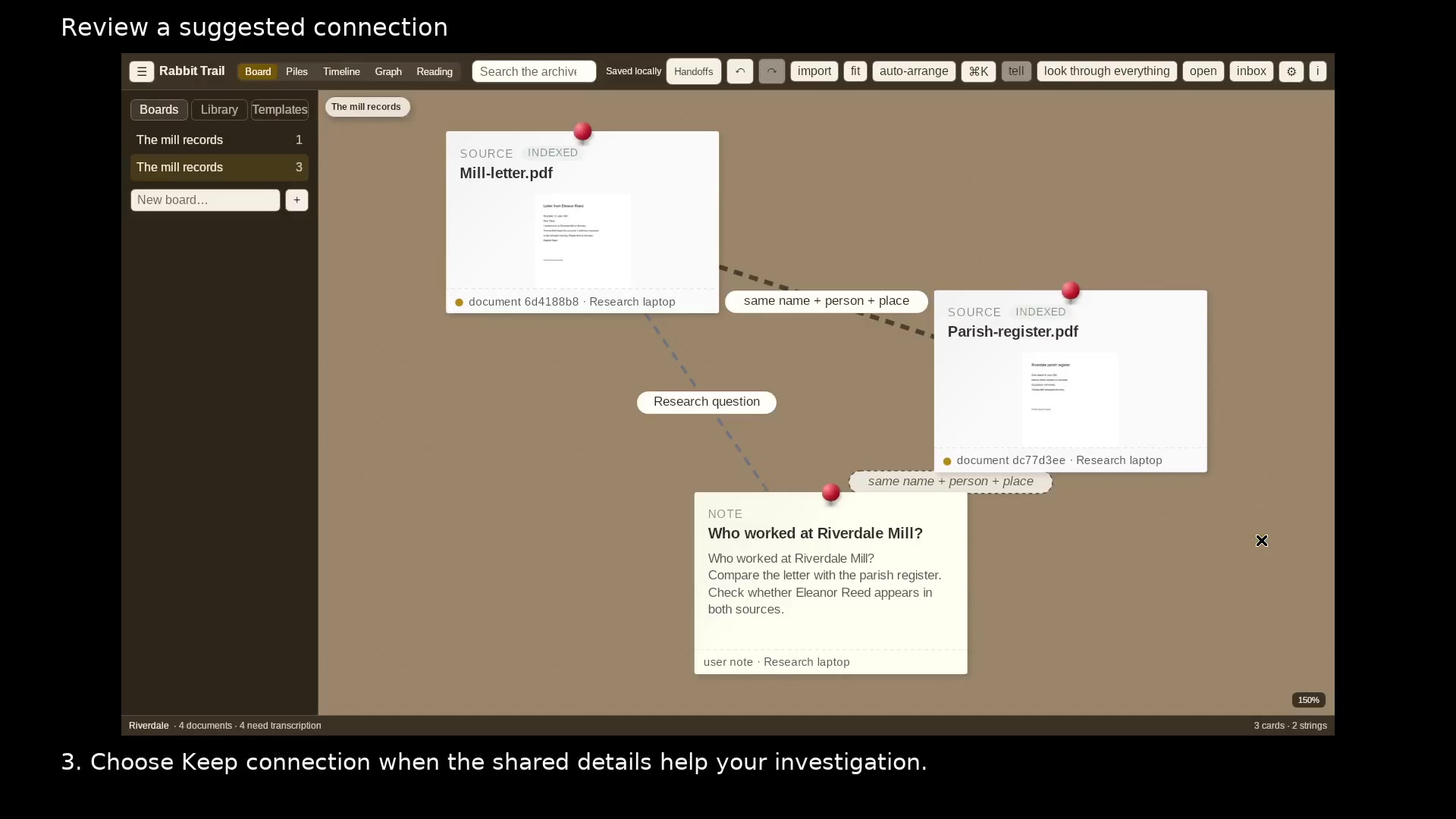
See the actual names and places that two sources share before keeping a link.
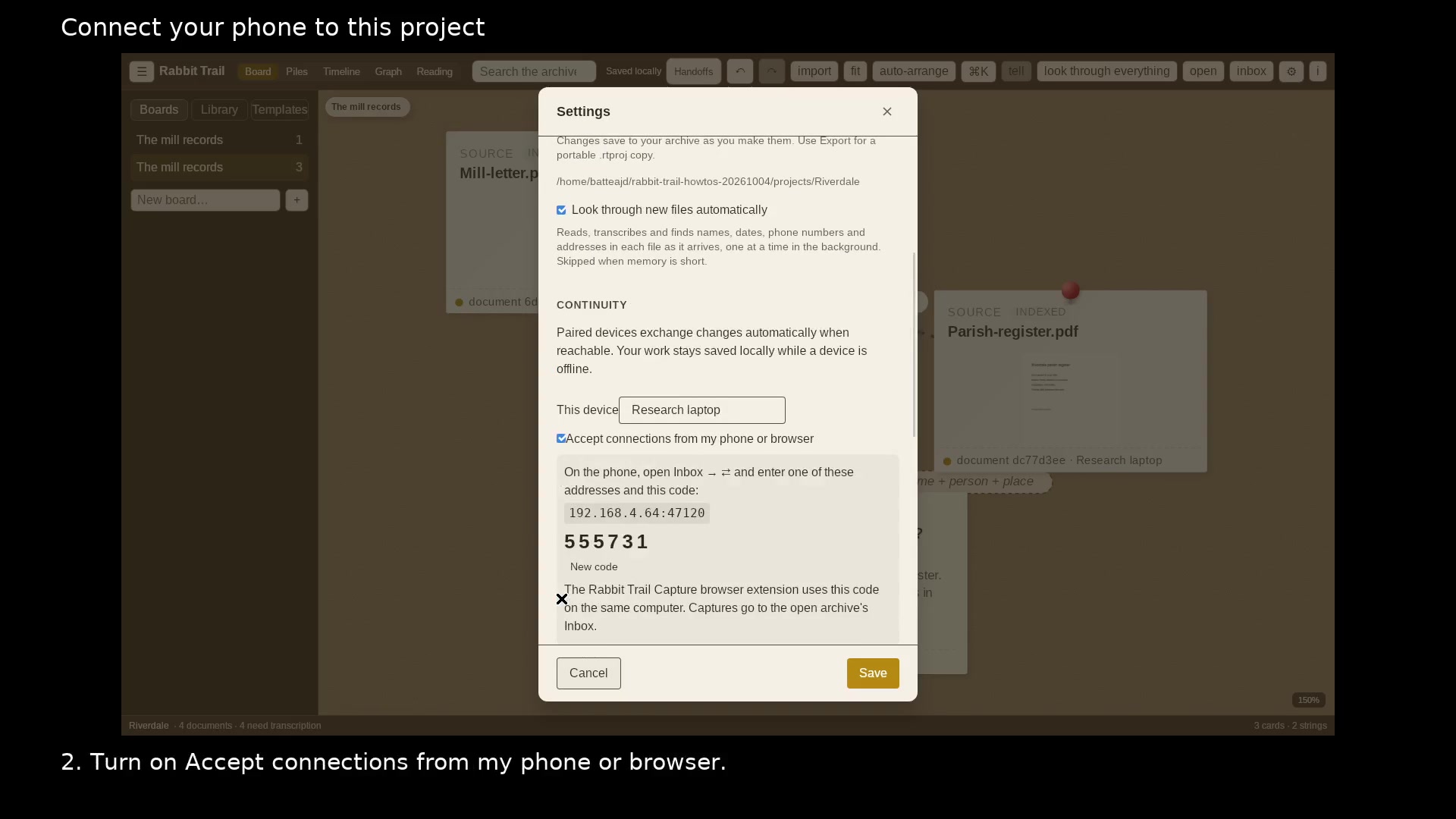
Make the open desktop project available for Wi-Fi pairing.
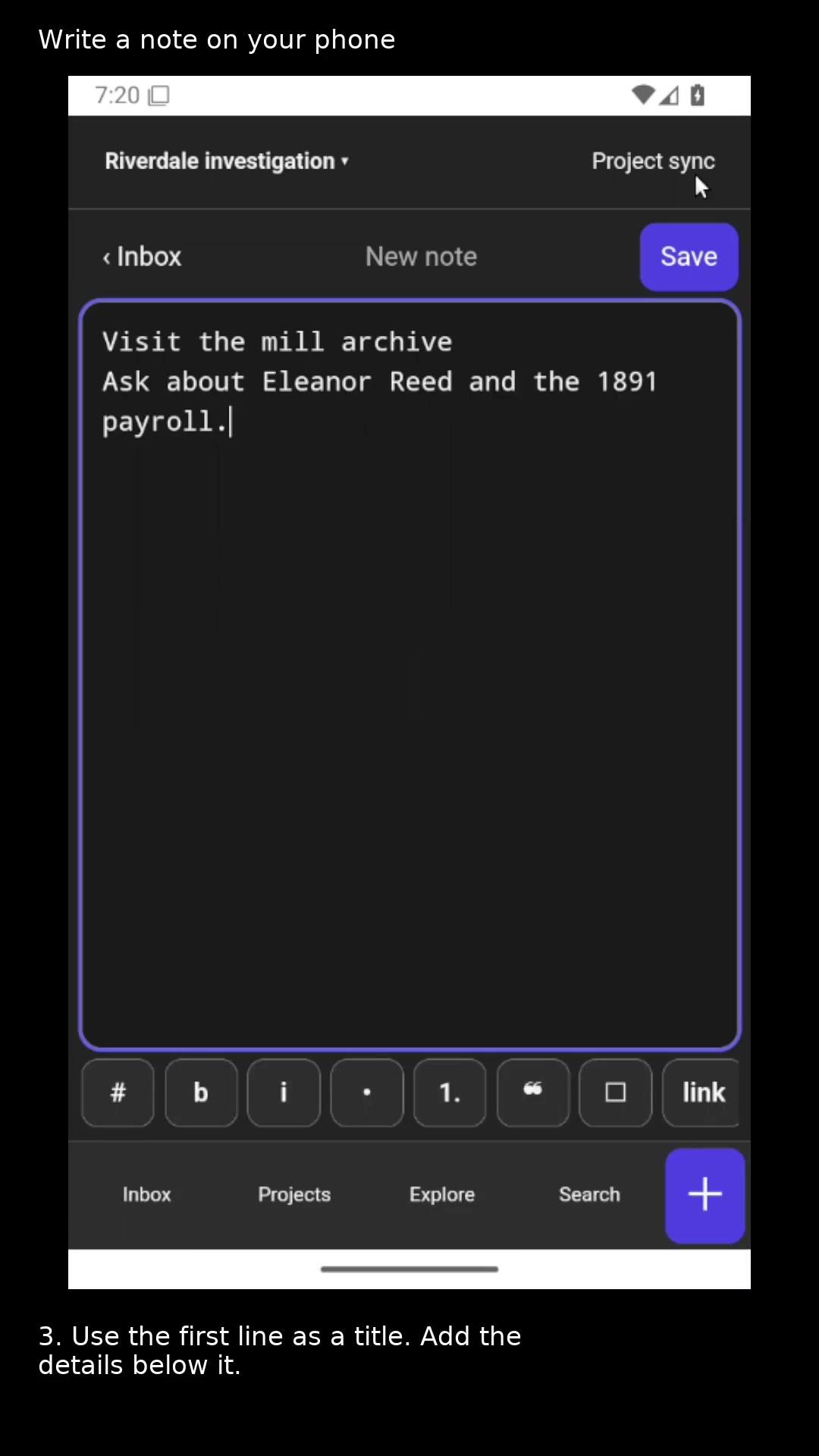
Capture a research lead in the right project.
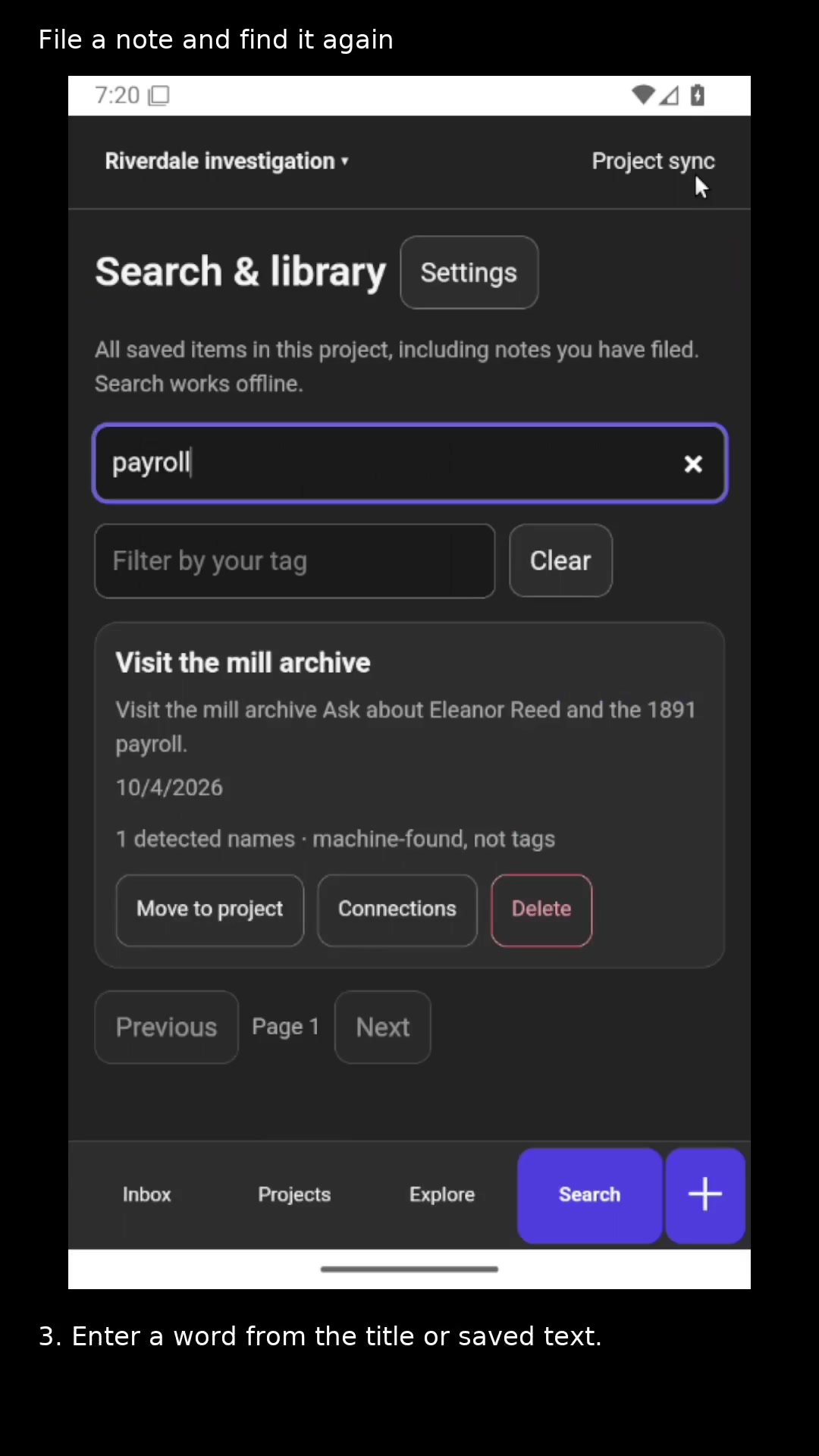
Clear the phone Inbox while keeping the note in its project.
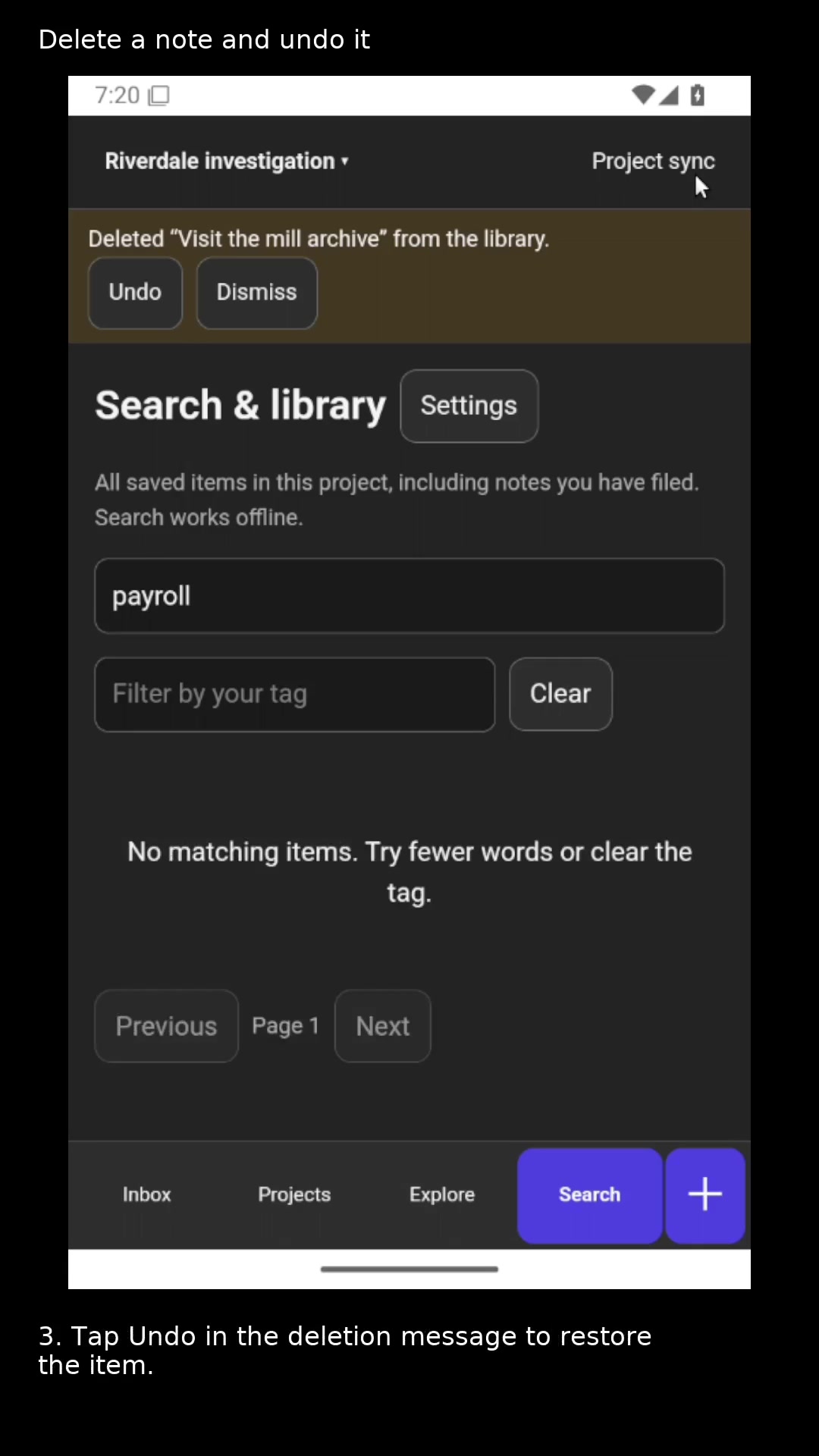
Remove an unwanted library item and recover it if you change your mind.
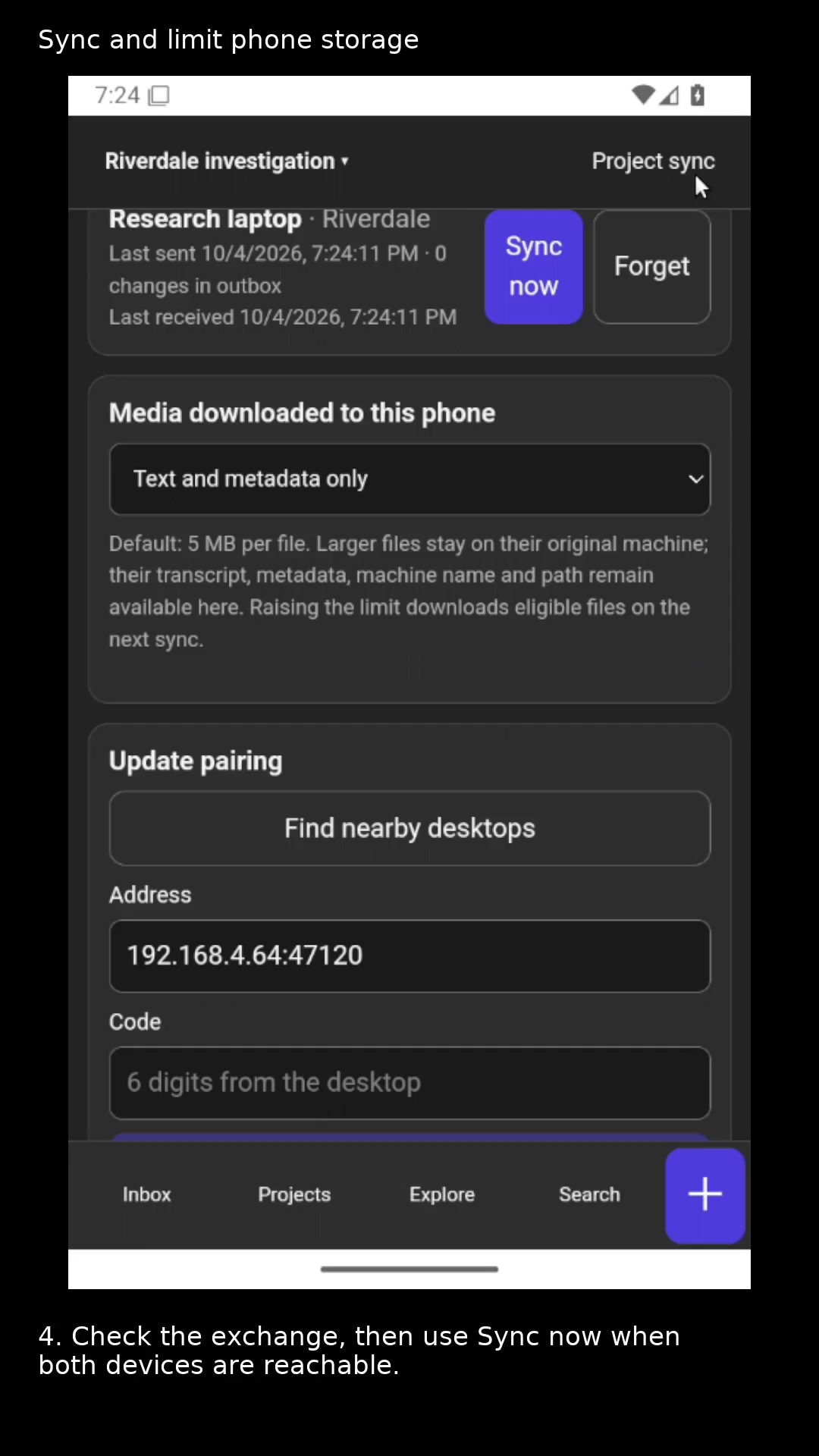
Pair with the desktop and choose which media files download to the phone.
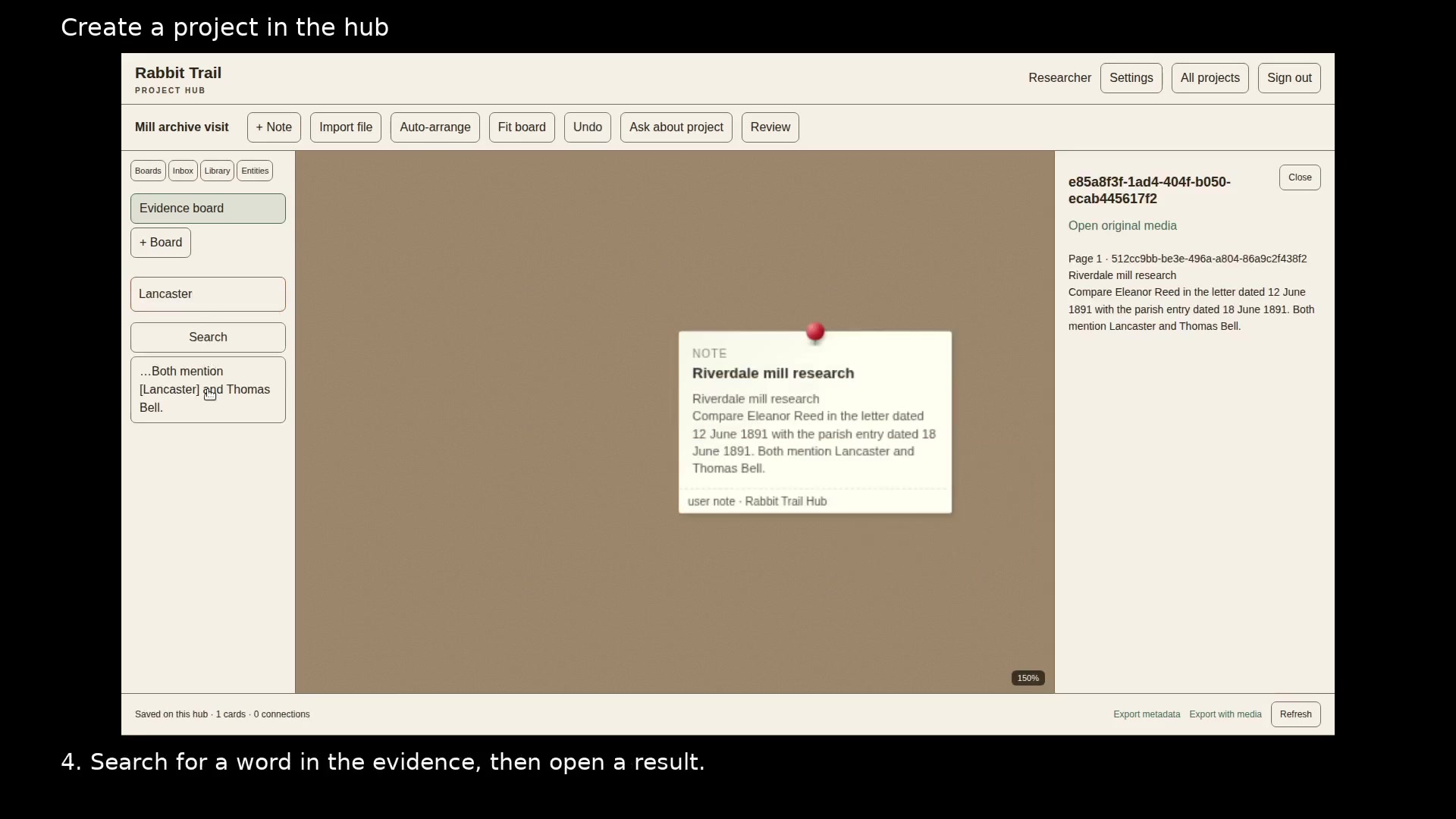
Write, arrange, and search project notes in your browser.
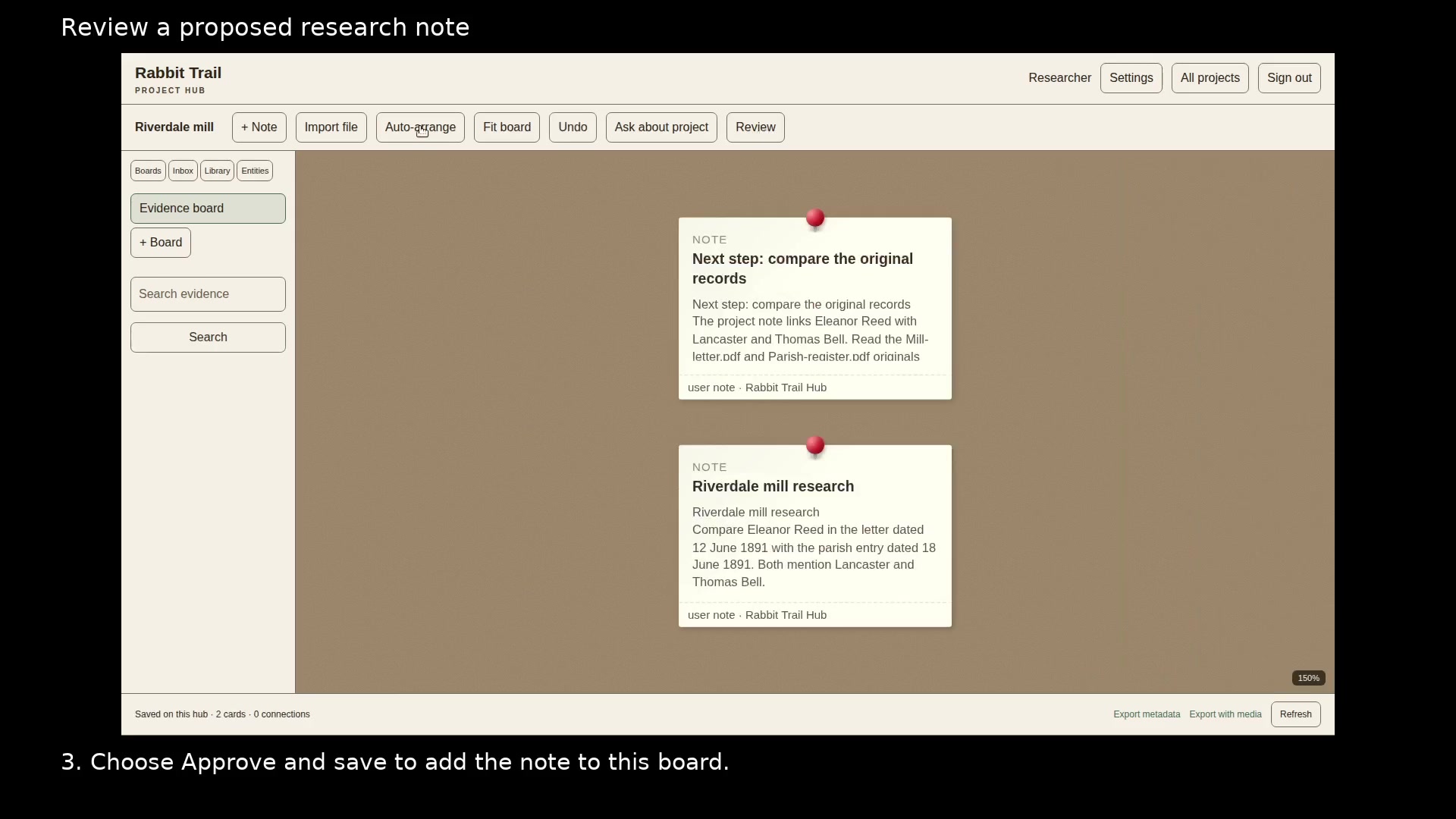
Check a proposed finding before adding it to your evidence board.
Open a portable project in the browser and export a backup.
Let ChatGPT retrieve evidence and propose notes for your approval.
Give each person or tool access to the projects they need.
Configure the model used by Ask about project.
Save selected text, a page address, and your own note from Chrome or Firefox.