Linux · 0:26 video

Write a note on desktop

Type or paste a note. Rabbit Trail finds its names and dates on this computer.

Before you start: Rabbit Trail open on a Linux computer with the sample project.

Download videoDownload captions

1Add

Click + Add in the bottom bar.

1 · Add. Click + Add in the bottom bar.Write a note on desktop — step 11
Add. Select the image to enlarge it.

2Write a note

Click Write a note.

2 · Write a note. Click Write a note.Write a note on desktop — step 22
Write a note. Select the image to enlarge it.

3Type it

The first line is the title. Paste copied text works too.
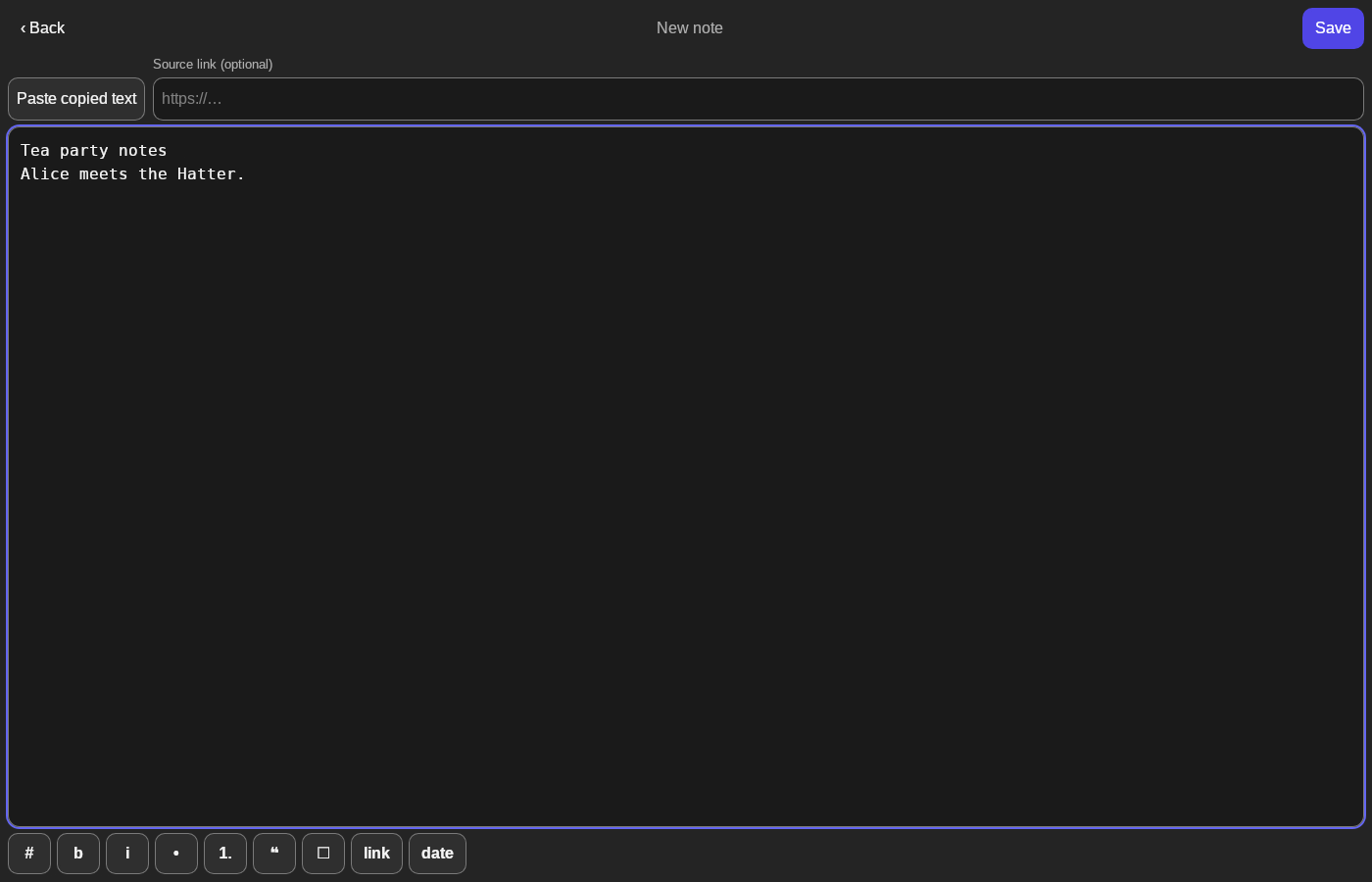
3 · Type it. The first line is the title. Paste copied text works too.Write a note on desktop — step 33
Note. Select the image to enlarge it.

4Save

Click Save at the top right. The note is listed first in Notes.

4 · Save. Click Save at the top right. The note is listed first in Notes.Write a note on desktop — step 44
Tea party notes. Select the image to enlarge it.

Result: The note is saved and listed first in Notes.