
Desktop · 0:20 video
Review a suggested connection
See the actual names and places that two sources share before keeping a link.
Before you start: Two processed sources with matching detected details.
Download videoDownload captions
Step by step
Open the suggestion
Click a suggested connection between source cards. If a card covers the label, move it aside first.
Inspect the matches
Read the matching names, places, and other groups in the review window. Open the original sources to check the surrounding passages.
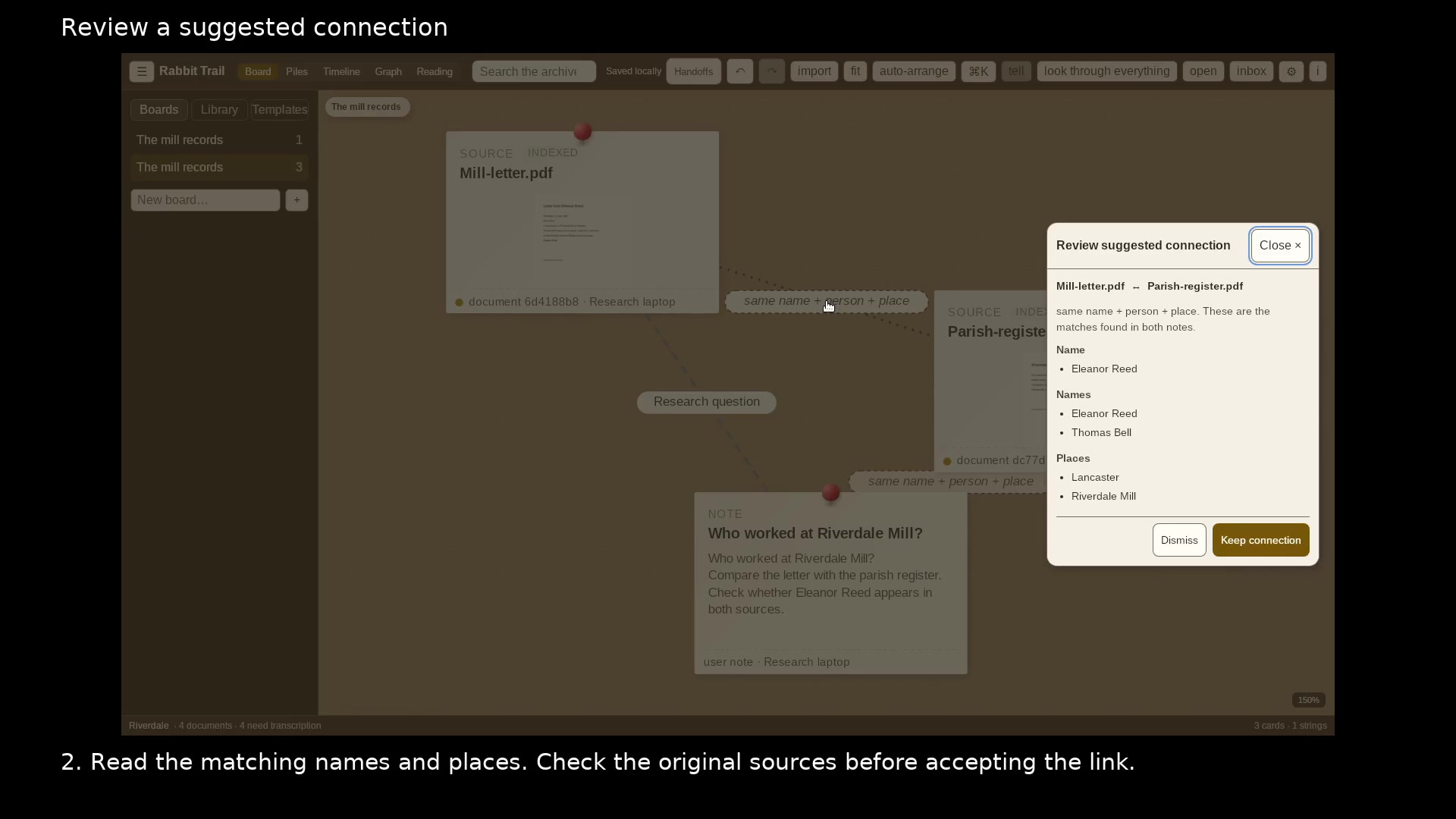
The review window lists the actual matches. Open full size
- Compare the names and places found in both sources.
- Keep a useful link or dismiss it.
Keep or dismiss the link
Choose Keep connection when the relationship helps your investigation. Dismiss a suggestion that is not useful.
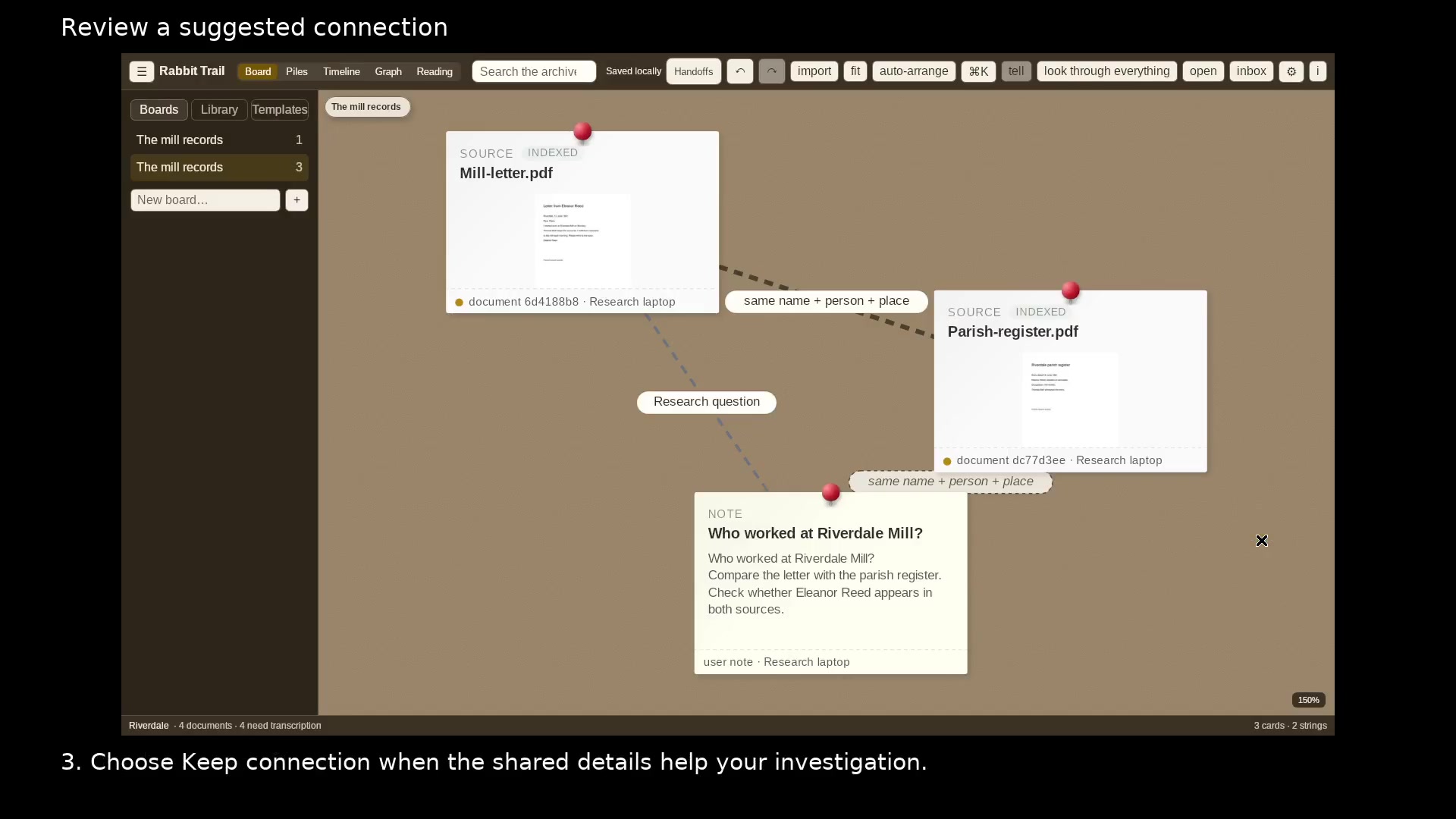
The kept connection remains on your board. Open full size
- A saved connection links the two sources.
Read the video instructions
- Open a suggested connection to see which names and places the sources share.
- 1. Click the suggested connection between two source cards.
- 2. Read the matching names and places. Check the original sources before accepting the link.
- 3. Choose Keep connection when the shared details help your investigation.
- A shared name is a lead. Use the source passages to decide what it proves.