
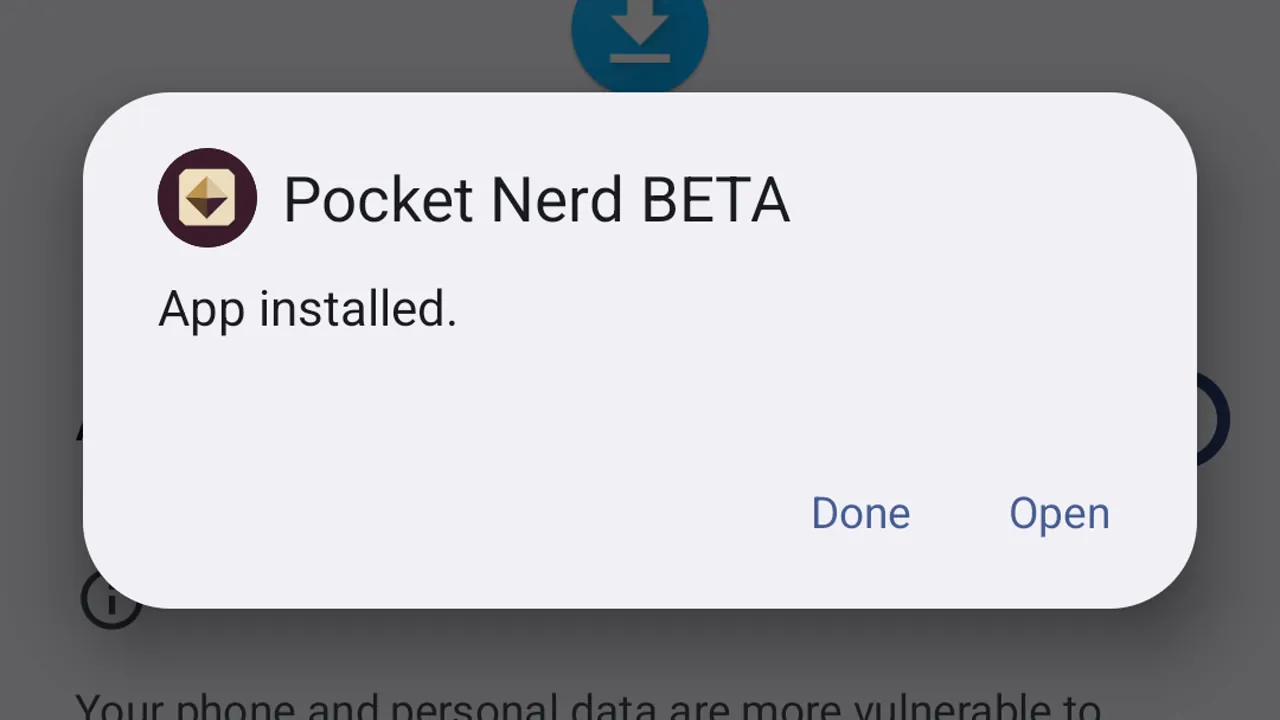
How to install an Android beta
Download your approved beta, install it on your Android device, and open it for the first time.
Learn by doing
Write today’s entry, find an old one, keep several journals, and choose a theme.
About Lifespeed Journal and the 30-day demo
15 guides
No guide matches those filters. Try fewer words or .
Download your approved beta, install it on your Android device, and open it for the first time.

Type a title into Search or create, start a new entry from it, and write. Lifespeed saves as you type.

Scroll the timeline back by month to an older entry and open it.

Add a #tag while you write, then use Tags to see every entry on that topic.

Write shows the entry formatted. Markdown shows the file as it is saved, header and all.

Type any word in Search or create. Results come from every journal, with the match highlighted.

Copy one entry as Markdown to paste anywhere, or export the whole journal as one archive.

Settings has four tabs: App, Support & logs, License and About.

The License tab shows what this copy can do, the $5.99 license and the field for a key you already have.

Browse the journal timeline, start an entry from Search or create, and see the entry as Markdown.

Add a tag in the text, then browse every entry with that tag.

Search the words in every journal and page, then open a match.

Keep separate journals, each in its own folder and color.

Save a whole journal, with its Markdown files and attachments, as one archive.

Set the look of the app: theme, typeface and text size.