
Linux · 0:21 video
Change the theme and typeface on desktop
Set the look of the app: theme, typeface and text size.
Before you start: Lifespeed Journal open on a Linux computer with a journal.
Download videoDownload captions
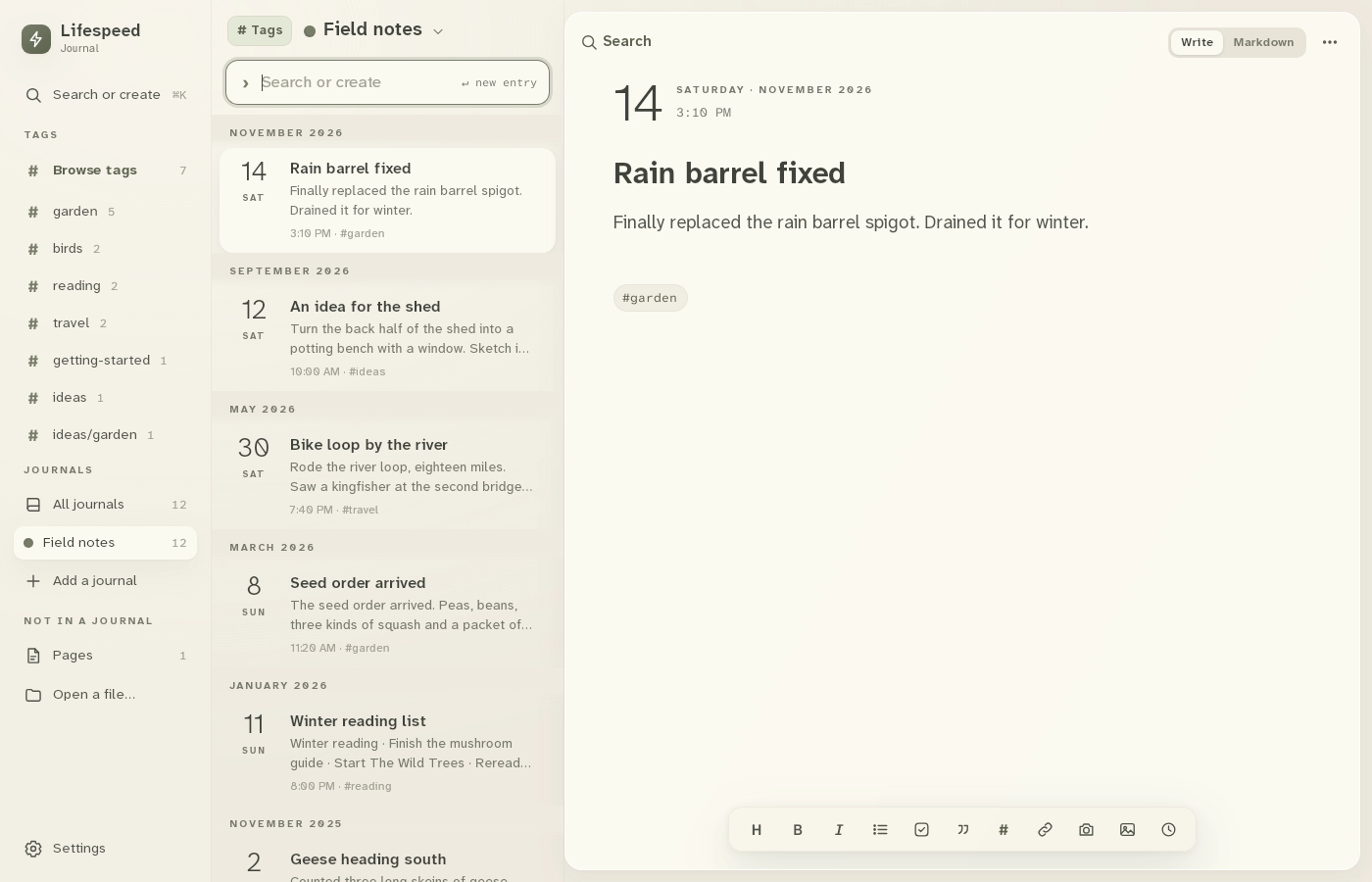
1Open Settings
Click Settings at the bottom left.
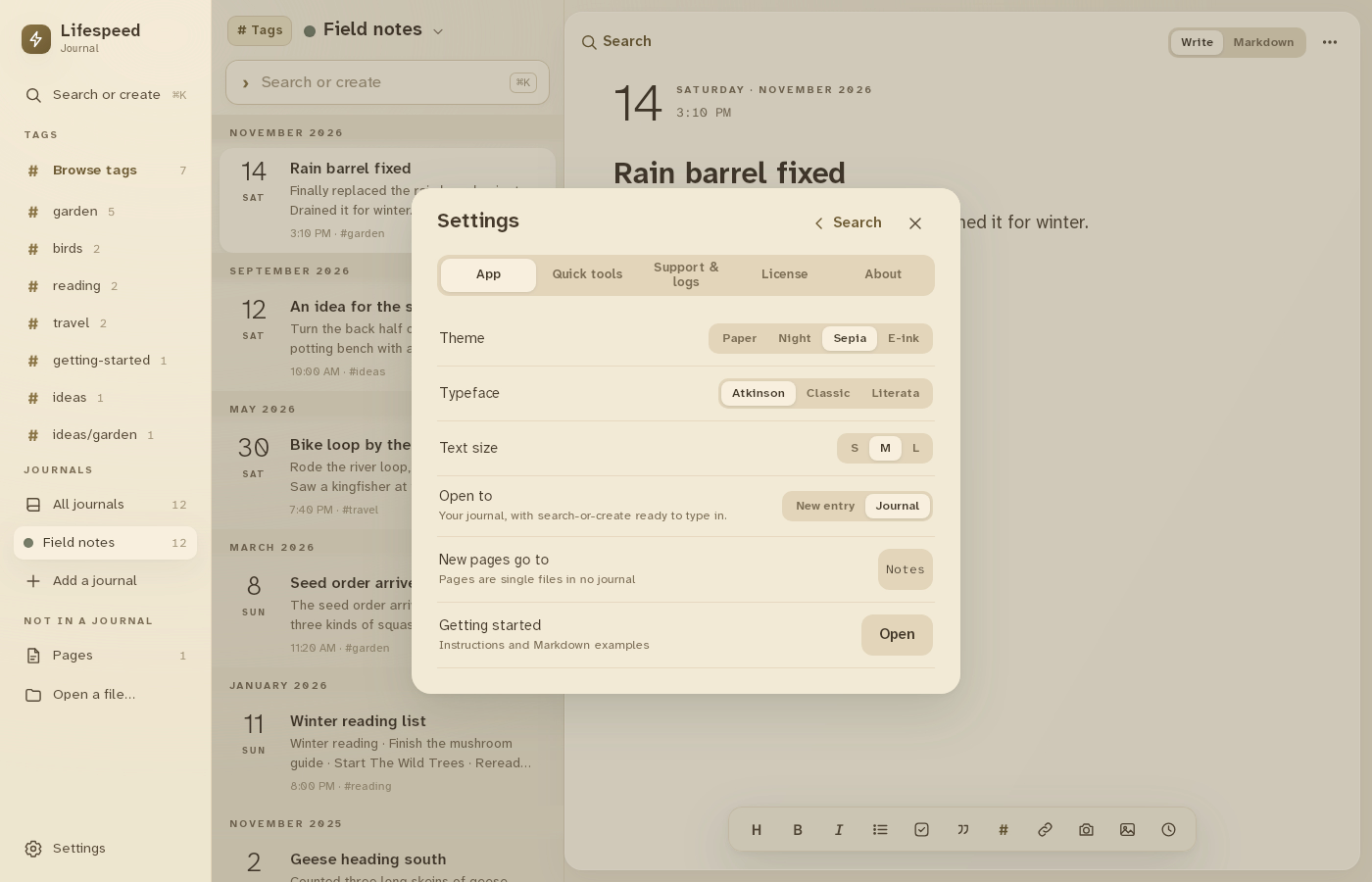
2Pick a theme
Paper, Night, Sepia or E-ink.
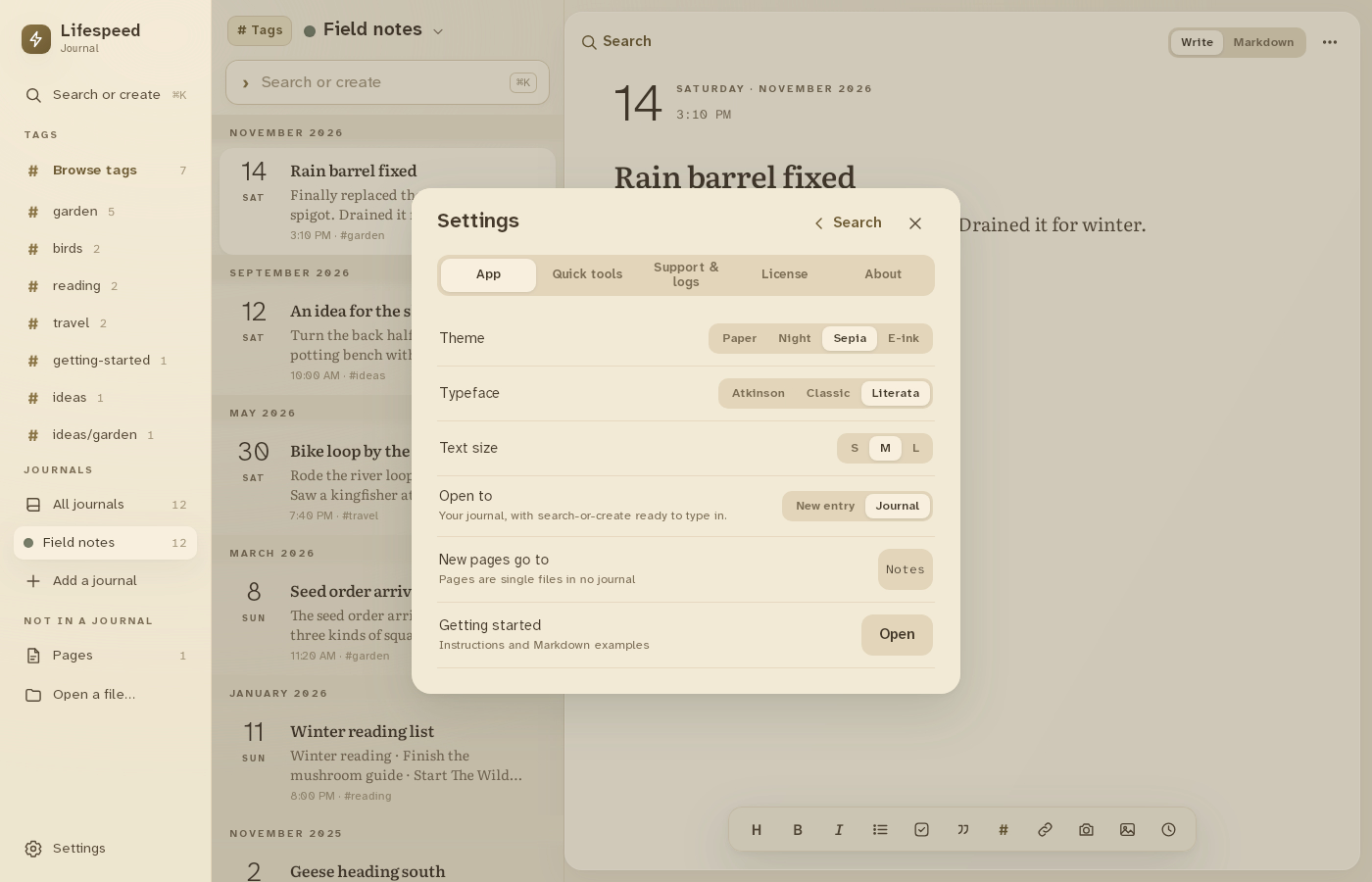
3Pick a typeface
Atkinson, Classic or Literata.
4Pick a text size
S, M or L. Changes apply right away.
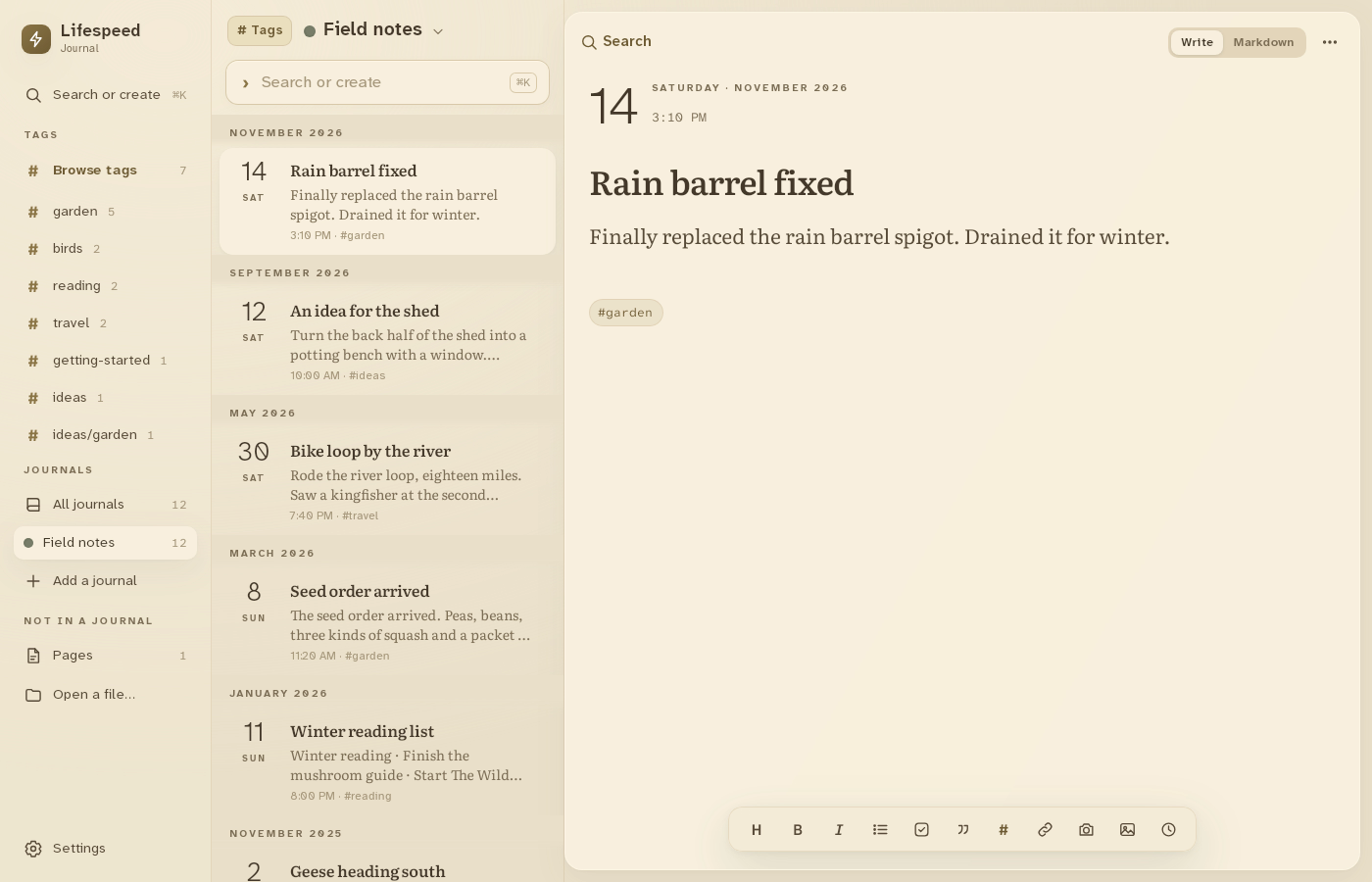
Result: The journal shows in Sepia with Literata at the large size.