
Android · 0:20 video
Search every entry
Type any word in Search or create. Results come from every journal, with the match highlighted.
Before you start: Lifespeed Journal open on Android with a journal.
Download videoDownload captions
1Type a word
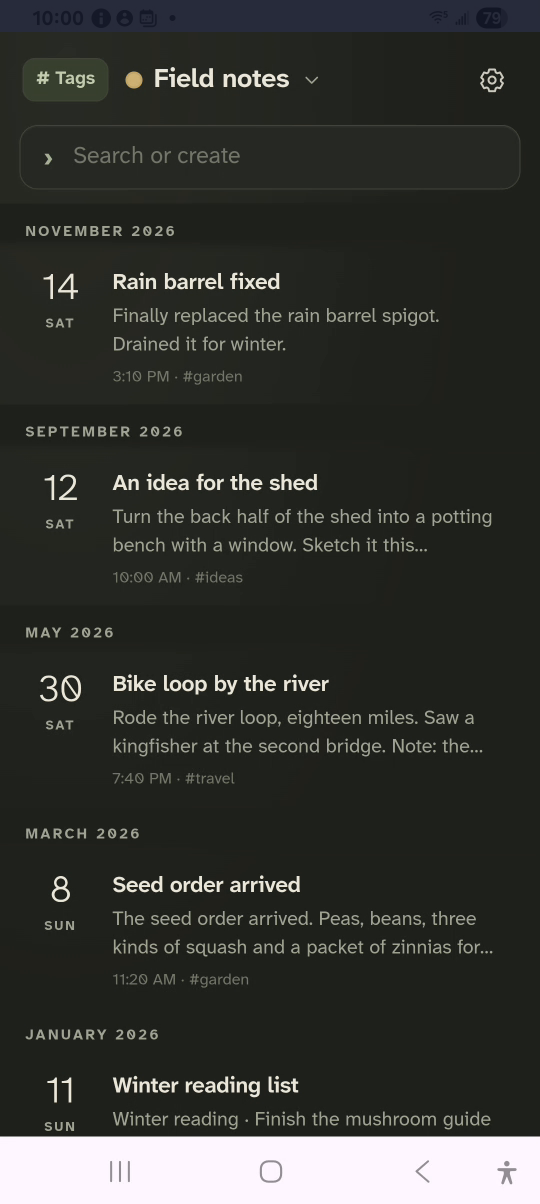
Tap Search or create and type kingfisher.
2Read the matches
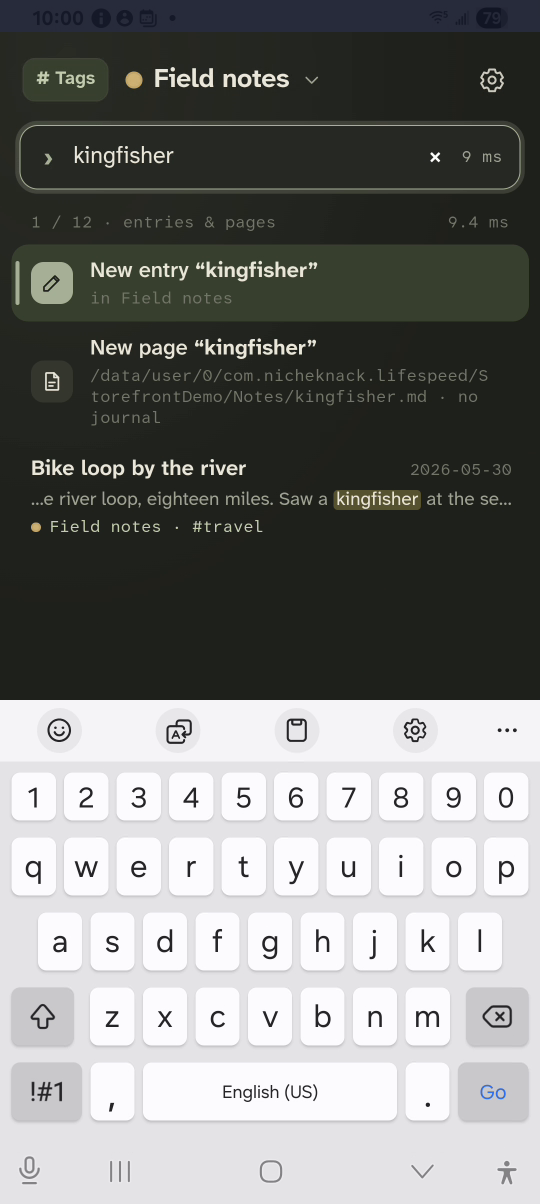
Each result shows the date, the journal and the matching words.
3Search a tag
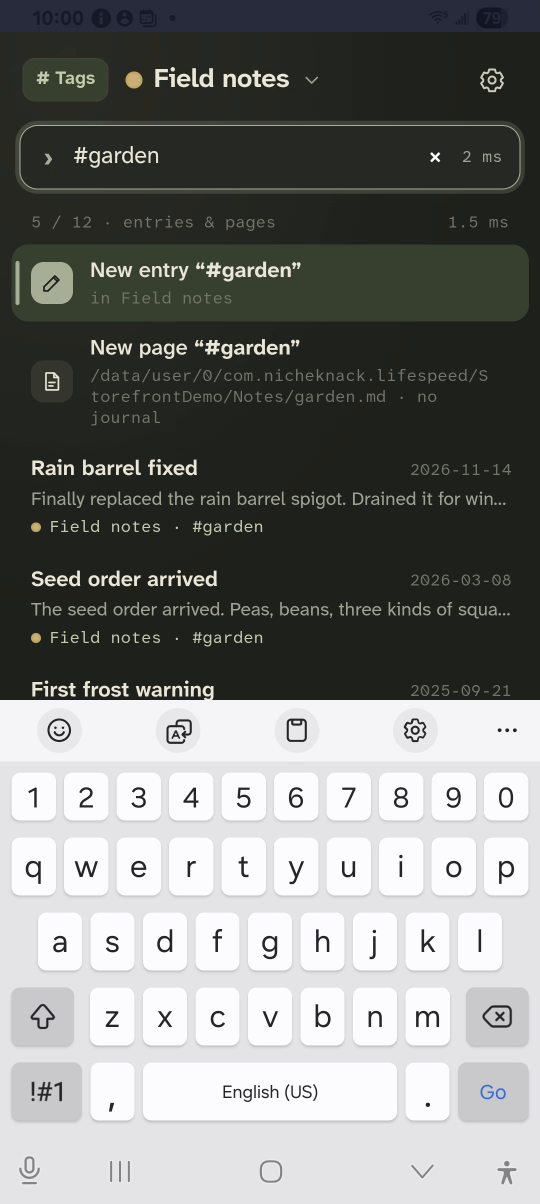
Clear the box and type #garden.
4Open a result
Tap a result to open it.
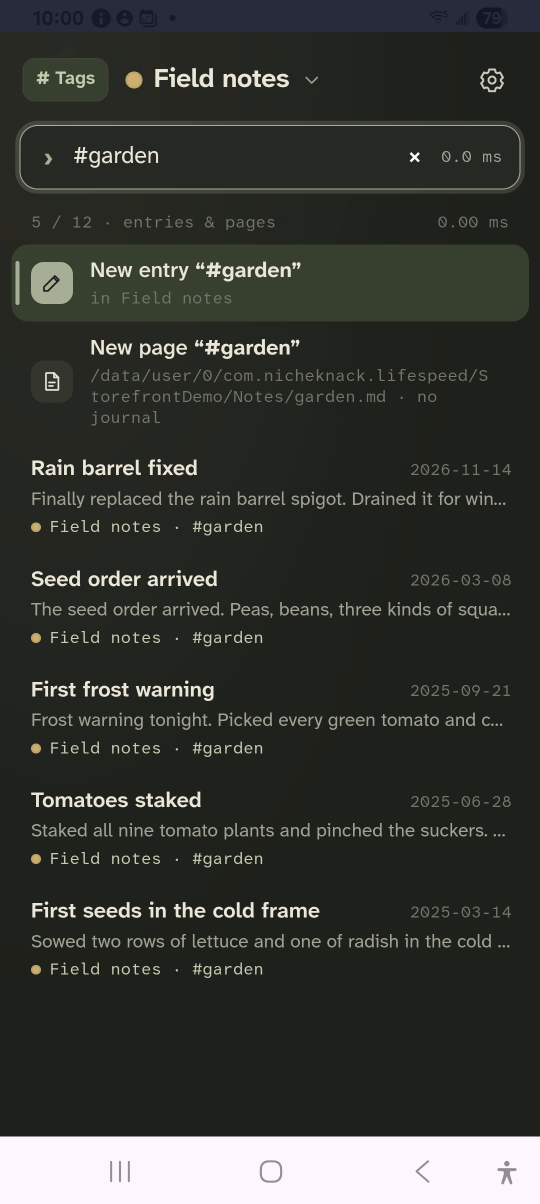
Result: The matching entry opens. A #tag search lists every entry with that tag.