
Linux · 0:16 video
Check your license
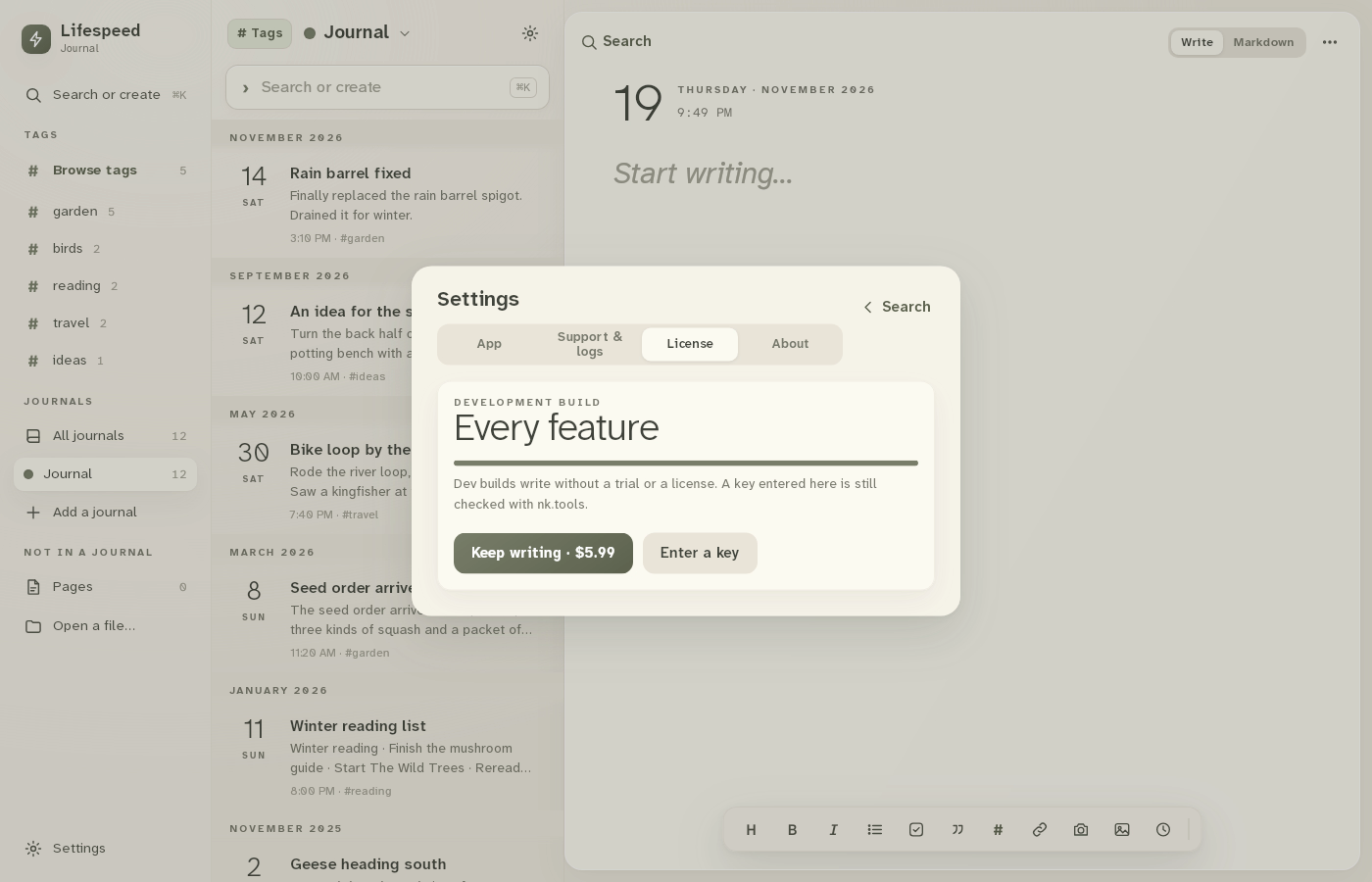
The License tab shows what this copy can do, the $5.99 license and the field for a key you already have.
Before you start: Lifespeed Journal open on a Linux computer.
Download videoDownload captions
Recorded on a development build, which writes without a trial or a license.
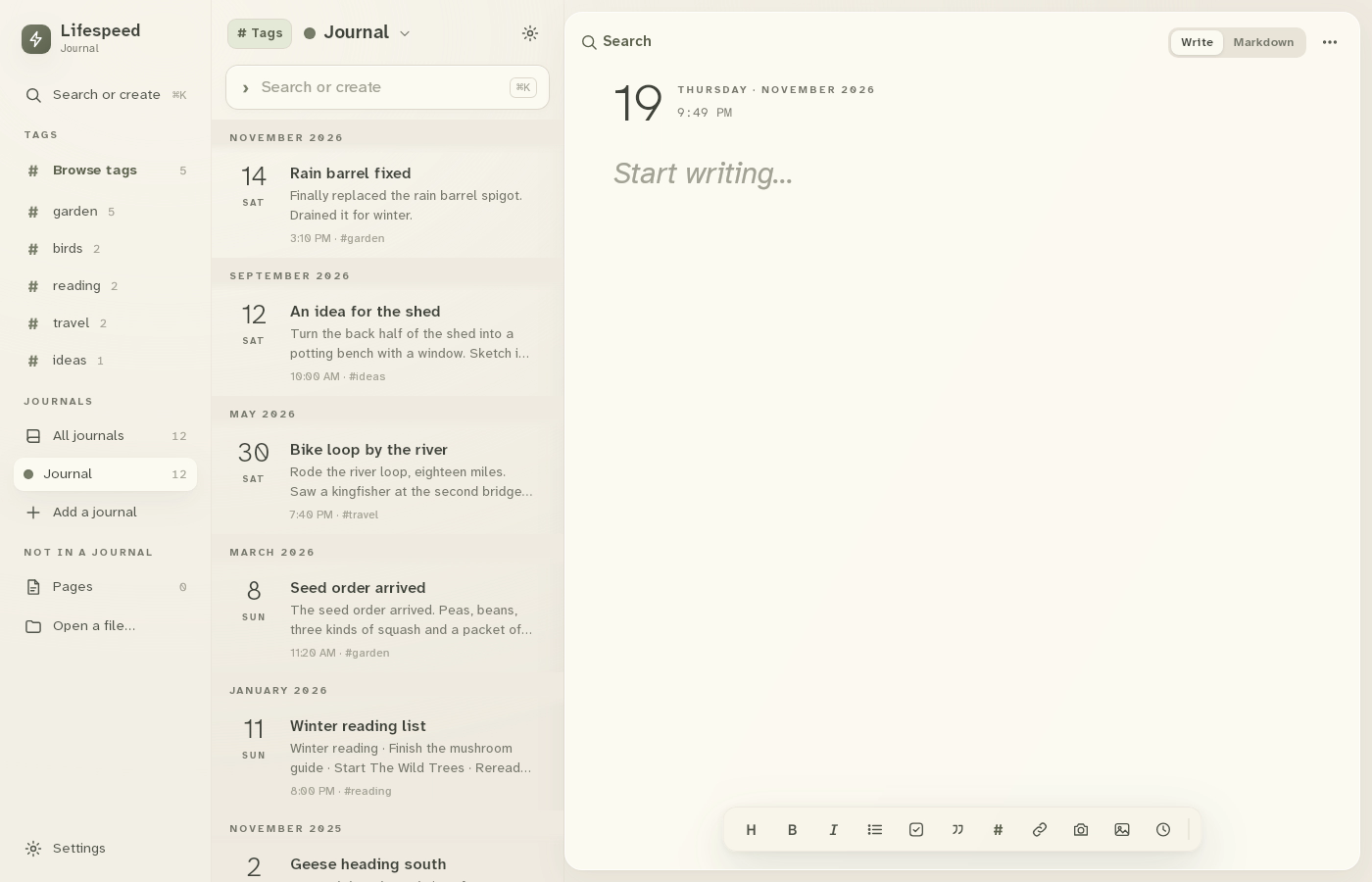
1Open Settings
Click Settings at the bottom left.
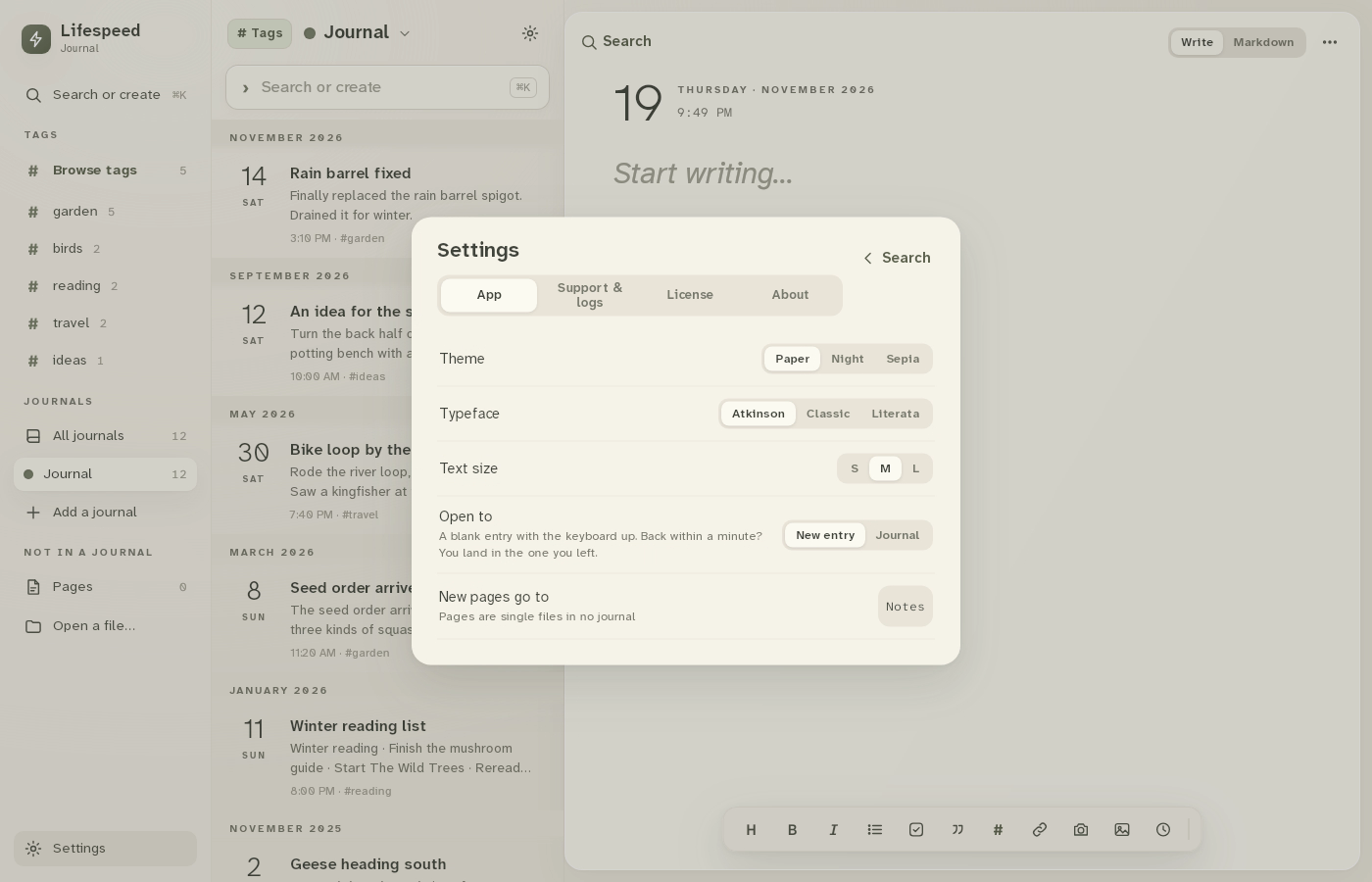
2Open License
Click the License tab.
3Read the status
The card shows what this copy can do. Keep writing · $5.99 buys a license.
4Enter a key
Click Enter a key. Paste the key from your purchase email, then click Activate.
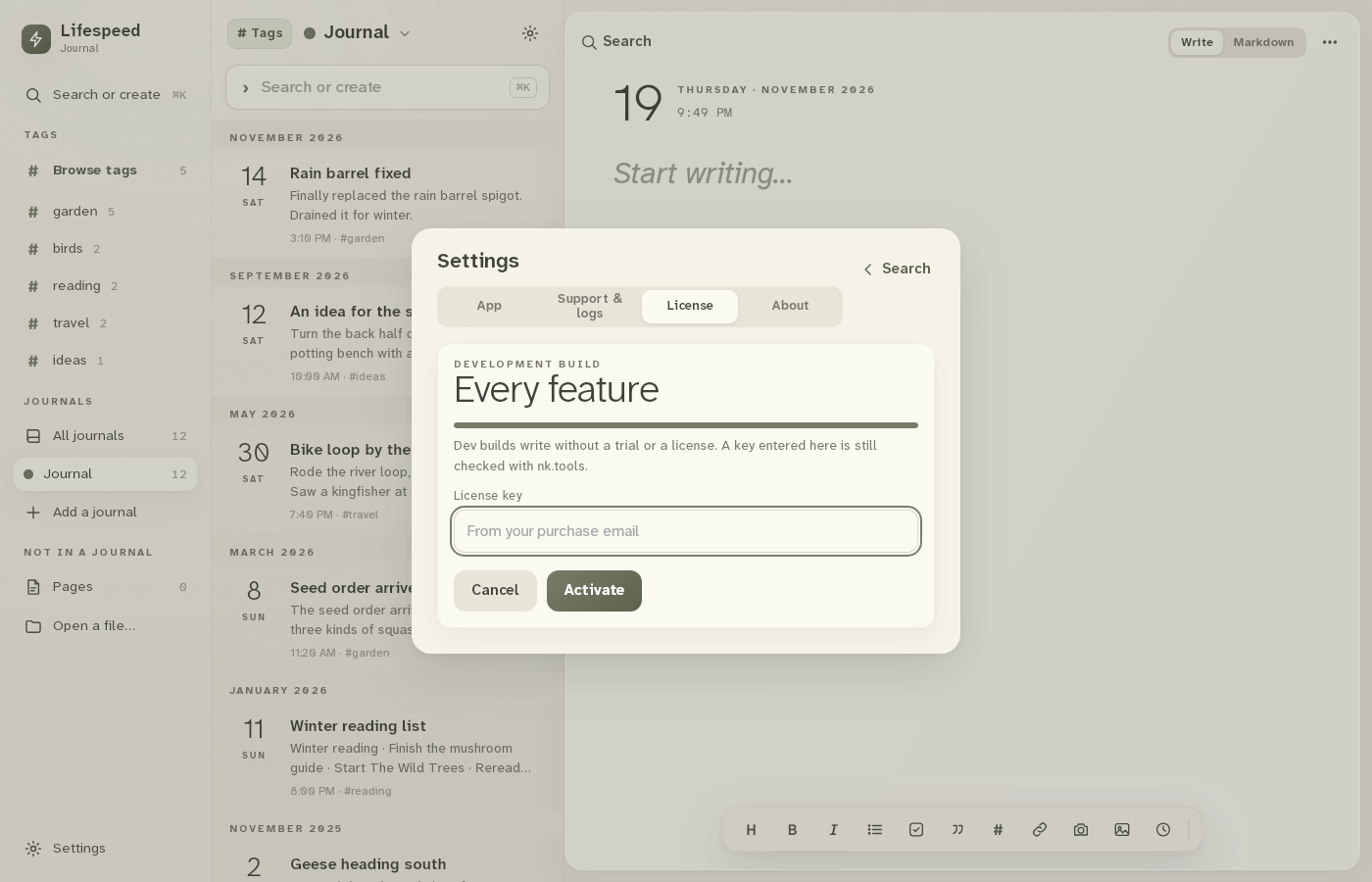
Result: The license key field is open, ready for the key from your purchase email.