
Android · 0:24 video

Change settings

Settings has four tabs: App, Support & logs, License and About.

Before you start: Lifespeed Journal open on Android with a journal.

Download videoDownload captions

1Open Settings

Tap the gear at the top right.
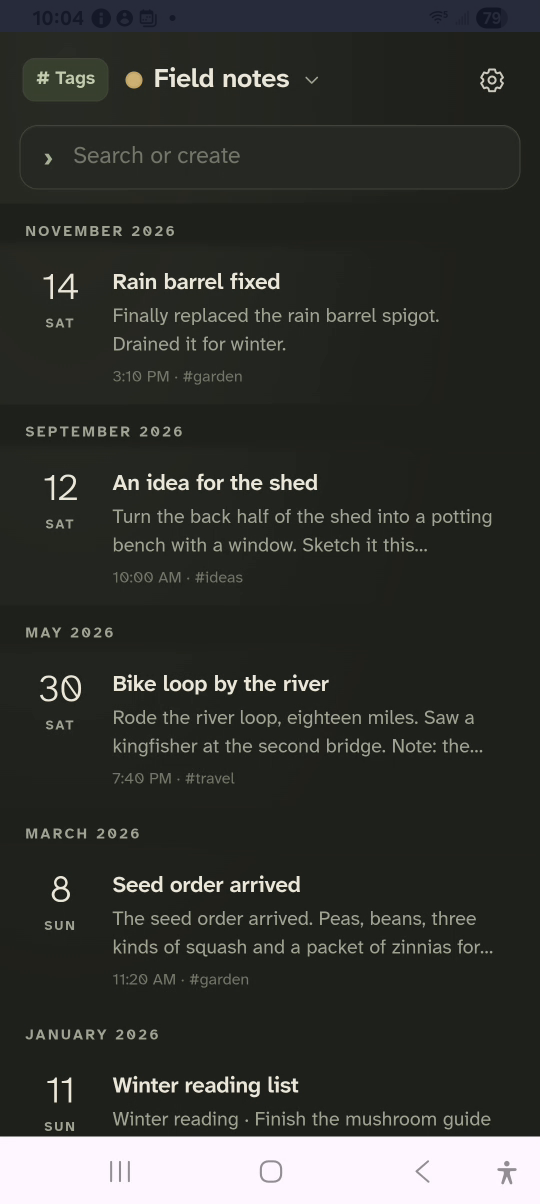
1 · Open Settings. Tap the gear at the top right.Change settings — step 11
Settings. Select the image to enlarge it.

2Set the look

On App, pick a theme, a typeface and a text size.
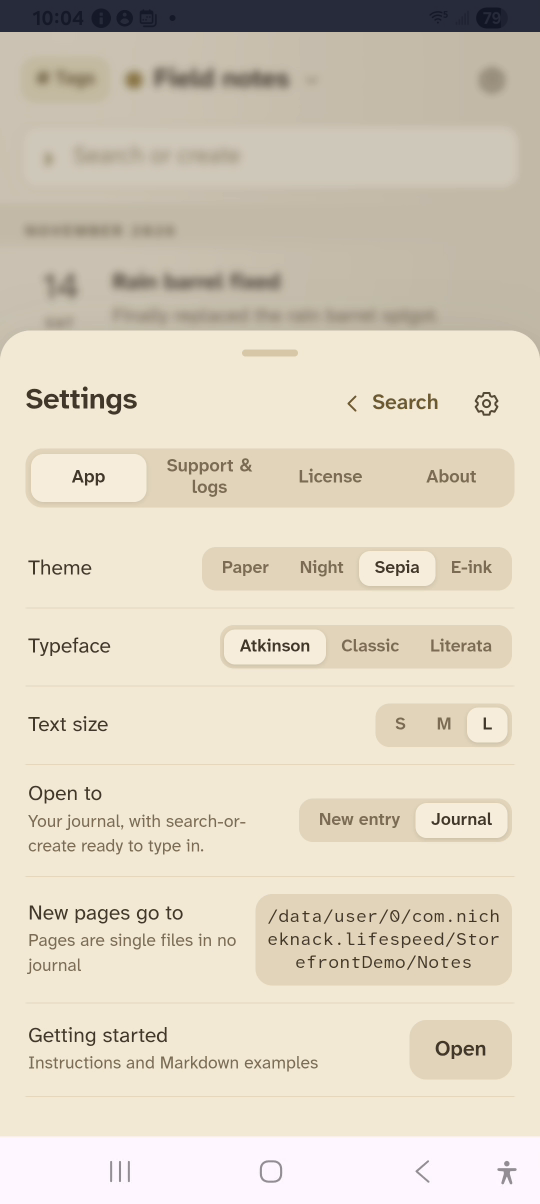
2 · Set the look. On App, pick a theme, a typeface and a text size.Change settings — step 22
Theme, typeface, text size. Select the image to enlarge it.

3Find your license

Tap License to see the plan and enter a key.
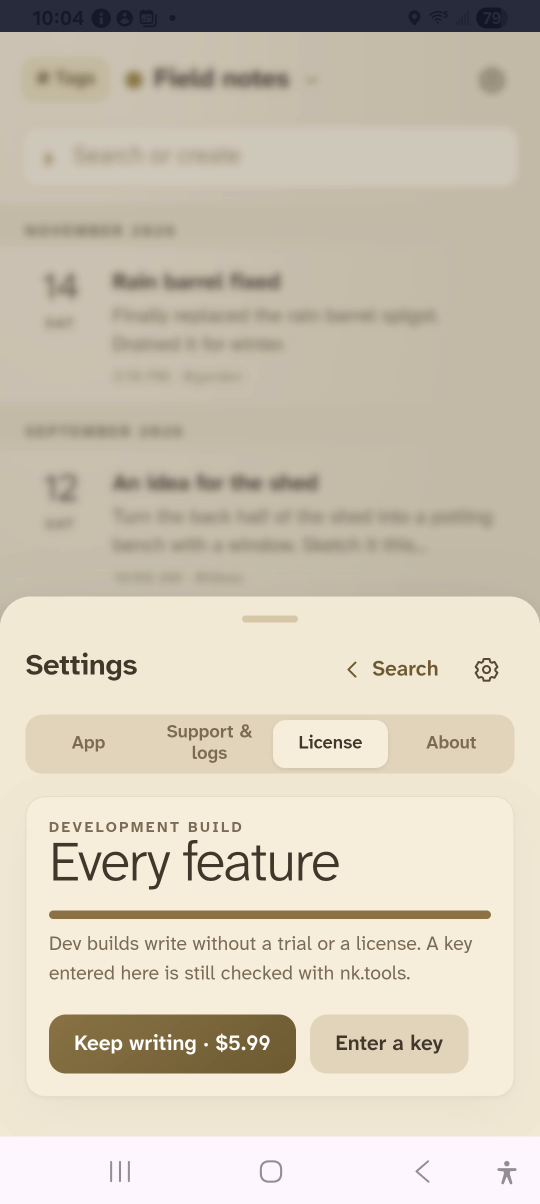
3 · Find your license. Tap License to see the plan and enter a key.Change settings — step 33
License. Select the image to enlarge it.

4Check the version

Tap About for the version and support links.
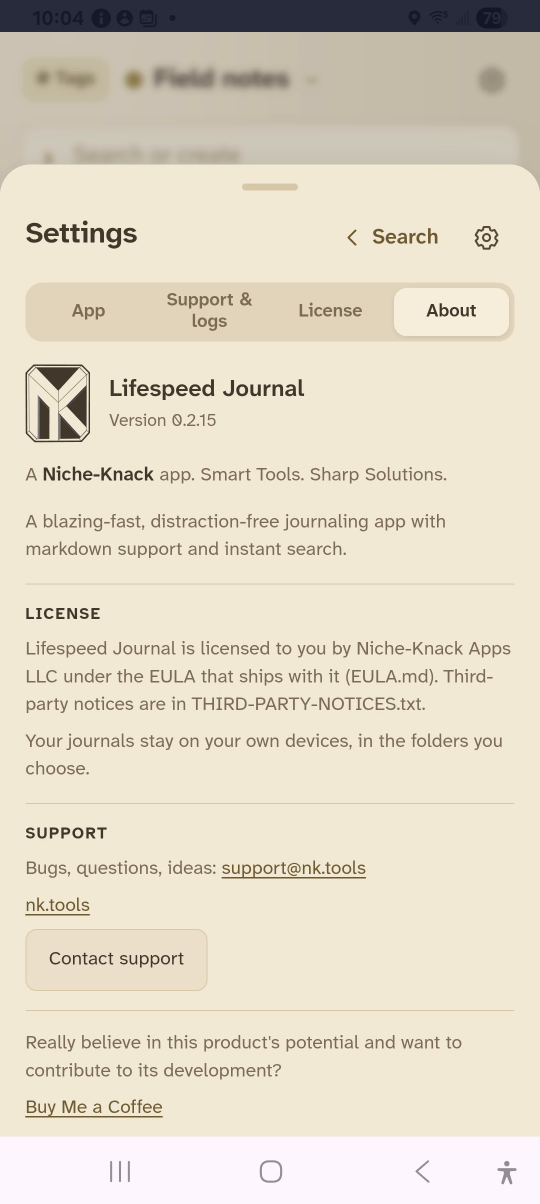
4 · Check the version. Tap About for the version and support links.Change settings — step 44
Version. Select the image to enlarge it.

Result: The journal shows in the chosen theme and text size.