
Linux · 0:18 video

Search your journals on desktop

Search the words in every journal and page, then open a match.

Before you start: Lifespeed Journal open on a Linux computer with a journal.

Download videoDownload captions

1Open Search

Click Search, or press Ctrl+K.
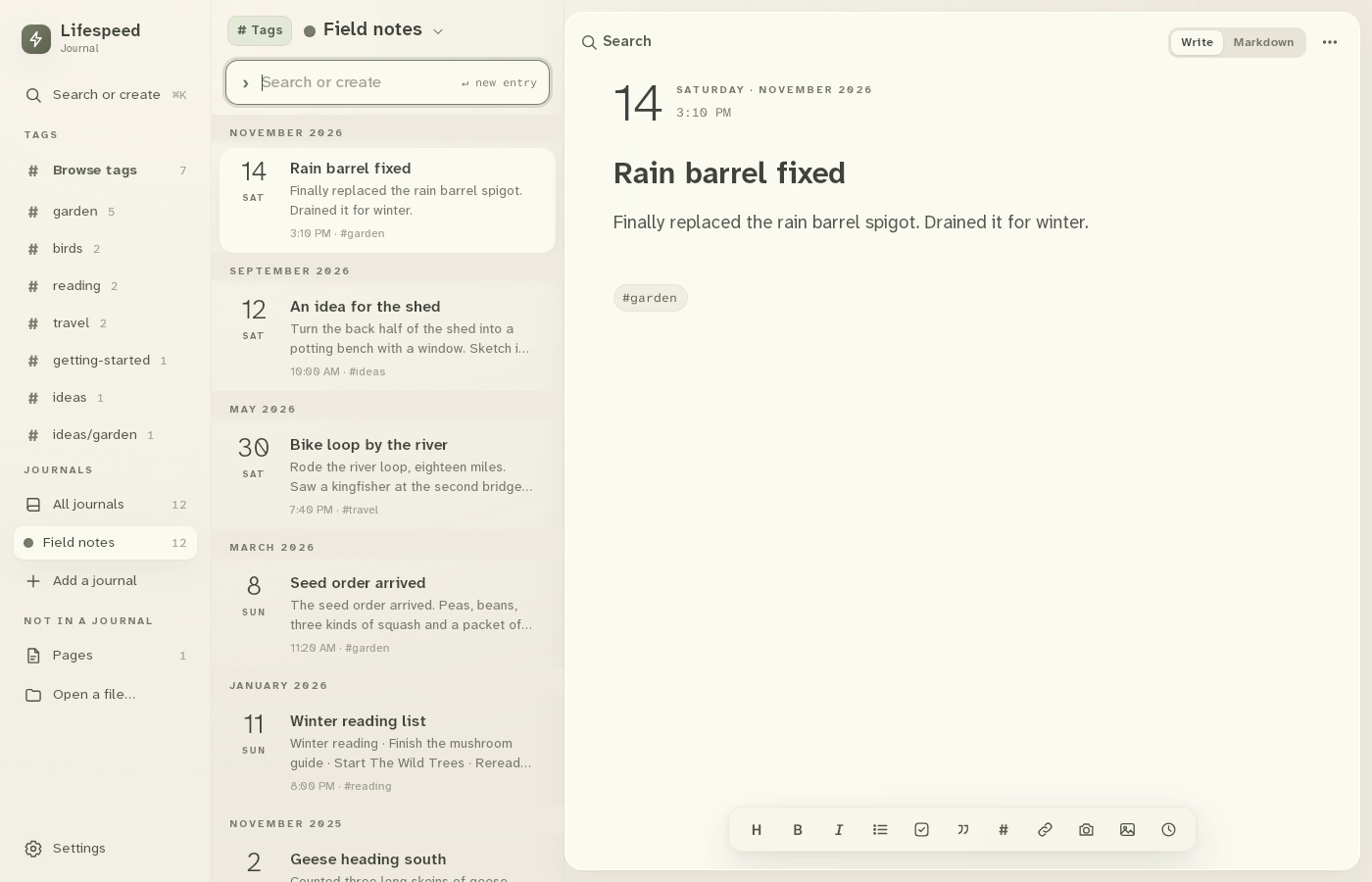
1 · Open Search. Click Search, or press Ctrl+K.Search your journals on desktop — step 11
Search. Select the image to enlarge it.

2Type a word

Type kingfisher. Matches list as you type.
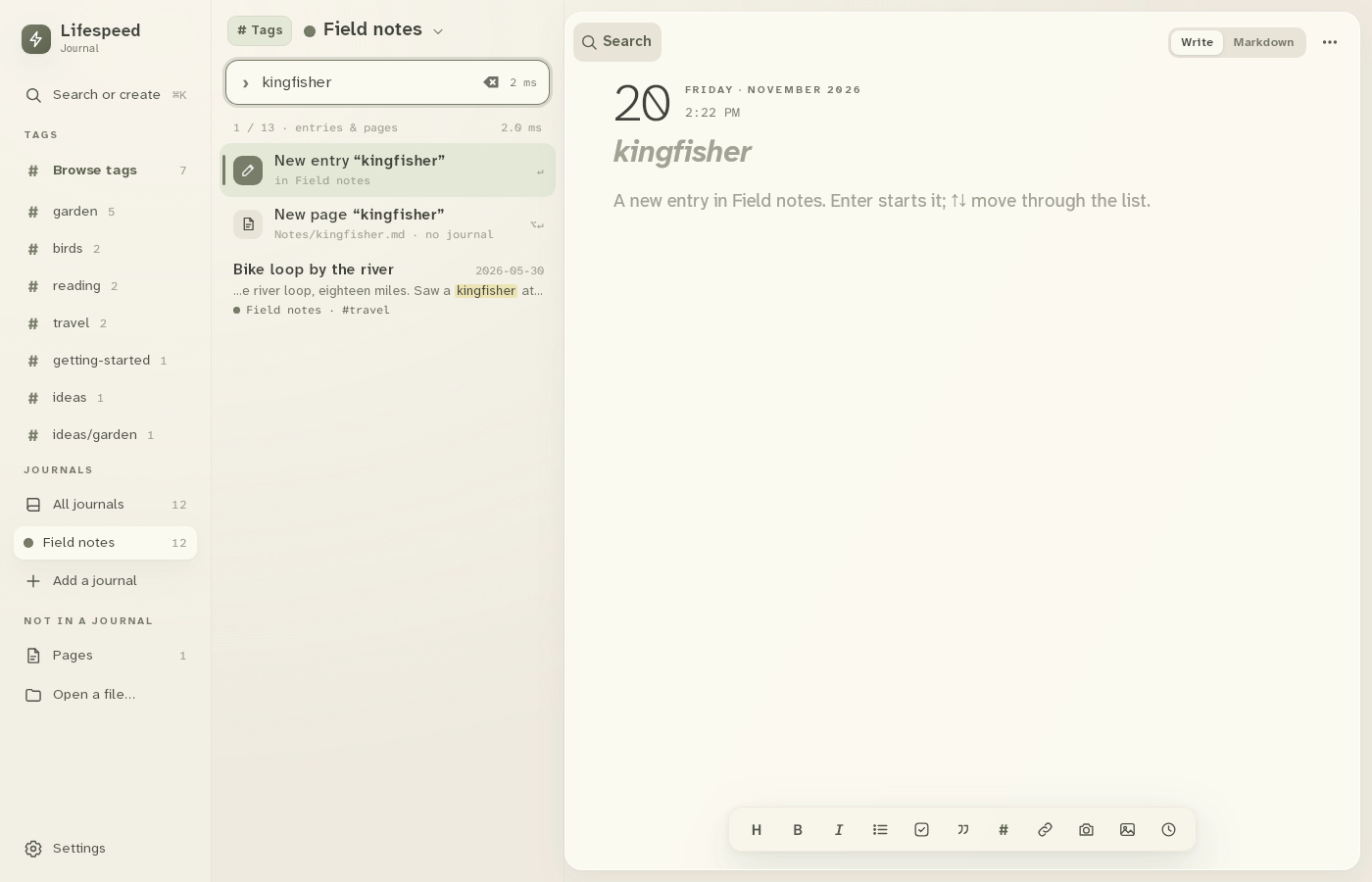
2 · Type a word. Type kingfisher. Matches list as you type.Search your journals on desktop — step 22
Search box. Select the image to enlarge it.

3Pick a match

Click Bike loop by the river.
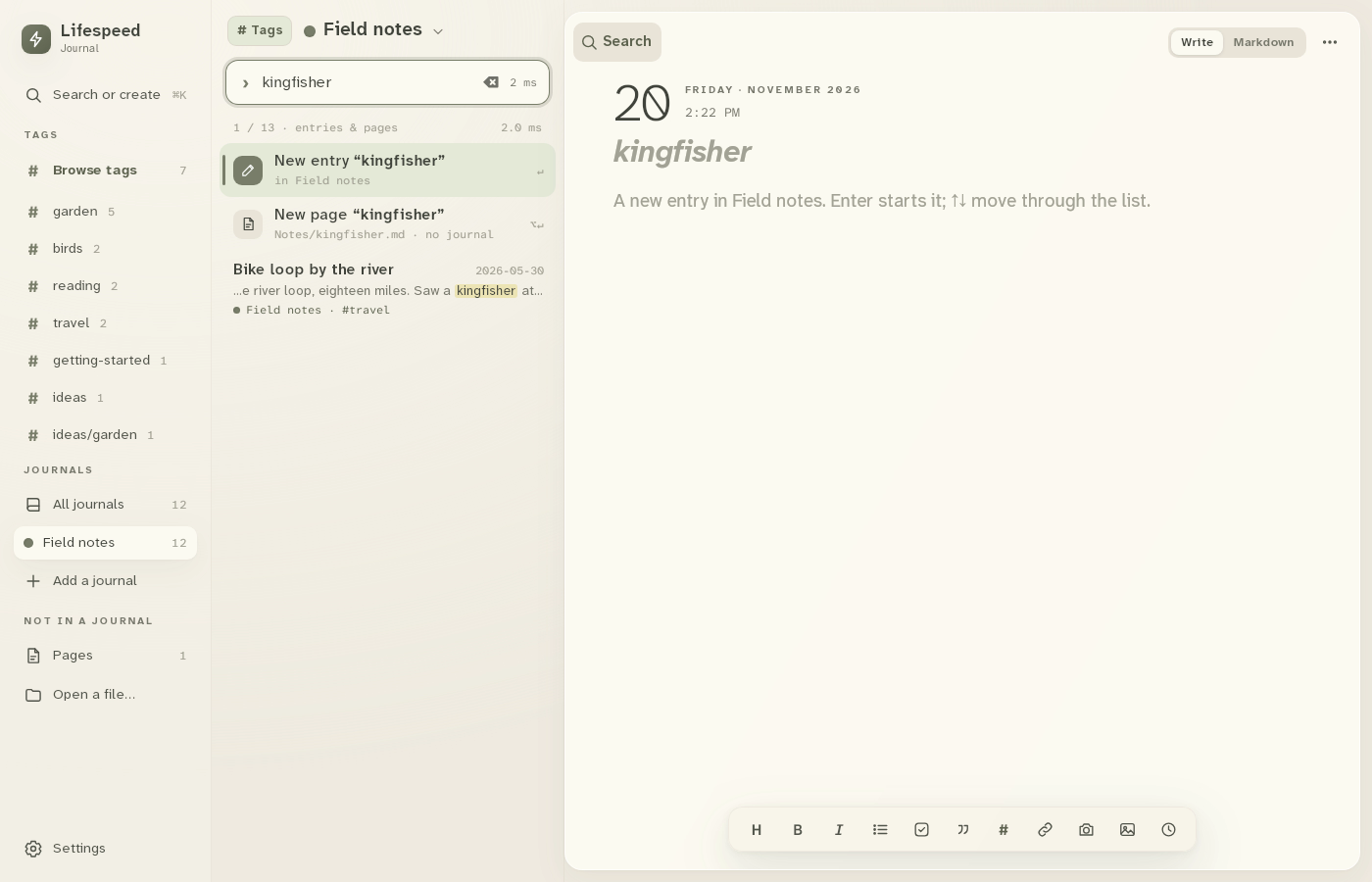
3 · Pick a match. Click Bike loop by the river.Search your journals on desktop — step 33
Bike loop by the river. Select the image to enlarge it.

4Read the entry

The entry opens. Enter on an empty match starts a new entry instead.
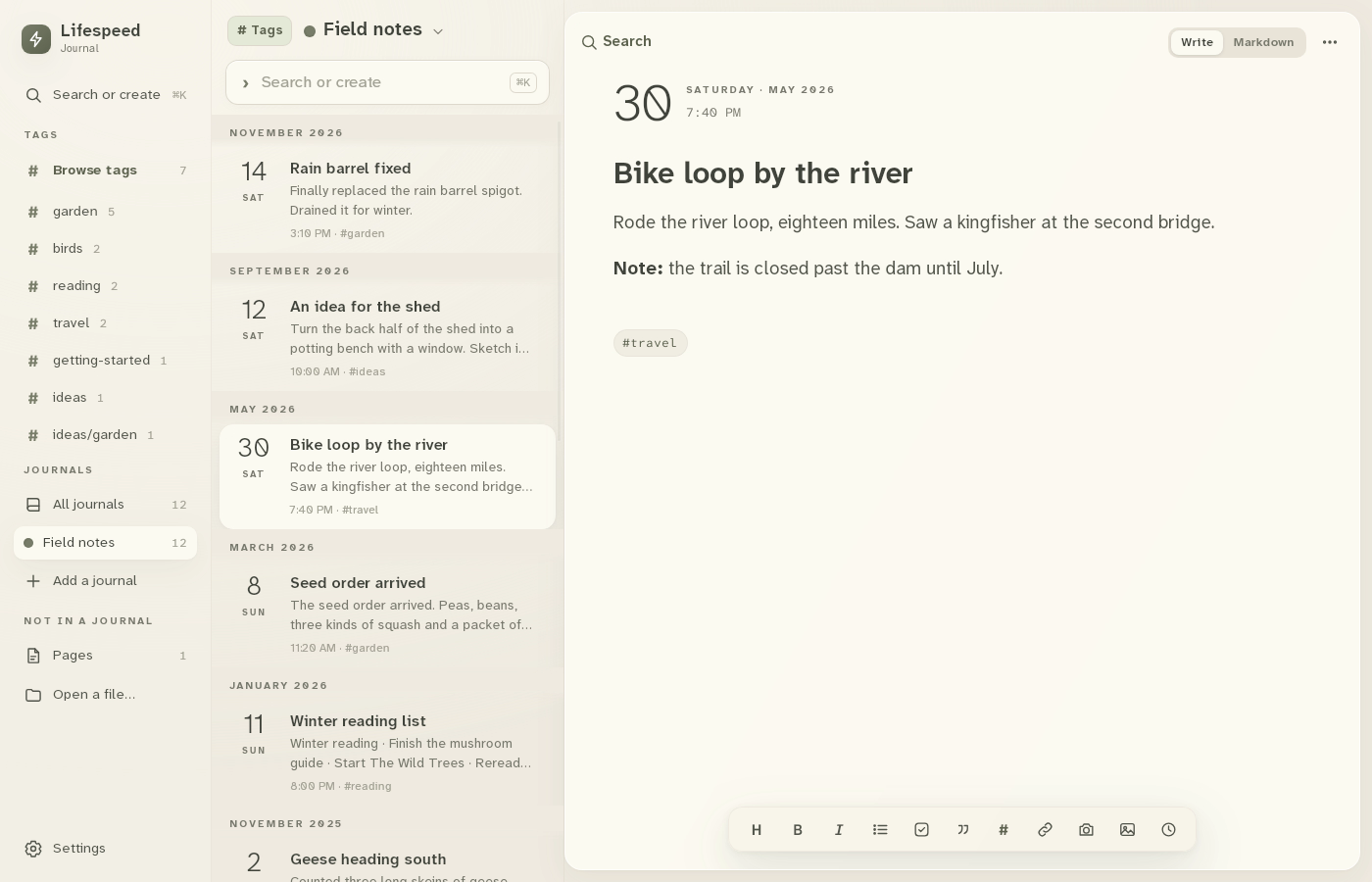
4 · Read the entry. The entry opens. Enter on an empty match starts a new entry instead.Search your journals on desktop — step 44
The entry. Select the image to enlarge it.

Result: The bike-loop entry opens with the word you searched for.