
Android · 0:21 video
Open and start writing
Type a title into Search or create, start a new entry from it, and write. Lifespeed saves as you type.
Before you start: Lifespeed Journal open on Android with a journal.
Download videoDownload captions
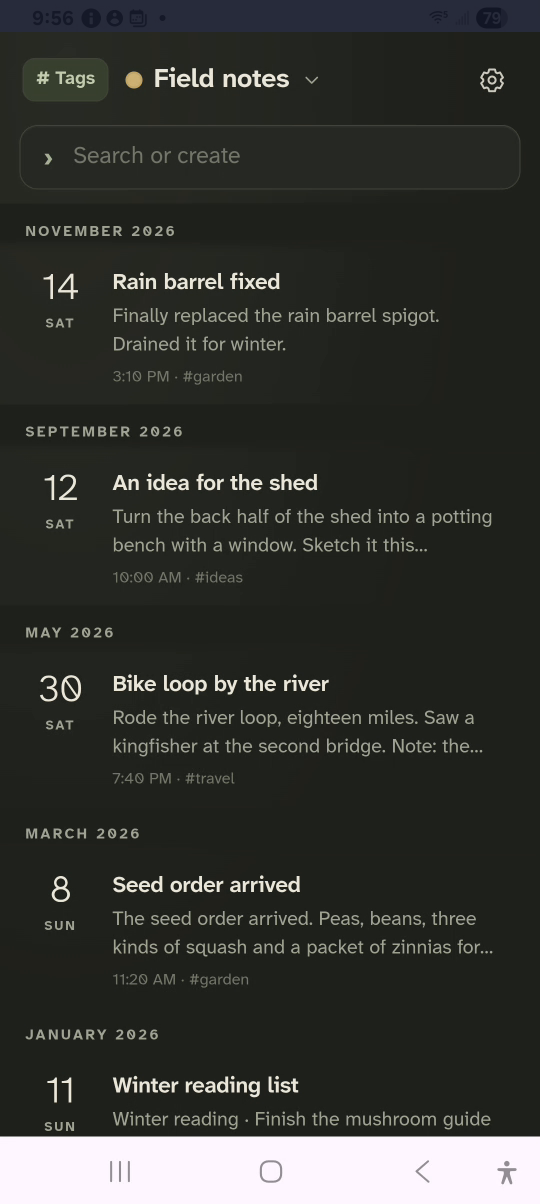
1Tap Search or create
The box at the top takes a title or a search.
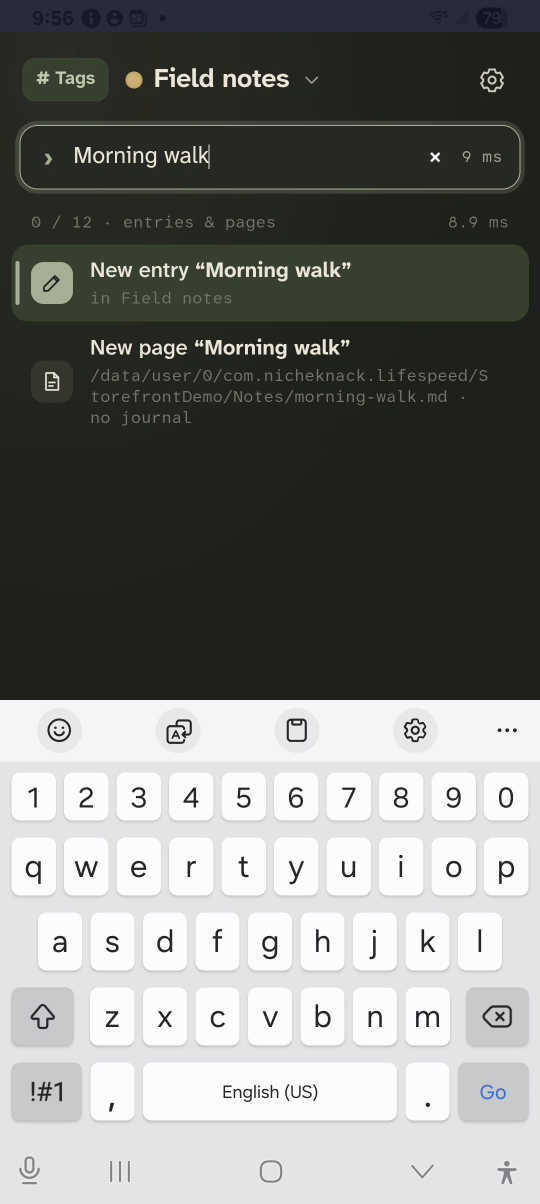
2Type a title
Type Morning walk. Tap New entry “Morning walk”.
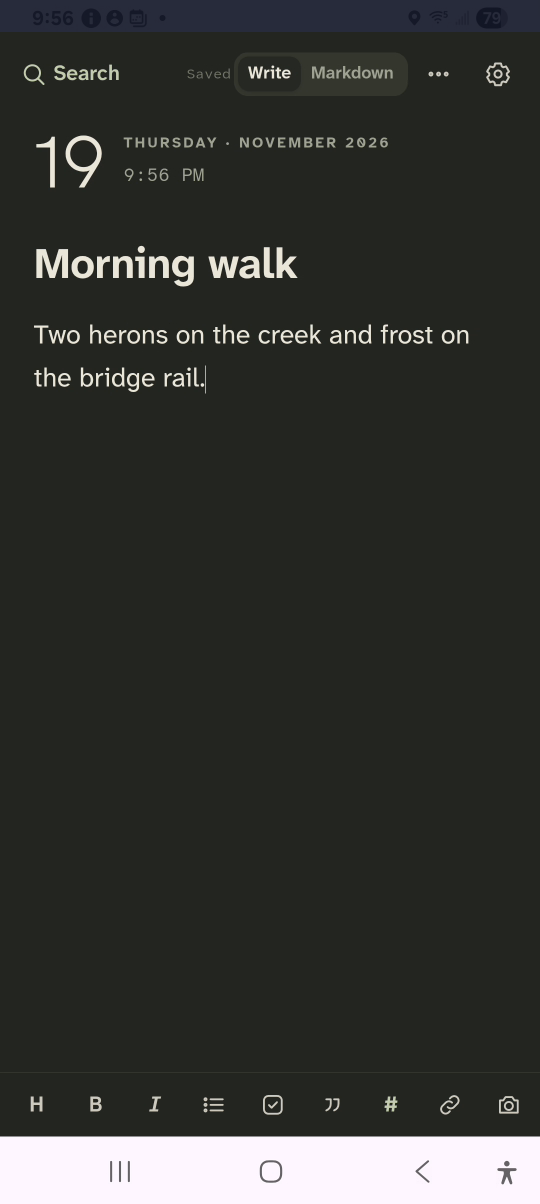
3Write
Type the entry under the title.
4Check it saved
Saved shows at the top. Tap Search to go back.
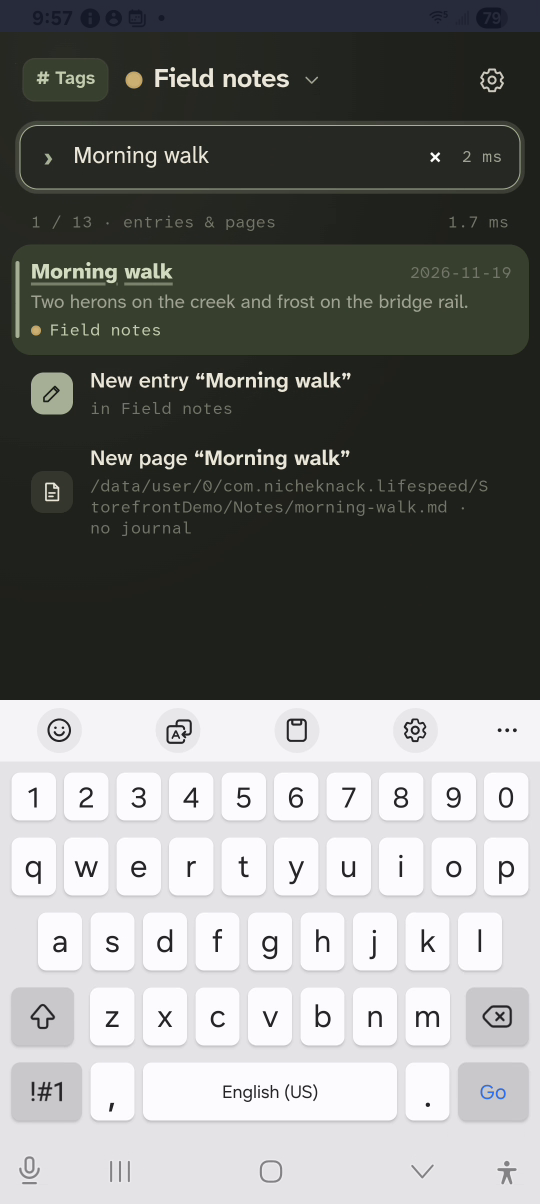
Result: The new entry is saved in Field notes and sits at the top of the timeline.