
Android · 0:18 video

Find an old entry

Scroll the timeline back by month to an older entry and open it.

Before you start: Lifespeed Journal open on Android with a journal.

Download videoDownload captions

1Read the timeline

Entries are grouped by month, newest first.
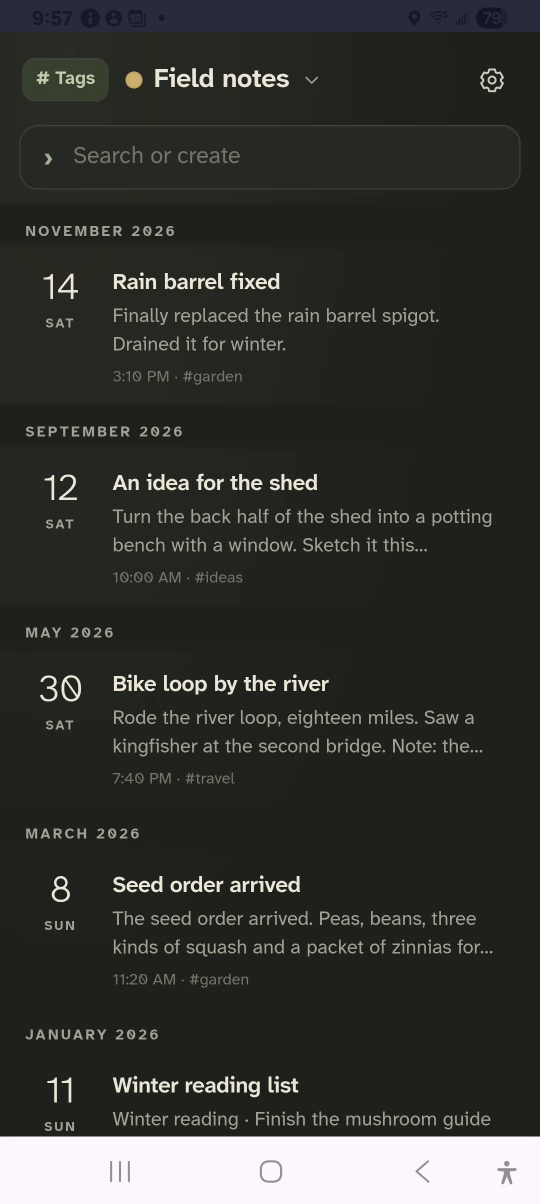
1 · Read the timeline. Entries are grouped by month, newest first.Find an old entry — step 11
Month. Select the image to enlarge it.

2Scroll back

Swipe up past the months to April 2025.
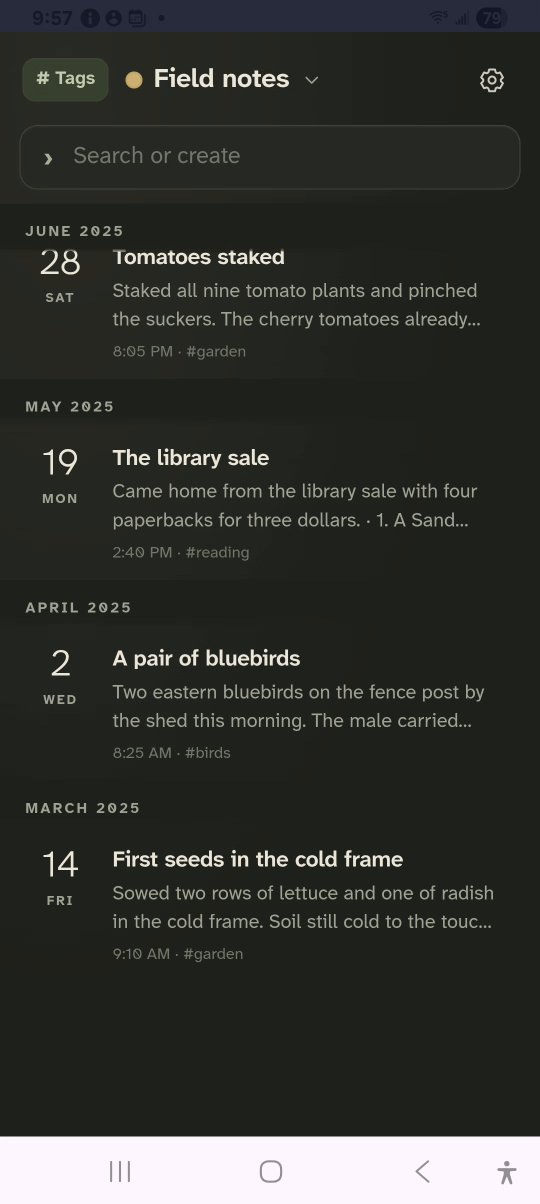
2 · Scroll back. Swipe up past the months to April 2025.Find an old entry — step 22
April 2025. Select the image to enlarge it.

3Open the entry

Tap A pair of bluebirds.
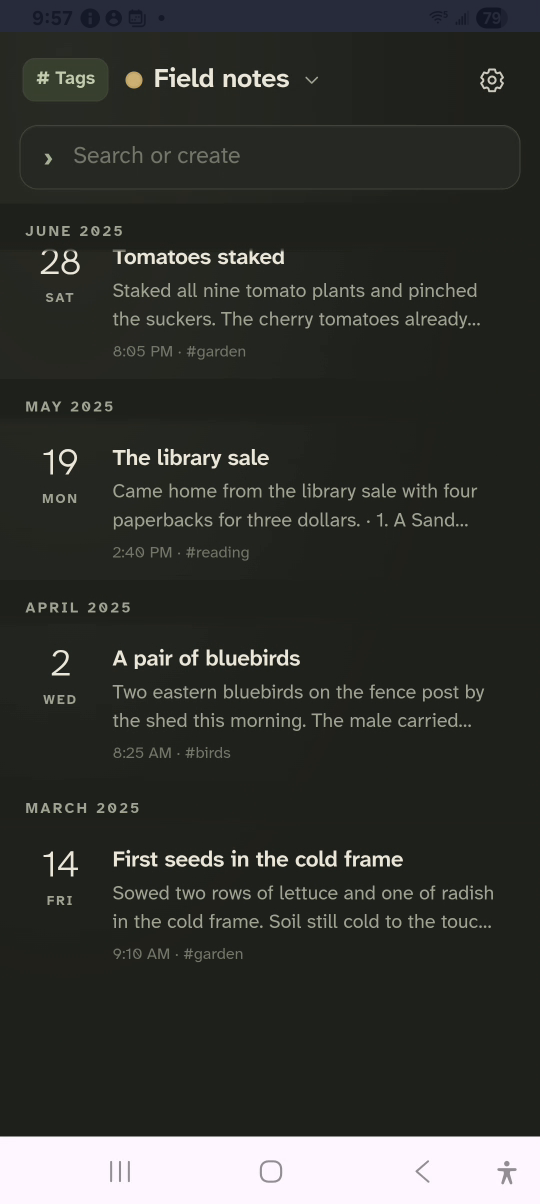
3 · Open the entry. Tap A pair of bluebirds.Find an old entry — step 33
A pair of bluebirds. Select the image to enlarge it.

4Read it

The date and time sit above the title.
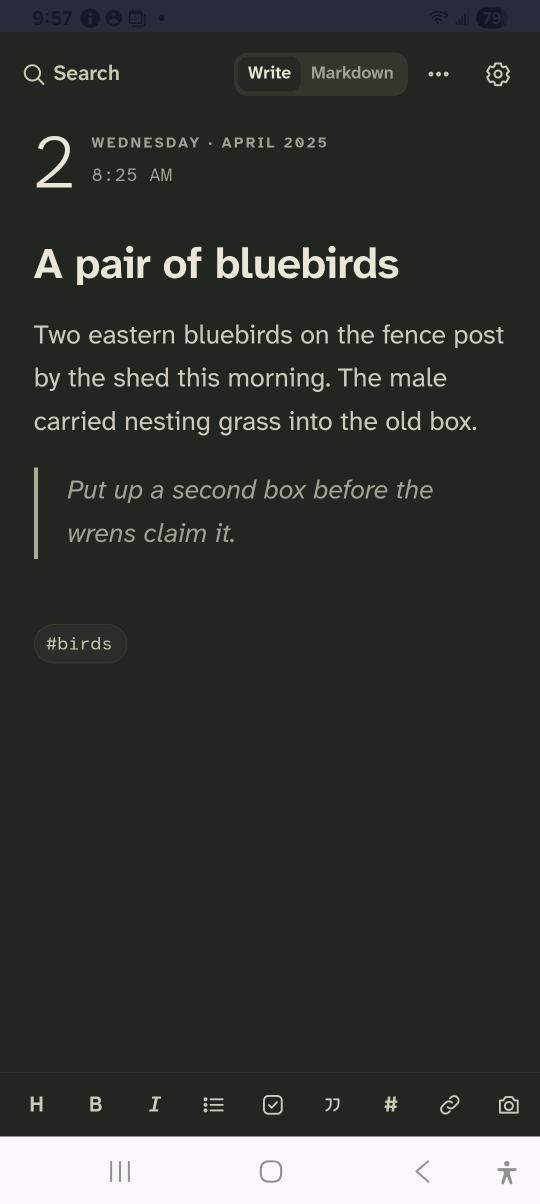
4 · Read it. The date and time sit above the title.Find an old entry — step 44
Date. Select the image to enlarge it.

Result: The April 2025 entry opens, ready to read or edit.