
Linux · 0:20 video
Export a journal on desktop
Save a whole journal, with its Markdown files and attachments, as one archive.
Before you start: Lifespeed Journal open on a Linux computer with a journal.
Download videoDownload captions
The save dialog is the Linux system dialog. Import journal… in the same menu restores an archive.
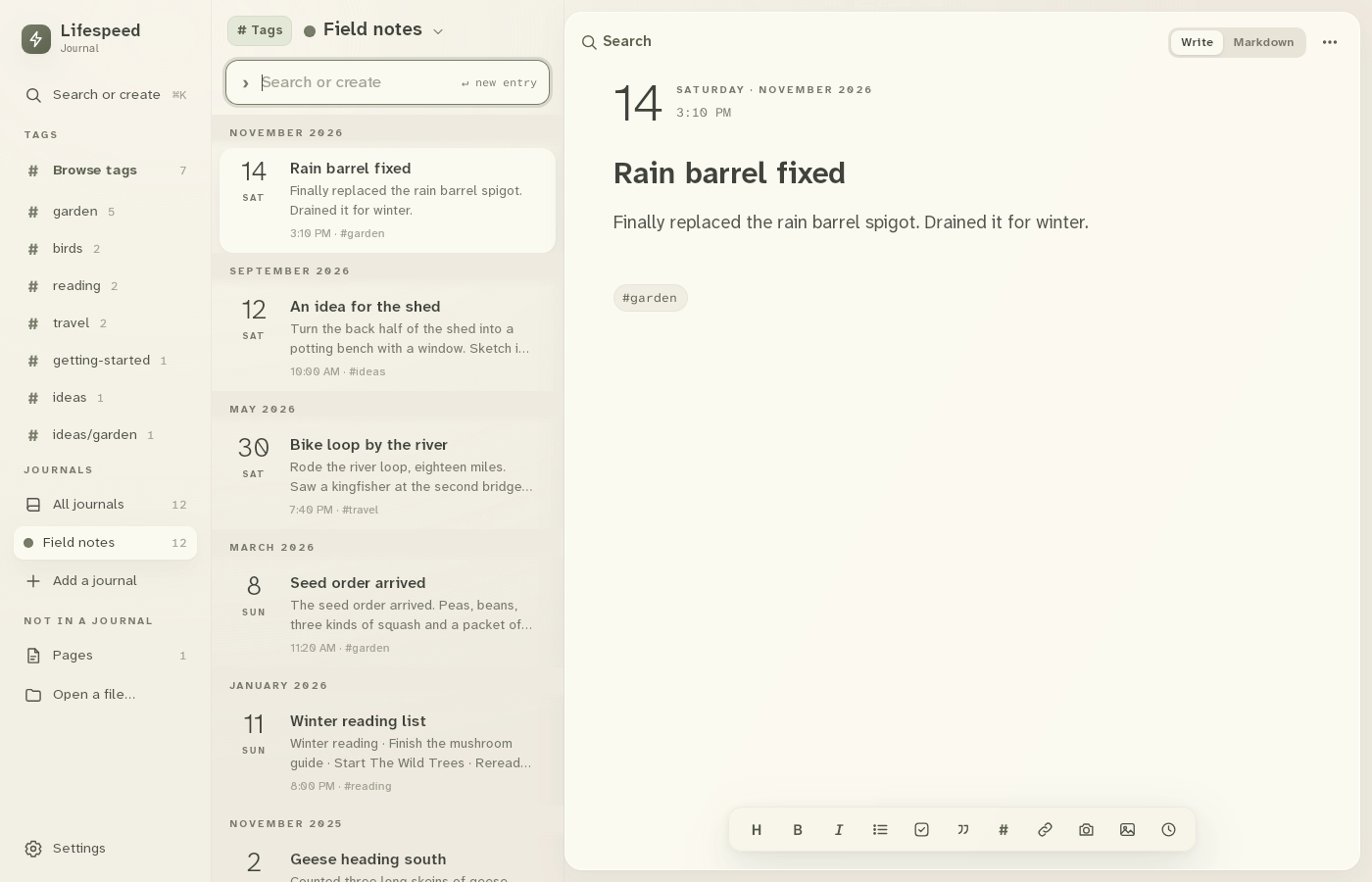
1Open Journals
Click Add a journal in the sidebar.
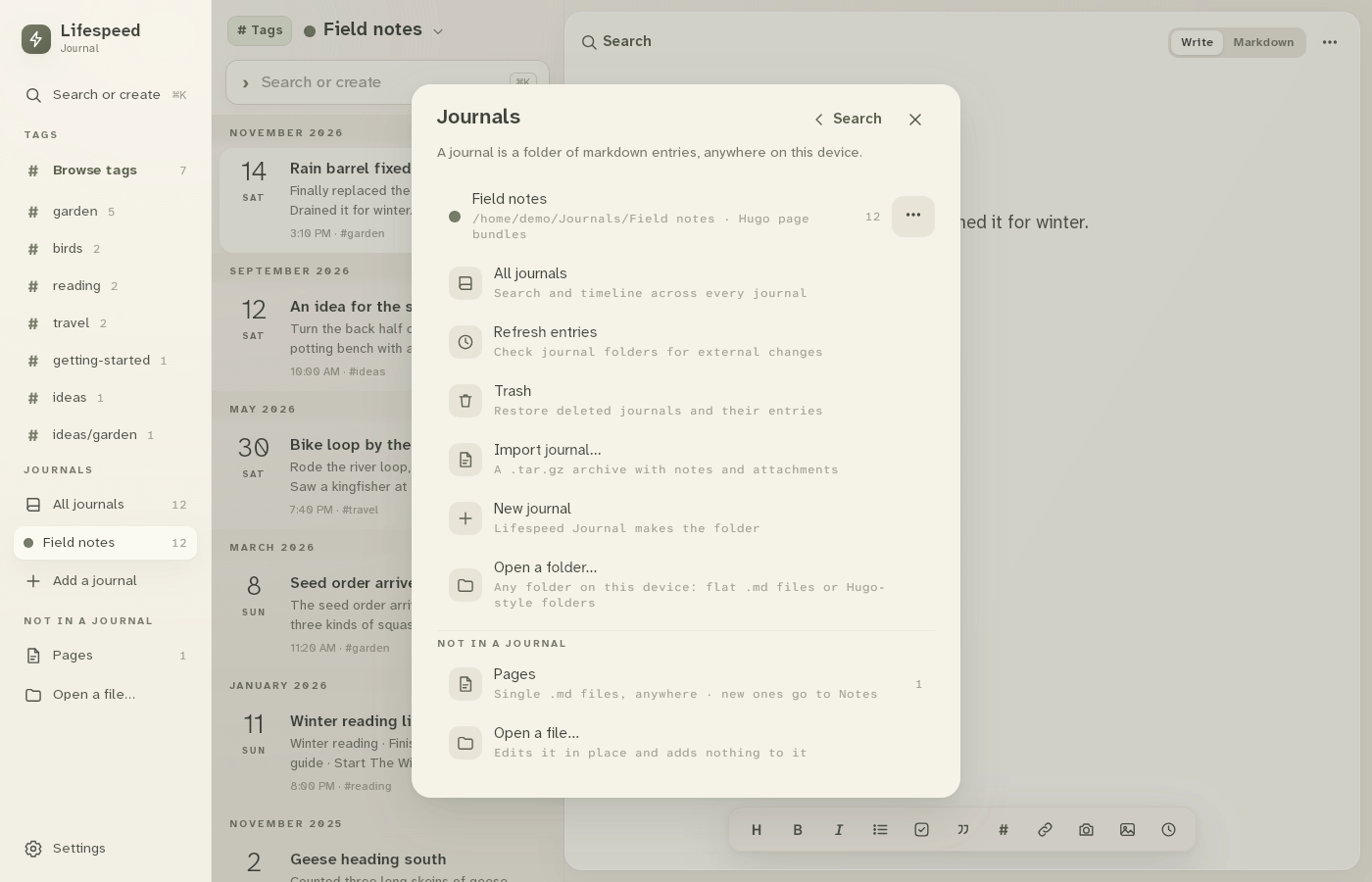
2Manage the journal
Click ⋯ beside Field notes.
3Export journal…
Click Export journal… and choose a folder.
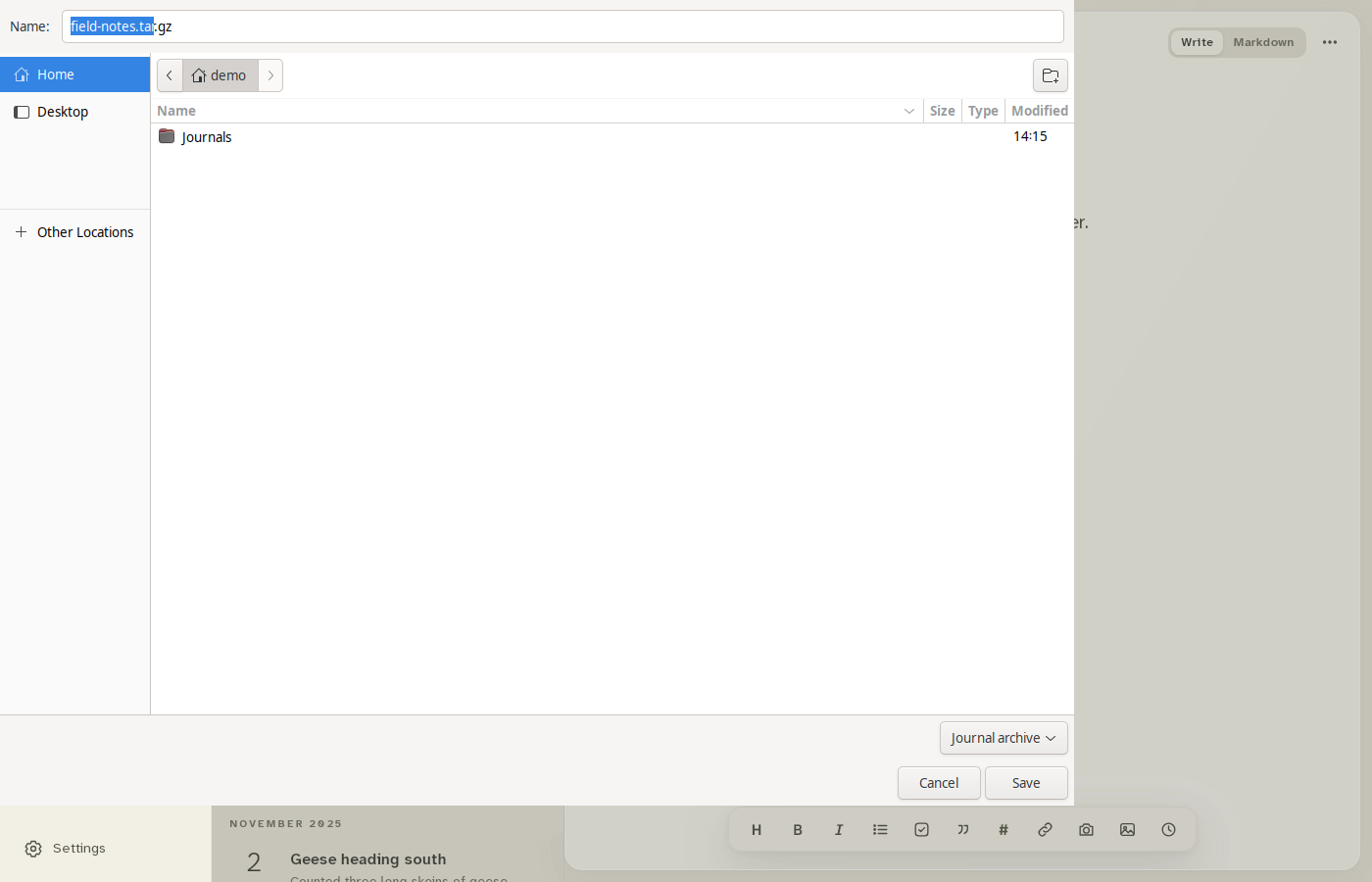
4Save
Click Save. Lifespeed reports Journal exported.
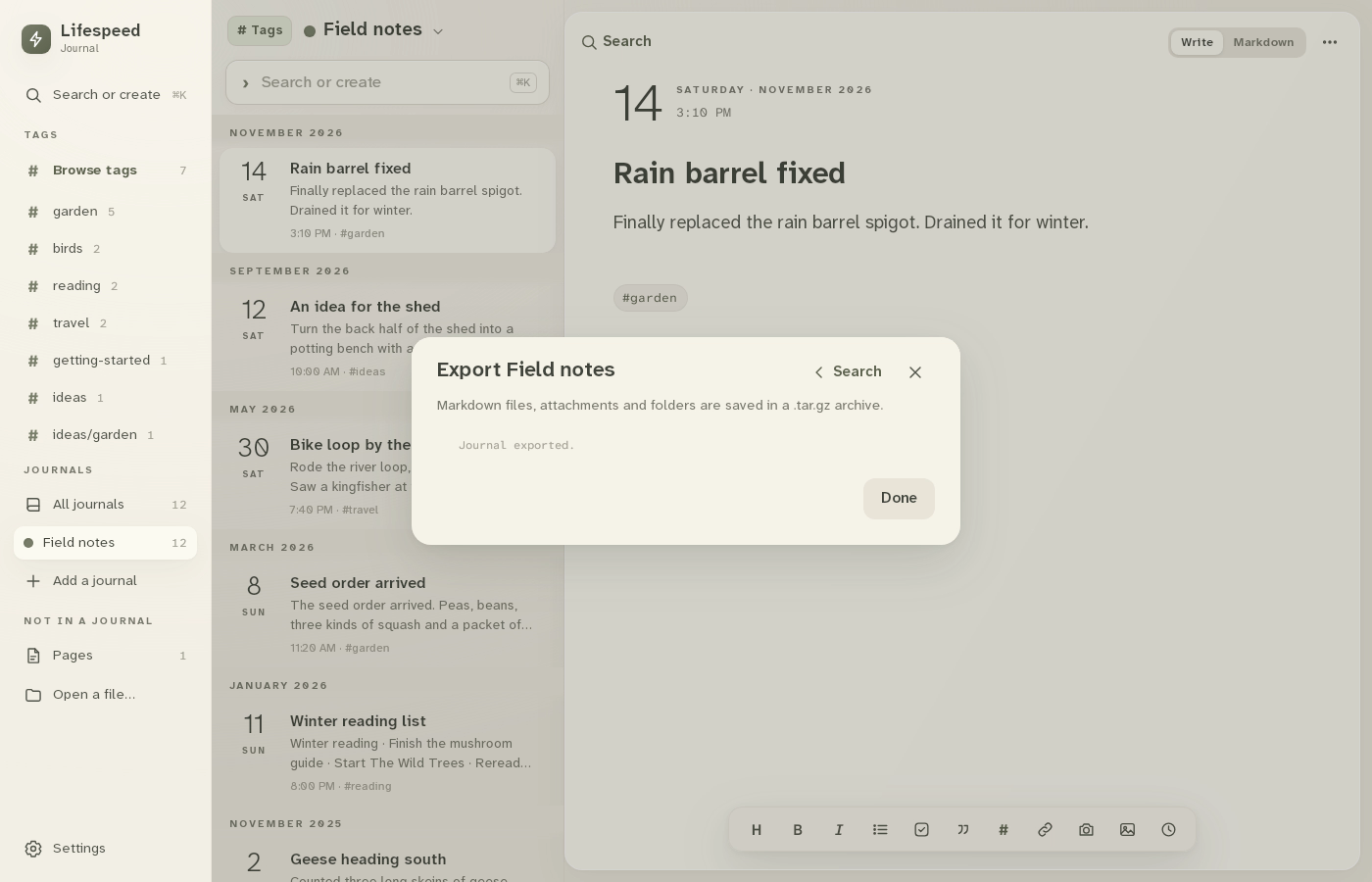
Result: field-notes.tar.gz is saved in the folder you chose.