
Linux · 0:17 video

Browse people and places on desktop

See every name Rabbit Trail found and the passages that mention it.

Before you start: Rabbit Trail open on a Linux computer with the sample project.

Download videoDownload captions

1Open People & places

Click People & places in the bottom bar.
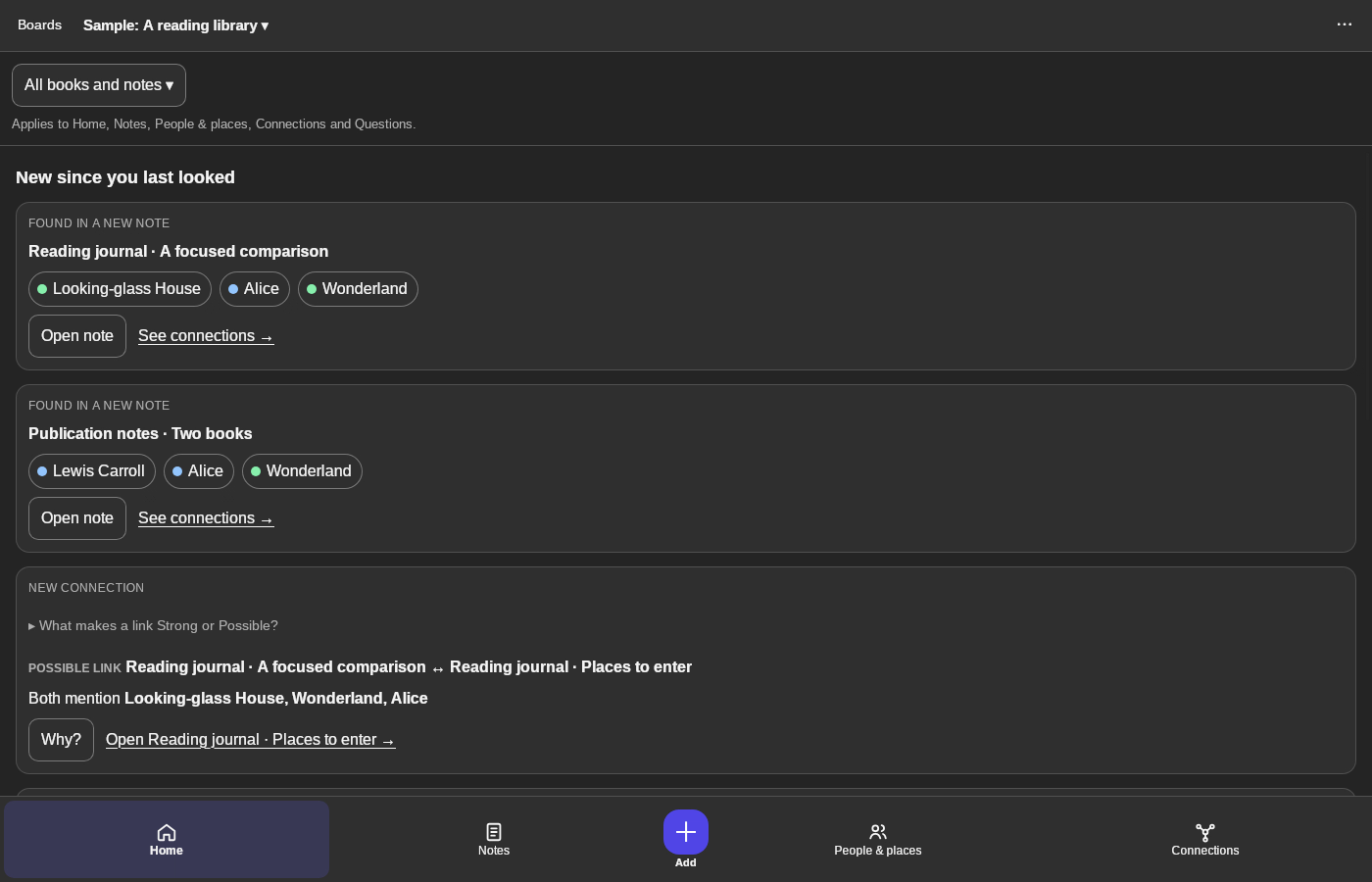
1 · Open People & places. Click People & places in the bottom bar.Browse people and places on desktop — step 11
People & places. Select the image to enlarge it.

2Filter

People, Places, Groups & events, Dates or Numbers & addresses.
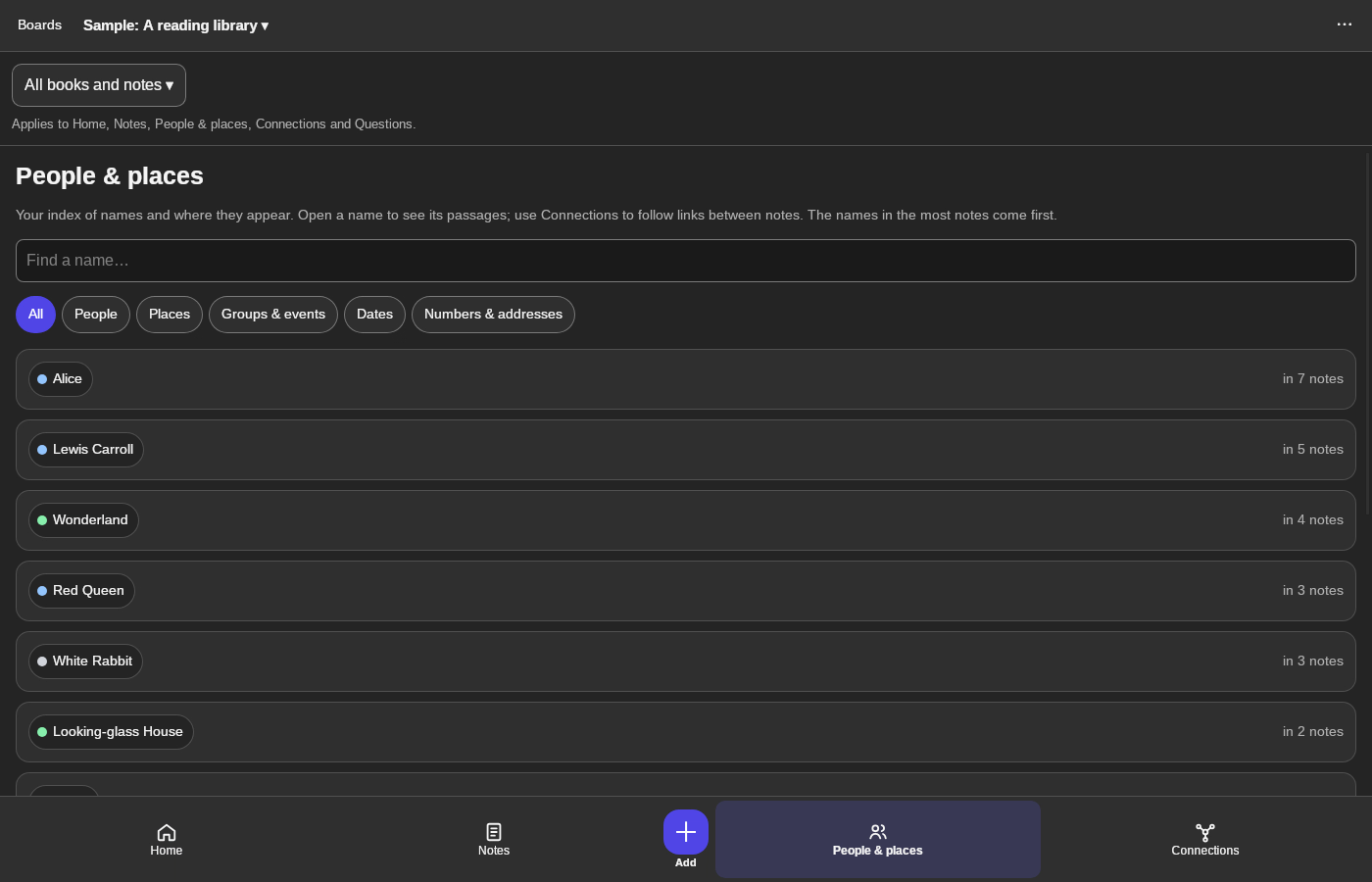
2 · Filter. People, Places, Groups & events, Dates or Numbers & addresses.Browse people and places on desktop — step 22
Places. Select the image to enlarge it.

3Open a name

Click Wonderland. Find a name… searches the list.
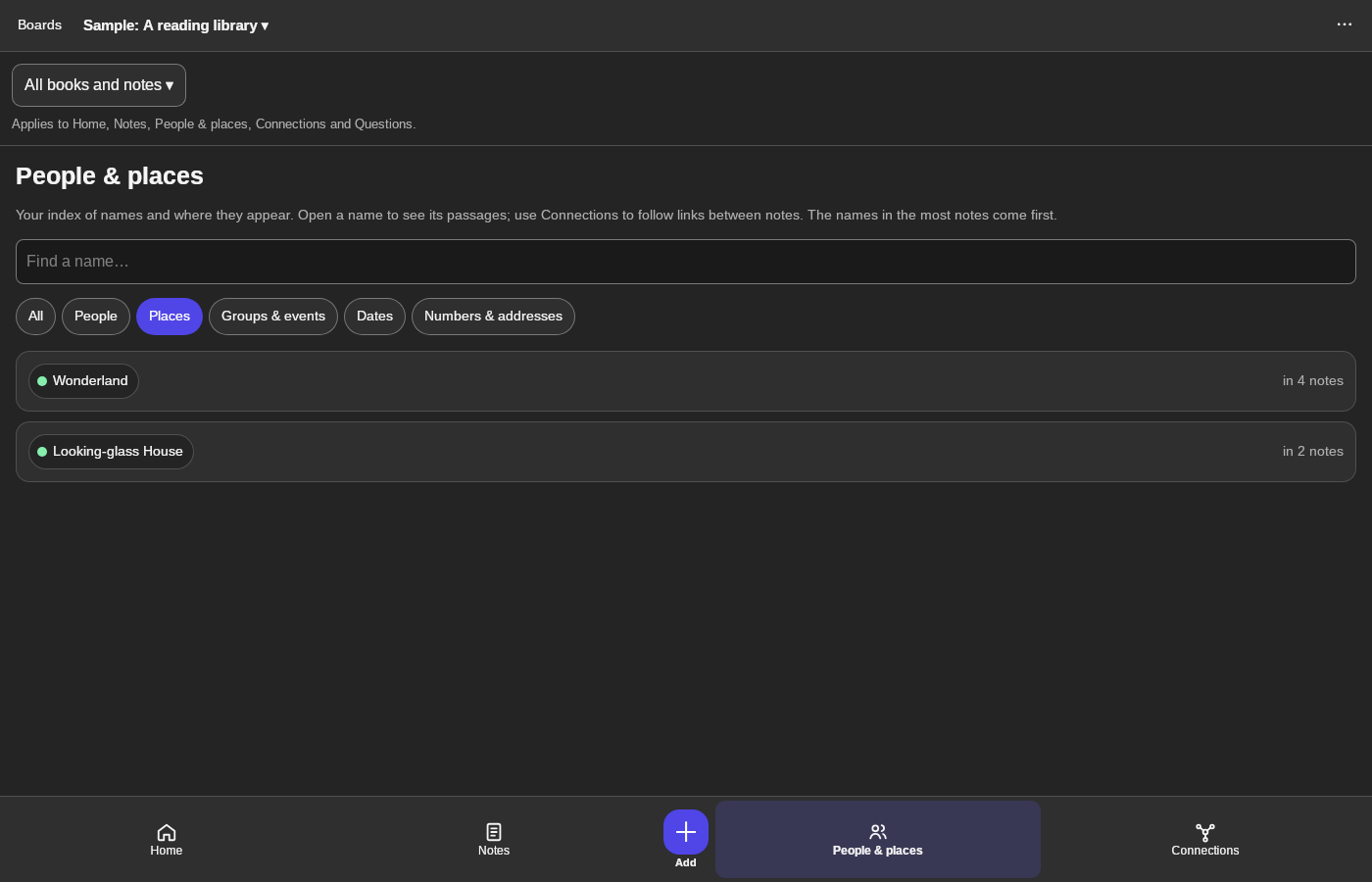
3 · Open a name. Click Wonderland. Find a name… searches the list.Browse people and places on desktop — step 33
Wonderland. Select the image to enlarge it.

4Read the passages

Where it’s mentioned lists each note. Show on the map follows its links.
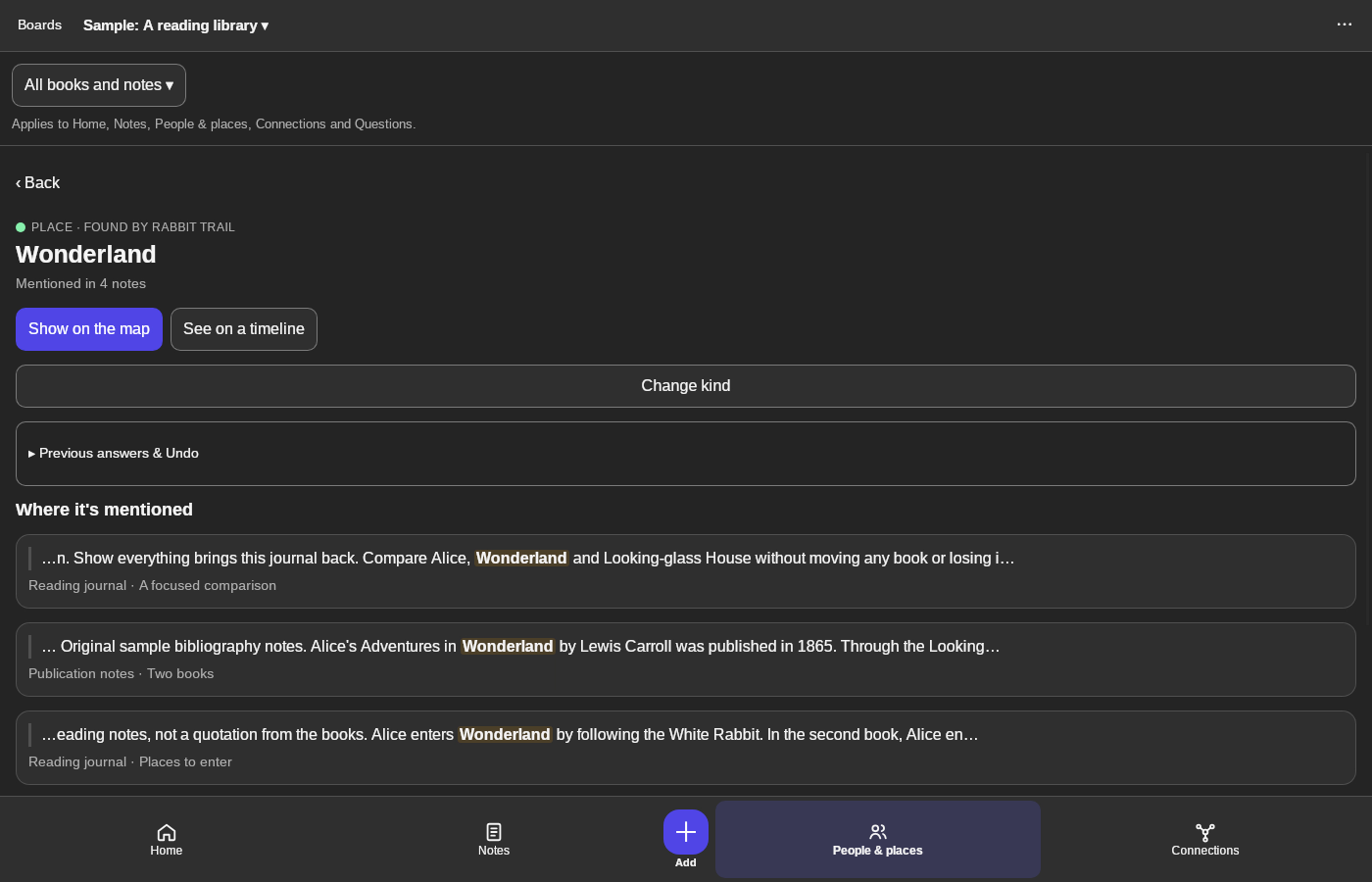
4 · Read the passages. Where it’s mentioned lists each note. Show on the map follows its links.Browse people and places on desktop — step 44
Where it’s mentioned. Select the image to enlarge it.

Result: Wonderland opens with each passage that mentions it.