
Linux · 0:25 video
Find and skip silence on desktop
Mark the quiet gaps in a recording, then play straight past them.
Before you start: Clip Dr. open on a Linux computer.
Download videoDownload captions
Audio: LibriSpeech excerpt 1688-142285-0007 (OpenSLR 12, Vassil Panayotov and Daniel Povey, from LibriVox), CC BY 4.0.
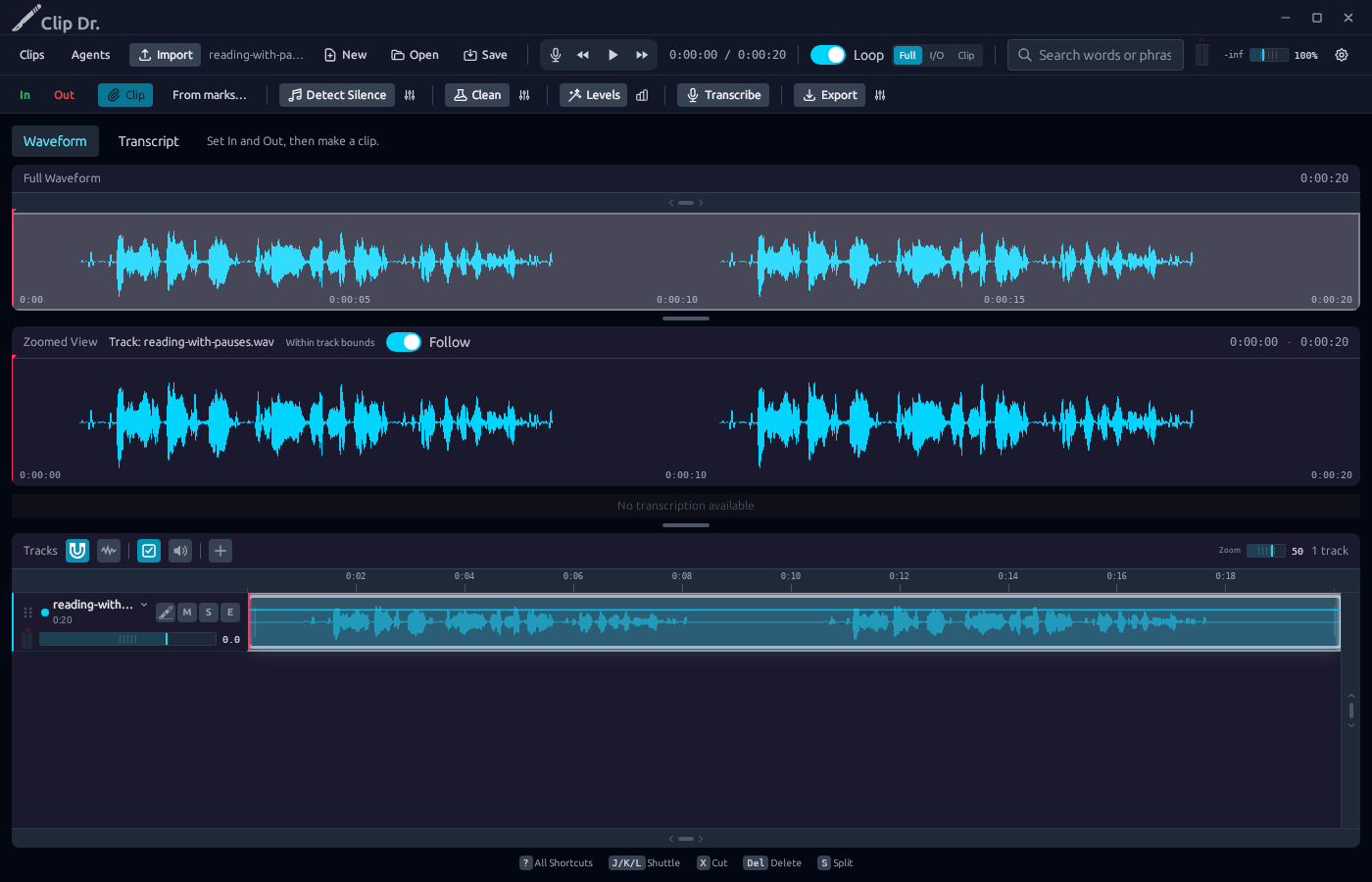
1Detect Silence
Click Detect Silence. Quiet gaps turn red.
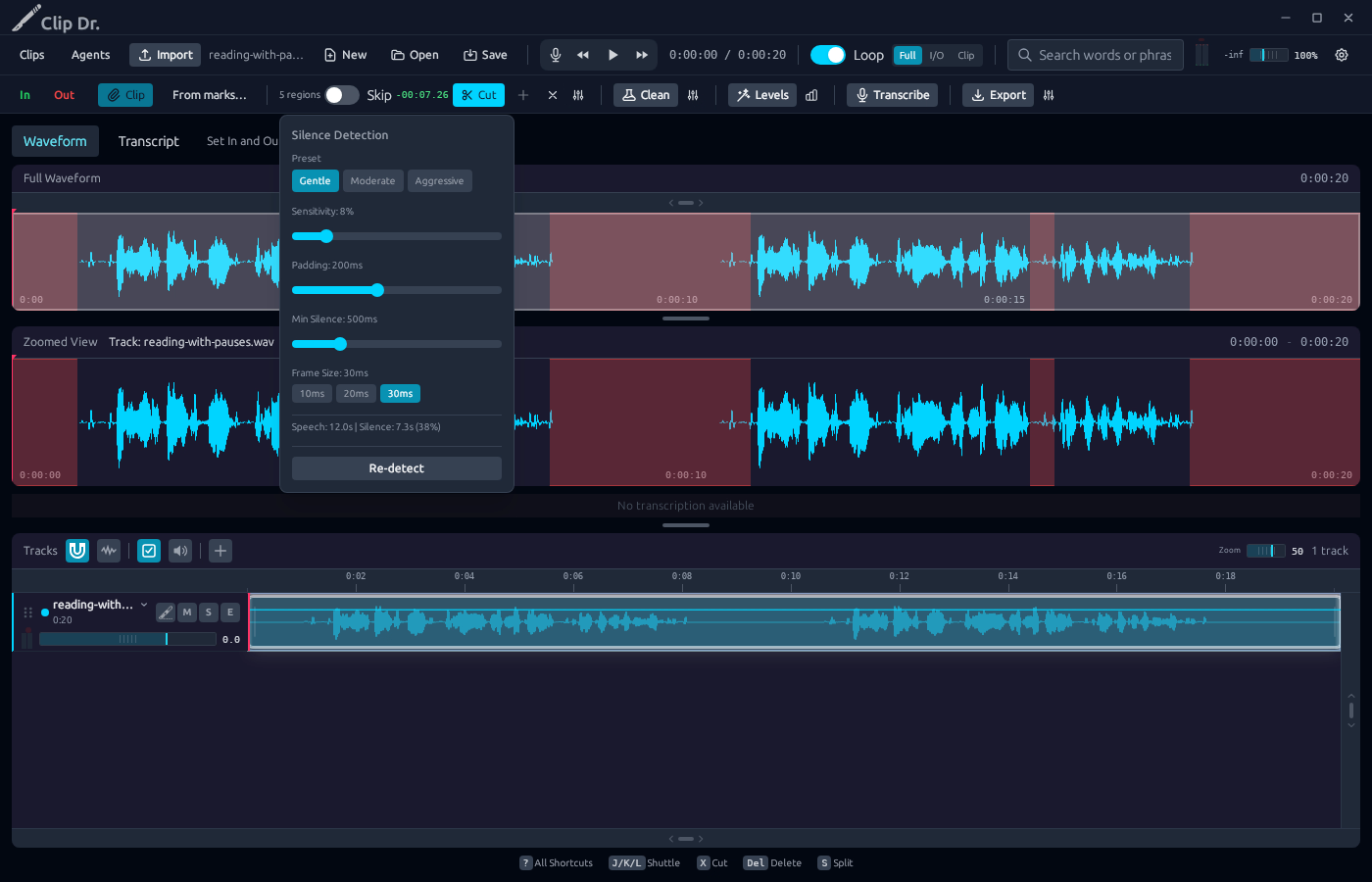
2Tune it
Settings: Gentle, Moderate or Aggressive. Click Re-detect.
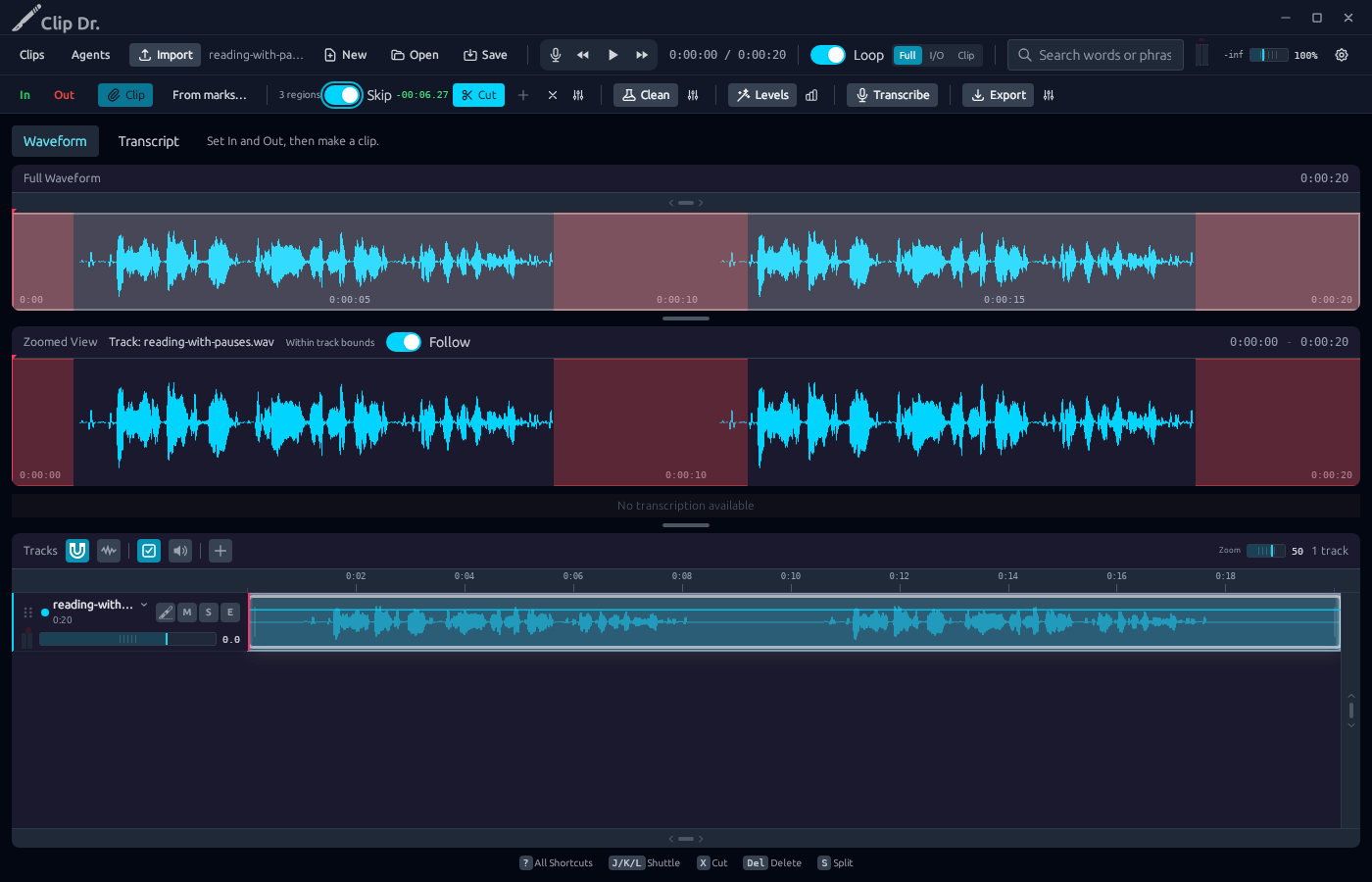
3Turn on Skip
The time saved shows beside Skip.
4Play
The playhead jumps over each red region.
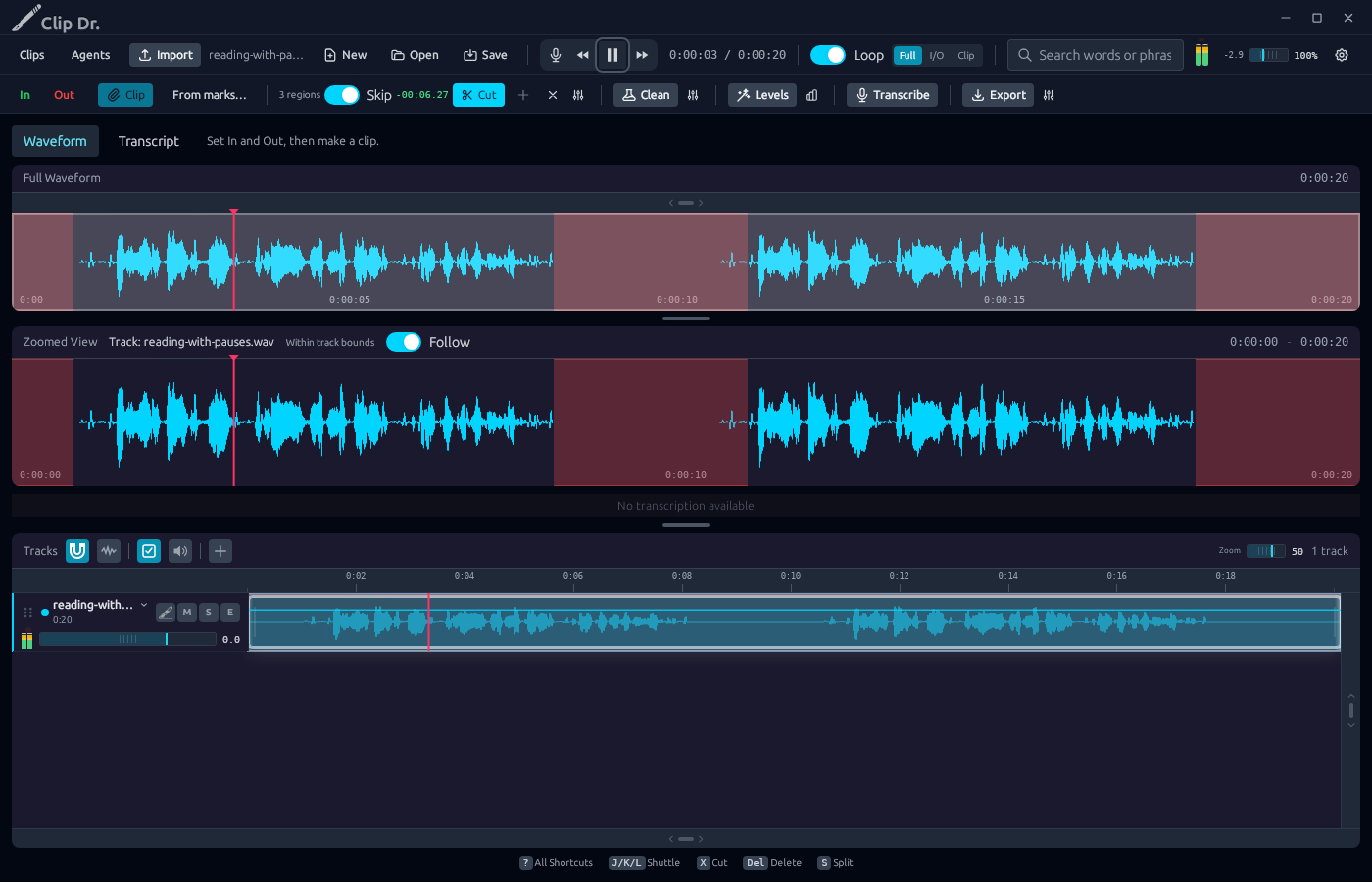
Result: Three regions are marked. Playback skips about six seconds of silence.