
Linux · Beta installation · 0:22 video
Install the Clip Dr. beta on Linux
Download your approved Clip Dr. beta, install it on Linux and open it for the first time.
Before you start: An approved Clip Dr. beta invitation and the download for your device. Open your private invitation on this device and save the installer. Use the filename in your invitation; build labels and versions may differ.
Download videoDownload captions
Step by step
-
Find the downloaded .deb package.
On Ubuntu or Debian, save the Clip Dr. beta .deb from your private invitation to Downloads. Use the package for your computer’s architecture.
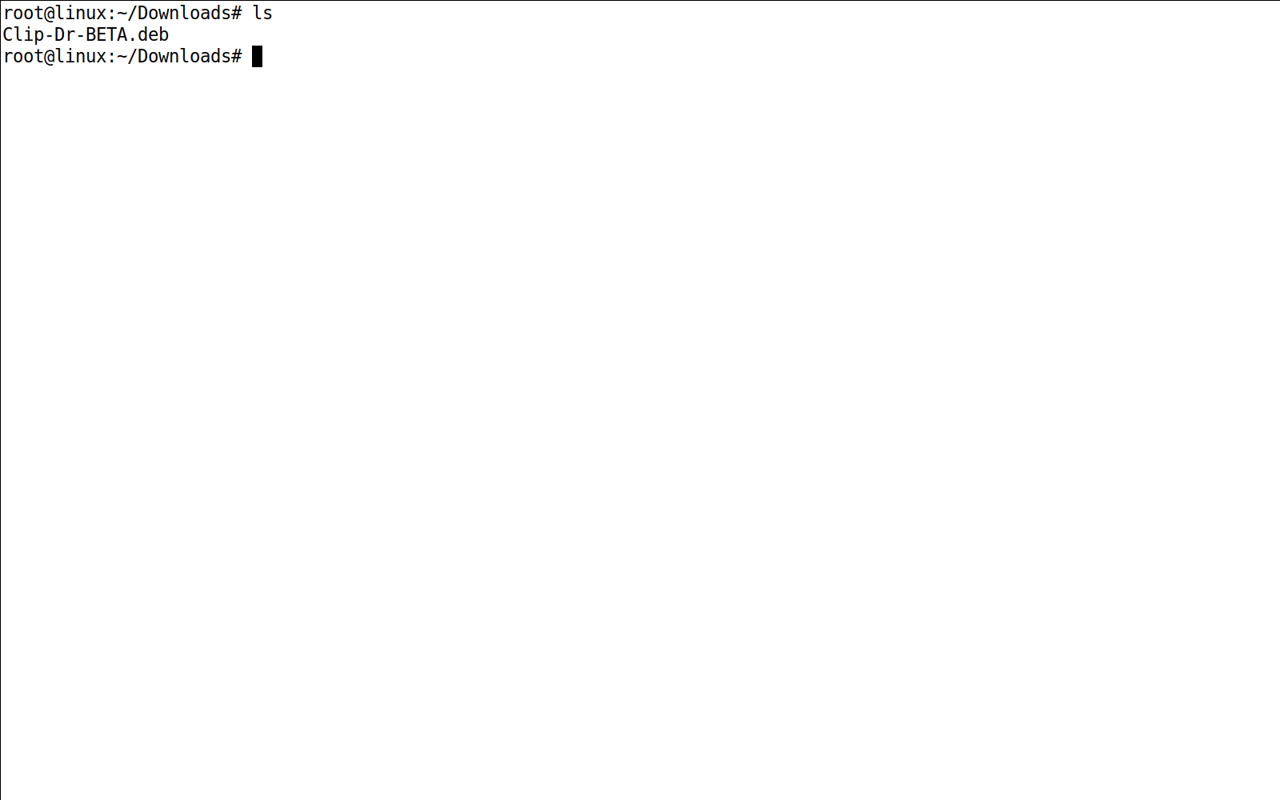
Find the downloaded Clip Dr. beta package. -
Install the package.
Open the .deb with your software installer and choose Install. Alternatively, open a terminal in Downloads and run sudo apt install ./ followed by the exact filename. For example: sudo apt install ./Clip-Dr-BETA.deb. In an administrator shell, omit sudo.
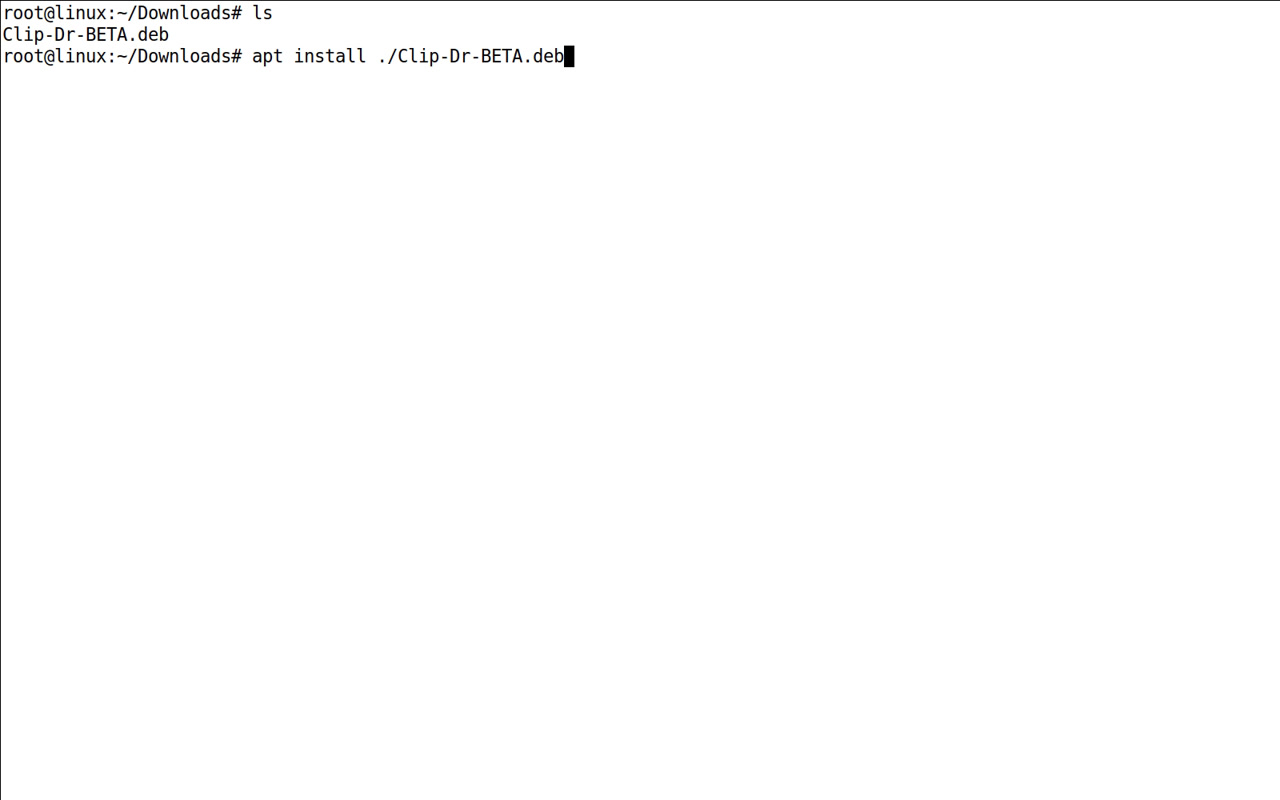
Install the local .deb with APT; use sudo in a regular user shell. -
Let installation finish.
Enter your administrator password if asked, review any required dependencies and confirm installation. Wait for the software installer to finish or the terminal prompt to return without an error.
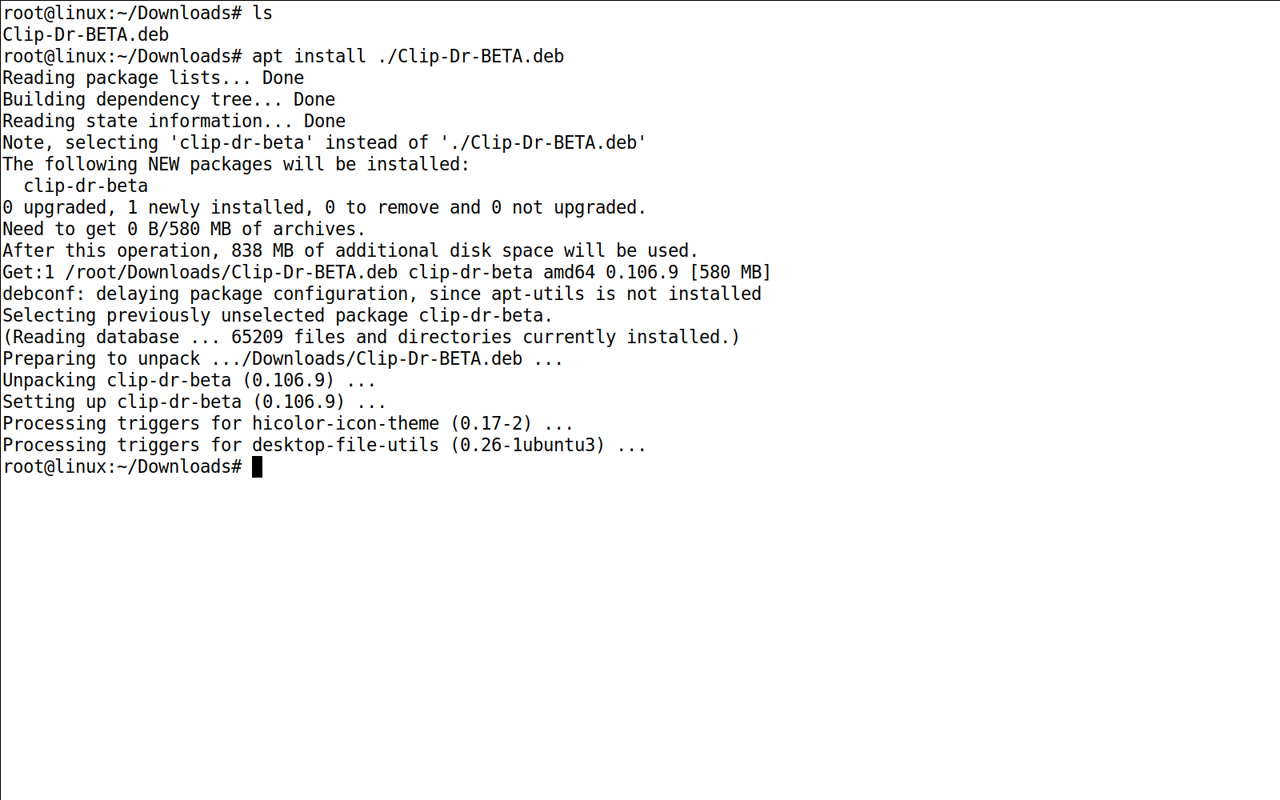
Wait for package setup to finish without an error. -
Open Clip Dr. beta.
Find Clip Dr. BETA in your application menu. Read the diagnostic agreement, choose whether to agree and follow your private access instructions.
Keep your invitation private. For a new device or a different operating system, contact support for the correct download.
Read the video instructions
- Open a terminal in the folder containing your beta .deb.
- Install the .deb with APT. Use sudo in a regular user shell.
- Wait for setup to finish and the terminal prompt to return.