
Android · 0:24 video
Set a morning alarm
Add an alarm on Wake. It rings with your days on the screen.
Before you start: Redeem the Time open on Android, set up with your birth date.
Download videoDownload captions
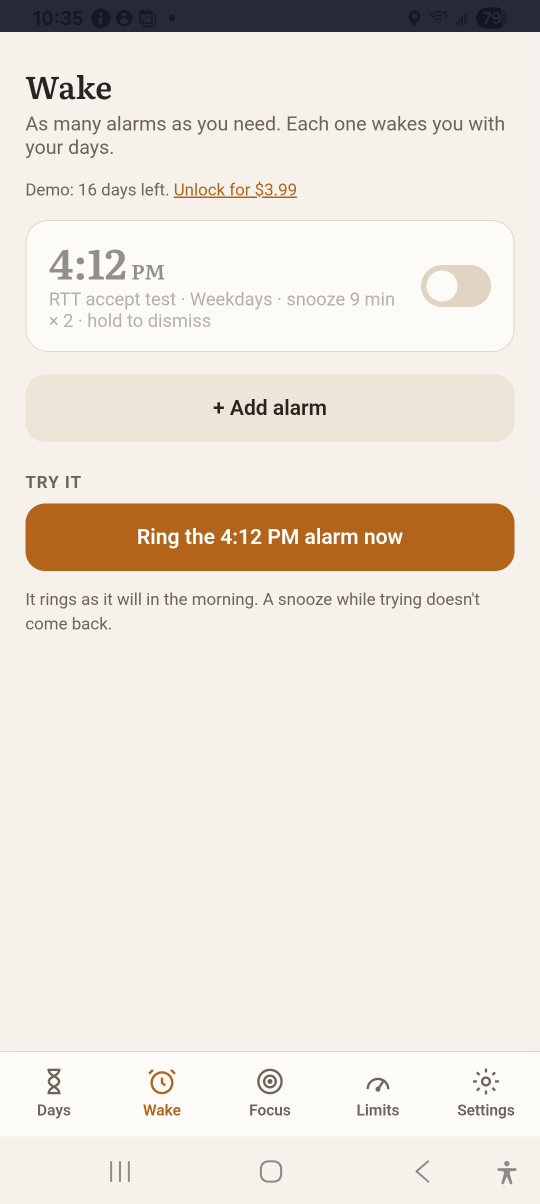
1Add an alarm
Tap Wake, then + Add alarm.
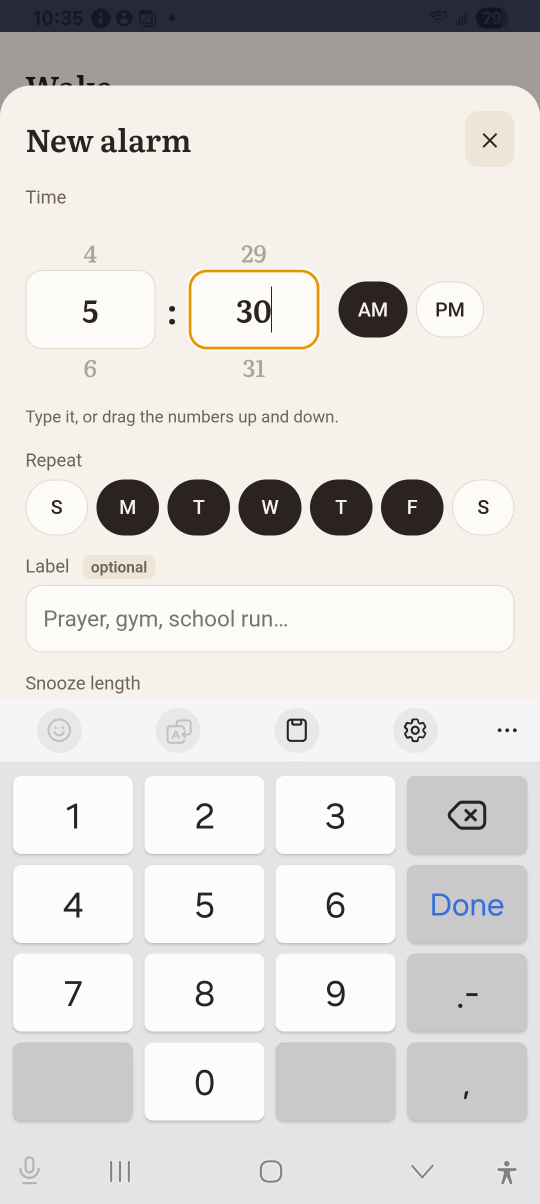
2Set the time
Type 5, then 30. Keep AM and the weekdays.
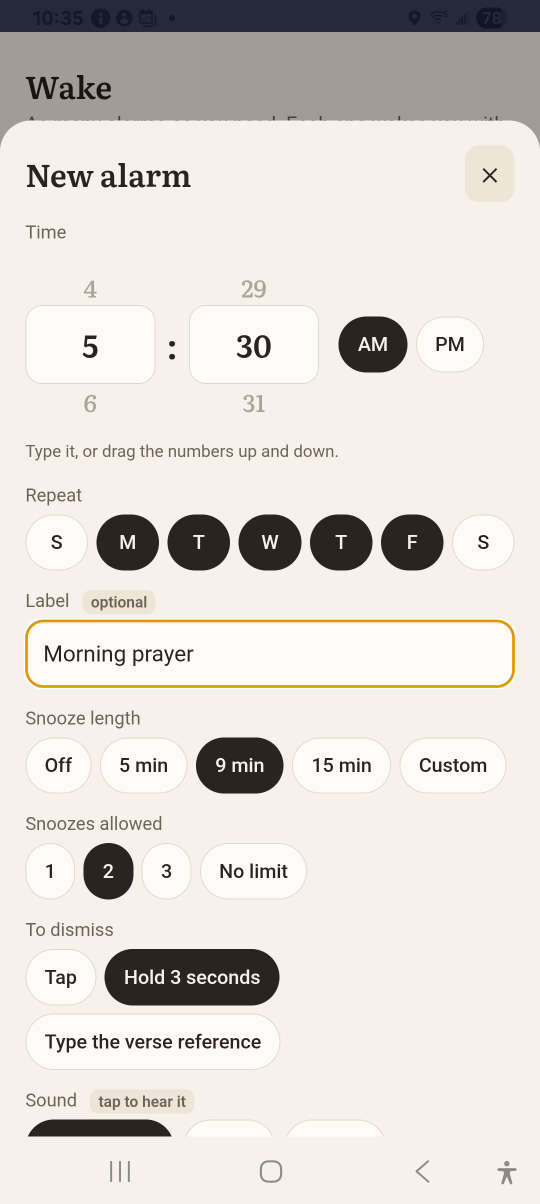
3Name it
Type Morning prayer under Label.
4Save
Scroll down and tap Save.
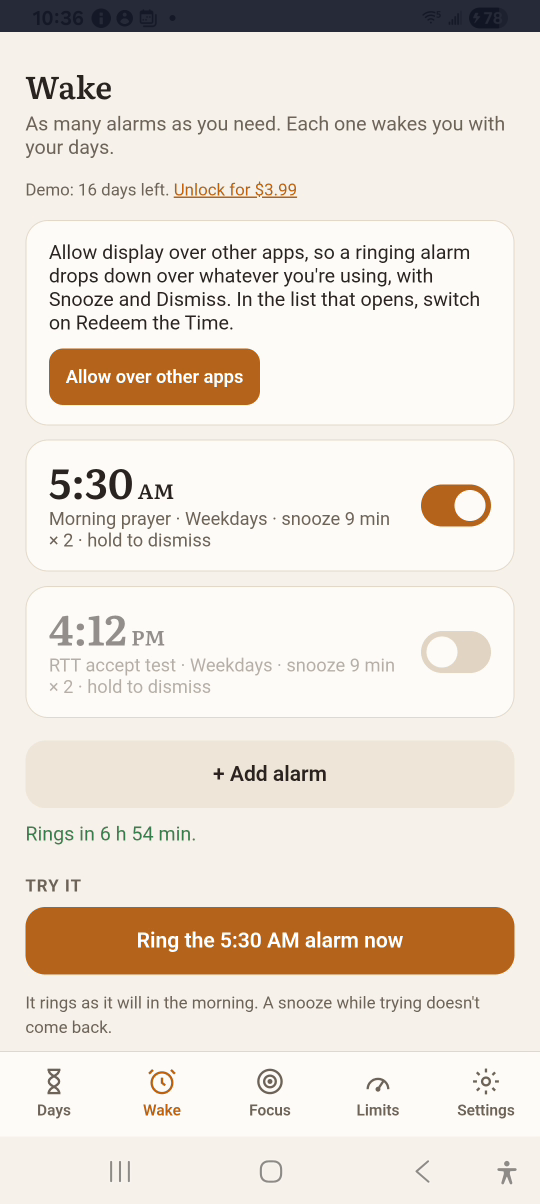
Result: The 5:30 AM alarm is on the Wake list, set for weekdays.