
Android · 0:22 video
Snooze and dismiss an alarm
Try an alarm now to see how it rings, snoozes and dismisses.
Before you start: Redeem the Time open on Android, set up with your birth date.
Download videoDownload captions
A snooze while trying does not come back. A real alarm rings again after the snooze length.
1Ring it now
On Wake, tap Ring the 5:30 AM alarm now.
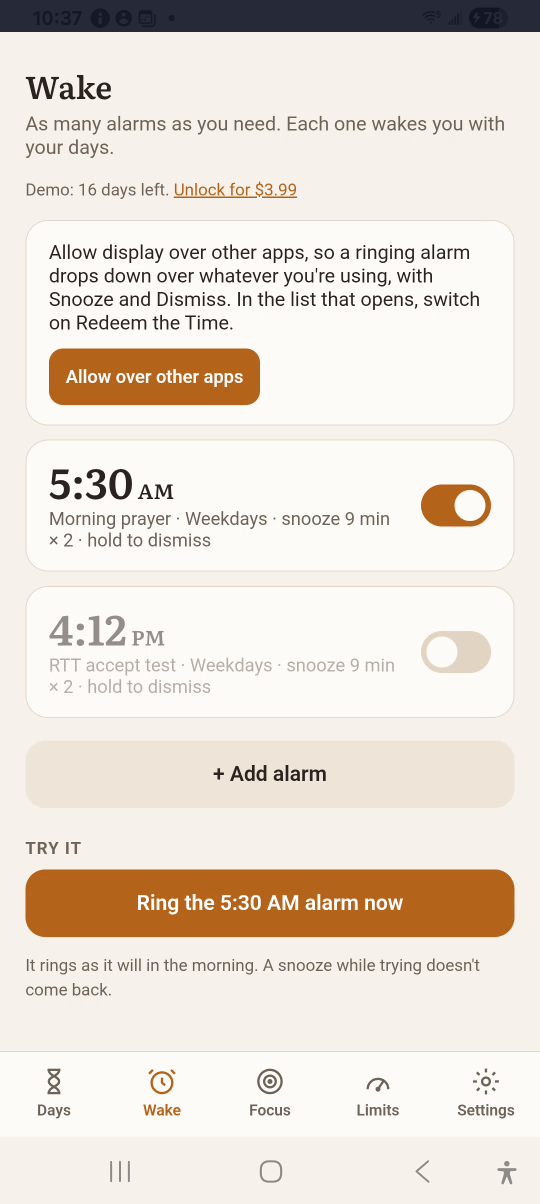
2Snooze
Tap Snooze. The count shows how many snoozes are left.
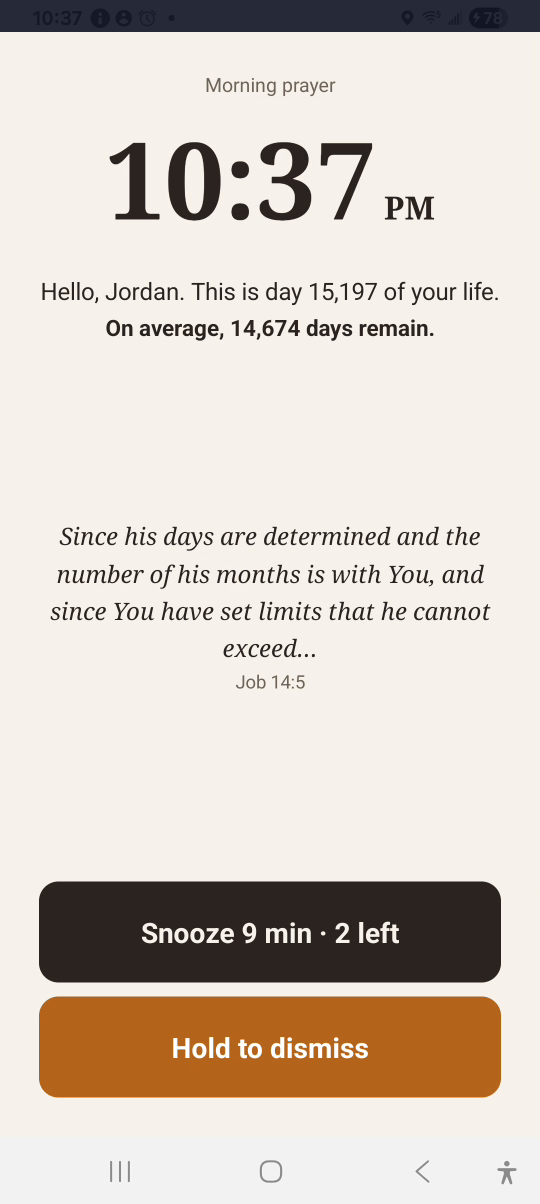
3Ring it again
Tap Ring the alarm now once more.
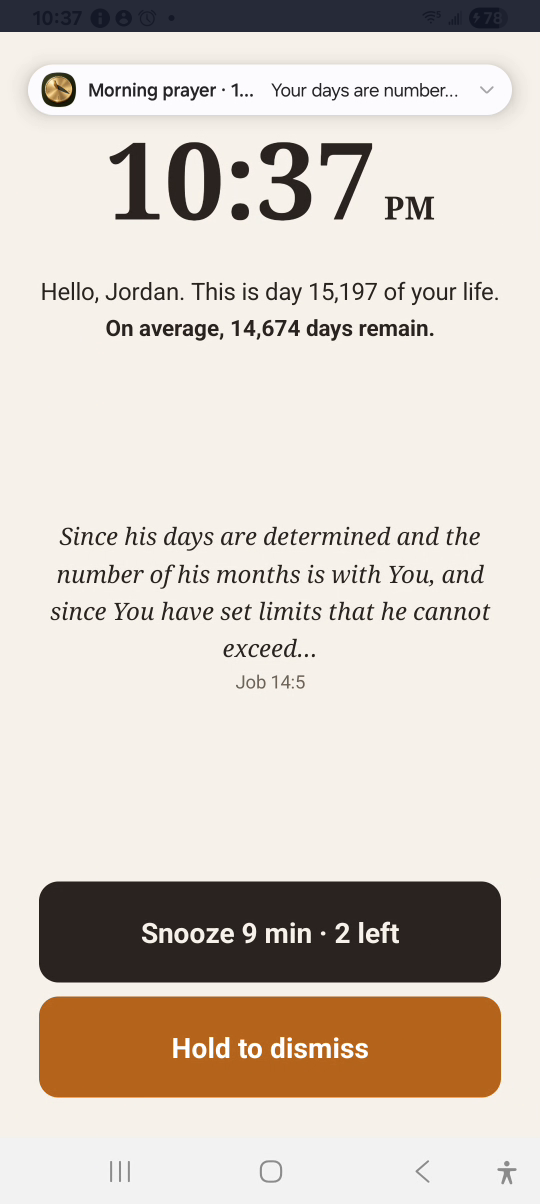
4Dismiss
Press and hold Hold to dismiss until it closes.
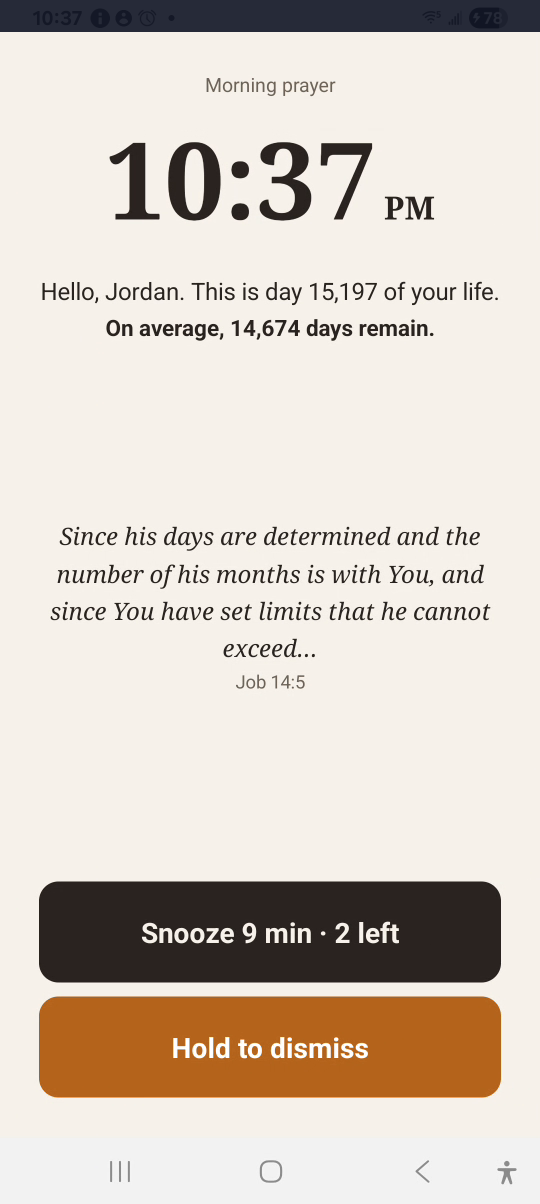
Result: The alarm is dismissed and stays set for the next morning.