
Linux · 0:22 video
Mute a word on desktop
Mute any word the scan heard, then choose how it sounds.
Before you start: Choirboy Desktop open on a Linux computer.
Download videoDownload captions
Audio: LibriSpeech excerpt 1688-142285-0007 (OpenSLR 12, Vassil Panayotov and Daniel Povey, from LibriVox), CC BY 4.0.
1Open the editor
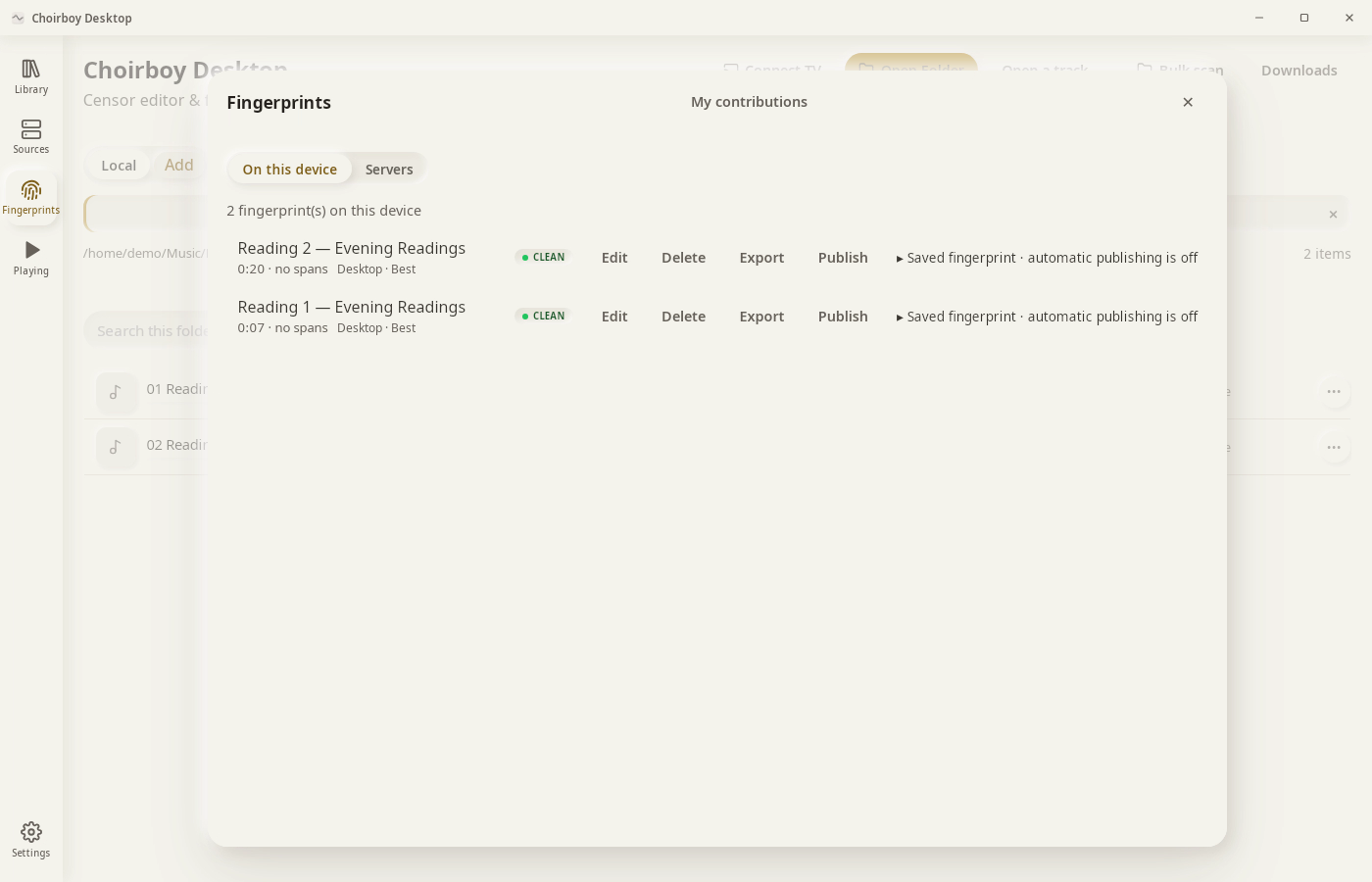
Fingerprints, then Edit beside the track.
2Pick a word
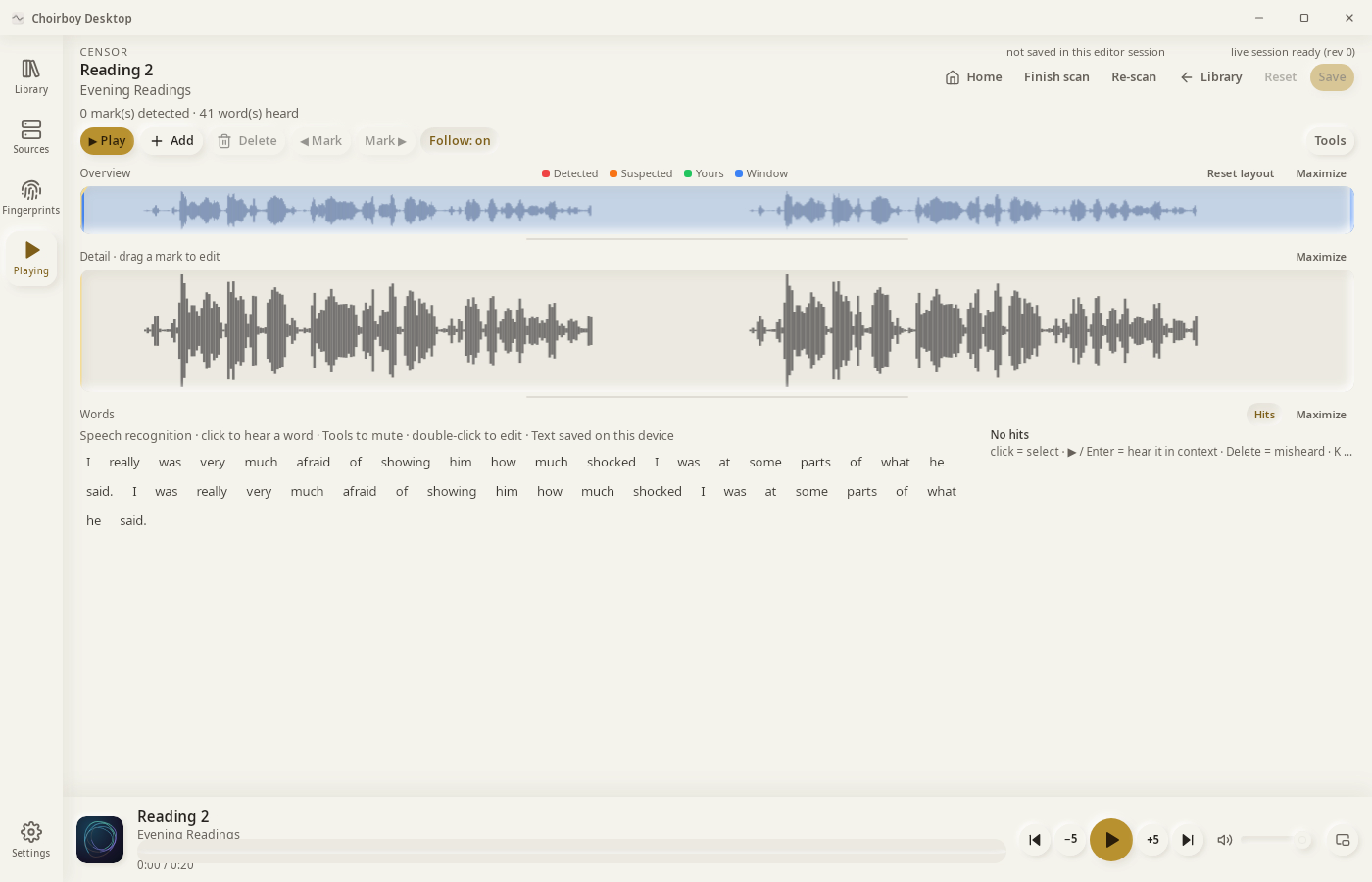
Click the word. It plays so you can check it.
3Mute word
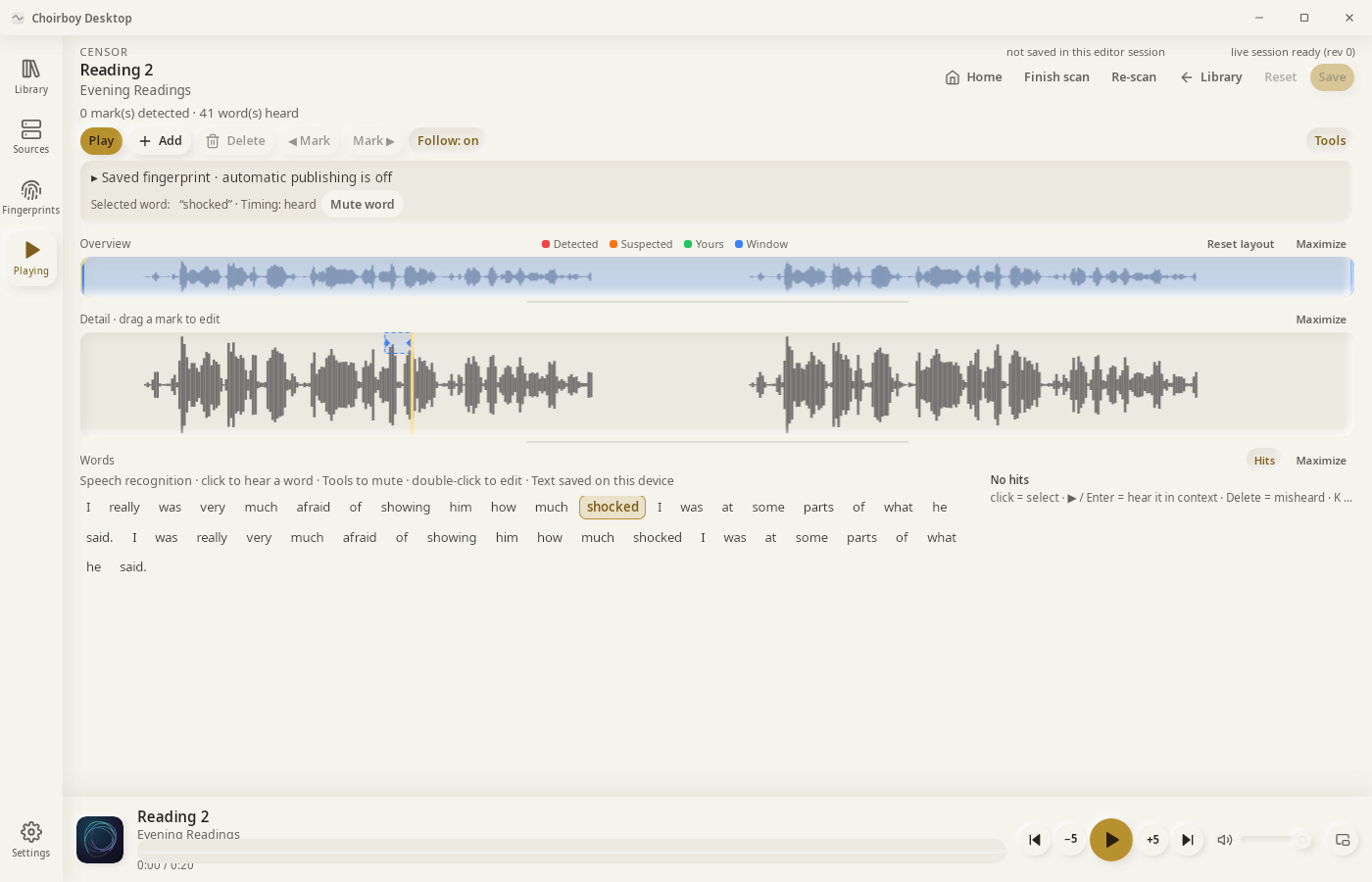
Click Tools, then Mute word.
4Choose the mute
Hard, Soft or Skip. Then click Save.
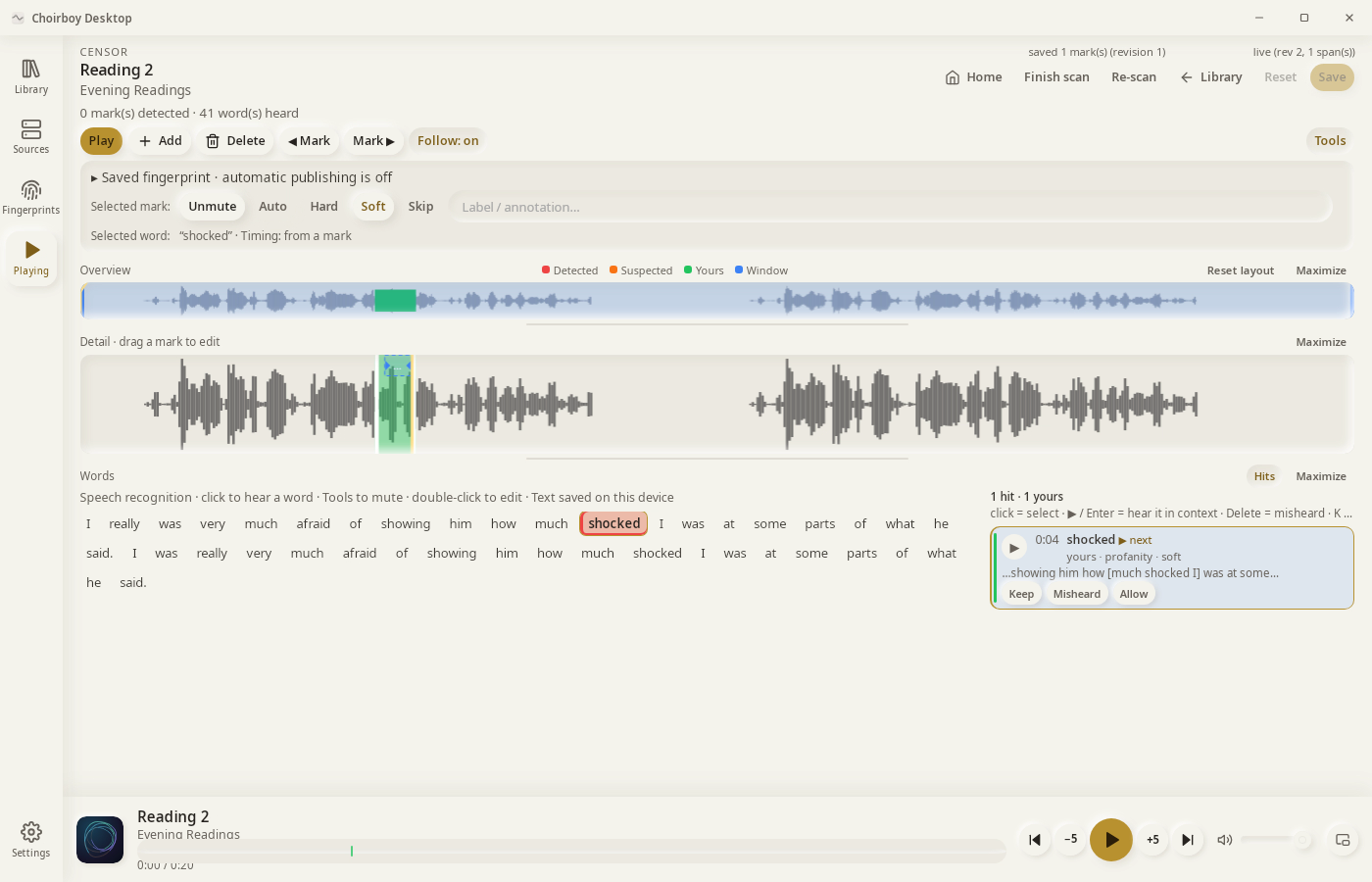
Result: “shocked” is muted with a soft mute and saved to the fingerprint.