
Linux · 0:19 video
Export a fingerprint on desktop
Save a fingerprint as a file you can keep or share.
Before you start: Choirboy Desktop open on a Linux computer.
Download videoDownload captions
The save dialog is the Linux system dialog. Audio: LibriSpeech excerpt 1688-142285-0007 (OpenSLR 12, Vassil Panayotov and Daniel Povey, from LibriVox), CC BY 4.0.
1Open Fingerprints
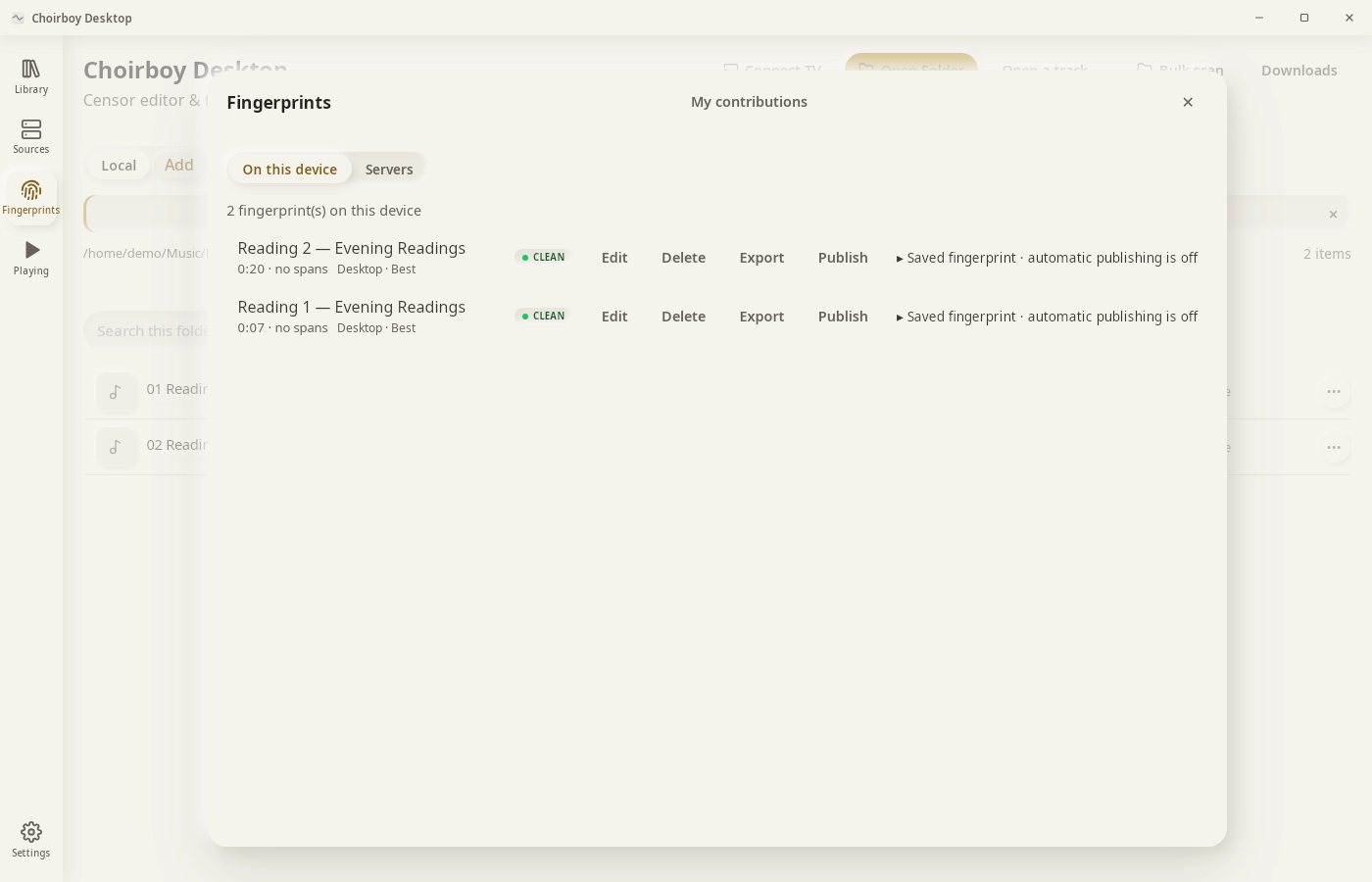
Click Fingerprints in the left rail.
2Find the track
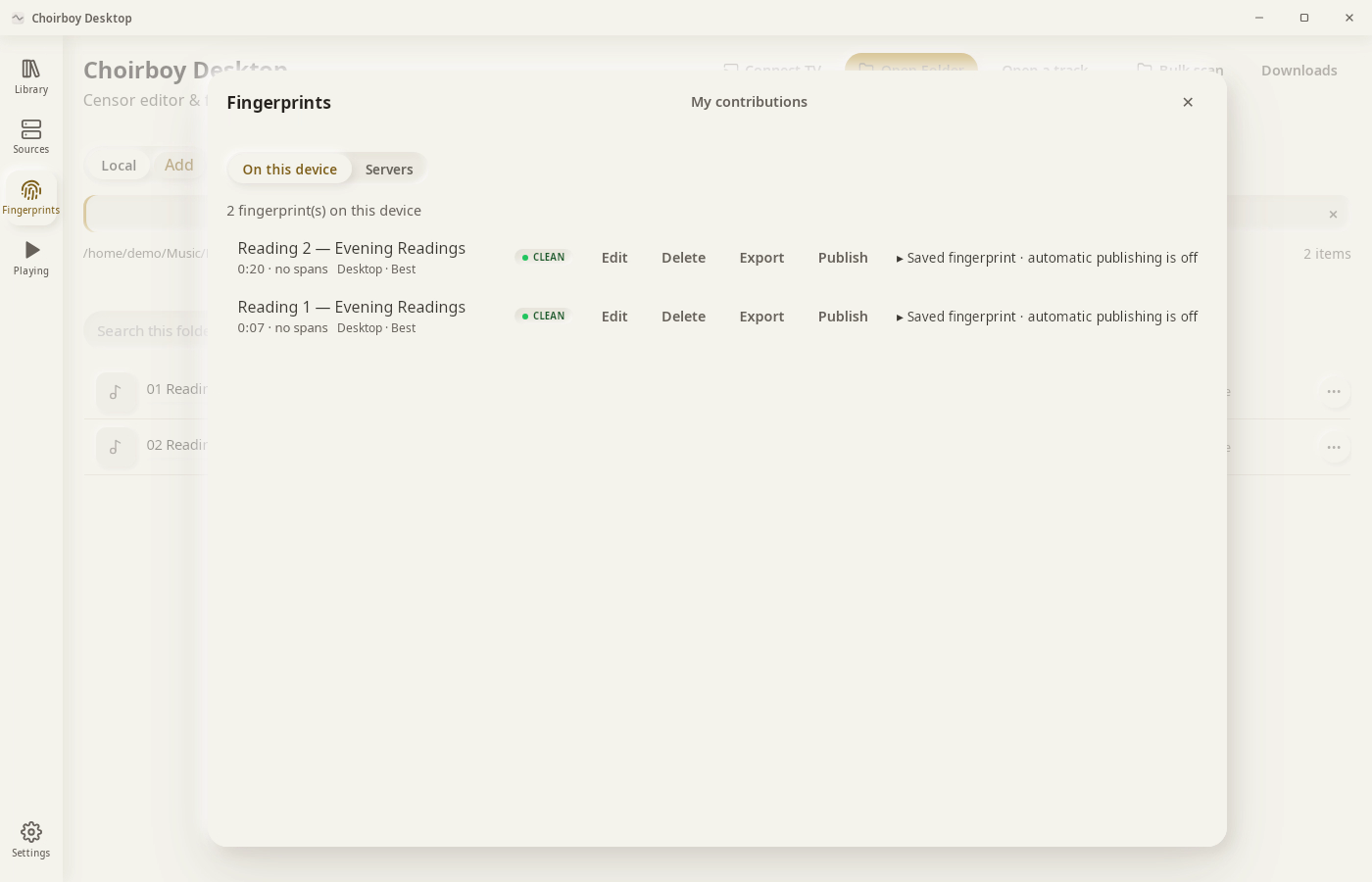
Each row shows length, marks and status.
3Export
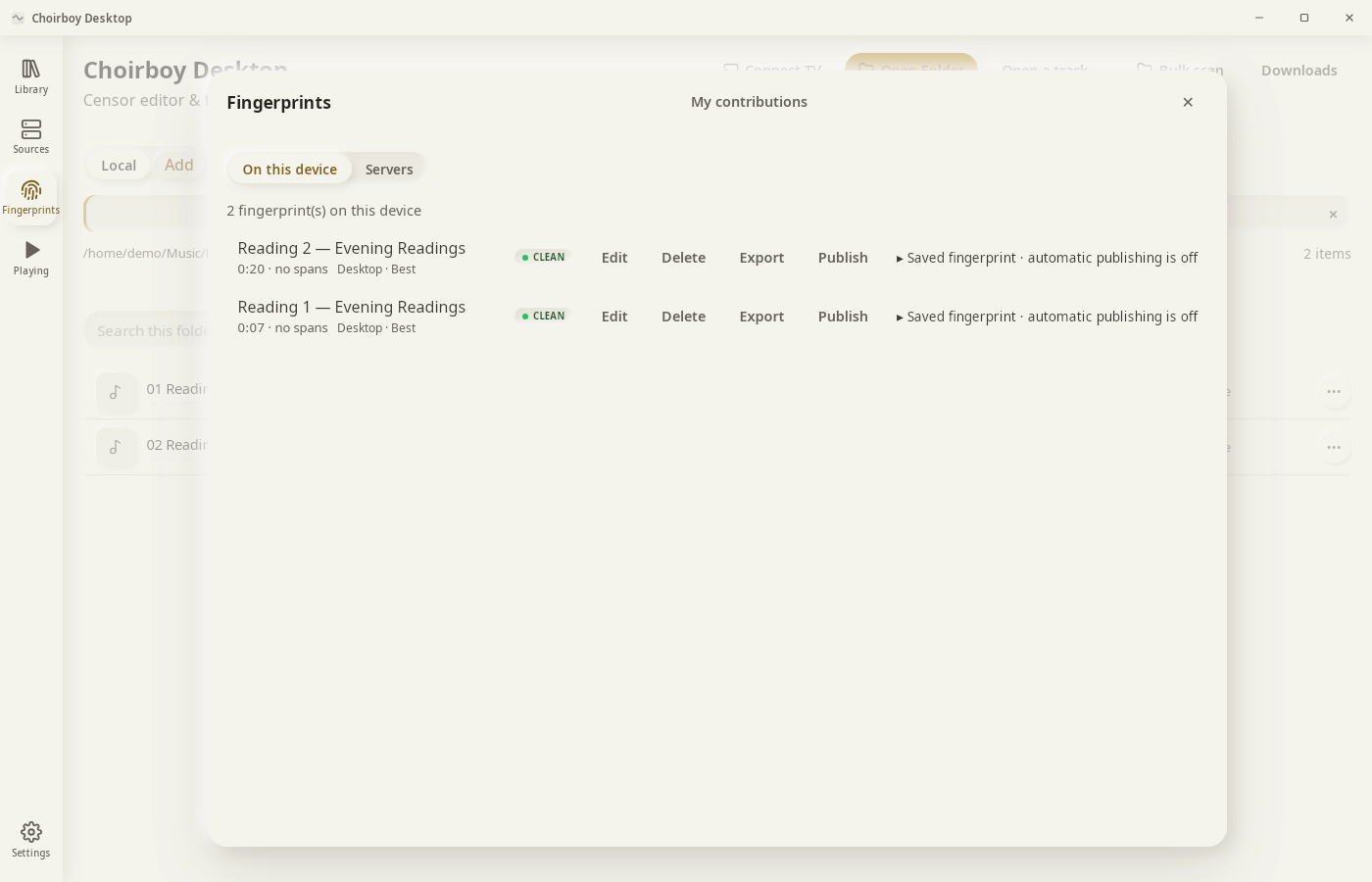
Click Export and choose a folder.
4Save
Click Save.
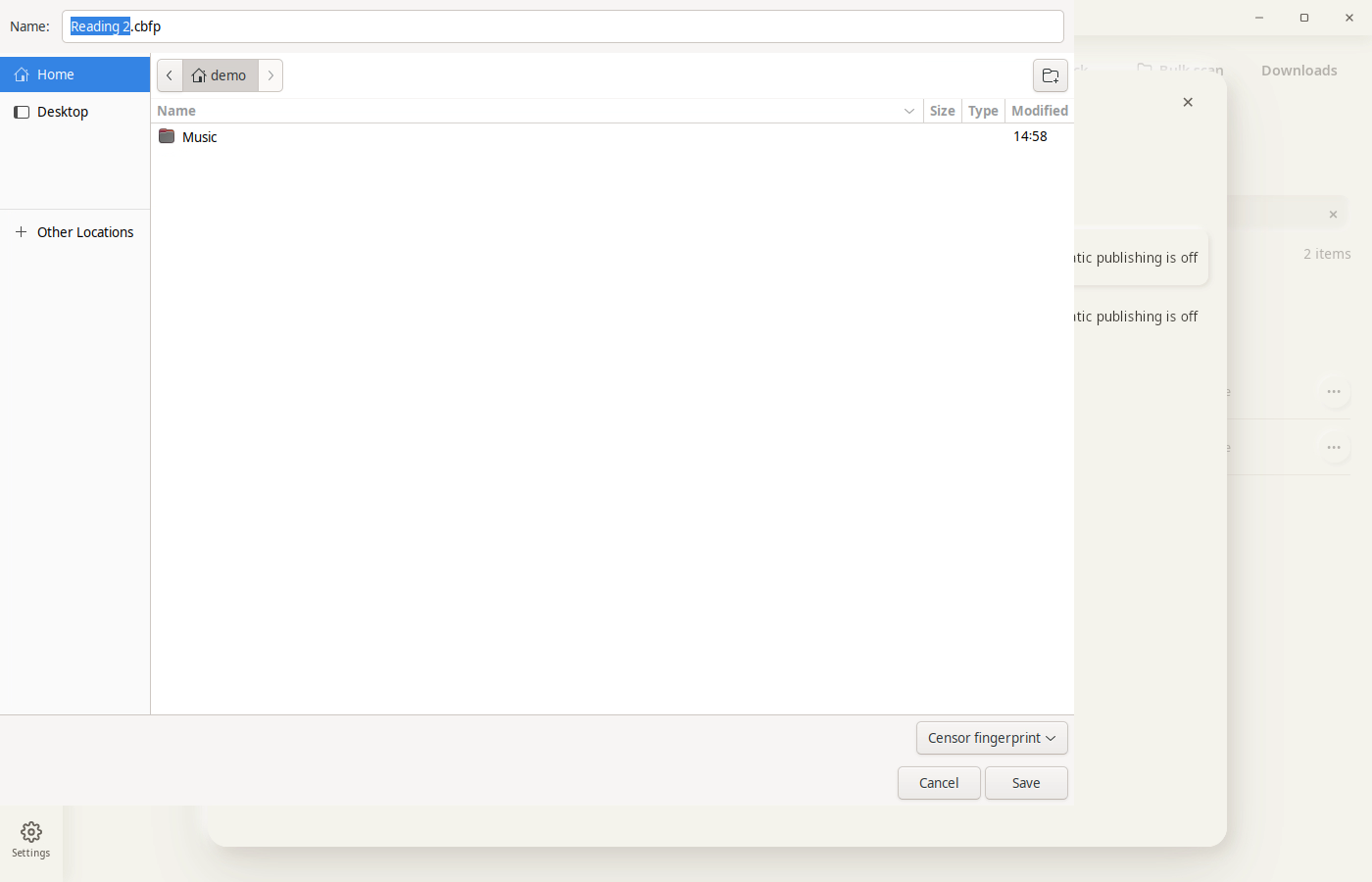
Result: Reading 2.cbfp is saved in the folder you chose.