
Website · 0:18 video
Sign in to your Choirboy account
Sign in with a verified email address and find your purchases and account tools.
Before you start: An existing Choirboy account with its email address verified.
Download videoDownload captions
Step by step
Open My account
Go to the Choirboy website and open My account. Choose Log in if you already have an account. New accounts must verify their email address first.
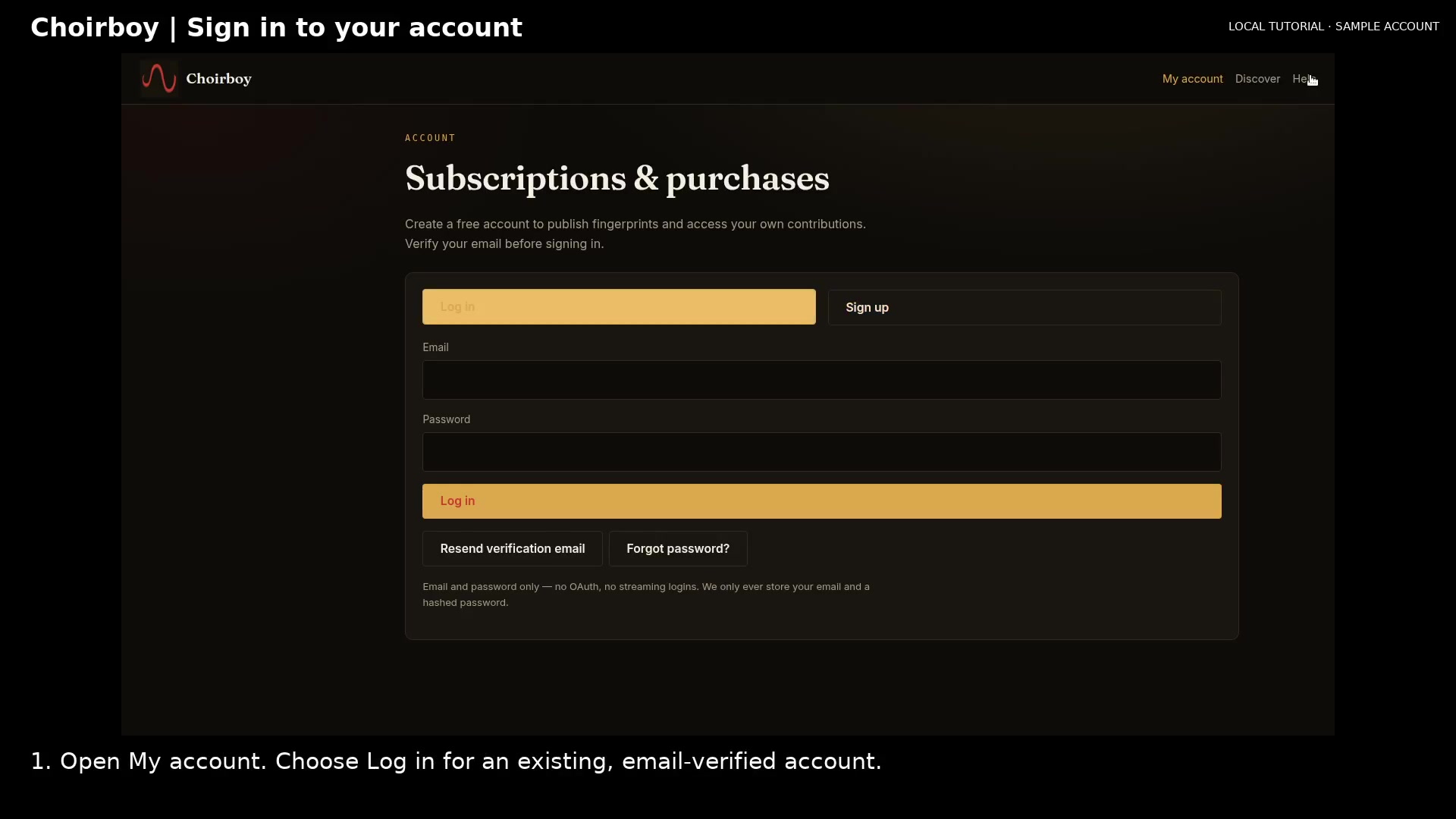
Choose the Log in tab Open full size
- Choose Log in
Enter your credentials
Enter your account email and password.
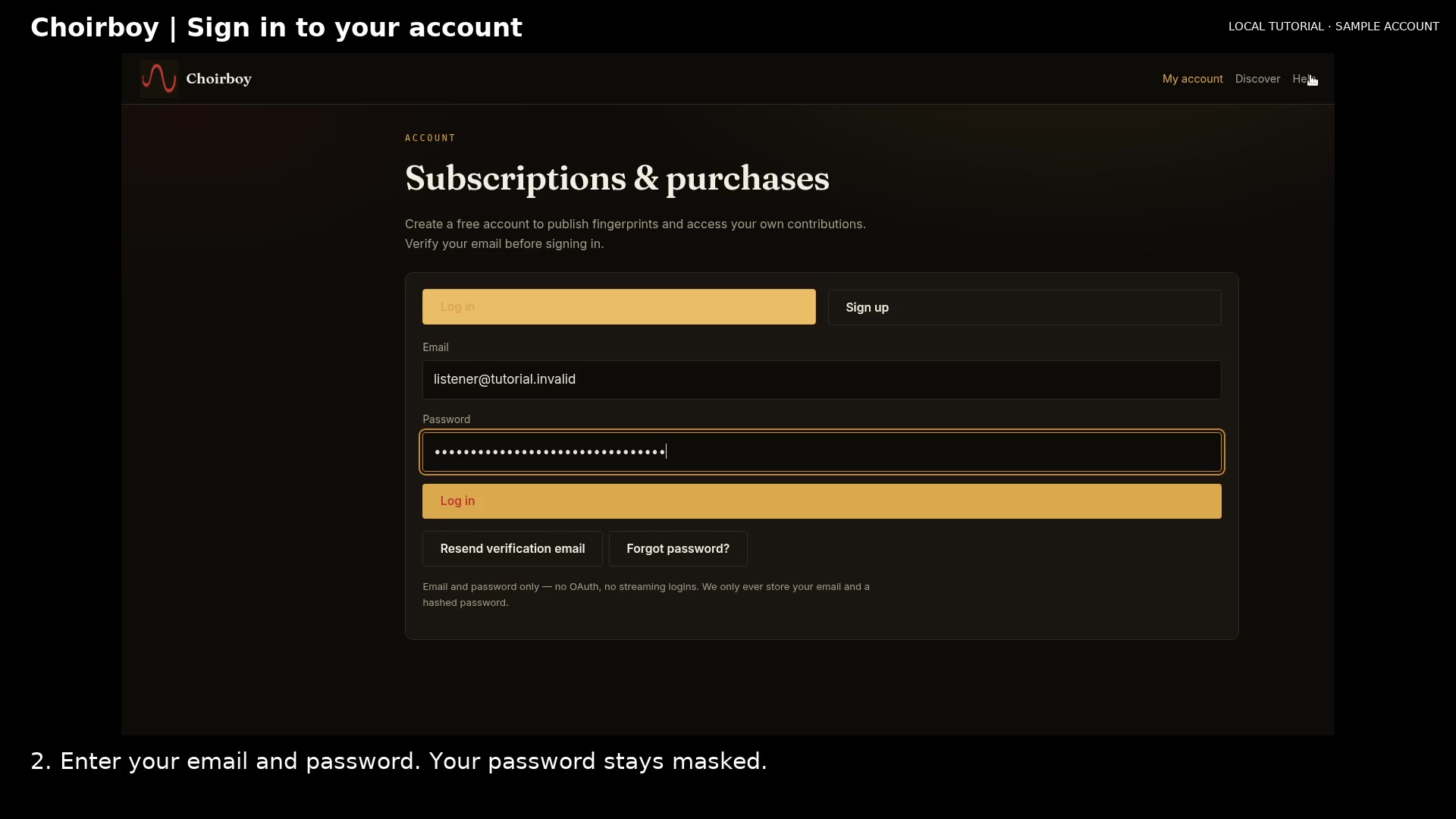
Enter your account credentials Open full size
- Password stays masked
Review your account
Choose Log in to load your account. Use its navigation to open purchases, fingerprints, transcripts, preferences, or connected apps. Sign out when you finish on a shared computer.
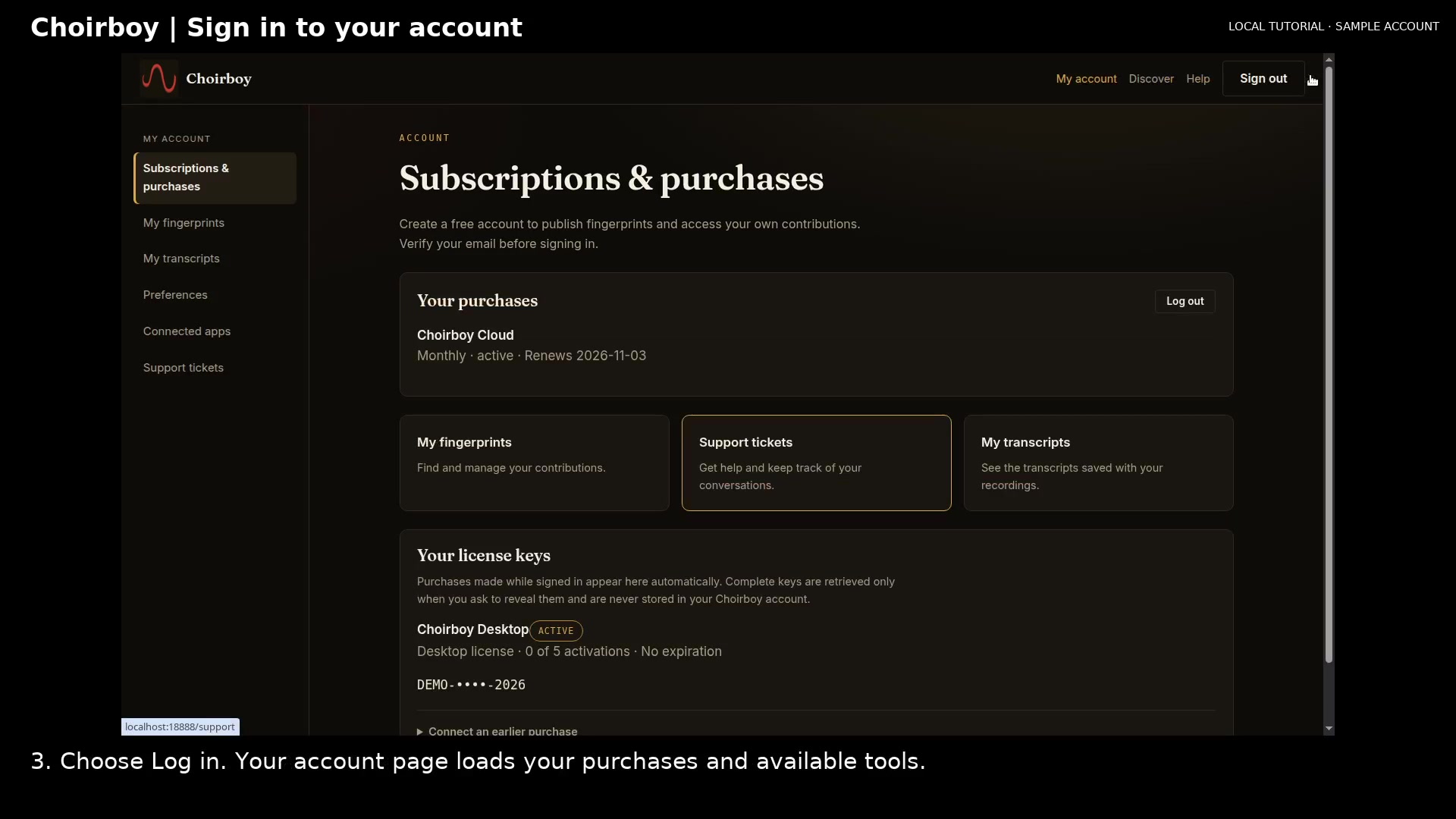
Review your signed-in account Open full size
- Your license summary
Read the video instructions
- Sign in to see your purchases and account tools.
- 1. Open My account. Choose Log in for an existing, email-verified account.
- 2. Enter your email and password. Your password stays masked.
- 3. Choose Log in. Your account page loads your purchases and available tools.
- Sign out when you finish on a shared computer.