
Linux · 0:26 video
Bulk scan a folder on desktop
Scan every track in a folder in one go and save a fingerprint for each.
Before you start: Choirboy Desktop open on a Linux computer.
Download videoDownload captions
The folder picker is the Linux system dialog. Scanning runs on this computer. Audio: LibriSpeech excerpt 1688-142285-0007 (OpenSLR 12, Vassil Panayotov and Daniel Povey, from LibriVox), CC BY 4.0.
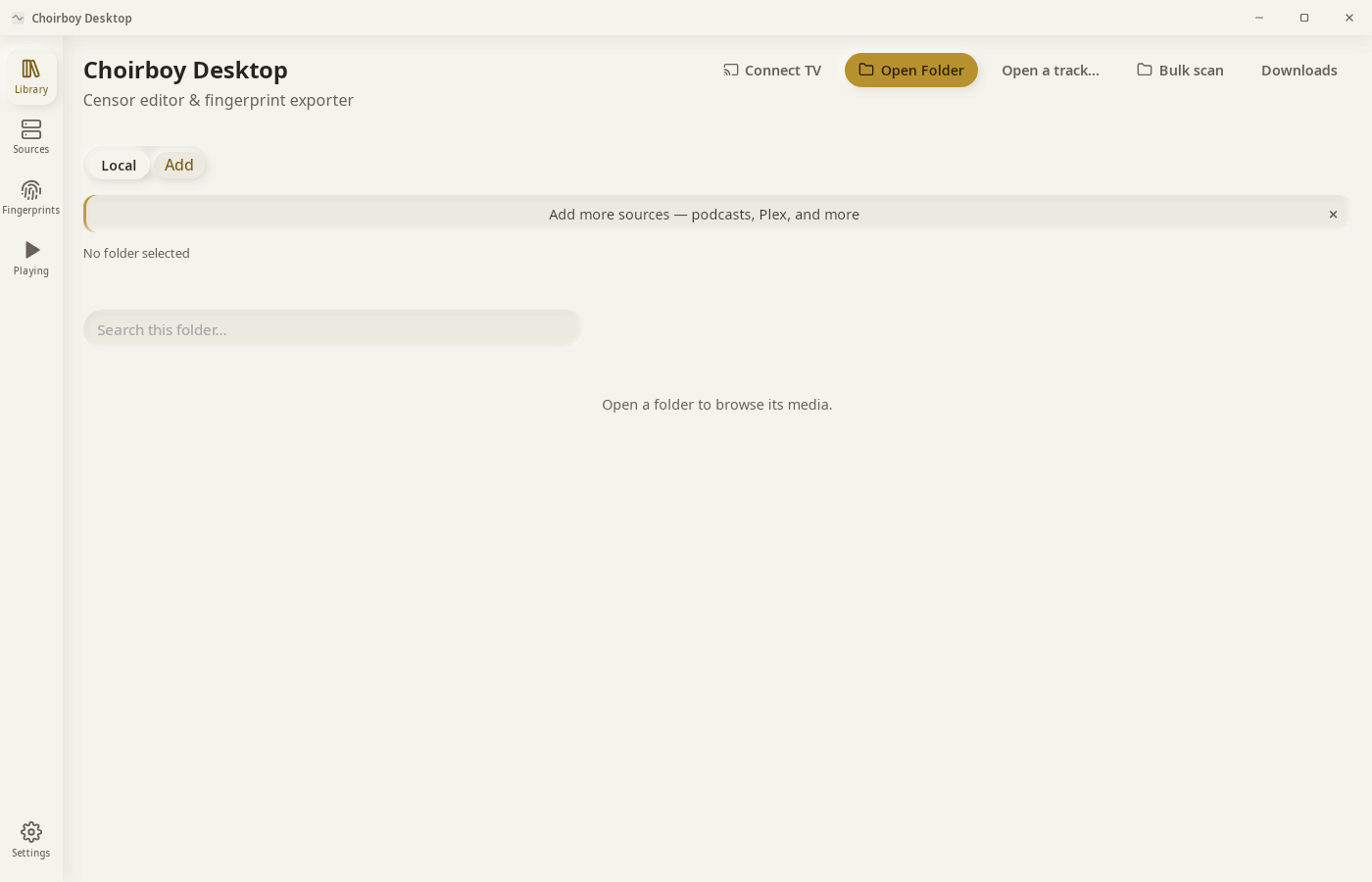
1Bulk scan
Click Bulk scan.
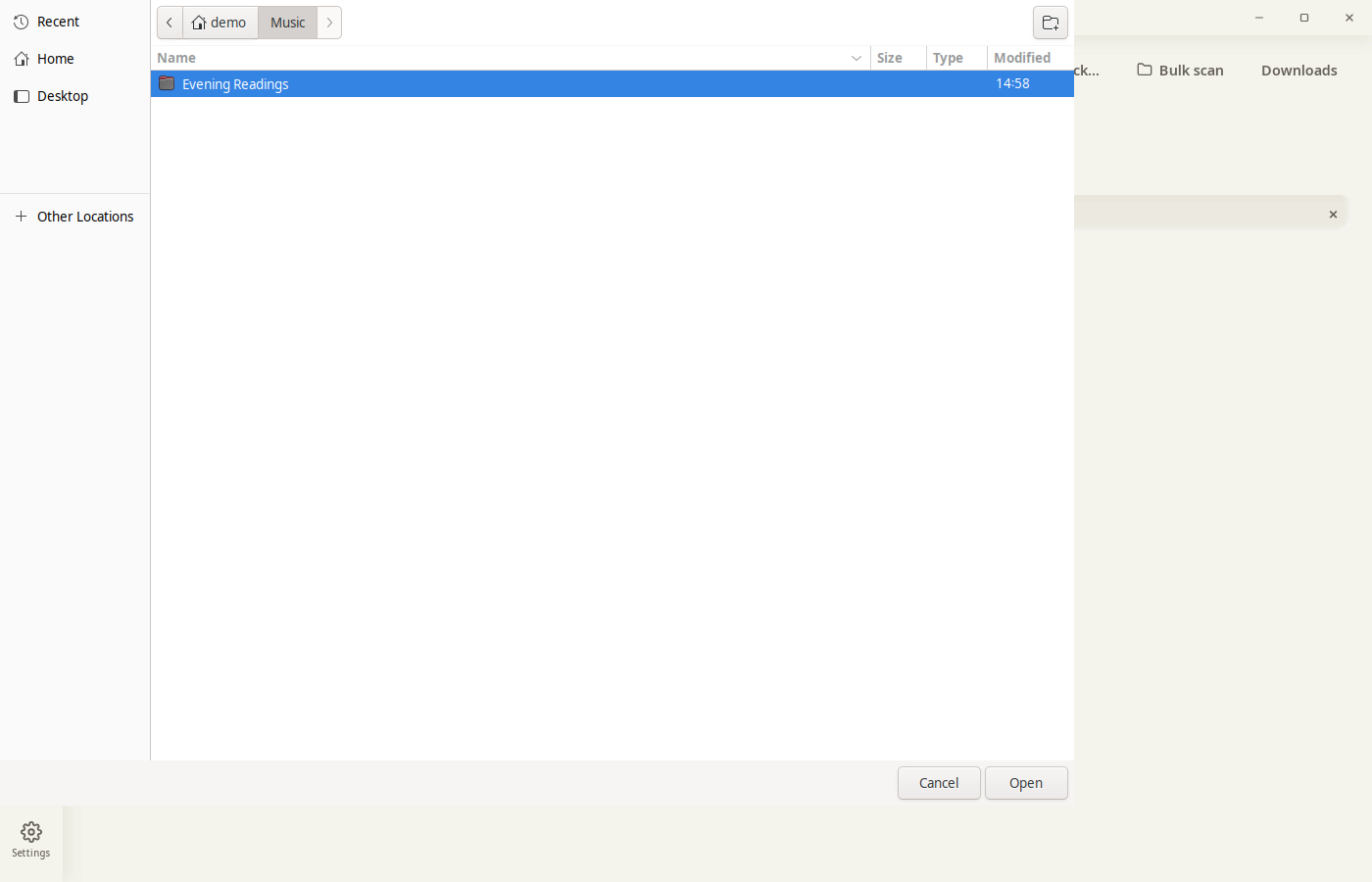
2Pick a folder
Choose the folder, then click Open.
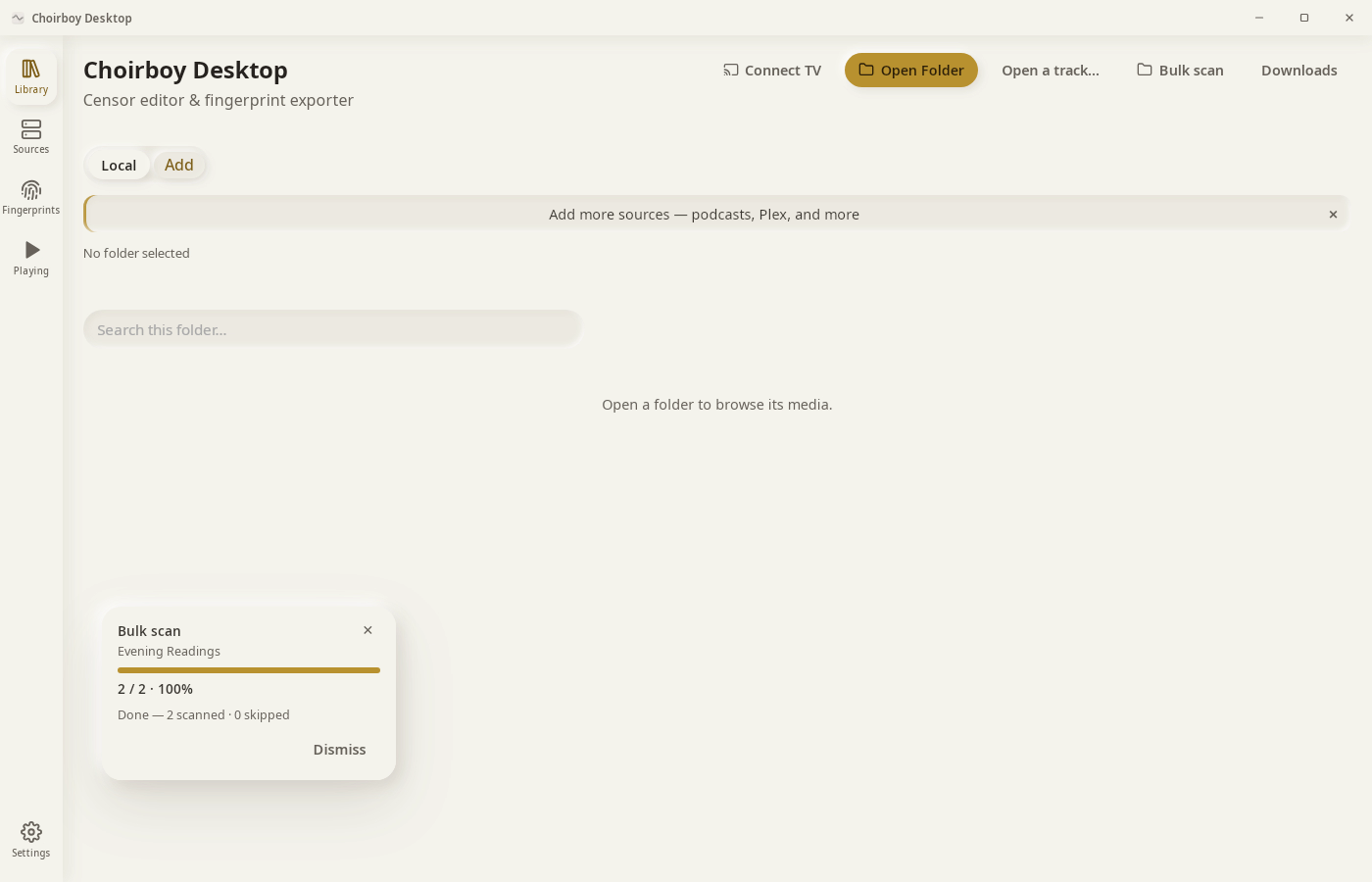
3Let it scan
Progress shows each track. Cancel stops the scan.
4Check Fingerprints
Click Dismiss, then Fingerprints.
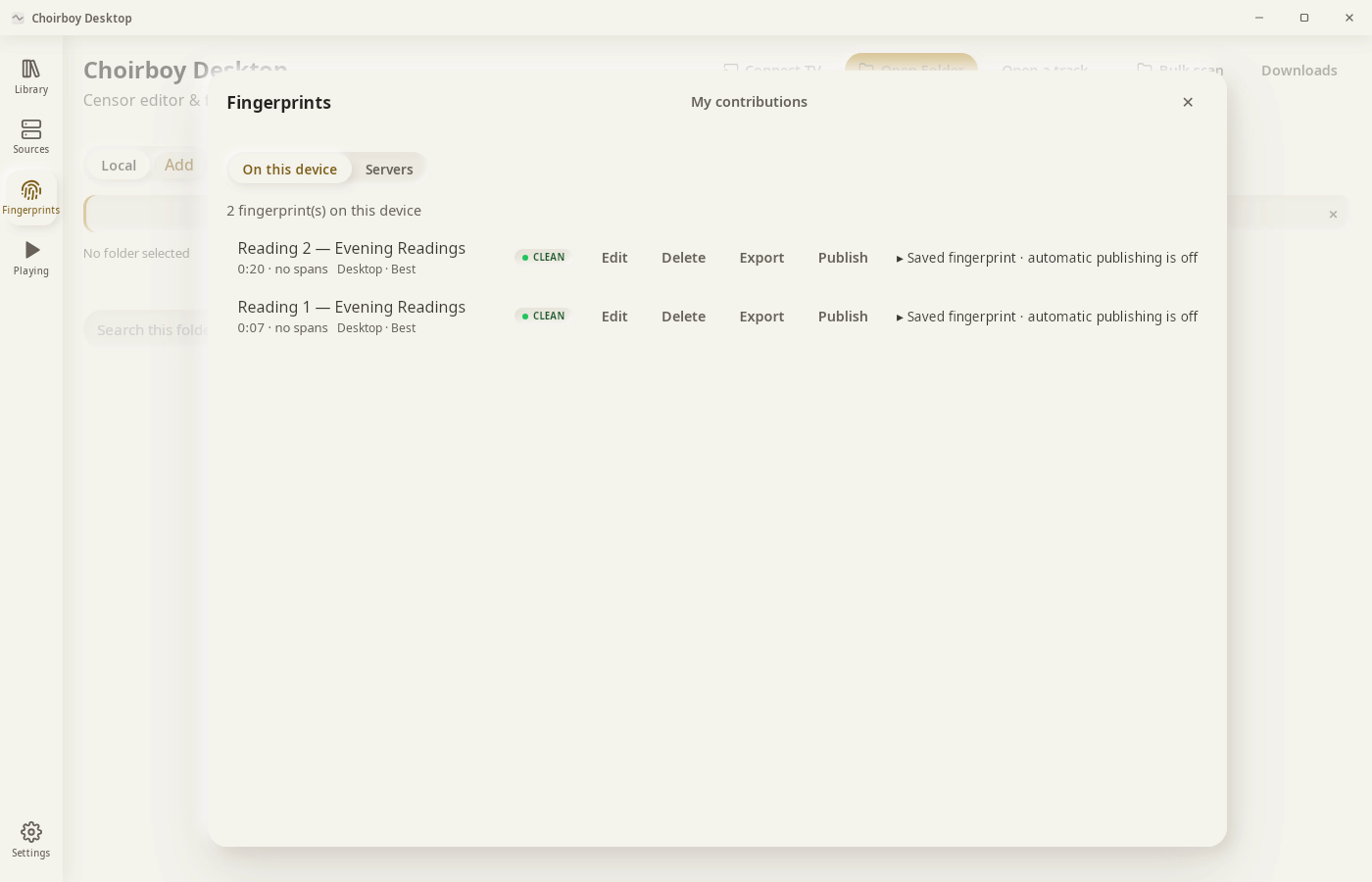
Result: Both tracks are scanned. Fingerprints lists one for each.