
Desktop · 0:38 video
Play and record a riff
Choose a kit, play it with your keyboard, and record a take that lands on the beat.
Before you start: Open RiffWright with a new or existing song. Turn your volume up.
Download videoDownload captions
Step by step
Choose an instrument
In Instruments, press Preview to hear a sound, then Add to put it in your riff.
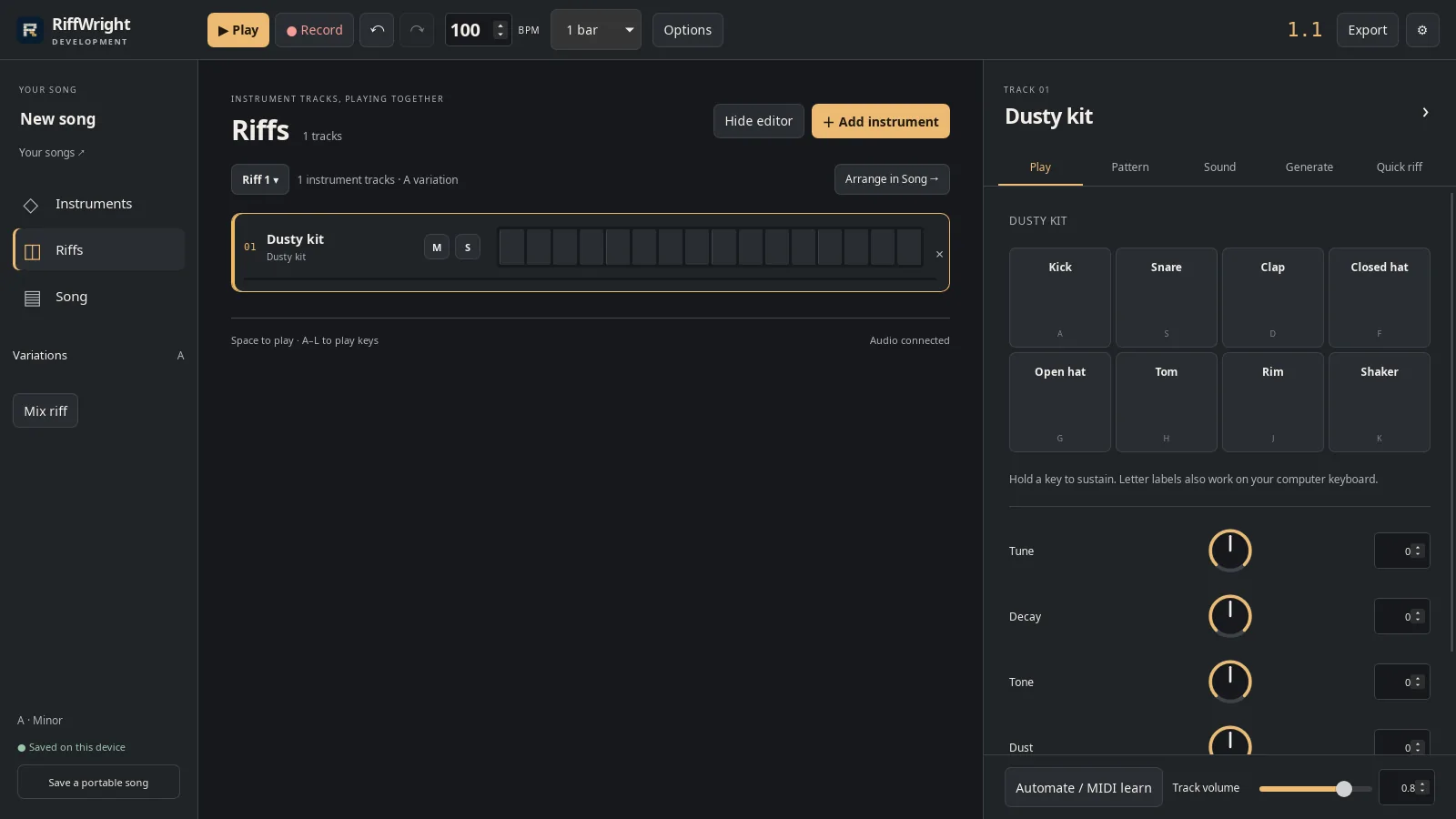
Your kit is now a track in this riff. Open full size
- A new drum track
Play it
Click the pads or use the letter keys on your computer keyboard: A is the kick, S the snare, F the closed hat.
Record a take
Press Record. One bar counts you in; then play along with the loop.
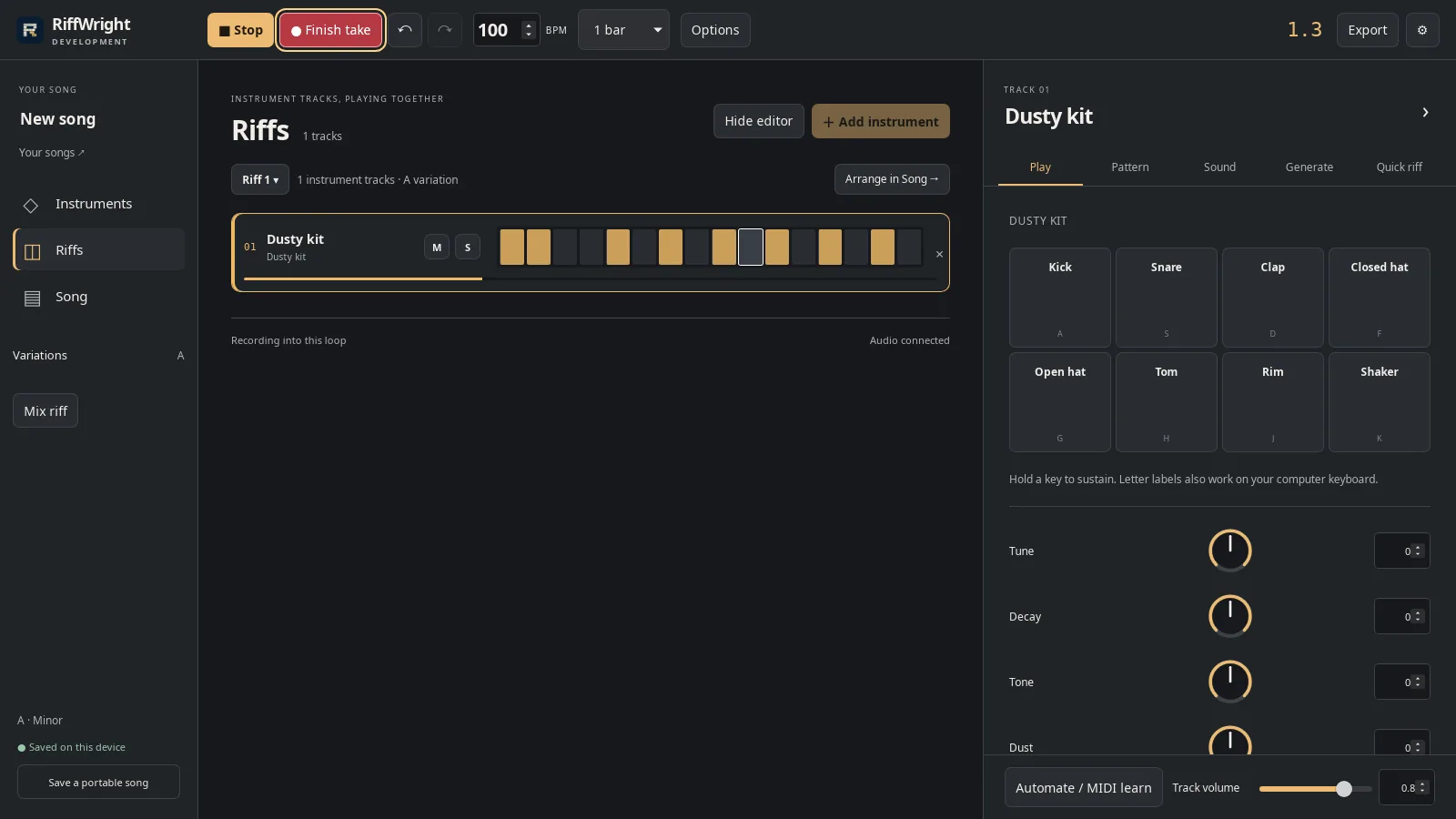
Recording into the loop. Open full size
- Finish take keeps what you played
Keep the take
Press Finish take. The loop keeps playing with your hits on the grid.
Undo or listen
Undo removes the whole take and Redo brings it back. Press Play to hear your riff.
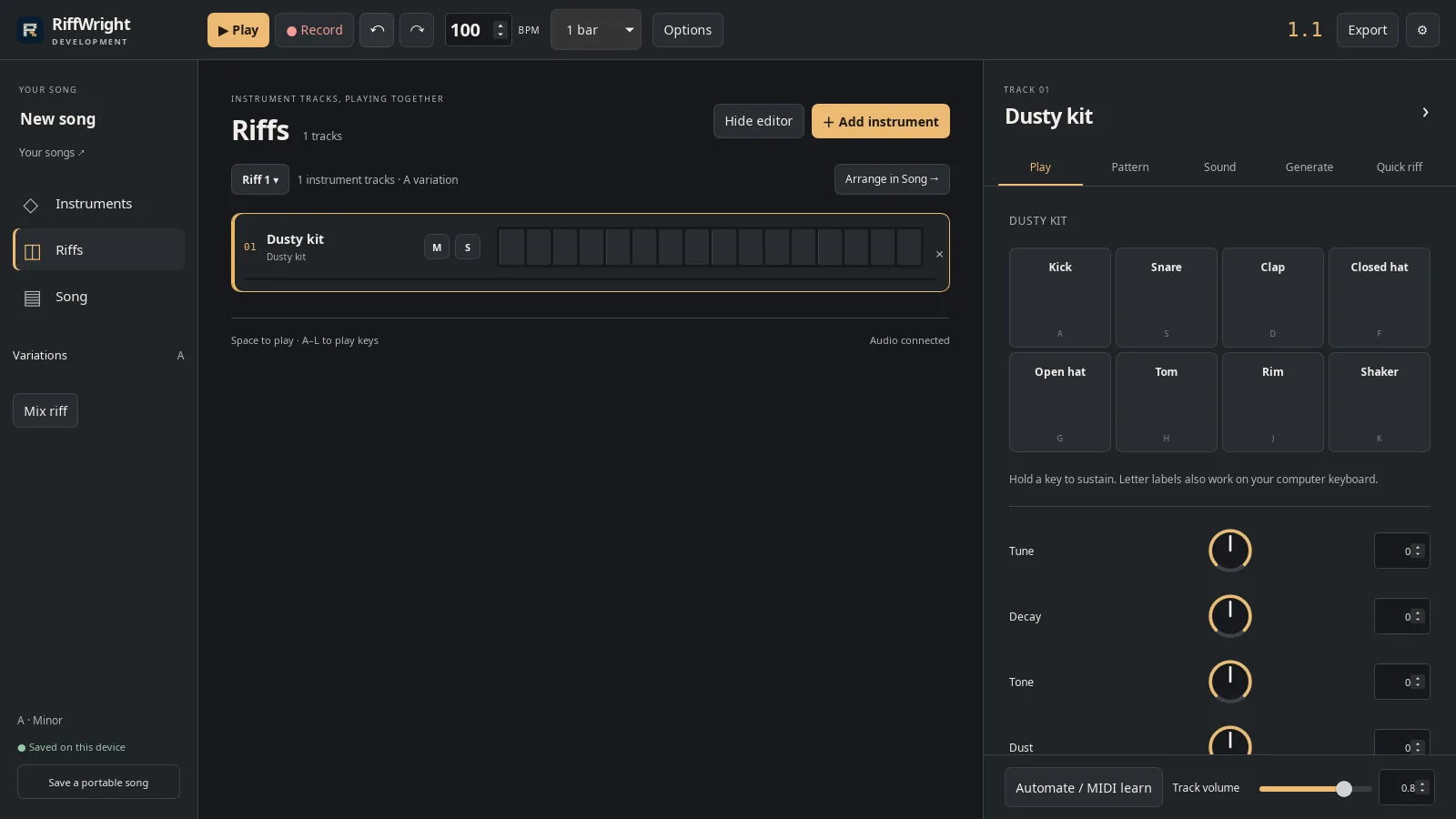
Undo takes back the whole take. Open full size
- Undo
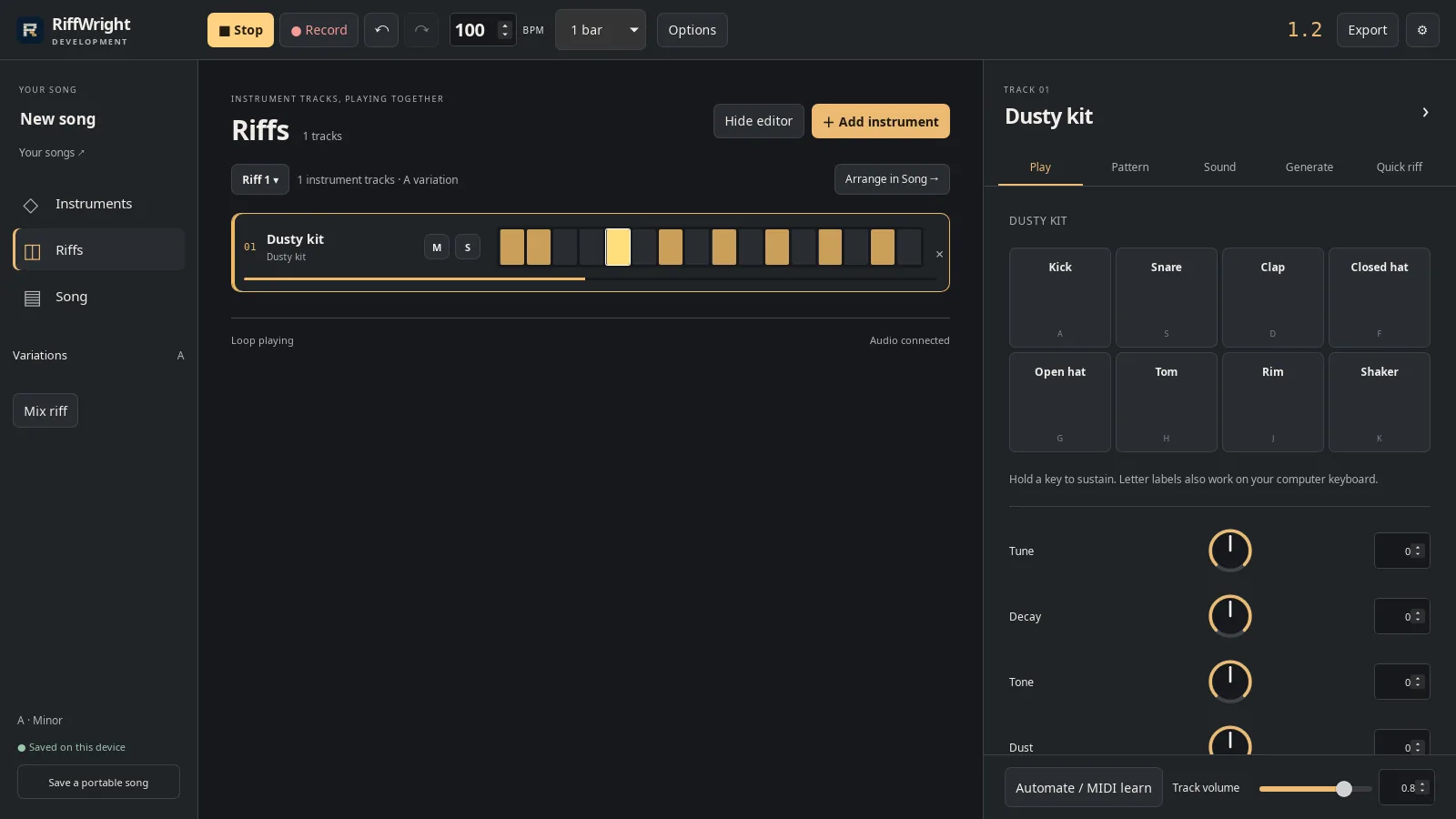
The finished riff on its loop. Open full size
- Each lit step is a hit you played
Read the video instructions
- Choose an instrument. Preview plays it first.
- Add it to your riff.
- Play the pads, or use the letter keys on your keyboard.
- Press Record. One bar counts you in, then play along.
- Press Finish take to keep it. The loop keeps playing.
- Undo removes the whole take.
- Redo brings it back.
- Press Play to hear your riff.