
Android · Written guide
Find your way around on Android
Riffs, in-key playing, Generate, Quick riff and Song on a phone.
Before you start: RiffWright on an Android phone.
Step by step
Riffs
Riffs lists every instrument in the riff. Tap one to play it below.
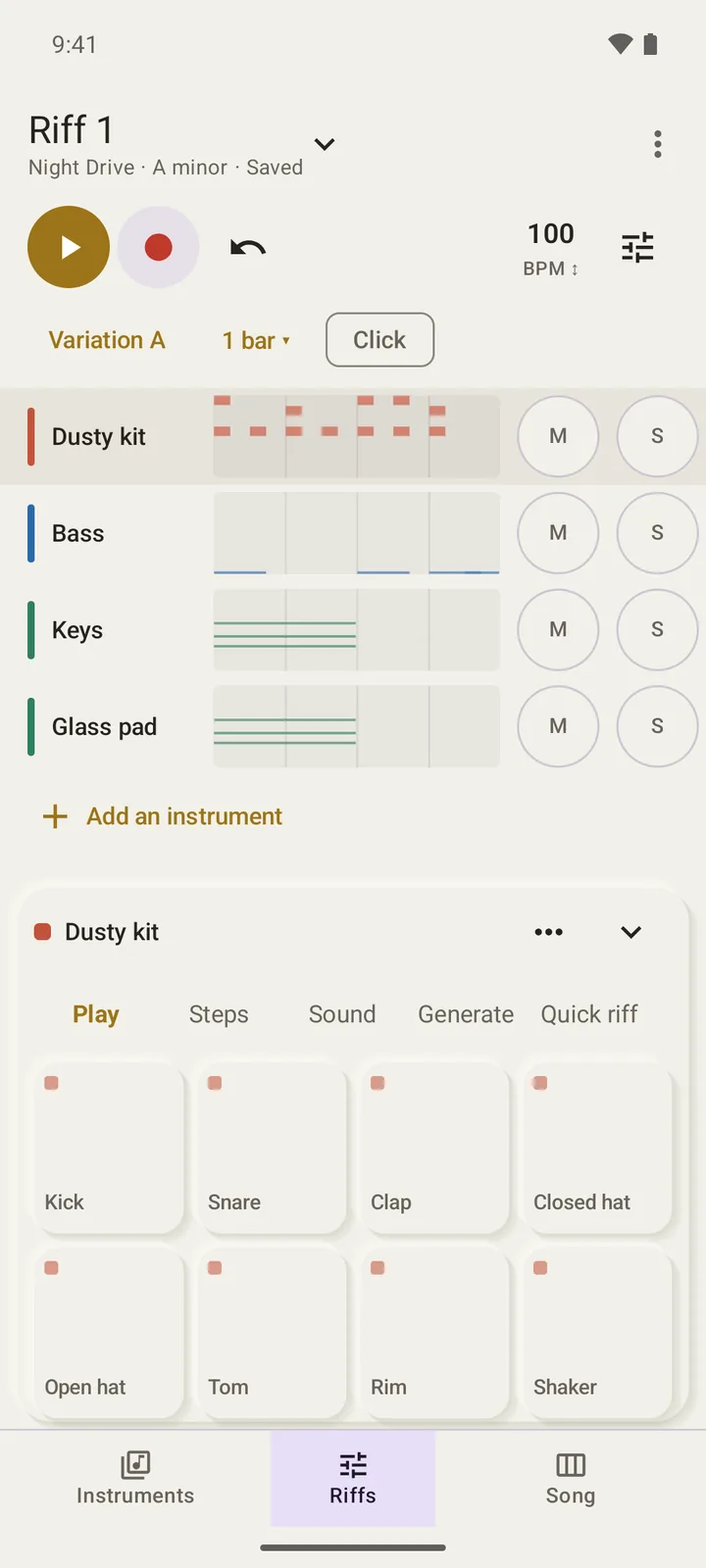
Riffs with drum pads. Open full size
- Drum pads
Play in key
Instrument keys follow the song’s key, so every note fits.
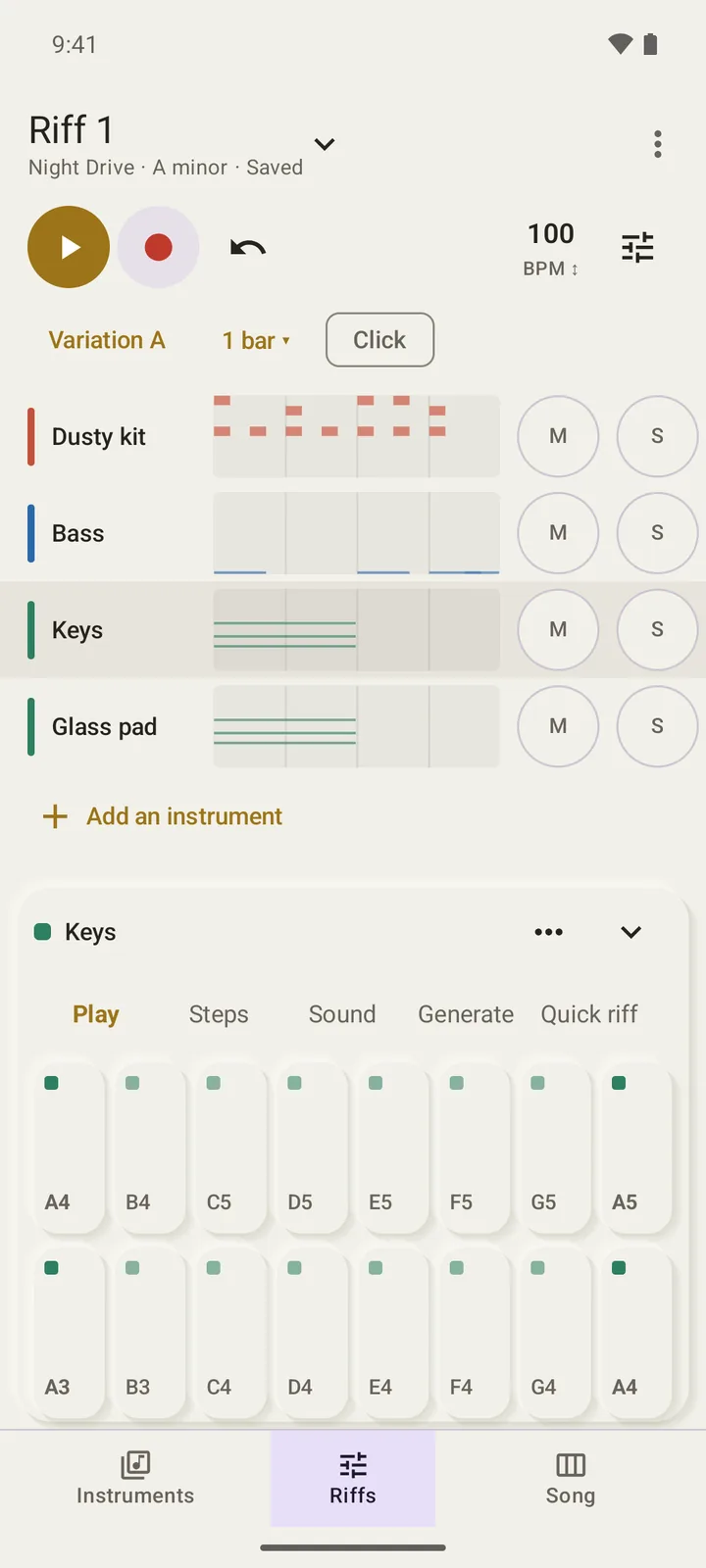
Keys laid out in A minor. Open full size
- In-key keys
Generate
Roll writes a new part for the track, in key. Vary keeps the beats.
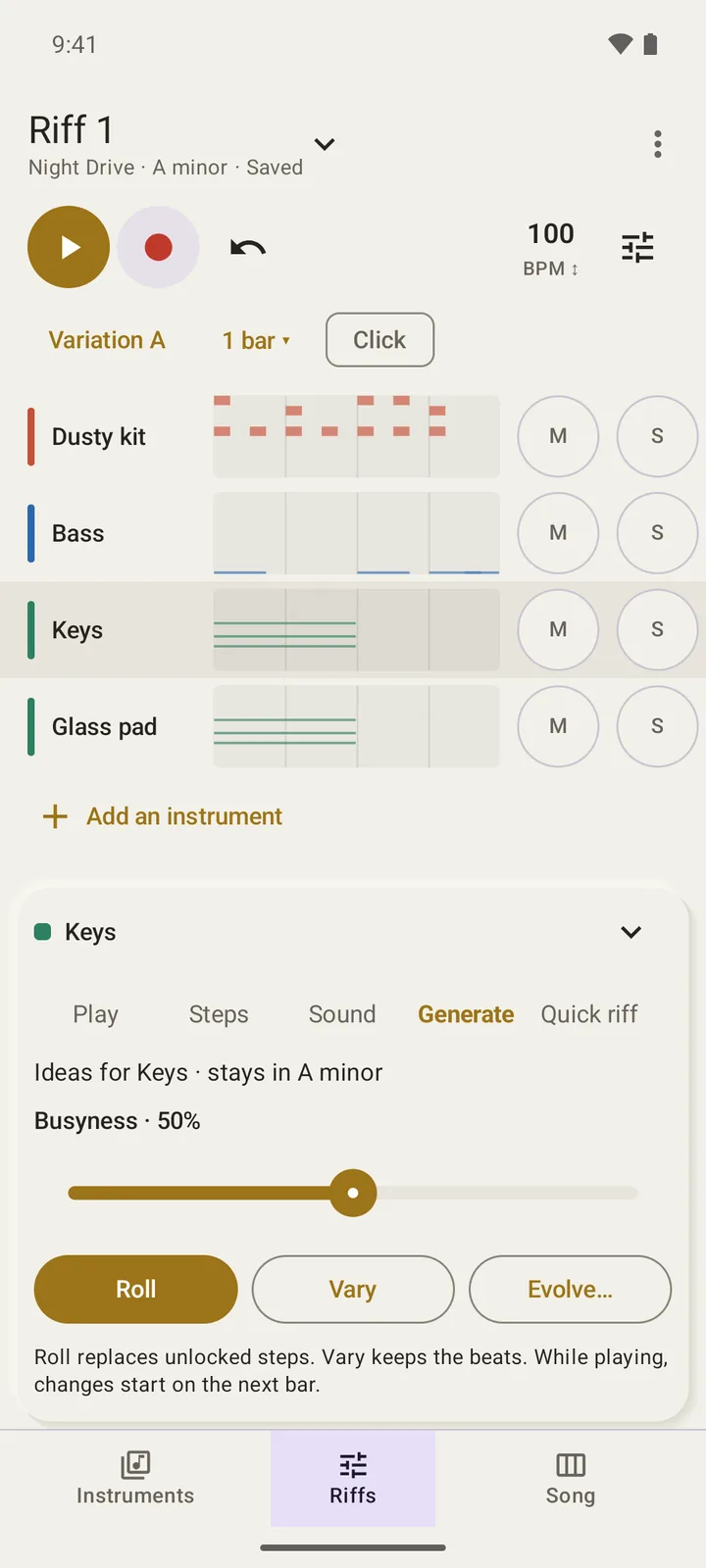
Generate for the Keys track. Open full size
- Roll
Quick riff
Hum, sing or beatbox, and RiffWright turns it into a pattern for the track.
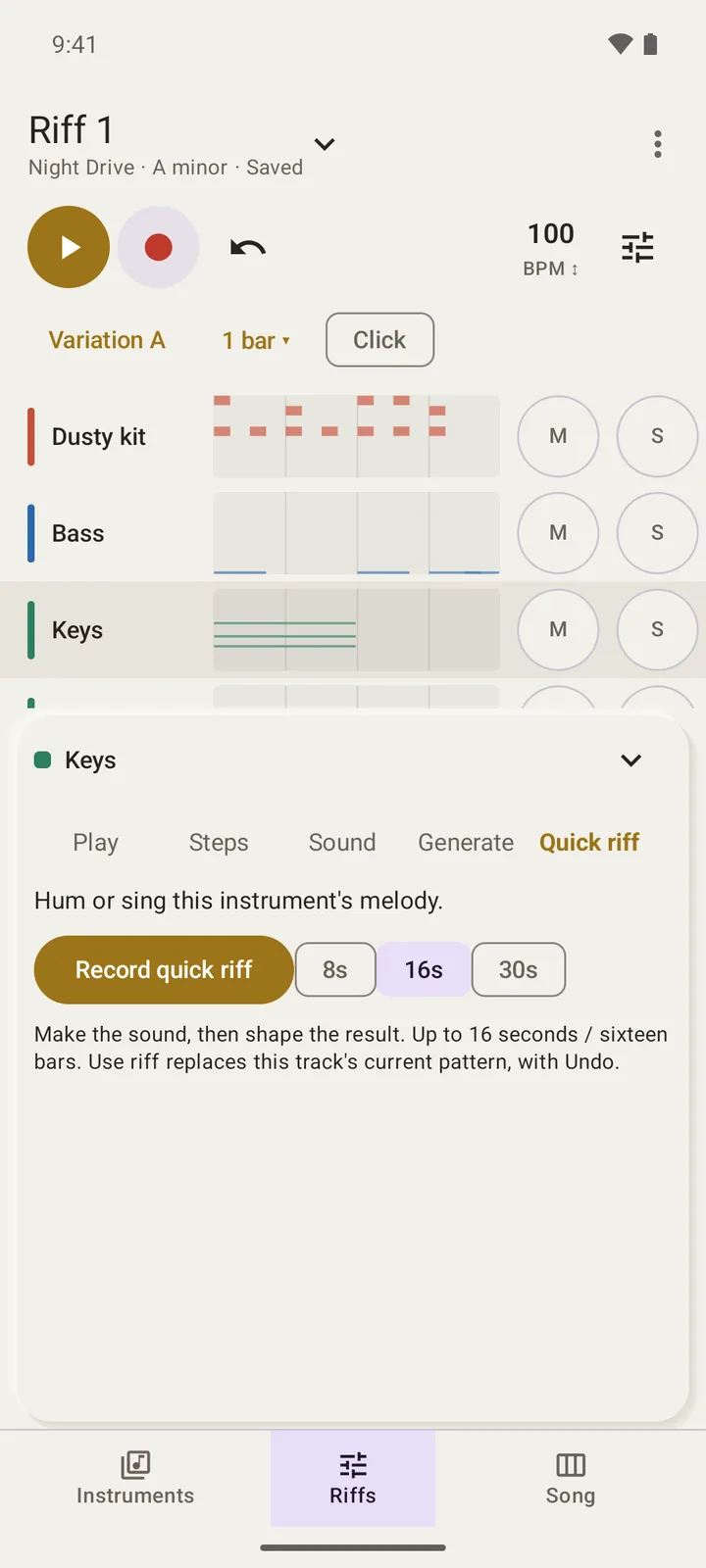
Quick riff for the Keys track. Open full size
- Record quick riff
Song
Song arranges whole riffs as blocks, with named sections.
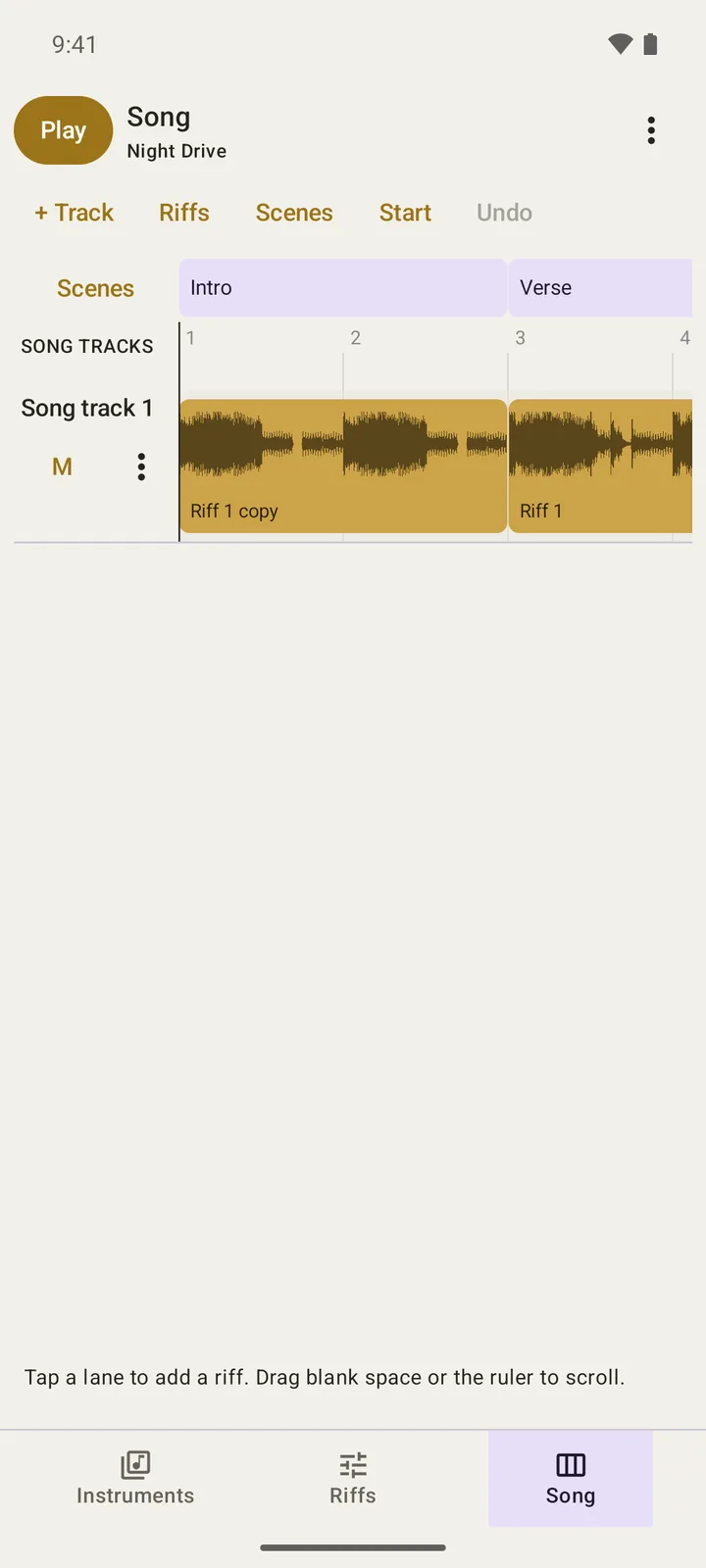
The same song, arranged on the phone. Open full size
- Riff blocks