
Android · 0:21 video
Write your first poem
Turn a few words into a saved poem or lyric.
Before you start: Open Euphonics on your Android phone.
Download videoDownload captions
Step by step
Give it a name
Tap the poem title and enter a name. Use New when you want a fresh draft.
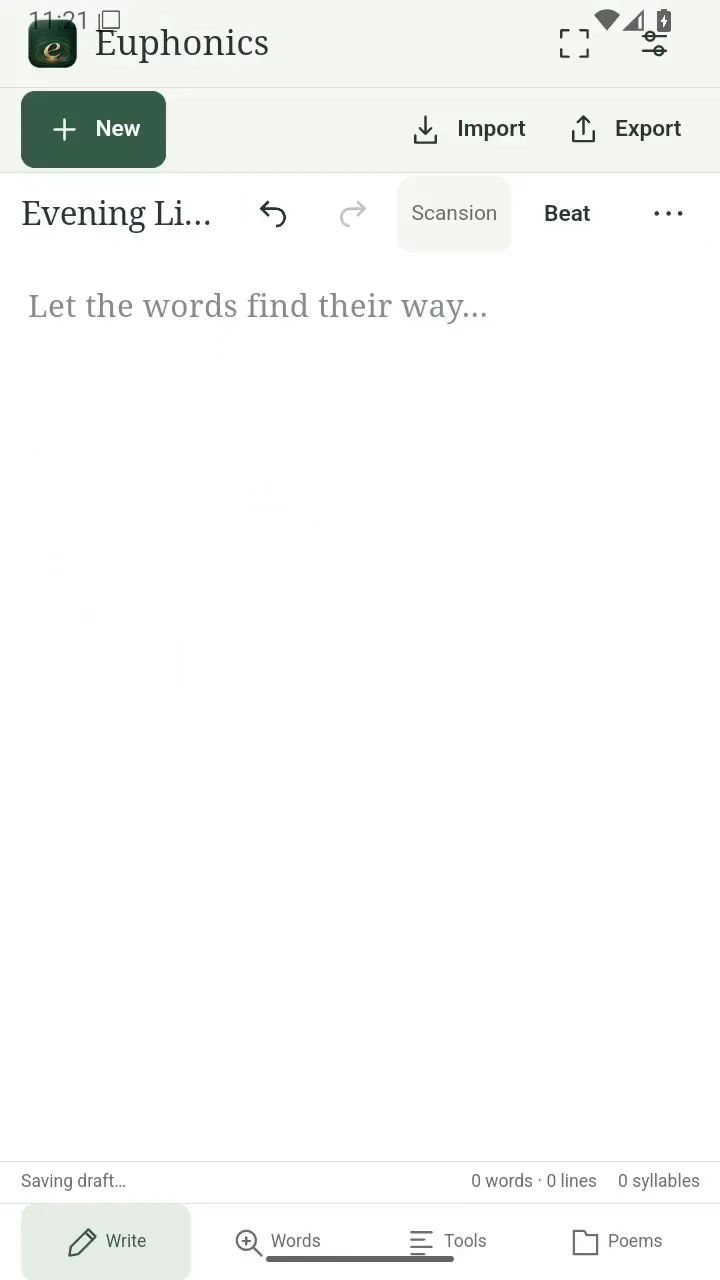
Give it a name. Open full size
- Name your draft here.
Write your first lines
Tap the writing area. Type your poem or lyrics and press Enter between lines.
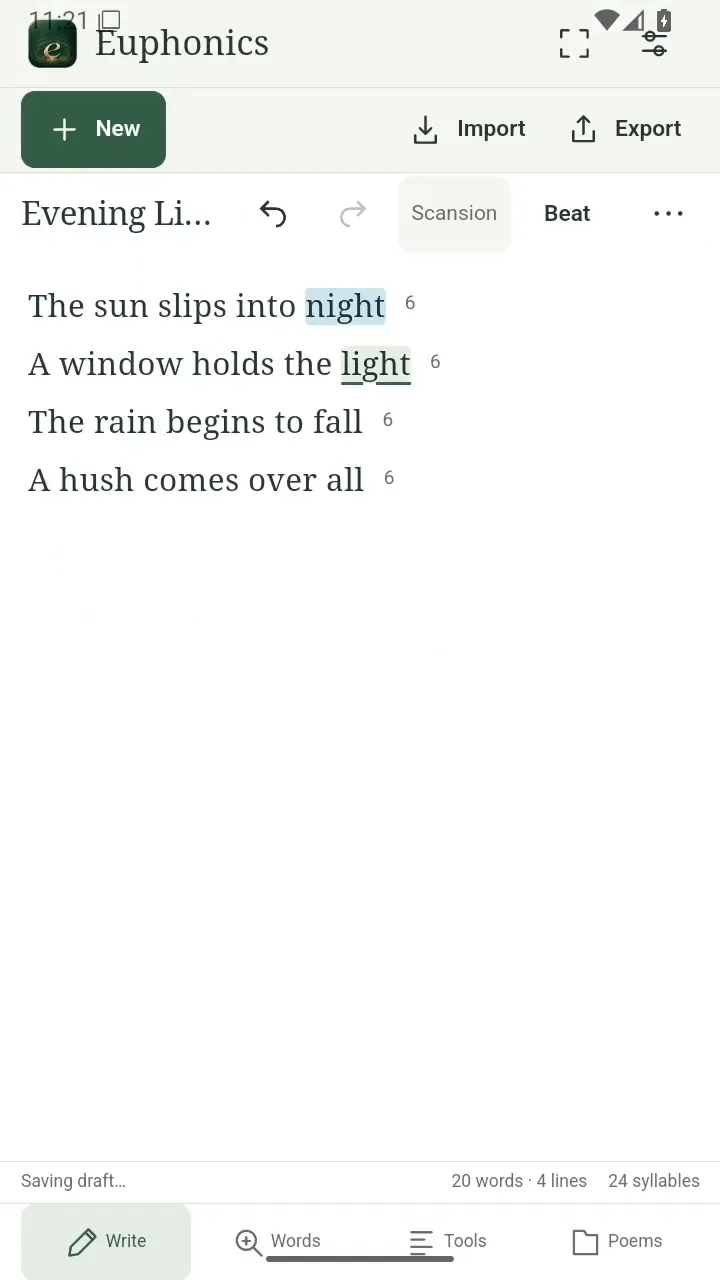
Write your first lines. Open full size
- Write one line at a time.
Keep an eye on the rhythm
Word, line, and syllable counts update as you write.
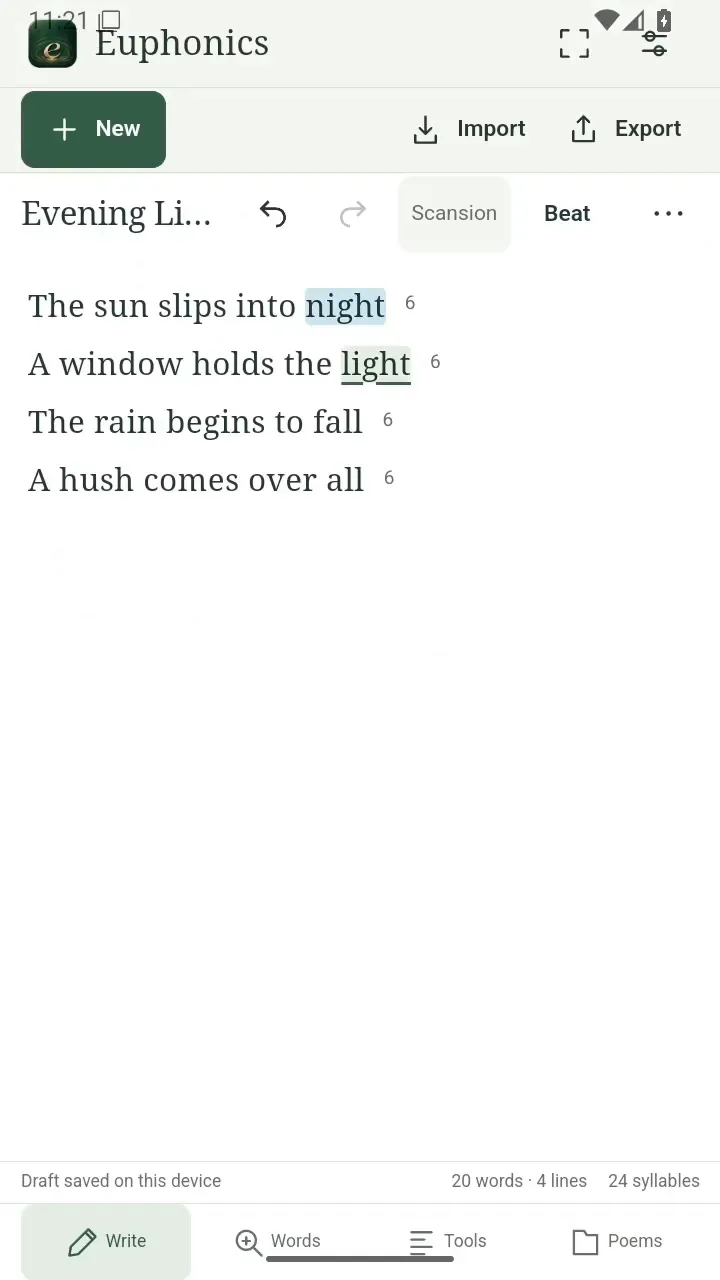
Keep an eye on the rhythm. Open full size
- Your counts follow the draft.
Find it again
Open Poems to return to your saved writing.
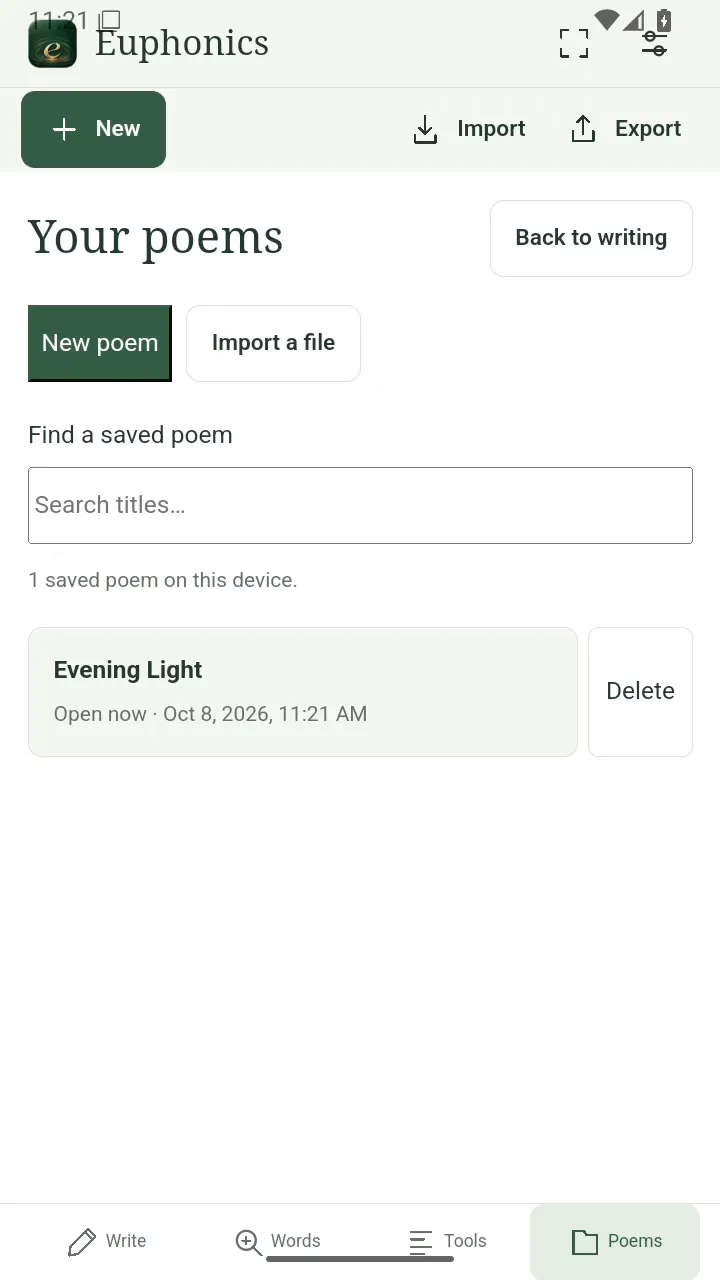
Find it again. Open full size
- Open a saved title.
Read the video instructions
- Write your first poem
- Tap the title and name your poem.
- Write a few lines. Press Enter for a new line.
- Your word, line, and syllable counts follow along.
- Open Poems to find your saved writing.