
Android · 0:28 video
Find a rhyme or near rhyme
Find a matching ending—or a near rhyme with a little more room.
Before you start: Have a word you want to explore.
Download videoDownload captions
Step by step
Look up a word
Open Words, enter a word, and tap Search. This example uses light.
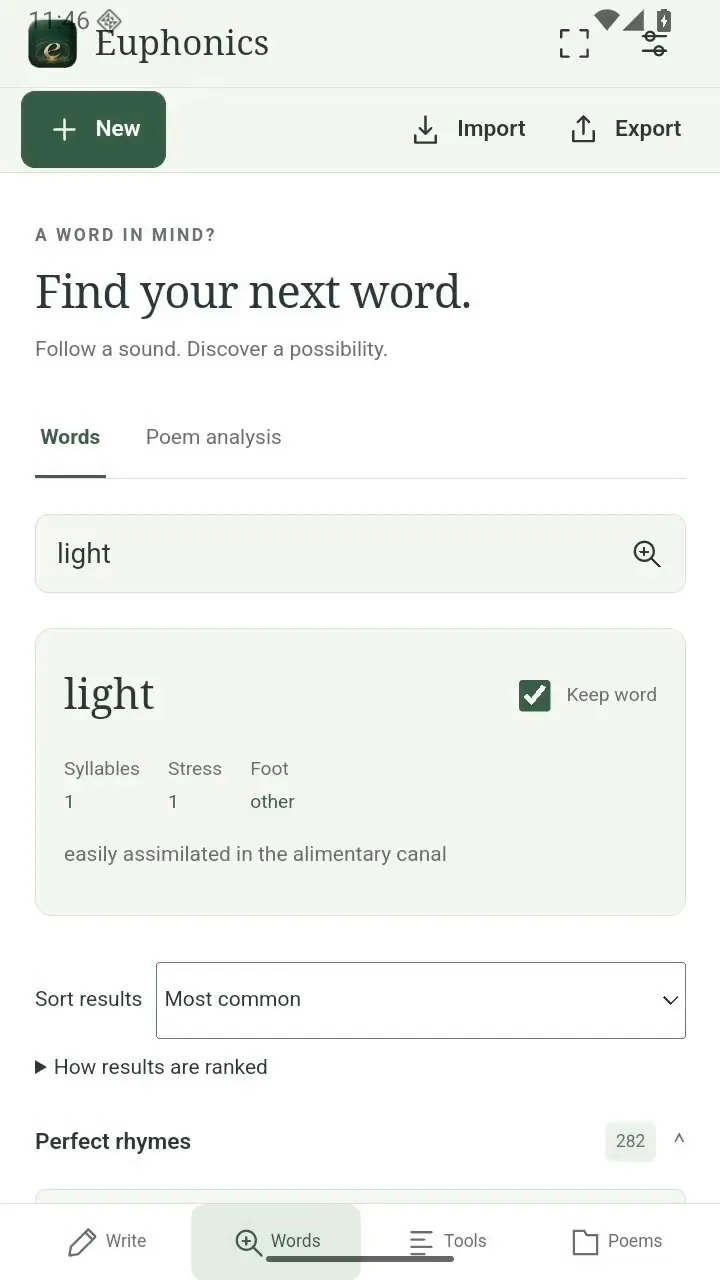
Look up a word. Open full size
- Look up a word from your line.
Try perfect rhymes
Open Perfect rhymes to explore matching endings. Most common brings familiar words toward the top.
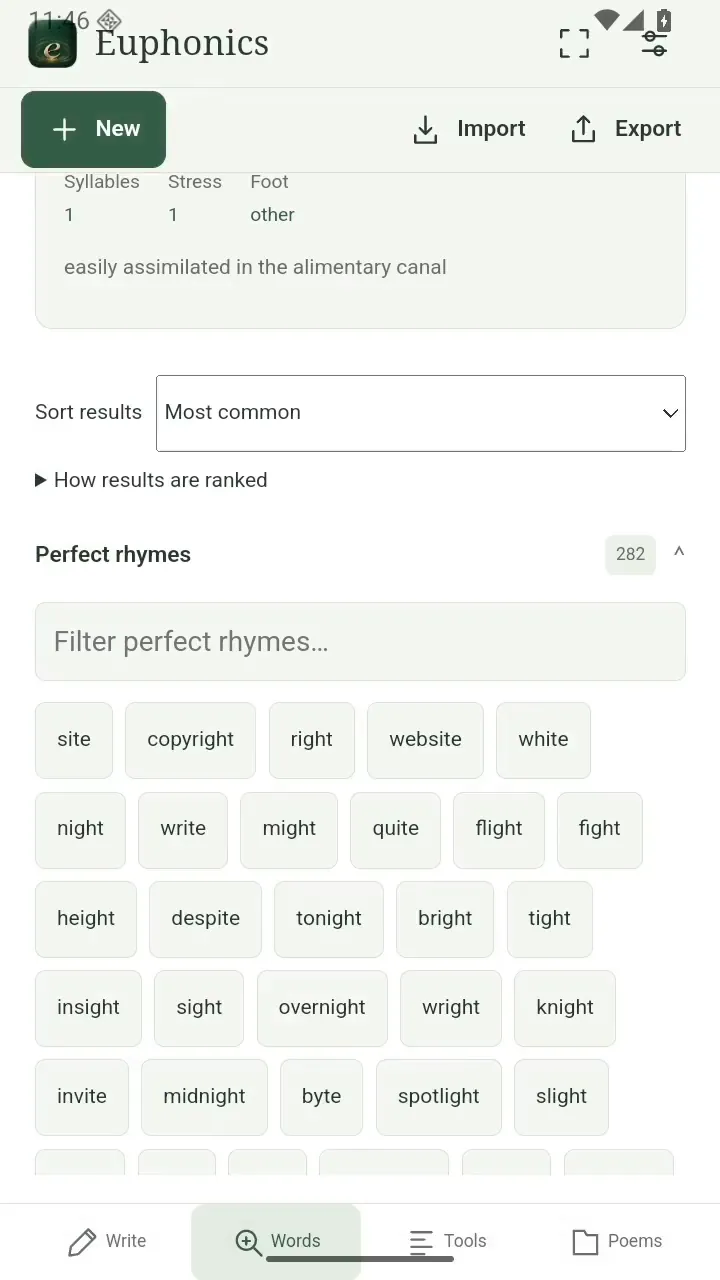
Try perfect rhymes. Open full size
- Try an ending that fits your meaning.
Explore near rhymes
Open Near rhymes for similar sounds that can take your line in another direction.
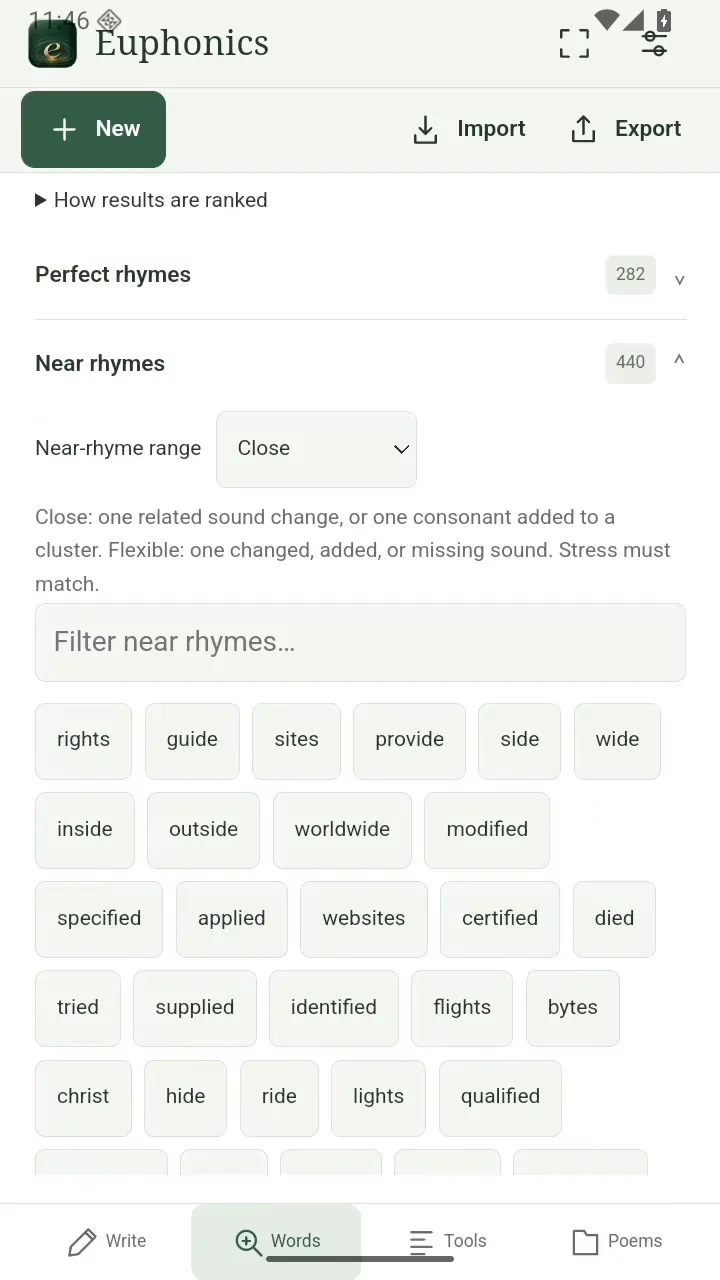
Explore near rhymes. Open full size
- Explore similar sounds.
Widen the search
Choose Close for a tighter match or Slant for a broader range.
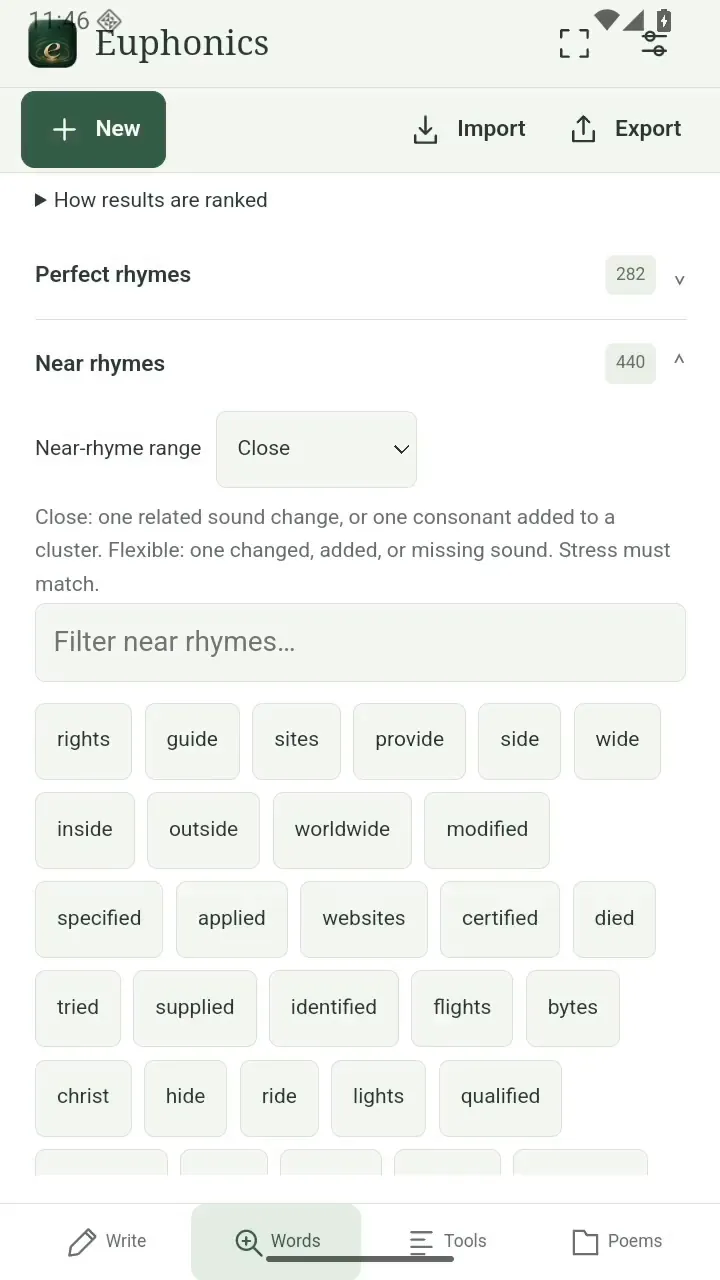
Widen the search. Open full size
- Choose how closely the sounds should match.
Read the video instructions
- Find a rhyme or near rhyme
- Open Words and look up a word from your line.
- Explore Perfect rhymes for a matching ending.
- Open Near rhymes to try a different sound.
- Choose Close, or Slant for a broader search.