
Android · 0:15 video
See the rhythm in your lines
See stresses and syllables, then check the shape of your verse.
Before you start: Open a poem with a few lines.
Download videoDownload captions
Step by step
Show the scansion
Tap Scansion above your writing.
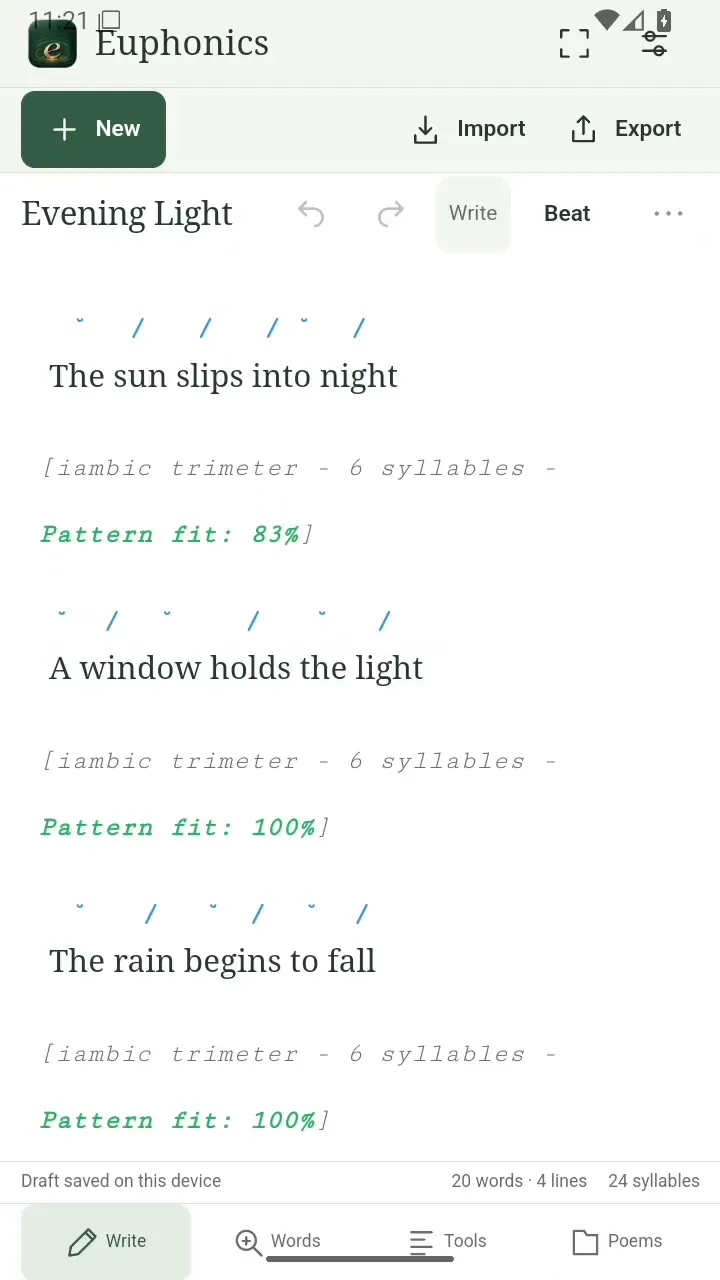
Show the scansion. Open full size
- Stress marks sit above the syllables.
Read the stresses
Look above each syllable for its stress mark. Compare the meter and syllable count beneath the line.
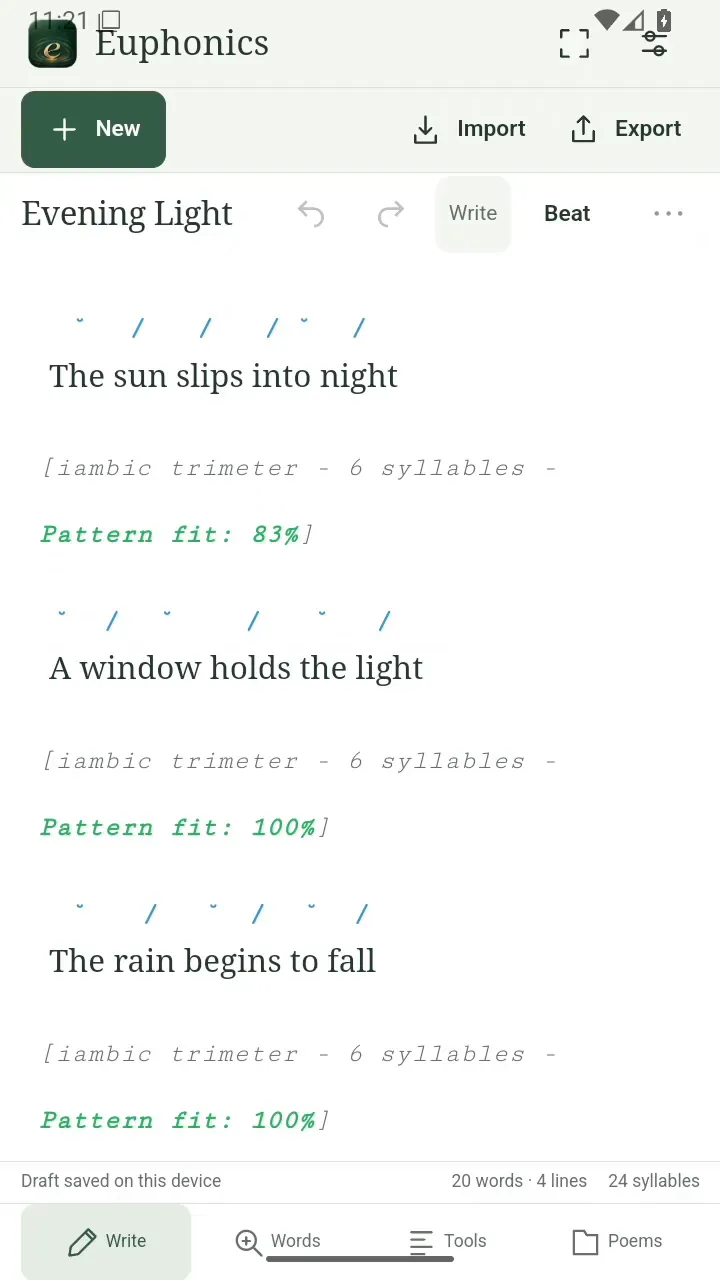
Read the stresses. Open full size
- Check the suggested meter and syllable count.
See the whole poem
Open Tools for an overview of your lines, syllables, rhyme scheme, and meter.
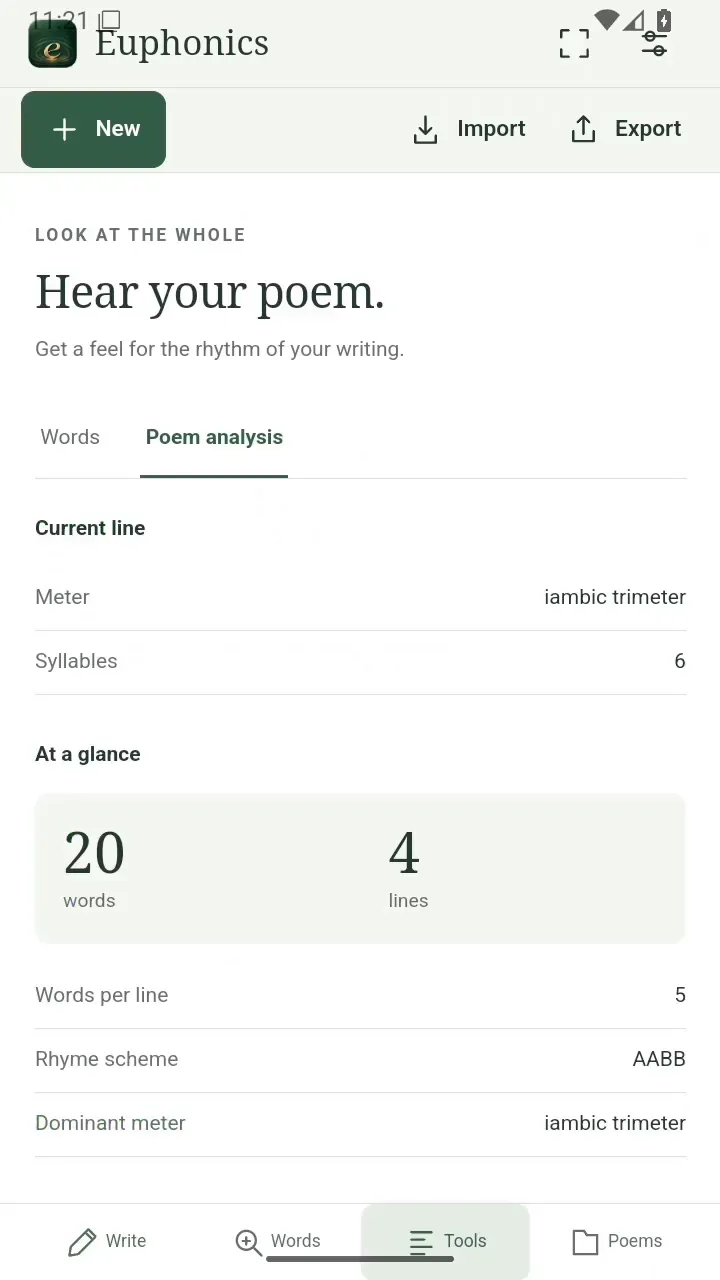
See the whole poem. Open full size
- Tools brings the poem together.
Read the video instructions
- See the rhythm in your lines
- Open a poem and tap Scansion.
- Read the stress marks above each syllable.
- Open Tools to see the rhyme scheme and meter.