
Android · 0:29 video
Make a beat for your lyrics
Build a little groove and try your lyrics against it.
Before you start: Open a lyric and turn your phone volume up to a comfortable level.
Download videoDownload captions
Step by step
Open your beat
Tap Beat above the writing area.
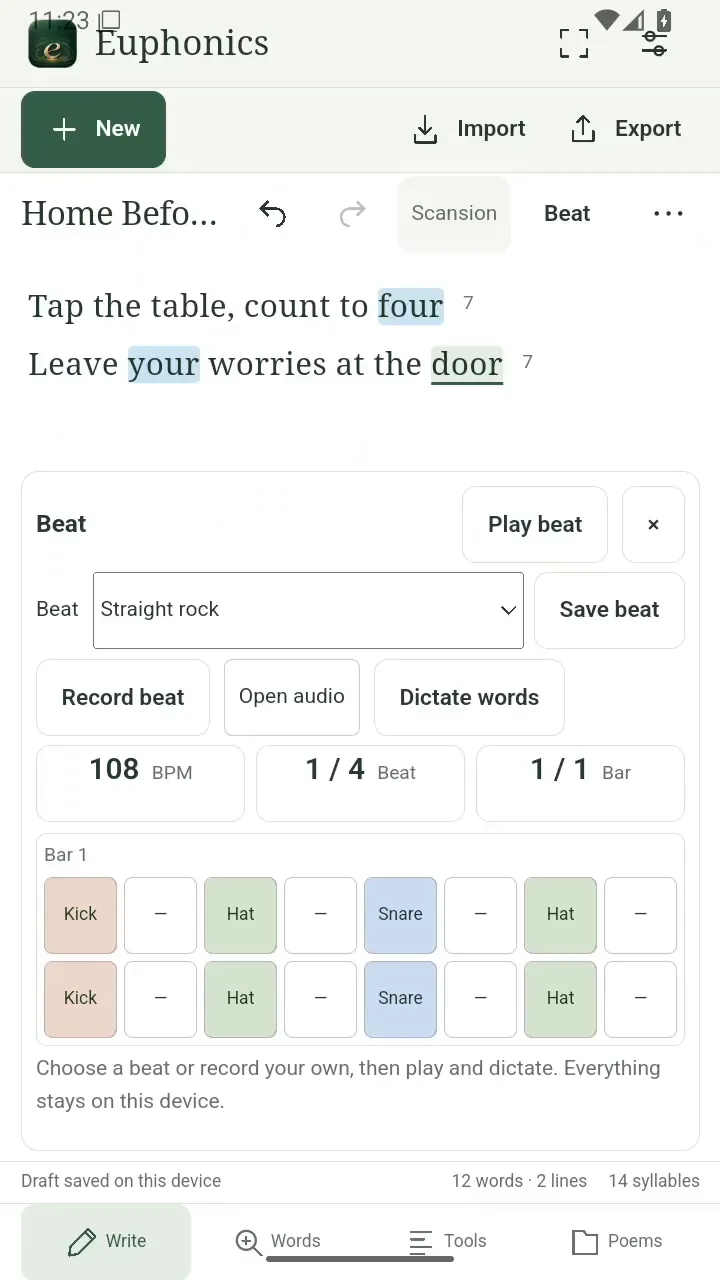
Open your beat. Open full size
- Your drum loop lives beside your words.
Shape the loop
Tap a step to cycle through a rest, kick, snare, and hi-hat.
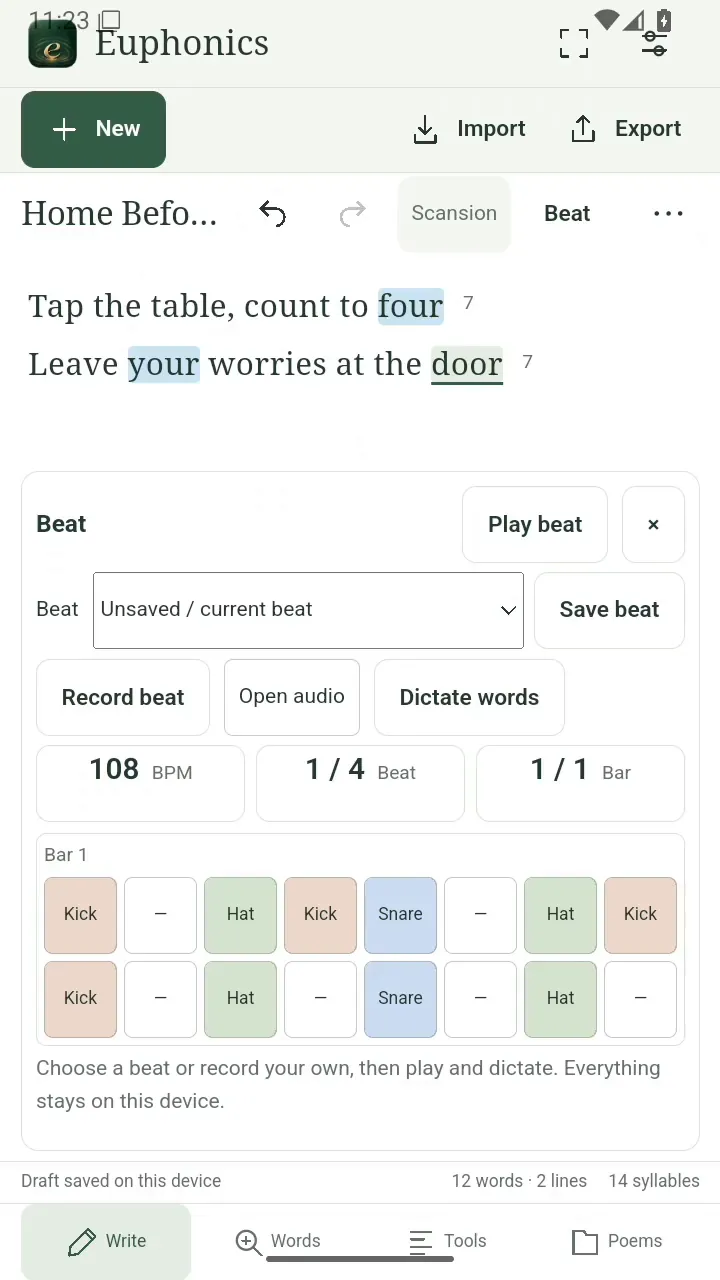
Shape the loop. Open full size
- Tap a step to change its sound.
Set the pace
Tap BPM to adjust the tempo. Half and Double let you quickly try a different feel.
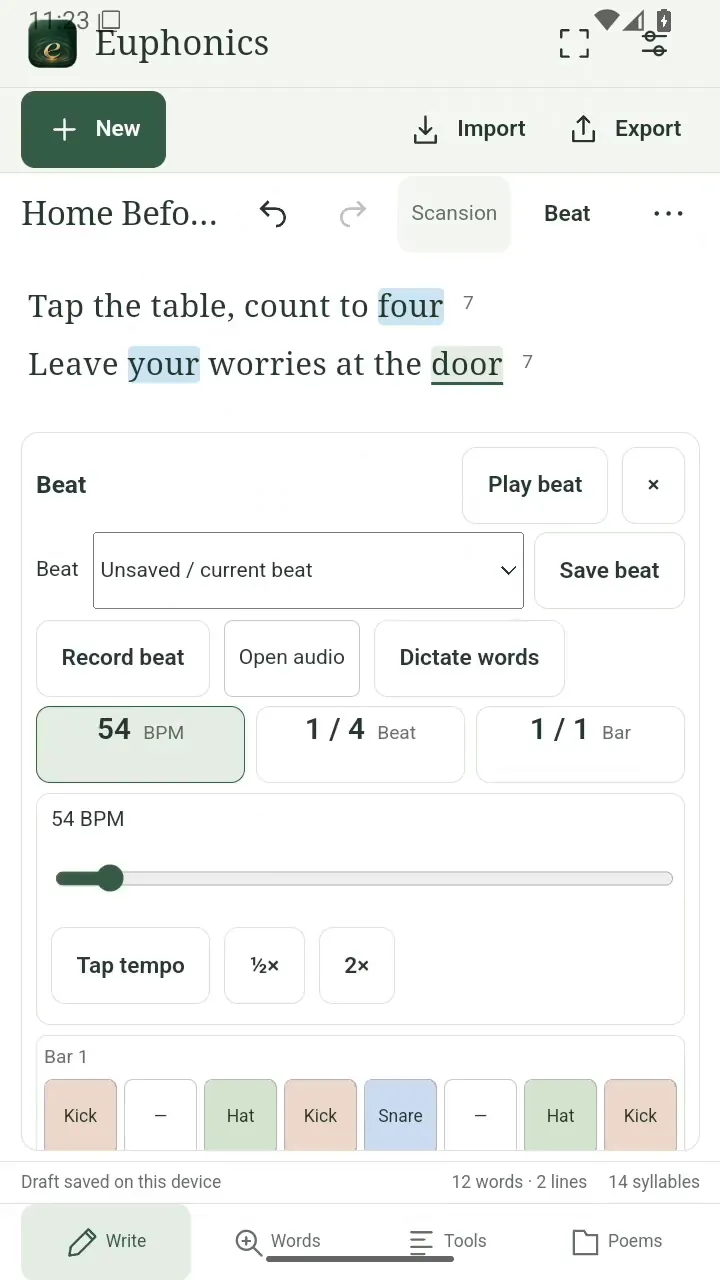
Set the pace. Open full size
- Try a different pace.
Hear your groove
Tap Play beat and try speaking your lines along with it.
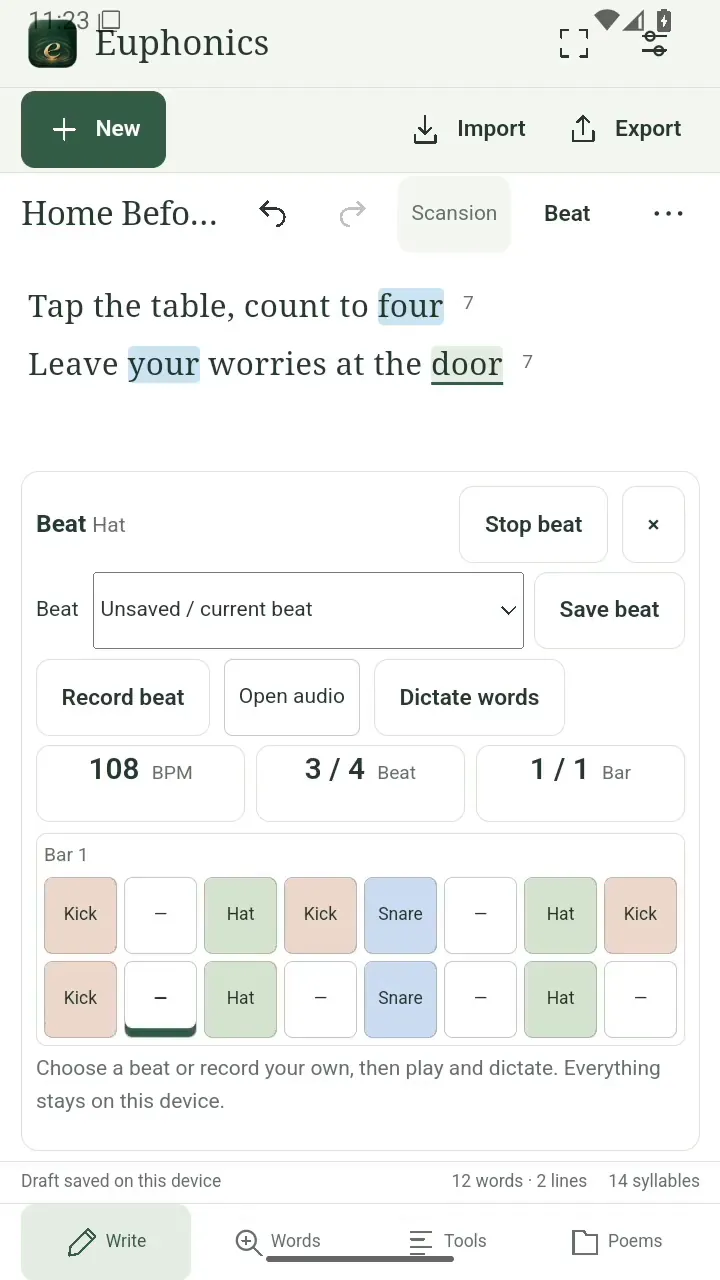
Hear your groove. Open full size
- Stop beat pauses the loop.
Name the beat
Choose Save beat, enter a name, and tap Save to keep your loop.
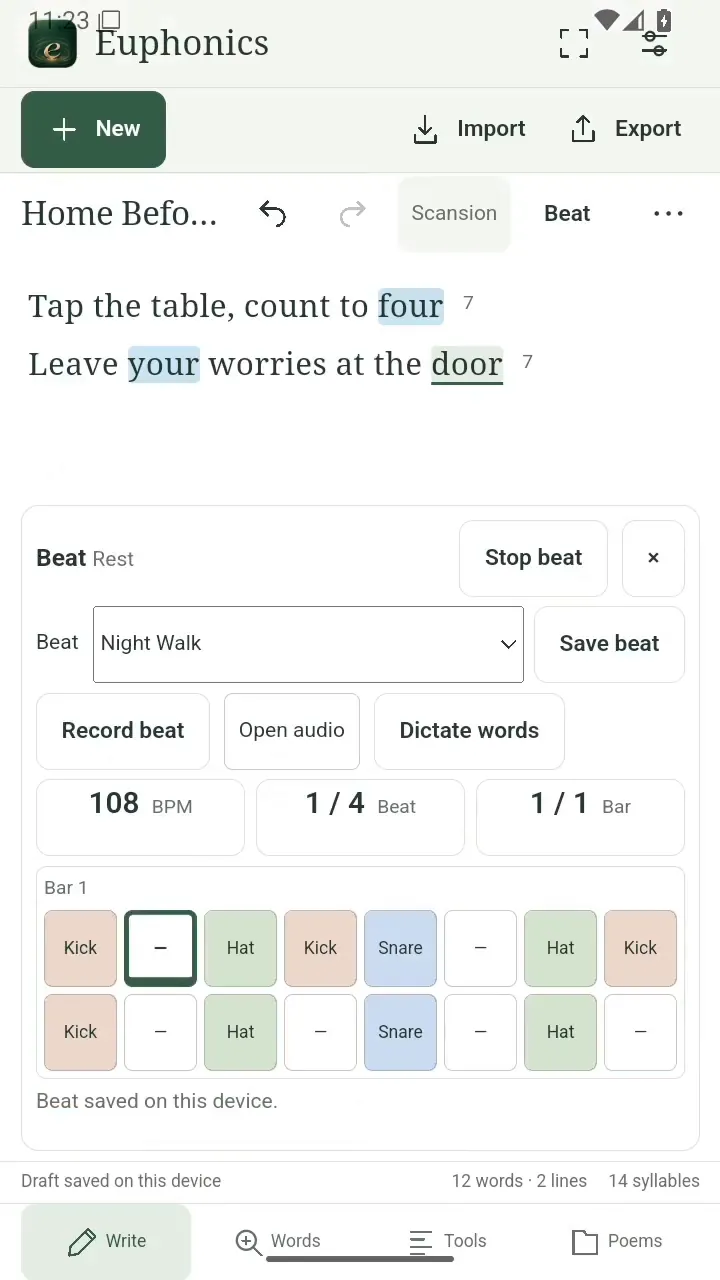
Name the beat. Open full size
- Your saved beat appears by name.
Read the video instructions
- Make a beat for your lyrics
- Tap Beat to open your drum loop.
- Tap a step to change its drum sound or leave a rest.
- Tap BPM to adjust the pace. Try half speed.
- Tap Play beat and try your words with the groove.
- Choose Save beat and give your loop a name.