
Android · Written guide
Speak your lyrics over a beat
Keep your hands free and follow a phrase while it is fresh.
Before you start: Allow microphone access when Android asks. Open the lyric you want to continue.
Step by step
Choose where to continue
Tap in your draft to place the cursor, then open Beat.
Start the beat and your voice
Tap Play beat, then Dictate words. Wait for the listening controls to appear.
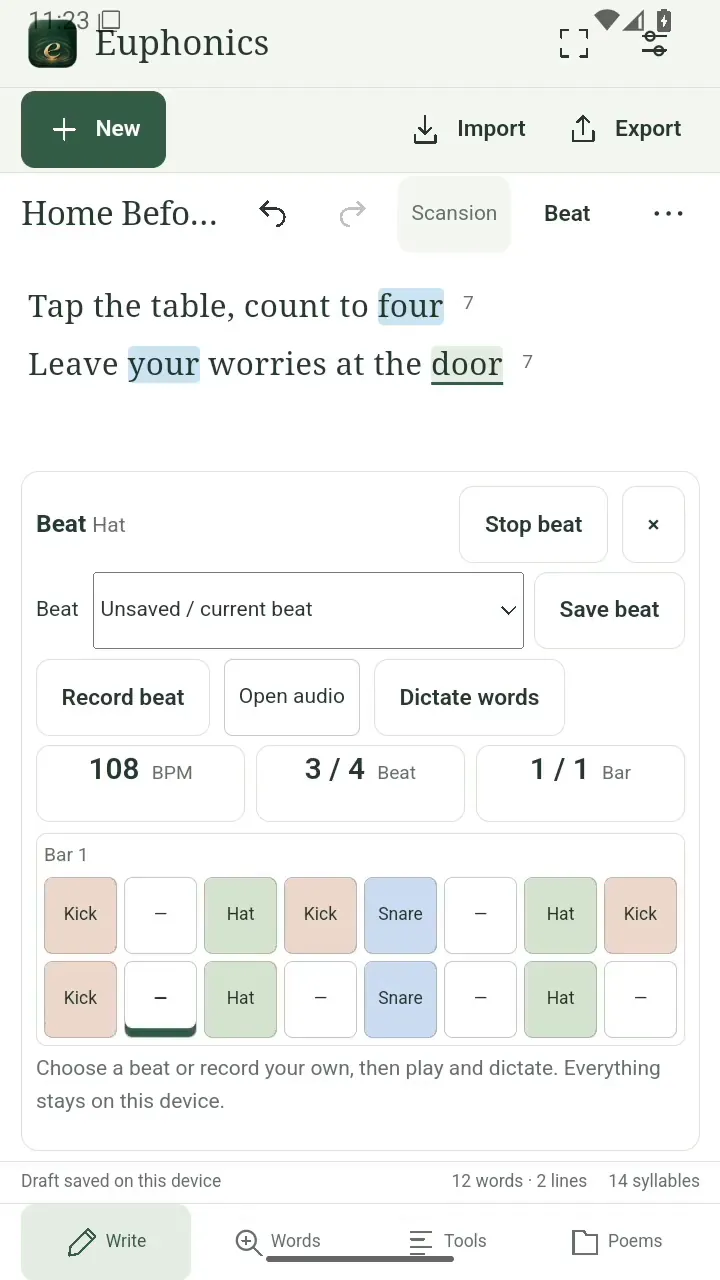
Start with a groove, then choose Dictate words. Open full size
- Dictate words starts voice input.
Catch the line, then polish it
Speak your next phrase clearly. Tap New line for another line, then Stop voice when you are done. Read back the transcription and edit the words to make them yours.
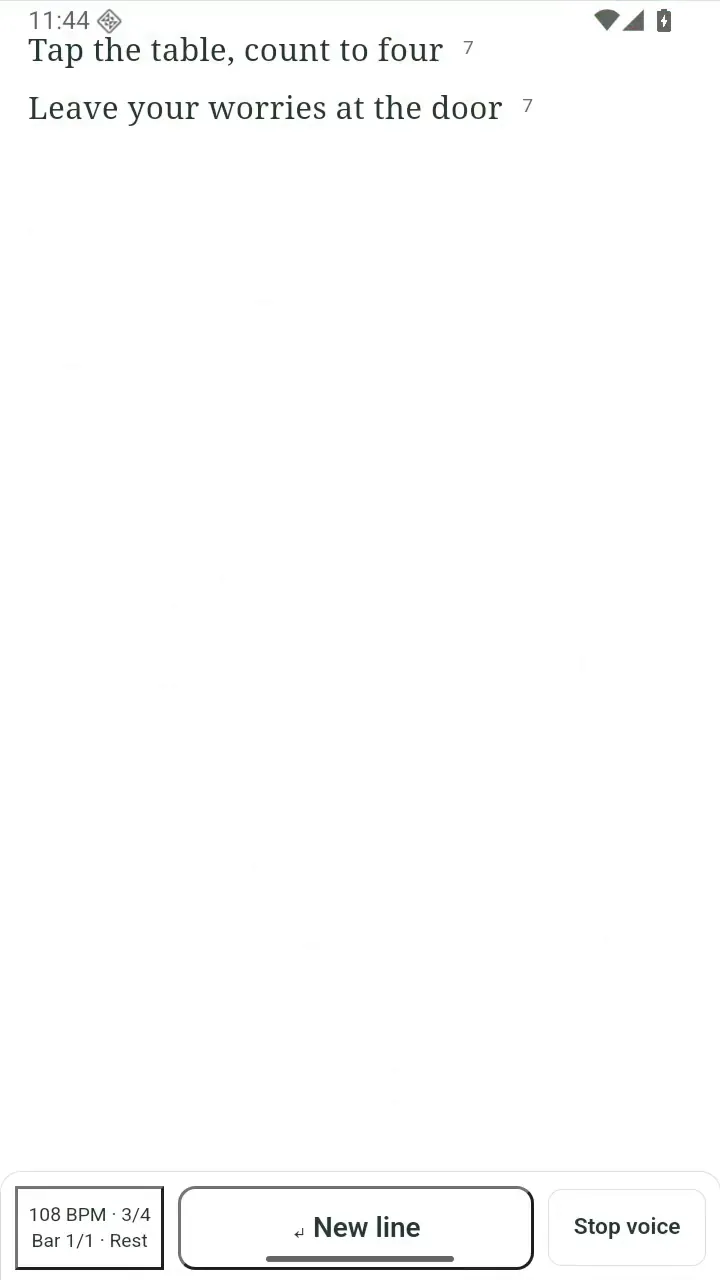
Keep the writing area clear while you speak. Open full size
- New line makes room for another phrase.
- Stop voice ends dictation.