
Android · 0:24 video
Find a fresh next line
Explore a continuation without giving up your own voice.
Before you start: Open a poem and set up the optional assistant in Settings → Assistant.
Download videoDownload captions
Step by step
Open the next-line tool
Open Tools, then Find the next line.
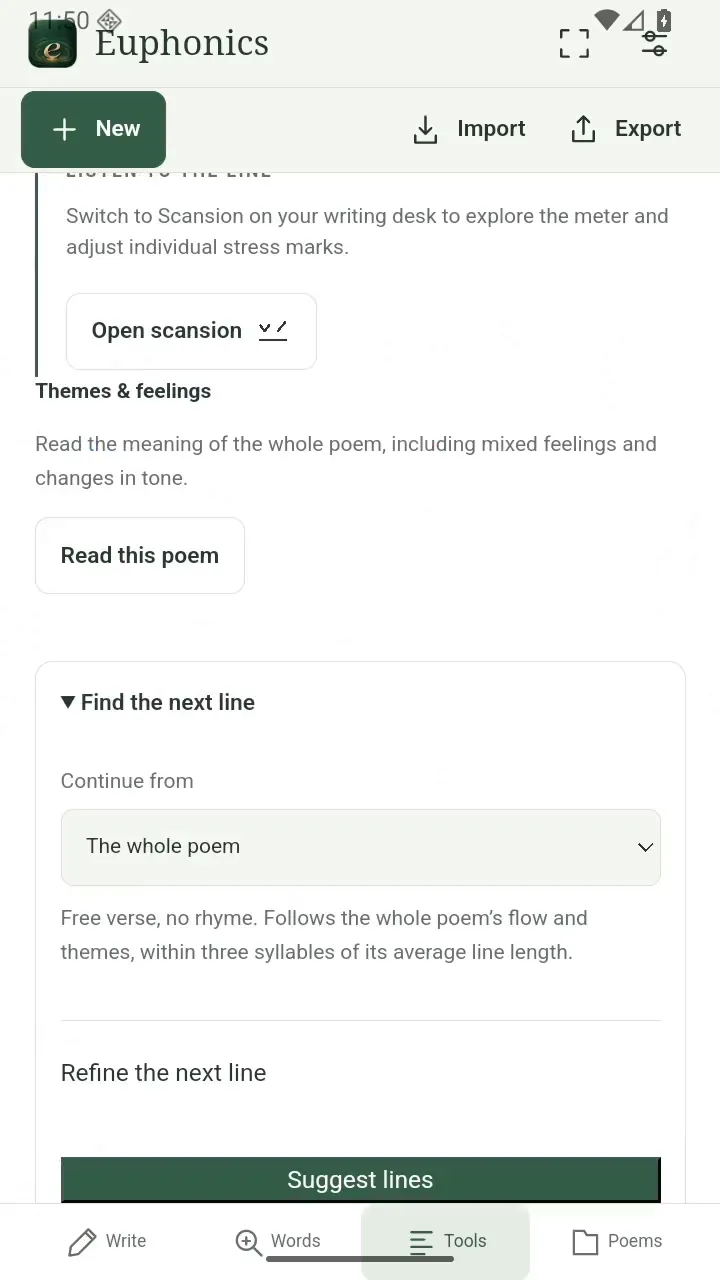
Open the next-line tool. Open full size
- Choose where the next line begins.
Choose a starting point
Use the whole poem or choose one line to continue. Refine the next line offers rhyme, meter, and word preferences.
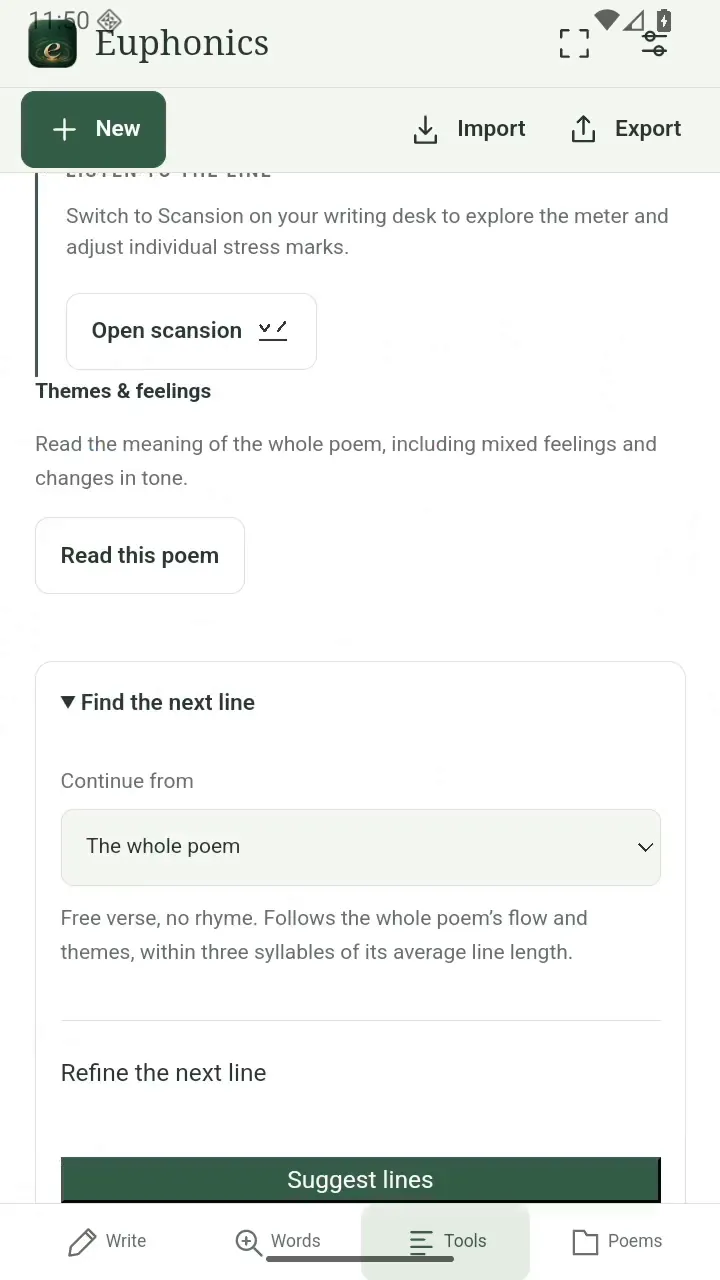
Choose a starting point. Open full size
- Use the whole poem or a single line.
Ask for a possibility
Tap Suggest lines and wait for a suggestion.
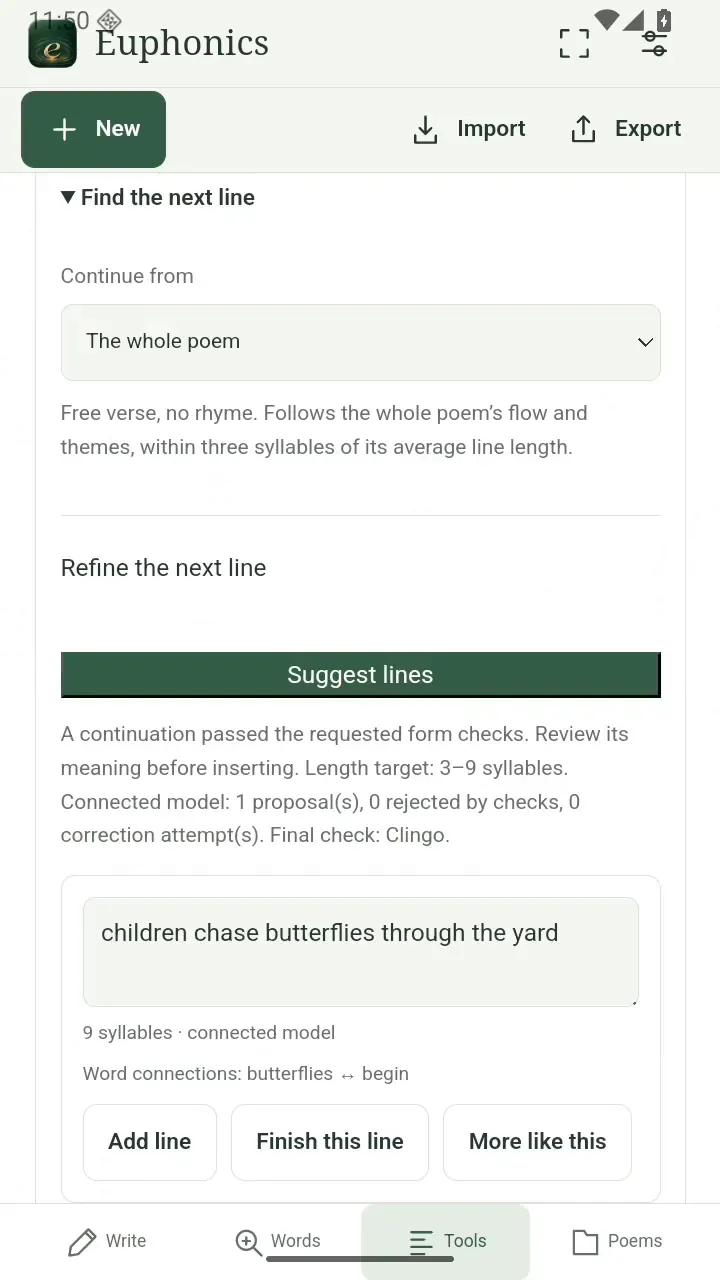
Ask for a possibility. Open full size
- Read the suggested continuation.
Make it yours
Read the suggestion in context. Add one you like, edit it, or try a different direction.
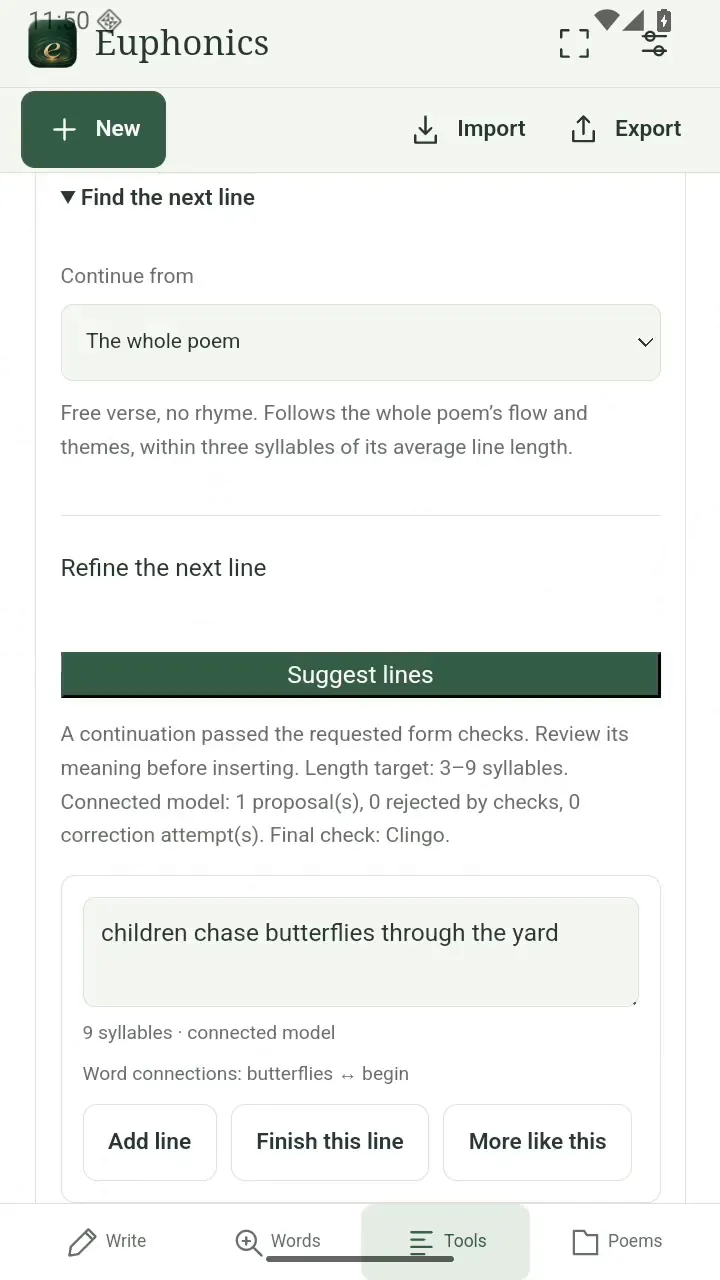
Make it yours. Open full size
- Keep only what sounds like you.
Read the video instructions
- Find a fresh next line
- Open Tools, then Find the next line.
- Choose the whole poem or one line as your starting point.
- Tap Suggest lines to explore a continuation.
- Keep a line you like, or refine it in your own words.