
Android · 0:26 video
Enter an opening balance
Record the balance that already exists in an account when you begin your books. The example starts Checking at $1,500.
Download fictional practice books · View the example statement
Download videoDownload captions
Use the actual balance on your chosen starting date. Avoid entering the same opening balance twice.
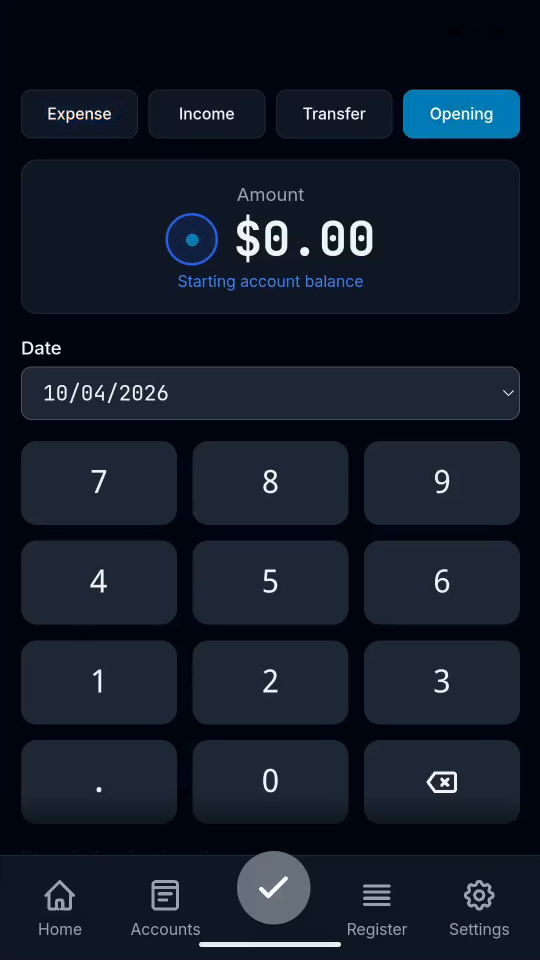
1Choose Opening
In Quick Entry, tap Opening.
2Enter the starting balance
Tap 1, 5, 0, 0, 0, 0 for $1,500.00.
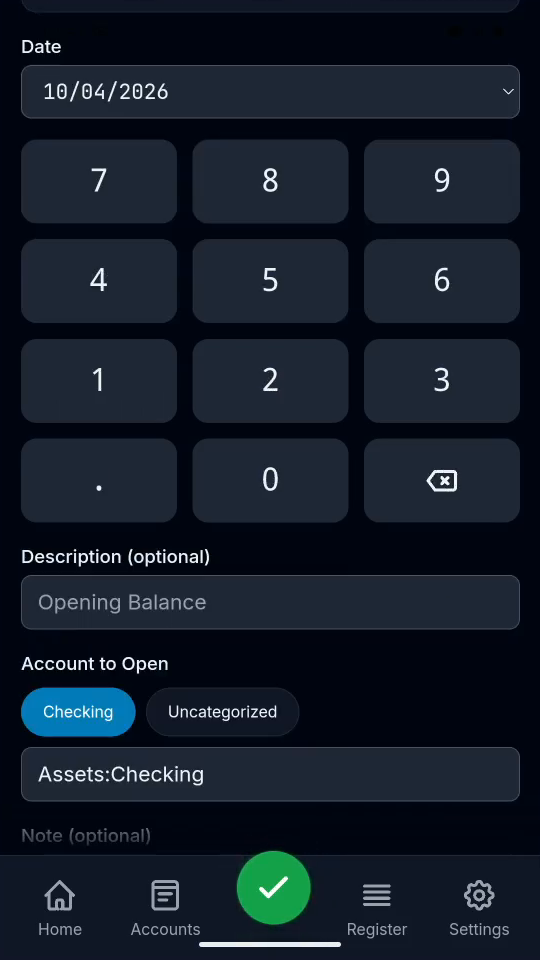
3Choose the account
Choose Assets:Checking. Opening balances use equity.
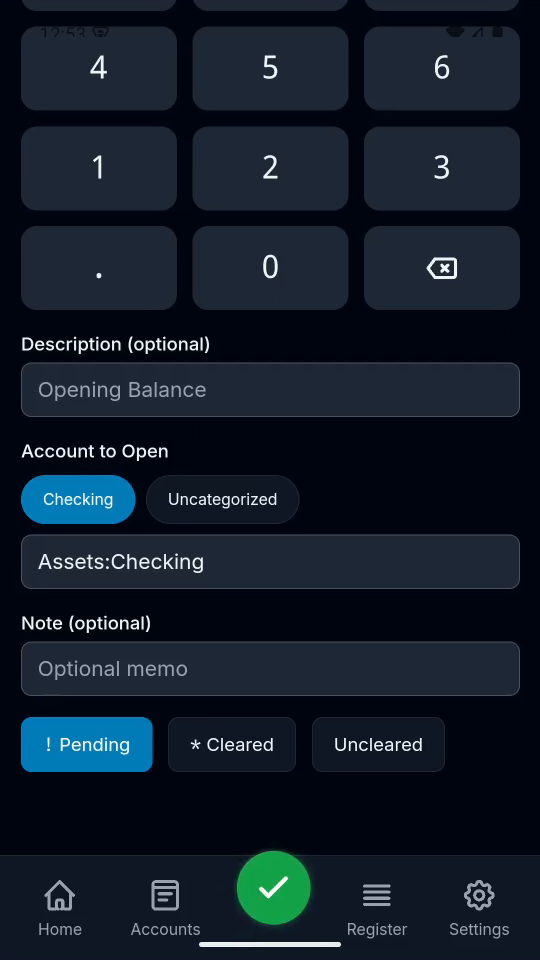
4Save and verify
Tap the checkmark, then Register to see the saved entry.
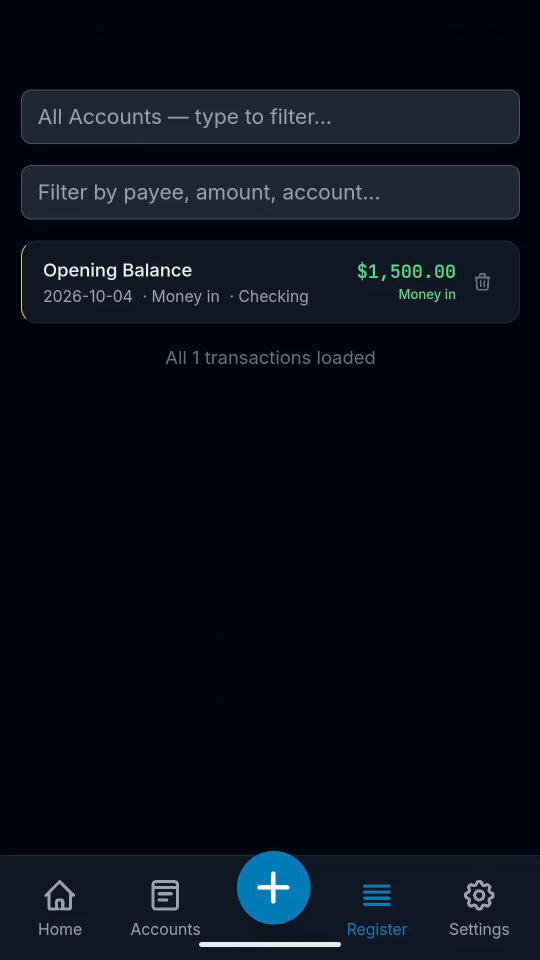
Result: An Opening Balance transaction appears in Register.