
Linux · 0:18 video
Add an account on desktop
Add a new account to the chart from the Accounts page.
Download fictional practice books · View the example statement
Before you start: LedgerKeep open on a Linux computer.
Download videoDownload captions
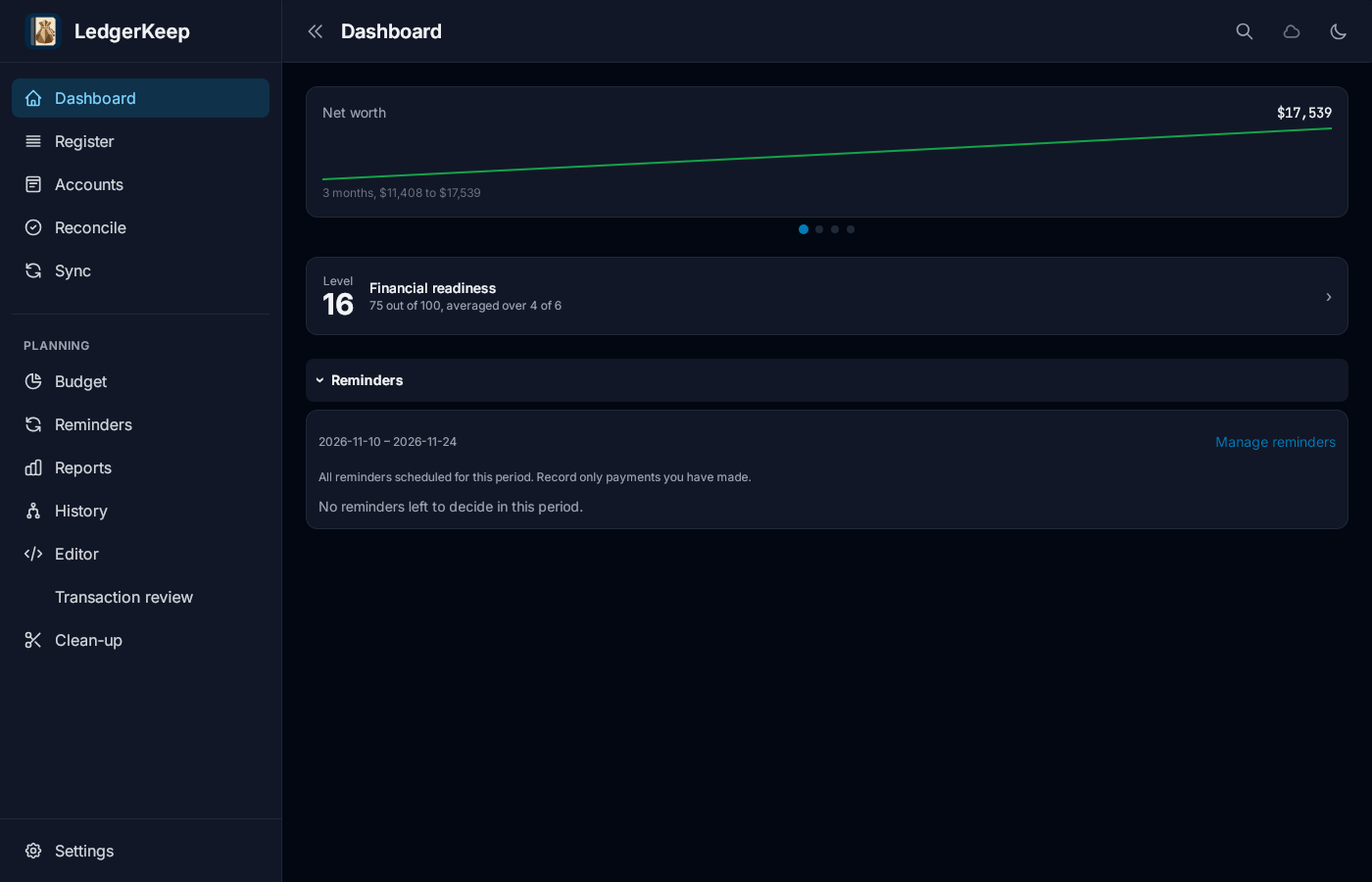
1Open Accounts
Click Accounts.
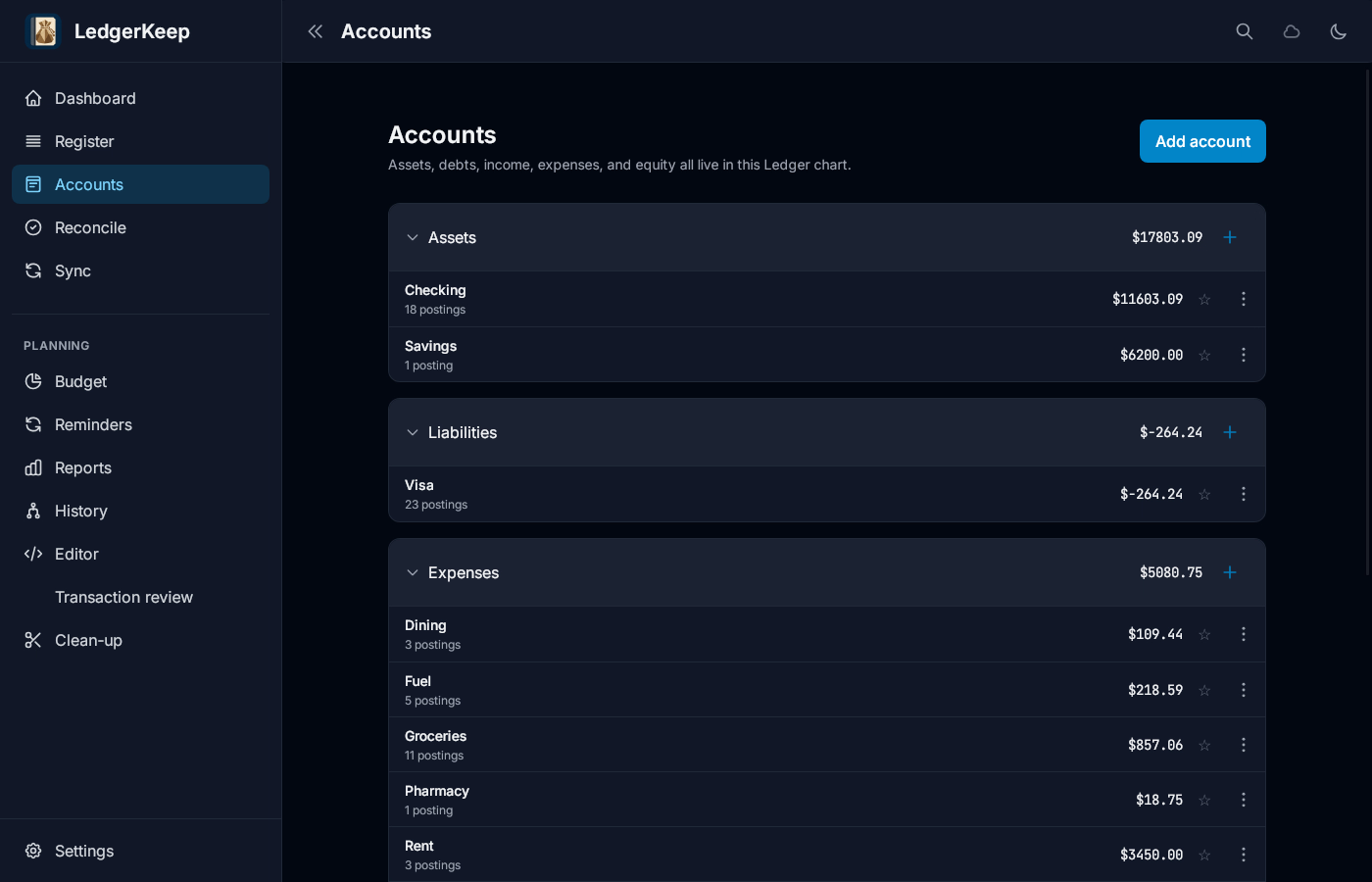
2Add account
Click Add account. Choose the type and where it goes.
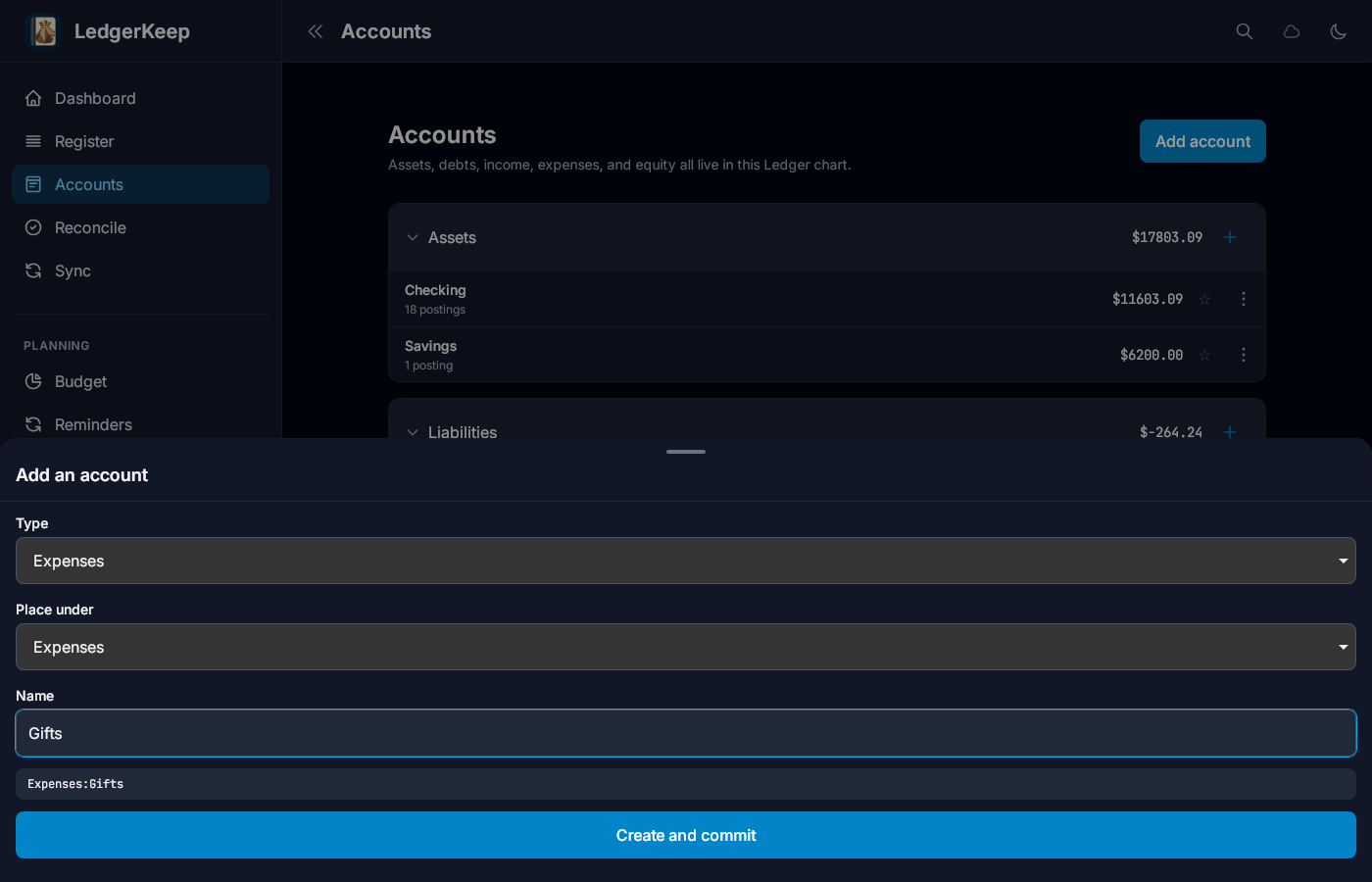
3Name it
Type the account name: Gifts.
4Create it
Click Create and commit. Gifts is listed under Expenses.
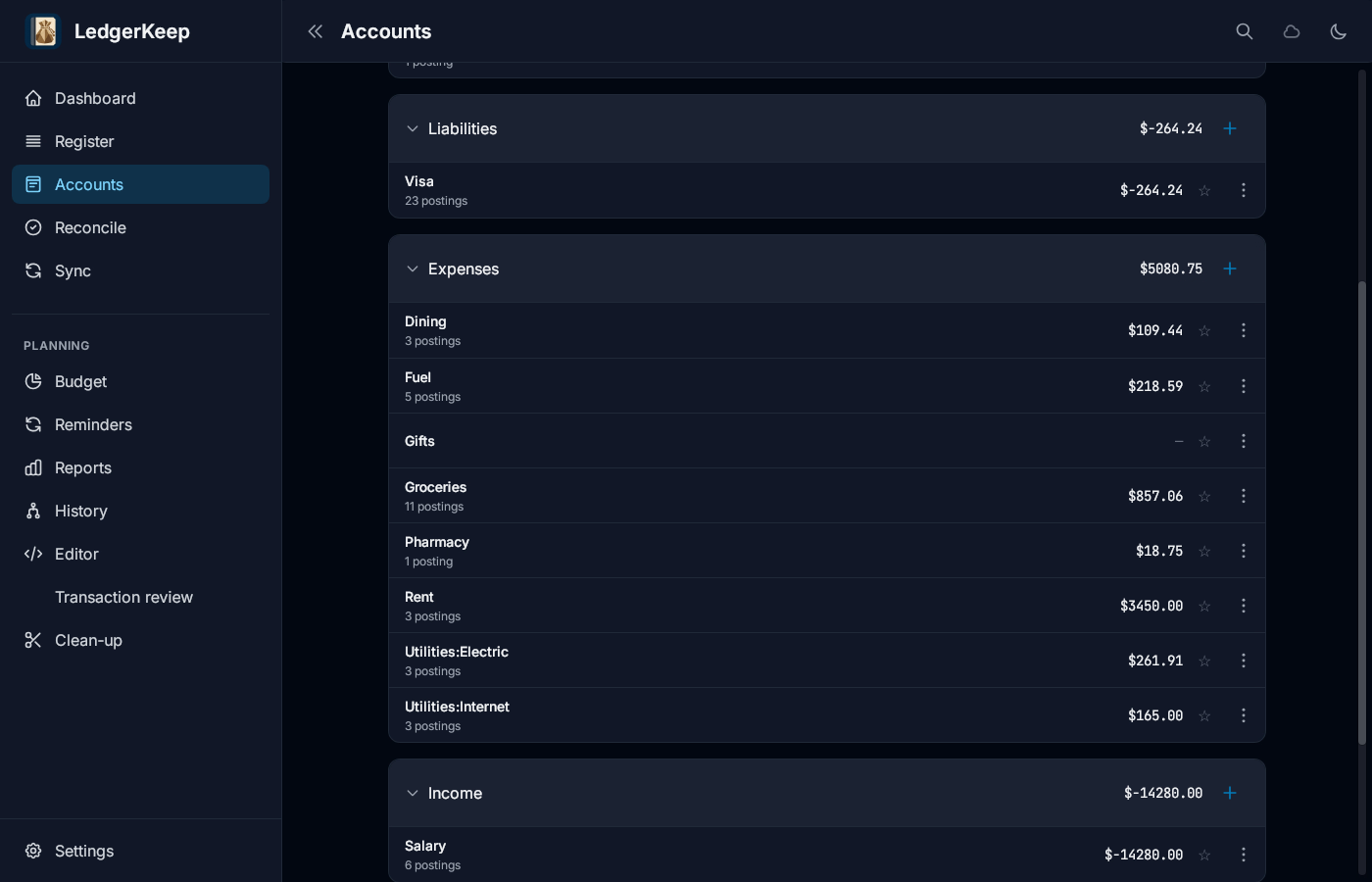
Result: Gifts appears under Expenses, ready to use in the Register.